1. Why you need this tool
Copy-pasting workflows between AI clients all day, binding the same skills, MCP configs and Google Workspace credentials three times over — that is daily life for anyone who lives in AI tools. Team collaboration is worse: a new member needs half a day of hand-holding to get set up, a security audit has to walk four different permission panels, and every model upgrade has to be announced client by client. The "AI workflow platforms" on the market are either locked to a single client (Claude Cowork only works with Claude models), or cloud-only SaaS (high data-export risk), or missing team management entirely. A genuinely cross-tool, cross-team, self-hostable open-source option has been missing for a long time.
2. What it is, in one sentence
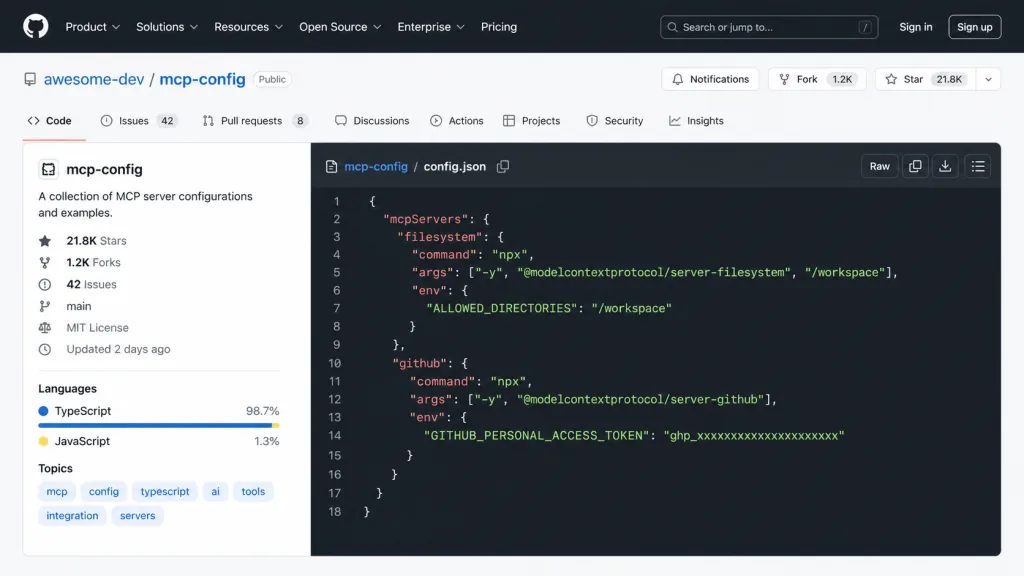
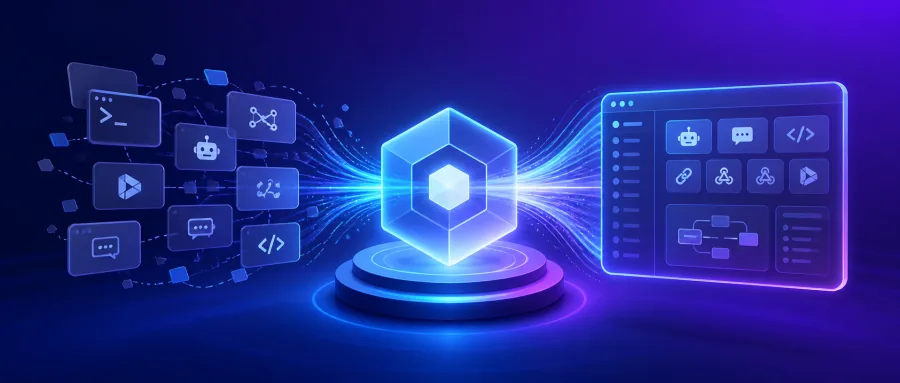
OpenWork is an open-source, cross-platform desktop app that directly replaces Claude Cowork and Codex, offering shared AI workflows and team governance in one place. It is written in TypeScript, has 21.8K stars, and runs on macOS, Windows and Linux. Through a single OpenWork MCP protocol, it injects skills, plugins, remote MCP services, Google Workspace and Microsoft 365 into any compatible agent — create once, use everywhere.
Core keywords: open source, cross-agent, team governance, local-first.
3. Core features in depth
1. OpenWork MCP: a capability hub across agents
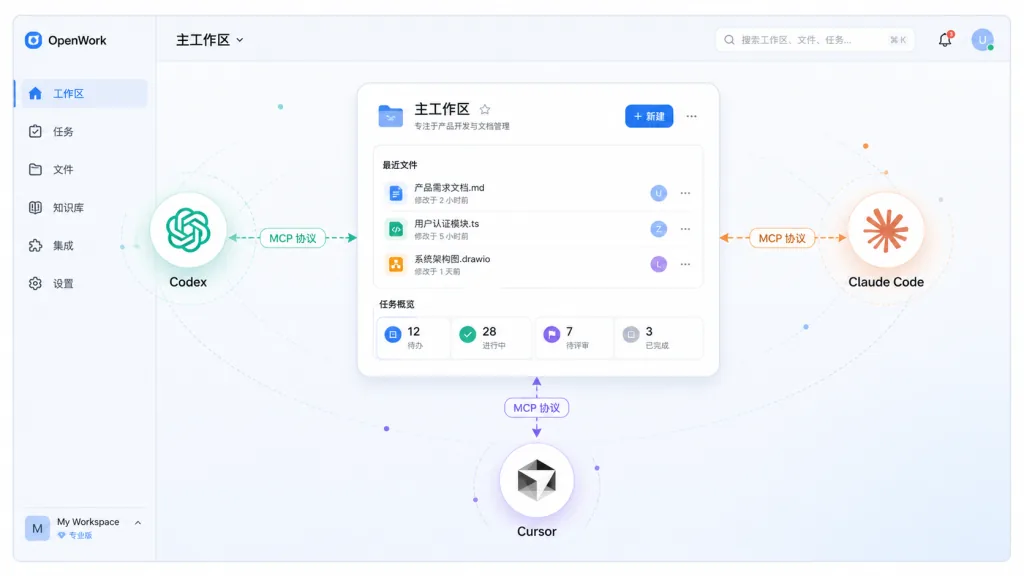
The core is a remote MCP server (https://api.openworklabs.com/mcp/agent) that exposes only two atomic tools: search_capabilities to look up available capabilities and execute_capability to run them. Once installed into Codex, Claude Code, Cursor or OpenCode, the skills, MCP connections and third-party plugins published by your org admin are immediately available, with no per-client configuration. This "capability as a service" model decouples workflows from any specific client.
2. A standalone workspace on the desktop
OpenWork ships a dedicated desktop app as the home for deep-work scenarios, but never forces it — if you already have an agent environment, you can call it straight through MCP. The local-first architecture means sensitive data never has to leave your machine, and everything still works offline. The Electron process coordinates with the Vite dev server over CDP ports, so multiple worktrees can be developed in parallel without conflicts.
3. OpenWork Den: the team governance control plane
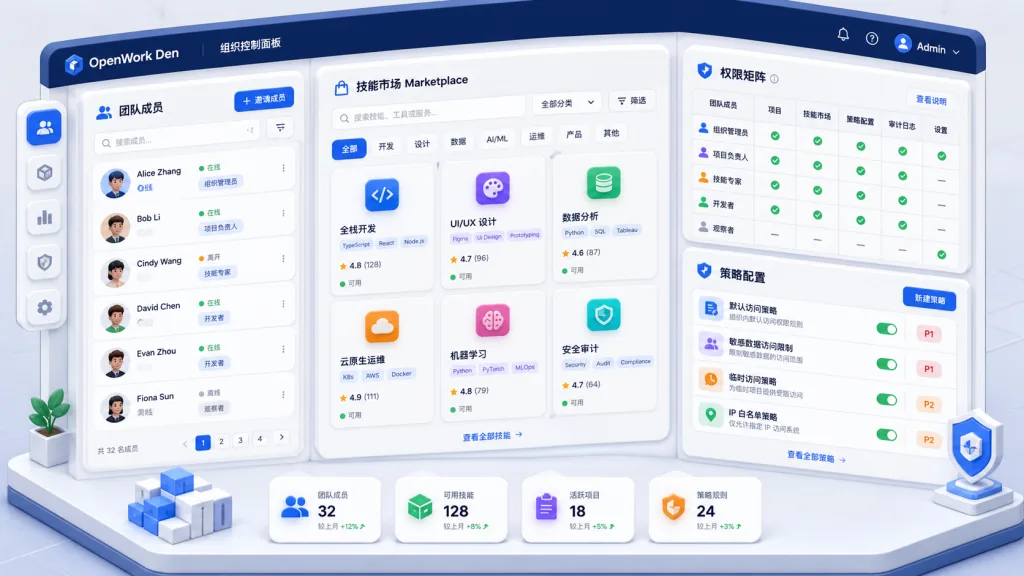
Built for mid-size and large organizations, Den offers five enterprise capabilities: bulk provisioning of inference resources with per-member/per-team authorization, unified invites and team management, desktop policy distribution (including local model access limits and app version pinning), a skills and plugins marketplace with org/team/individual three-tier assignment, and import of Anthropic-compatible plugins with bridging to their skills and remote MCP servers. Together they cover the whole chain from permissions to assets to distribution.
4. A minimal on-ramp
There are three ways in: download and install the desktop app, copy a prompt and let your existing agent install and configure itself, or run mcp add in the terminal. Together they cover everyone from absolute beginners to senior developers, and the setup barrier is close to zero.
4. Technical highlights and performance data
OpenWork's stack is built on TypeScript + Electron + Vite. The key design decisions:
- Multi-profile isolation:
OPENWORK_DEV_PROFILE=autoderives a stable profile name from the worktree path, and with dynamic CDP and Vite port allocation (PORT=0) you can develop several branches in parallel with no conflicts. - macOS Keychain mock:
OPENWORK_ELECTRON_USE_MOCK_KEYCHAIN=1is on by default, which avoids the system keychain modal that appears when Chromium persists auth cookies — that modal blocks the Electron main loop — so development stays smooth. - Protocol compatibility: full support for the MCP (Model Context Protocol) standard and compatibility with the Anthropic plugin spec, so in theory any MCP-compliant client can connect.
- Clean exit on conflict: when a second instance cannot acquire the profile lock, it prints the reason and exits immediately instead of leaving a windowless process squatting on the CDP port.
Those 21.8K stars reflect the community's strong approval of its "cross-agent neutrality", which is rare when most tools are tied to a single model vendor.
5. Use cases and who it is for
Case 1: heavy cross-tool AI users — developers running Codex, Claude Code and Cursor at the same time configure one OpenWork workspace and share skills and MCP across every client.
Case 2: AI teamwork — companies that want to manage members' model access centrally, publish a shared skills marketplace and audit third-party plugin usage get a complete backend from OpenWork Den.
Case 3: data-sensitive enterprises — finance, healthcare and government users need self-hosted deployment, restricted external model calls and pinned app versions, and OpenWork's desktop policy controls hit exactly that.
Who it fits: cross-tool AI users, tech leads in small and mid-size teams, IT admins who care about data compliance. Who it doesn't: light users on a single AI client with no collaboration needs.
6. Comparison with alternatives
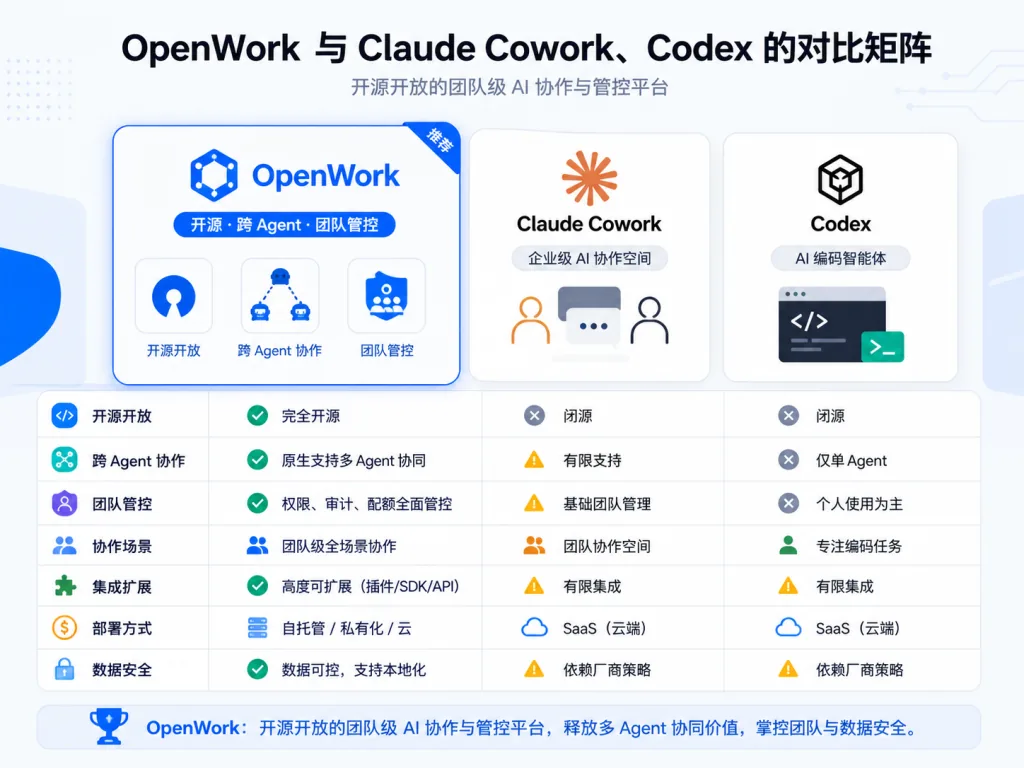
| Dimension | OpenWork | Claude Cowork | Codex |
|---|---|---|---|
| Open source | ✅ Fully open source | ❌ Closed source | ❌ Closed source |
| Cross-agent | ✅ Any MCP client | ❌ Claude only | ❌ Codex only |
| Team governance | ✅ Den control plane | ⚠️ Limited | ❌ None |
| Local deployment | ✅ Supported | ❌ Cloud | ❌ Cloud |
| Skills marketplace | ✅ Three-tier assignment | ⚠️ Basic | ❌ None |
The core reason to pick OpenWork: neutrality + open source + enterprise governance in one package. It is the only option on the market that satisfies all three at once.
7. Getting started fast
Option one: the desktop app Go to openworklabs.com/download, grab the installer for your OS, and create your first workspace on launch.
Option two: one-shot install from an existing agent Paste this prompt into any agent — Claude Code, Cursor, Codex, ChatGPT:
Install OpenWork on my computer, set up my first workspace, and open it ready to use. Follow the steps in https://openworklabs.com/start.md?v=hero
The agent installs it, creates a workspace and opens the UI.
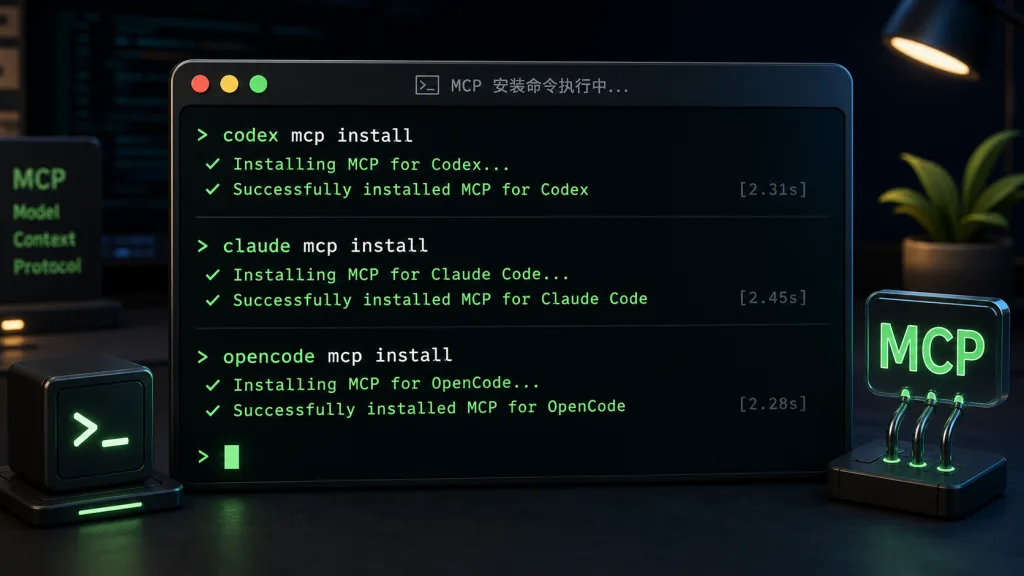
Option three: install the MCP from the command line
Codex users run codex mcp add openwork --url https://api.openworklabs.com/mcp/agent; Claude Code users run claude mcp add --transport http openwork https://api.openworklabs.com/mcp/agent; OpenCode users just add a remote MCP entry to opencode.json.
Further advice: teams should set up OpenWork Den first and plan the marketplace catalog and permission tiers ahead of time; local developers can use pnpm dev:worktree to work on several branches in parallel.
8. Takeaways and next steps
OpenWork addresses the real pain of fragmented AI workflows: MCP turns capabilities into shareable assets, the Den control plane standardizes team management, and open source plus local-first puts data sovereignty back in users' hands. The 21.8K stars confirm how badly the market wants a neutral, cross-agent platform.
Recommendations: individual users should start with the MCP integration and try reusing capabilities across clients; teams should deploy Den and build a unified skills marketplace and permission model.
Links:
- Repo: https://github.com/different-ai/openwork
- Website: https://openworklabs.com
- Docs: https://openworklabs.com/docs
- Download: https://openworklabs.com/download
One-line pitch: if you are tired of reconfiguring the same setup in every AI client, OpenWork is the open-source workflow hub most worth connecting to right now.