
Choosing a title (pick 1 of 3)
4 open-source essentials video nerds keep to themselves — each one saves you a headache
The 4-piece browser video kit: ad blocking, speed control and screenshots in one place
These 4 GitHub projects get ads and bad players out of your way for good
1. Opening: stop fiddling with it by hand
Want to watch video in the browser but have to sit through ads? Want to manage films scattered across cloud drives but keep switching between a pile of clients? Want speed control, screenshots and intro skipping on any web video but can't find one universal switch? This post rounds up four open-source projects I keep coming back to — each one worth picking up, and each explained by exactly which step it removes from your day.
2. Quick overview
| Repository | Stars | Main language | One-line pitch |
|---|---|---|---|
| iv-org/invidious | 24.6k | Crystal | Ad-free, self-hostable YouTube front end |
| gaozhangmin/boxplayer | 6.9k | TypeScript | Cross-platform media workbench for cloud drives, libraries and AI |
| Stremio/stremio-web | 13.9k | JavaScript | Plugin-driven modern streaming hub, web edition |
| xxxily/h5player | 3.7k | TypeScript | Userscript: speed control and enhancements for any web video |
3. The projects
iv-org/invidious — an ad-free YouTube front end
Invidious is an open-source alternative front end for YouTube, written in Crystal, and it does not call the official YouTube API. Open any public instance and you can search, watch and subscribe to channels straight away — no pre-roll ads, no tracking scripts, and playback still works with JavaScript disabled.
It rebuilds the subscription experience properly: channel subscriptions are independent of your Google account, you get notifications for new videos, and you can import and export subscriptions from YouTube, NewPipe and FreeTube. There's a built-in audio-only mode for background listening on mobile like a podcast, plus a developer API for third-party apps.
- Who it suits: people who don't want pre-roll ads, who want to unhook from a Google account, and who want a self-hosted instance to control their own data.
- Who it doesn't: people who want YouTube's full comment-section social features, or who depend on the official YouTube Premium setup.
Minimal setup
The laziest route: open instances.invidious.io, pick a public instance and start using it.
To self-host, follow the official docs and deploy with Docker or from source:
git clone https://github.com/iv-org/invidious
cd invidious
docker compose up -d
Pair it with the Privacy Redirect browser extension and every YouTube link automatically redirects to the Invidious instance you chose.
Source: https://github.com/iv-org/invidious
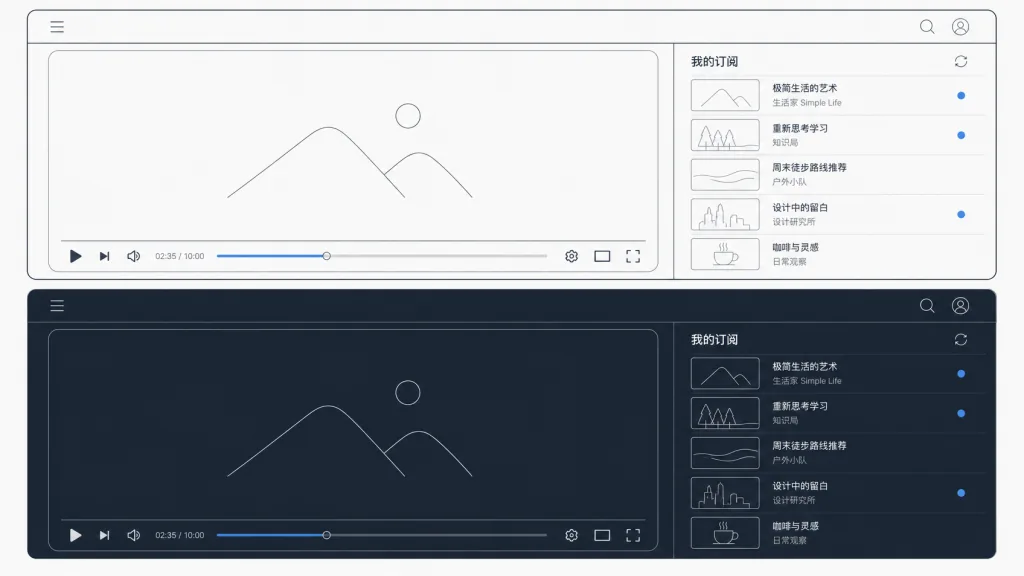
gaozhangmin/boxplayer — an all-in-one desktop workbench for cloud drives and media libraries
BoxPlayer (originally called Xiaobaiyang Wangpan) is a cross-platform desktop app built on Electron + Vue 3 that stitches multi-cloud-drive file management, media library, media server, AI agent, music player and ebook reader into one interface. It handles multi-account management for more than a dozen cloud drives, including Aliyun Drive, Baidu Netdisk, 123, 115, Quark, PikPak, OneDrive, Dropbox, Box, Mobile Cloud and Tianyi Cloud.
Its most devastating feature for media fans is the "cloud drive media library": it scans film and TV files on your drives and combines TMDB / Douban data to generate posters, years, ratings and season/episode info, then sorts everything by naming rules. It also connects to Jellyfin, Emby and Plex for unified playback and progress sync.
The playback experience is strong too: a built-in web player supports HLS / DASH, it can hand off to external MPV / IINA, and it covers quality switching, dual subtitles, ASS/SSA, subtitle offset, online subtitle search, and automatic intro/outro skipping. The AI workbench can search your drives in natural language, detect duplicates, analyze storage and plan cleanups — and any write operation asks for confirmation first, so files never disappear silently.
- Who it suits: people with several cloud drive accounts, media scattered everywhere, who want one client for playback, downloads, reading and AI tidying.
- Who it doesn't: people with a single cloud drive who have no interest in managing media locally.
Minimal setup
Grab the installer for your platform from Releases:
# Windows / macOS / Linux client
https://github.com/gaozhangmin/boxplayer/releases
After installing, open the "Cloud Drive" sidebar, add an account and tick the folders to scan — the media library builds itself.
Source: https://github.com/gaozhangmin/boxplayer

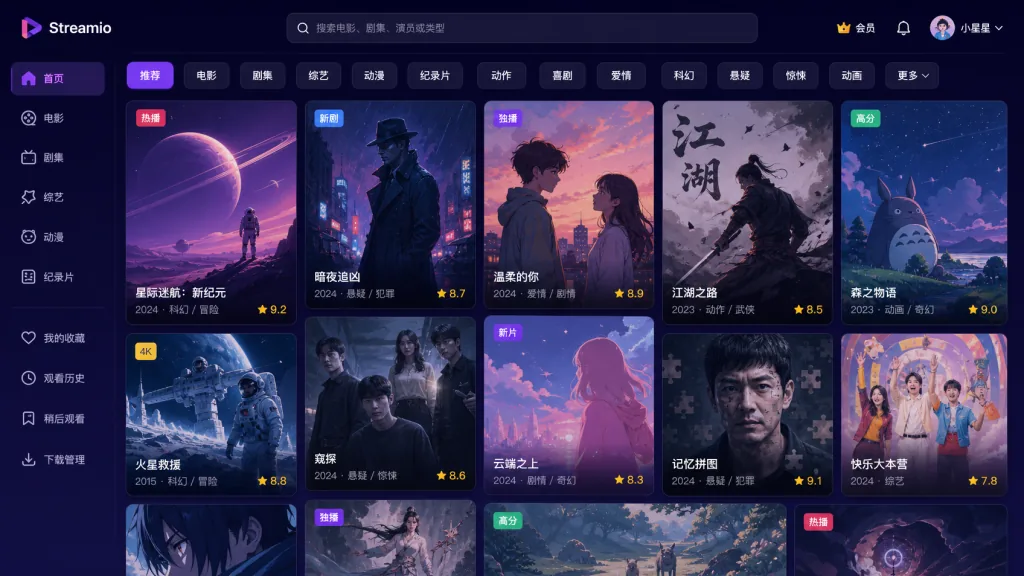
Stremio/stremio-web — a plugin-driven modern streaming hub
Stremio Web is the official web UI, built around "Freedom to Stream". It doesn't produce any content itself: every movie, series and channel comes from community addons — install an addon and its catalog appears, so films, series, live TV and IPTV all get assembled from addons.
The technical side is interesting: the UI is a React app, but the core logic is stremio-core written in Rust, compiled to WebAssembly and running in a Web Worker — the UI only renders state while the core does the computation. Playback goes through stremio-video, which automatically picks the player implementation that best suits the current environment.
The account system is another highlight: once you're signed in, your library and "Continue Watching" progress sync across all devices, with a consistent experience on web, desktop, mobile and TV clients. It supports Chromecast casting, installs to the desktop as a PWA, and community translations cover 50+ languages.
- Who it suits: people who enjoy tinkering with addons, want unified management of films, series, IPTV and live channels, and want watch progress synced across devices.
- Who it doesn't: people who only want content from official platforms, or who are wary of third-party addon sources.
Minimal setup
Just open the web version:
https://web.stremio.com
Local development:
git clone https://github.com/Stremio/stremio-web
git checkout development
pnpm install
pnpm start
The dev server runs at http://localhost:8080 and needs Node.js 22+ and pnpm 11+.
Source: https://github.com/Stremio/stremio-web
xxxily/h5player — a userscript that enhances video on any web page
h5player is a web video enhancement script that runs in Tampermonkey and claims compatibility with every H5 video site: Bilibili, Douyin, Tencent Video, Youku, iQiyi, Xigua, YouTube, Weibo, Zhihu, Sohu, NetEase Open Courses, Baidu Netdisk, Aliyun Drive, TED, Instagram and Twitter all work. It pulls the common capabilities out into one install that applies everywhere.
The core is that the keyboard controls everything: arrow keys jump ±5 seconds, Ctrl + arrow keys ±30 seconds, Ctrl + up/down changes volume by ±20%, plus stepless speed adjustment, brightness / saturation / contrast, page fullscreen, picture-in-picture, cross-tab picture-in-picture, video screenshots and audio instance control. ==Highlight: it supports video inside iframes and shadow DOM, and can even pierce cross-origin pages==.
The most useful feature for binge-watchers is "skip intro and outro"; for learners it's "speed memory" — the same site reuses your last playback speed by default. It can also parse live streams and export offline audio and video.
- Who it suits: people who watch a lot of web video in the browser every day, want one set of shortcuts for everything, and don't want a separate extension for each site.
- Who it doesn't: people who mostly watch native video in official clients, or who don't trust the userscript ecosystem.
Minimal setup
Install the Tampermonkey browser extension first, then install the script in one click:
https://h5player.anzz.top/h5player.user.js
You can also install it from Greasy Fork:
https://greasyfork.org/scripts/381682
Once installed, open any video page and press c to bring up the control bar.
Source: https://github.com/xxxily/h5player

4. Takeaways and next steps
- Want YouTube ads gone right now: start with a public Invidious instance and pair it with the Privacy Redirect extension for one-click redirects.
- Cloud drives and local media all over the place: install BoxPlayer and take over a dozen cloud drives, Jellyfin / Emby / Plex, downloaders and players in one go.
- Browser video not comfortable enough to control: install h5player and one set of shortcuts covers every site, with zero learning curve.
- Want to build a unified streaming hub: sign in to Stremio Web and add addons as needed, going deeper platform by platform.
#AIVideoEditing #ScriptedVideo #TalkingHeadVideo #Invidious #Boxplayer #StremioWeb #H5player #stremio-web #iv-org #gaozhangmin