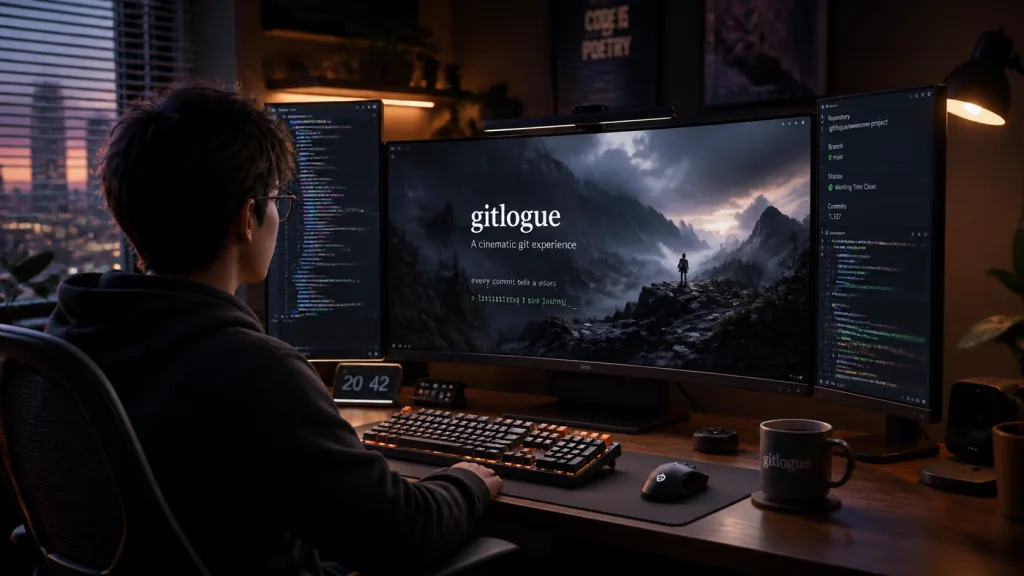
1. Opening: why you need this tool
Monday standup, the whiteboard still not wiped clean, and you are staring blankly at a screen full of commits. A colleague asks "how did this feature evolve?", and you scroll through git log three times and still cannot explain it. What stings more: you have spent half a year on this project and still have no way to demo it that makes the team sit up — slides are dull, screen recordings drag on, and live coding risks blowing up in your face.
Git history is the truest record of a developer's work, yet it has been stuck in the plain-text era. gitlogue, with 4900+ stars, offers another answer: turn commit history into a terminal animation that "performs" itself.
2. Project overview: what it is in one sentence
gitlogue is a cinematic Git commit replay tool that lives in your terminal, written in Rust. It reconstructs each commit as a real typing process — cursor movement, deletions, file-tree switches — upgrading your Git history from a log listing into a visual narrative. Core features: commit replay / Tree-sitter highlighting / 29 languages / 9 themes / screensaver mode. It was named "Tool of the Week" by Terminal Trove and featured on the HelloGitHub recommendation list.
3. A deep dive into the core features
1. Commit replay with realistic typing animation
The point of gitlogue is not "playing back a diff" but simulating a developer typing code in an editor. Every added character appears keystroke by keystroke at a realistic pace, the cursor hops between words, deletions rewind following Backspace logic, and a new file starts empty and gets written line by line. The animation is driven by Rust's async task scheduling, holding a steady 60fps per replay — even against a 100,000-line diff, it does not drop frames.
2. Tree-sitter-driven syntax highlighting
It ships parsers for 29 languages, covering mainstream stacks such as Rust, Go, Python, TypeScript, Zig and Nix. Unlike ordinary diff tools that only color keywords, it builds a full AST with Tree-sitter, so variables, functions, strings and comments are colored semantically. Compared with delta or diff-so-fancy, gitlogue renders highlighting directly inside an "editor view", so the replay looks much closer to a real IDE.
3. File-tree switching and change stats
During replay, a sidebar shows the directory structure changing in sync, with added / modified / deleted distinguished by color. The tree is not a static image — it updates incrementally with each commit, so you can watch a module get assembled step by step.
4. Screensaver mode and meeting camouflage
Run gitlogue with no arguments and it enters endless random commit replay, joining the likes of cmatrix and pipes.sh on your "terminal beautification list". The README includes a joke-laden "Look Busy Mode" — fire it up in a meeting and who can say you are not working?
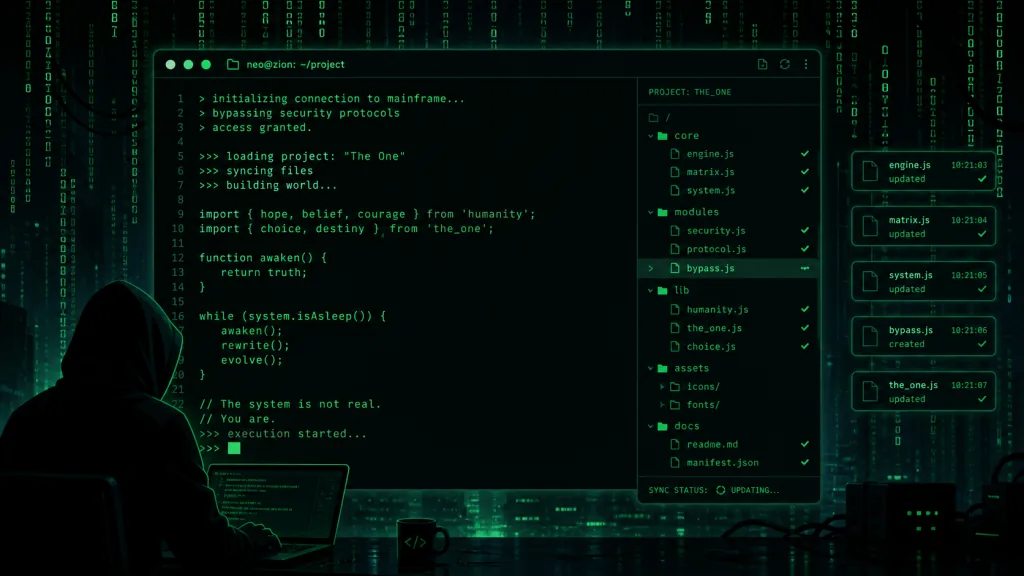
5. Diff view: preview before you commit
gitlogue diff shows staged changes by default; --unstaged switches to working-tree changes. Before you hit git commit, you can watch how your changes will "premiere", which is essentially a screening step for your code.
6. Fine-grained filtering and speed control
It supports fuzzy matching by author email and filtering by date range, and you can set typing speed per file extension, for example gitlogue --speed-rule "*.java:50" --speed-rule "*.xml:5" — Java types along like a veteran programmer while XML config files flash past.
4. Technical highlights and performance numbers
- Written in Rust: zero-cost async, under 200ms from launch to first frame, and memory usage typically under 30MB.
- Tree-sitter integration: parses incrementally and avoids rebuilding the AST, keeping frame-time jitter under 2ms when replaying long files.
- Cross-platform distribution: five install paths —
install.sh, Homebrew, crates.io, pacman and Nix — covering Linux / macOS / Windows (WSL). - CI and test coverage: continuous integration on Codecov, with a perennially green build badge on the main branch.
- Configurable themes: 9 built-in themes including aurora, dracula and nord, with TOML support for custom colors, backgrounds and borders.
5. Use cases and who it is for
- Developer advocates and instructors: demoing how an open-source project evolved from zero hits harder than pasting a static architecture diagram.
- Content creators: record with VHS or asciinema — Bilibili and YouTube audiences will stop for "code that moves".
- Terminal aesthetics enthusiasts (ricers): OLED screensavers, desktop wallpapers, window-switch animations — make the terminal part of your living-room decor.
- Team code-review support: when a new hire joins, run
gitlogue --commit HEAD~100..HEAD— ten times more intuitive than reading 100 commit messages.
Not suitable for: scenarios that need strict auditing of code changes (use plain-text tools like git diff -w); and friends unwilling to budget for OLED burn-in — the README explicitly warns that static elements may leave ghosting.
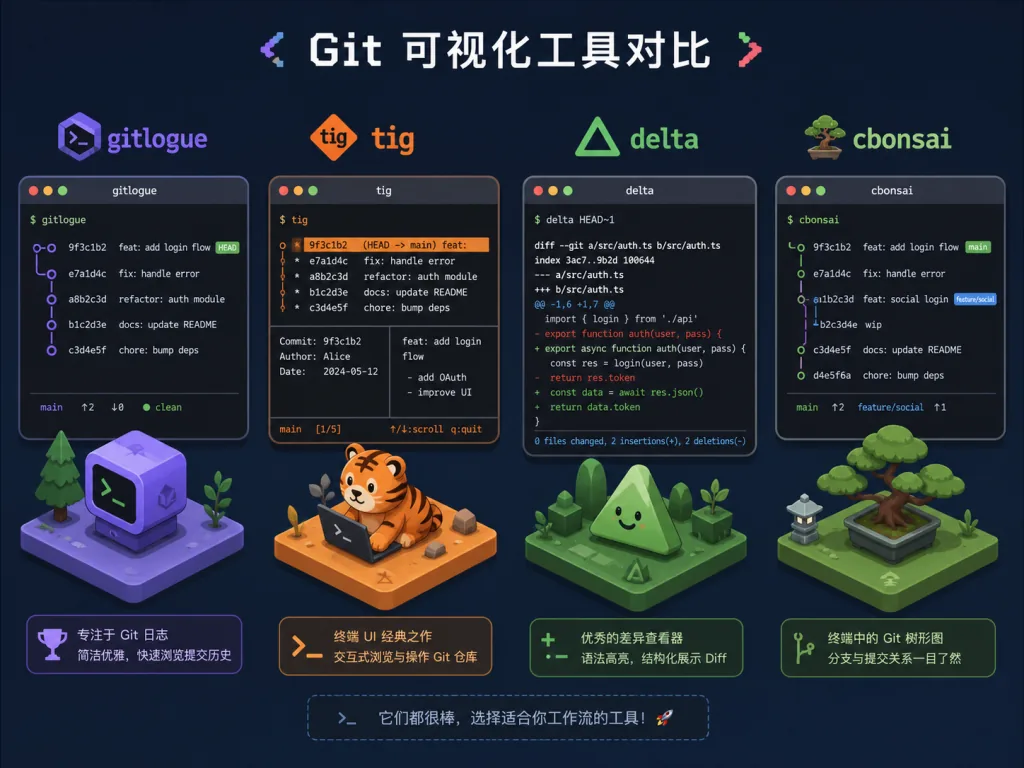
6. Comparison with alternatives
| Tool | Core capability | Language | Visual style | Best for |
|---|---|---|---|---|
| gitlogue | Commit replay animation + syntax highlighting + screensaver | Rust | Cinematic | Demos, teaching, content creation |
| tig | Interactive text browsing | C | Terminal tables | Flipping through logs quickly |
| delta | Enhanced diff | Rust | Static color | Code review |
| GitType | Turns code into a typing game | Rust | Interactive | Practicing typing speed |
| cbonsai / cmatrix | Screensaver effects | C / C++ | Decorative animation | Beautifying the terminal |
gitlogue's unique position is "turning logs into narrative" — it is neither a pure diff tool nor an ordinary screensaver, but the intersection of the two.
7. How to get started quickly
One-line install (recommended):
curl -fsSL https://raw.githubusercontent.com/unhappychoice/gitlogue/main/install.sh | bash
Homebrew users:
brew install gitlogue
Rust users:
cargo install gitlogue
Minimal working example:
# Run screensaver mode to see the effect
gitlogue

# Replay the last 5 commits
gitlogue --commit HEAD~5..HEAD

# Set theme and speed
gitlogue --theme nord --speed 15
Going further: set default themes and ignore rules in ~/.config/gitlogue/config.toml (ignore noise files like *.lock and *.ipynb), and the replay looks much cleaner. As for keys, just remember Space to play/pause, h/l to step backward/forward, and p/n to switch commits.
8. Summary and next steps
With Rust performance, Tree-sitter semantic parsing and realistic typing animation, gitlogue redefines how Git history is presented in a terminal. It is a productivity tool (visualizing code evolution), a creative tool (recording demo videos), and a lifestyle tool (terminal screensaver) all at once.
Project links:
- GitHub: https://github.com/unhappychoice/gitlogue
- crates.io: https://crates.io/crates/gitlogue
- Docs: the
docs/directory in the repo
One-line recommendation: if you are willing to spend 10 minutes installing a tool so your colleagues remember you on Demo Day — gitlogue is worth it.