Pick a title (choose 1 of 3)
Five open-source projects that take the desktop in strange new directions
Five underrated open-source gems: a Mac desktop that bends and a minimalist Android status bar
I finally figured out the Duo fold effect: five open-source projects, recommended in one go
1. Opening: why you need these
The moment you close your MacBook lid, the desktop just stops. You pull out your phone to glance at the status bar and a pile of icons makes your eyes swim. That folding animation on the iPhone looks cool but has nothing to do with you. Every Apple user has hit these moments. The problem isn't a lack of tools — it's a lack of small, well-made open-source projects that do one thing and are useful the moment you install them. The five below are exactly that.
2. The projects at a glance
| Repo | Stars | Main language | One-line pitch |
|---|---|---|---|
| sumimakito/Mac-Duo | 1183 | Swift | Brings the iPhone Duo fold animation to the MacBook |
| CATCHINGL/O.status | 193 | Kotlin | A minimalist Android status bar indicator |
| jakesgoodapps/DuoLauncher | 0 | — | A Duo-style Android launcher (limited information) |
| elijah-semyonov/DuoLikeAnimation | 157 | Swift | Recreates the iPhone Duo fold with a SwiftUI shader |
| IuCC123/BendMac | 137 | Swift | Bends and blurs the MacBook desktop as you close the lid |
3. Project breakdown
01 | sumimakito/Mac-Duo — bringing the iPhone Duo fold animation to the MacBook
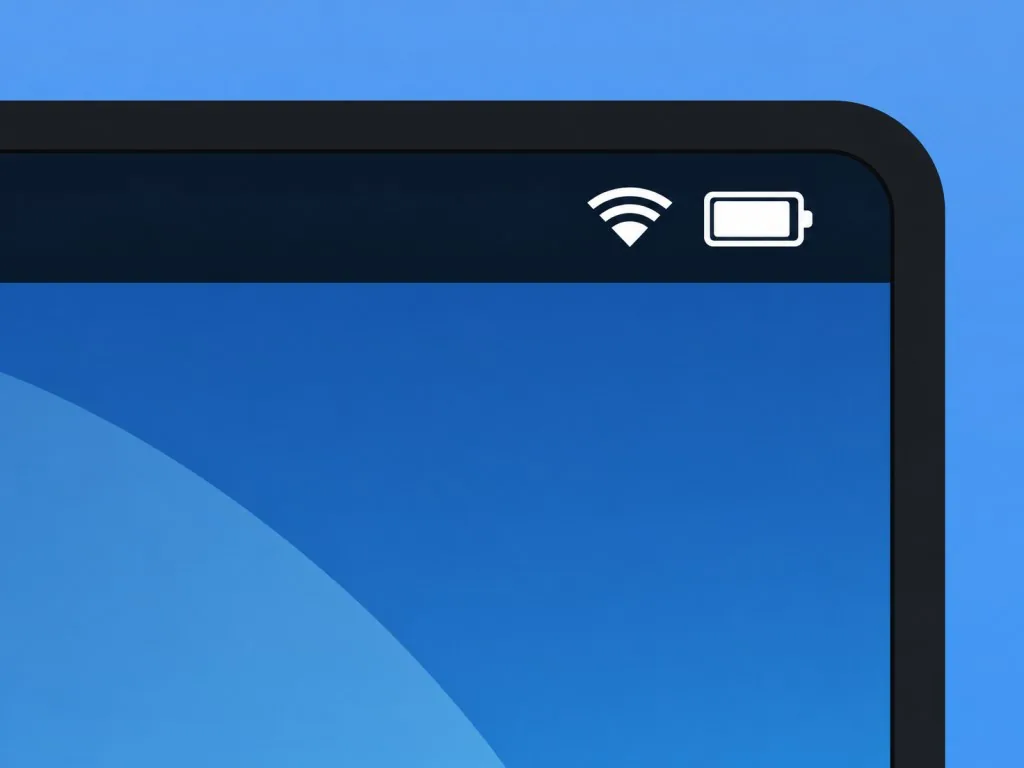
Mac Duo is a macOS menu bar utility that ports the iPhone's "screen content tilts, blurs and dims along with the display as you close the lid" effect to the MacBook. Under the hood it uses Metal rendering plus real-time ScreenCaptureKit capture, so the desktop picks up perspective shift, blur and dimming as the lid closes — and the parameters are adjustable right from the menu bar.
==Note: you need a MacBook with a lid-angle sensor, otherwise the effect won't trigger==
- Who it fits: M-series MacBook Air/Pro owners who want something a bit novel; frontend and motion developers who want to study Metal shaders.
- Who it doesn't: Intel Macs, or anyone using an external display as the main screen; anyone hoping to use it for serious video editing previews.
Quickest way in
Download the DMG and drag it into Applications:
https://github.com/sumimakito/Mac-Duo/releases/download/dev/Mac-Duo-dev.dmg
Want to build it yourself:
./build.sh --run
Repo: https://github.com/sumimakito/Mac-Duo
02 | CATCHINGL/O.status — a minimalist Android status bar that shows only what you care about
O.status is an Android status bar overlay built around "minimalism": it hides the system Wi-Fi, signal and battery icons entirely and renders its own clean, monochrome indicator. It supports live Wi-Fi strength, 4G/5G labels, battery percentage and charging state, low-battery alerts, and ships with AMOLED-friendly Pixel Shifting to prevent burn-in.
==The "auto-switch black/white with the system theme" option only unlocks after installing Shizuku==
- Who it fits: people who hate Android's cluttered status bar icons and like a minimal aesthetic; OLED users on Galaxy or OnePlus who worry about burn-in.
- Who it doesn't: light users who only want to see battery level and won't bother setting up Shizuku.
Quickest way in
On Samsung One UI, first hide all native icons via Good Lock → QuickStar → Visibility of Indicator Icons, then open O.status and set the indicator's position and color.
Repo: https://github.com/CATCHINGL/O.status
03 | jakesgoodapps/DuoLauncher — a Duo-style Android launcher
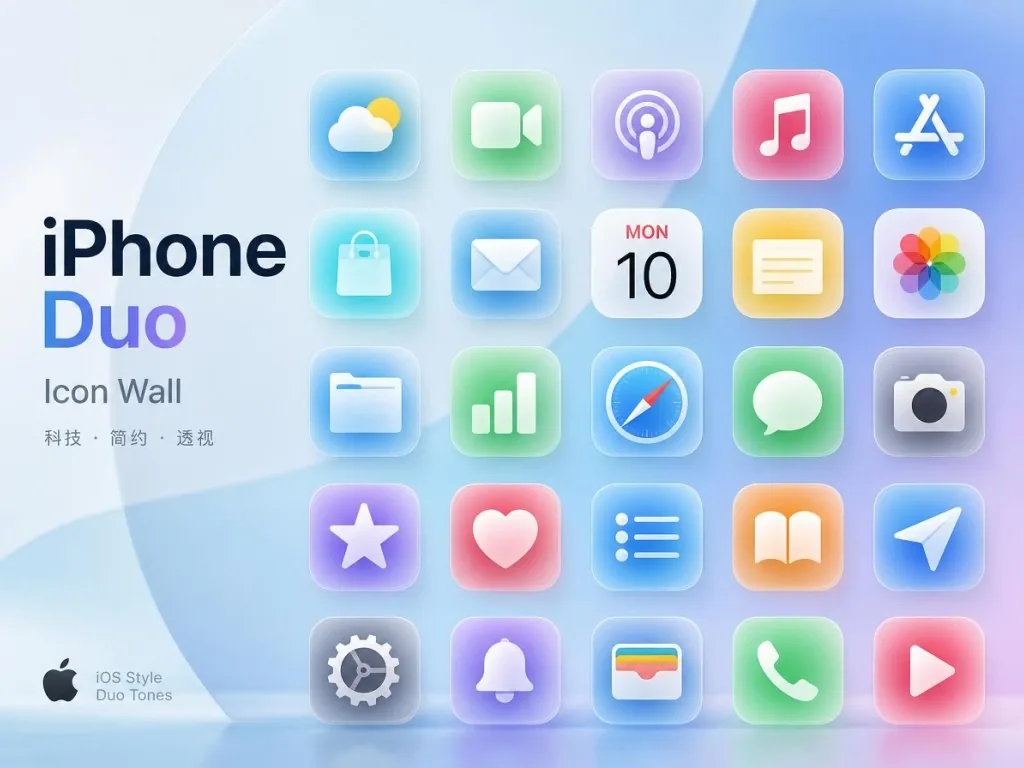
DuoLauncher is the most mysterious entry on this list: the repo has no README and public information is thin. Judging by the naming convention, it's an Android launcher whose visual language leans toward the iPhone Duo fold/blur aesthetic — the icon wall and app drawer probably use similar perspective and blur transitions when opening and closing.
- Who it fits: people willing to try a fresh Android launcher, with strong taste and an appetite for non-mainstream alternatives.
- Who it doesn't: Nova or Niagara users who want maturity, stability and a large body of user reviews.
Quickest way in
With the README missing, the safest path is cloning the source and building it:
git clone https://github.com/jakesgoodapps/DuoLauncher
You can also grab a prebuilt package or open it in Android Studio; check the Issues tab first to confirm which version currently works.
Repo: https://github.com/jakesgoodapps/DuoLauncher
04 | elijah-semyonov/DuoLikeAnimation — recreating the Duo fold with a SwiftUI shader
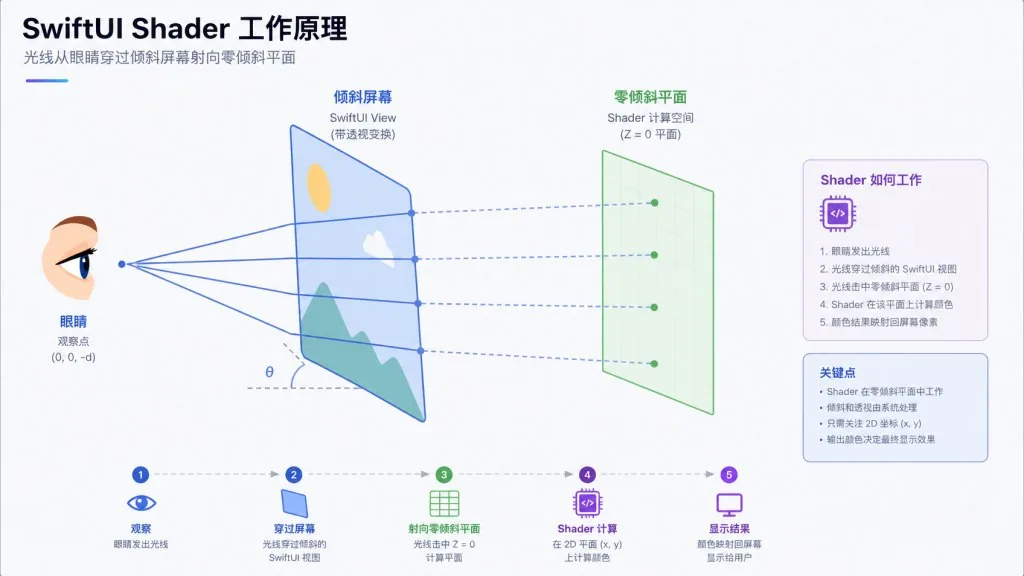
DuoLikeAnimation is an iOS demo project that reproduces the iPhone Duo fold effect purely with a SwiftUI shader and Core Motion. The idea: as the screen tilts, the original UI stays on the zero-tilt plane while the current screen acts like a pane of frosted glass — the shader re-projects via ray casting, then applies disk blur and dimming, so the more you tilt, the more it looks like peering at the original UI through clouded glass.
==Every view you want to apply the effect to must be pure SwiftUI; UIKit controls (like ScrollView) won't rasterize into the shader layer and need a compositing group wrapped around them first==
- Who it fits: iOS motion developers; anyone researching Metal
layerEffector Core Motion attitude solving; engineers who need a demo for a technical talk. - Who it doesn't: regular users who want an install-and-go product — this is a demo you build and run yourself.
Quickest way in
Simulators have no gyroscope, so it starts in manual mode and accepts a tilt angle at launch:
SIMCTL_CHILD_TILT_DEGREES=-20 xcrun simctl launch booted io.elijahsemyonov.DuoLikeAnimation
On a real device, the first motion auto-calibrates the zero attitude, and the floating panel in the bottom-right corner lets you recalibrate at any time.
Repo: https://github.com/elijah-semyonov/DuoLikeAnimation
05 | IuCC123/BendMac — the desktop bends along as you close the lid
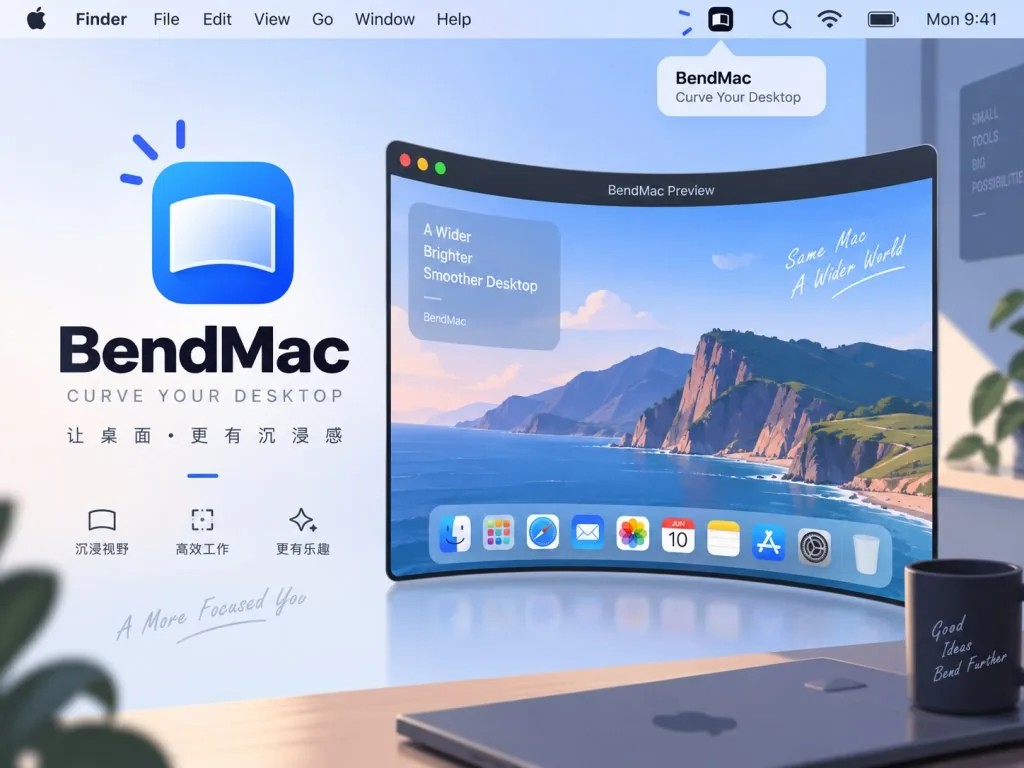
BendMac is another take on the same idea as Mac Duo: when you close the MacBook lid, the desktop bends, blurs and dims along with it. It runs in the menu bar with four adjustable parameters — style, blur, perspective and shadow — plus a manual trigger angle and Esc to pause. Screen content stays in memory only: nothing is written to disk, nothing is uploaded, and audio is never captured.
==So far verified only on Apple Silicon MacBooks with a lid-angle sensor (tested on an M5 MacBook Air); Intel Macs and external displays are unsupported==
- Who it fits: geeks who want a small surprise on their MacBook desktop; anyone who'd rather not pay for the commercial Bendy.
- Who it doesn't: people who often play DRM-protected video — protected content can't be bent; anyone who wants a perfectly notarized install experience (the project isn't notarized yet).
Quickest way in
Download the DMG, drag it into Applications, then enable General → Enable BendMac; on the first fold, grant screen recording permission when prompted.
https://github.com/IuCC123/BendMac/releases/latest/download/BendMac-macOS.dmg
Repo: https://github.com/IuCC123/BendMac
4. Takeaways and what to do next
- Start with BendMac or Mac Duo for the most immediate payoff: both are desktop toys with instant visual impact — pick whichever feels right and try it first.
- Developers should look at DuoLikeAnimation first: it's the most technically substantial project here, and the shader plus Core Motion combination is worth taking apart.
- Android users pick by need: install O.status if you want a minimalist status bar, and dig into DuoLauncher's source if you want to try a new launcher.
#MacDuo #O.status #Duolauncher #Duolikeanimation #Bendmac #mac-duo #sumimakito #catchingl #jakesgoodapps #elijah-semyonov