
Title options (pick 1 of 3)
Five open-source tools I keep to myself and use every day
These 5 GitHub projects saved me several SaaS monthly fees
Stop building it yourself: 5 open-source projects worth bookmarking
1. Opening: stop fiddling with it by hand
Last week I helped a marketing colleague stand up a "customer renewal dashboard". She stared at Excel for half a day without starting — not because she can't write SQL, but because wiring up frontend components is such a grind. The same week, another team was running production releases through Runbook, where a few clicks in a web console gets it done. And a friend building his own email marketing system cut his Mailchimp subscription to zero. All of these point at the five projects below.
2. Projects at a glance
| Repository | Stars | Language | One-line pitch |
|---|---|---|---|
| ToolJet/ToolJet | 40.9K | JavaScript | Drag-and-drop plus AI generation for internal tools |
| rundeck/rundeck | 6.3K | Groovy | Self-service ops runbook automation |
| Notifuse/notifuse | 2.2K | Go | Self-hosted email marketing plus transactional email |
| zed-industries/zed | 90.6K | Rust | A high-performance multiplayer editor from the Atom team |
| bigskysoftware/htmx | 49.5K | JavaScript | A tiny library that drives AJAX straight from HTML attributes |

3. Project breakdown
ToolJet/ToolJet — internal tools down to "one sentence"
It's an open-source internal-tool platform, built for admin backends, data dashboards and ops tooling. The core is 80+ visual components and 90+ data sources — PostgreSQL, MySQL, MongoDB, Stripe and Slack all plug in directly. The latest release also speaks MCP, so coding agents like Claude Code, Codex and Cursor can generate ToolJet apps against the platform's real component contracts instead of making things up.
On the technical side, the community edition spins up with one Docker command, and mounting a config volume at /var/lib/postgresql/13/main gives you persistence; the enterprise edition adds AI app generation, query generation and an agent builder. ==Note: the LTS build is a better fit for production than latest== — the project explicitly recommends upgrading along LTS.
Who it's for:
- SMBs that need a CRM, approval flow or ops backend fast
- Teams with no dedicated frontend dev that still need custom panels
- Teams already on Claude Code / Cursor that want AI to generate usable apps
Who it's not for:
- People who just want a simple BI dashboard
- Products that lean heavily on bespoke, complex interactions
Minimal setup
One Docker command:
docker run --name tooljet --restart unless-stopped \
  -p 80:80 --platform linux/amd64 \
  -v tooljet_data:/var/lib/postgresql/13/main \
  tooljet/try:ee-lts-latest
Repo: https://github.com/ToolJet/ToolJet
rundeck/rundeck — ops workflows as easy as ordering takeout
Rundeck is PagerDuty's long-standing runbook automation platform, built to fix the problem of ops scripts scattered everywhere and new hires afraid to touch them. It puts SSH scripts, Ansible playbooks and job execution flows behind one web console, with role-based access control, so an ordinary engineer can press a button to do production work instead of hunting down an SRE every time.
It offers three entry points: web console, CLI and WebAPI. Jobs are defined in YAML, nodes can be a fixed host list or matched dynamically by tag, and scheduling, cron, retry on failure and approval flows are all built in. The stack is Java 11 + Node 18, the main artifact is rundeckapp/build/libs/rundeck-X.Y.war, and you can also build a Docker image.
Who it's for:
- Small and mid-size teams without a dedicated Ansible Tower / Jenkins X
- Teams that want product and support staff to restart services or clean up logs on their own
- Organizations with strict audit requirements that need an operator and a log for every action
Who it's not for:
- Personal side projects where one or two cron jobs are enough
- Fully serverless, pure function-computing setups
Minimal setup
Download the WAR and run it:
java -jar rundeck-X.Y.war
Or build a Docker image:
./gradlew :docker:officialBuild
Repo: https://github.com/rundeck/rundeck
Notifuse/notifuse — a self-hosted Mailchimp replacement
Notifuse is a fully self-hosted email marketing plus transactional email platform, Go on the backend and React on the frontend. The marketing side gives you a visual MJML editor, Liquid templates ({{ contact.first_name }} works directly), A/B testing and subscriber segmentation; the transactional side gives you a REST API and webhooks.
It ships with 7 senders built in: Amazon SES, Mailgun, Postmark, Mailjet, SparkPost, SendGrid and SMTP, so you're not locked to a single vendor. Automation flows are canvas-based, with nodes for delay, email, branch, filter, ab_test and webhook, and per-user state is tracked independently. It also bundles Staminads, a cookieless website analytics module that runs on PostgreSQL — no ClickHouse dependency, and a ~21KB script is all it takes to install.
Who it's for:
- SaaS projects trying to escape the steep monthly fees of Mailchimp / Brevo
- Teams that need self-hosting and GDPR friendliness
- Dev teams that need marketing and transactional email in one place
Who it's not for:
- Non-technical teams with no ops capacity who just want SaaS
- Enterprises sending tens of millions a day that need a dedicated cluster
Minimal setup
Run the official Docker image:
docker run -d -p 8080:8080 notifuse/notifuse:latest
Then open the console, finish the setup wizard and enter your SES or Mailgun credentials.
Repo: https://github.com/Notifuse/notifuse

zed-industries/zed — the Atom team's "unreasonably fast" editor
Zed is a new-generation code editor from the same people behind Atom and Tree-sitter. Written in Rust, it starts up at Sublime speed and stays as smooth to edit in as VS Code. Multiplayer is native: you and a friend open the same project and see each other's cursors, selections and edits in real time, like writing code in Google Docs.
It ships with LSP support, Tree-sitter syntax highlighting, a built-in terminal, Vim mode and remote development. The code is mostly GPL-3.0-or-later with a few Apache-2.0 components. macOS, Linux and Windows are all supported now, while a web version is still under discussion.
Who it's for:
- Heavy users of large files in Rust / Go / frontend work
- Small teams doing remote pair programming
- People migrating from Atom who want a smoother experience
Who it's not for:
- Developers who depend entirely on a VS Code–exclusive extension
- People working on restricted platforms like a Chromebook
Minimal setup
One-command install on macOS:
brew install --cask zed
Once installed, just run zed . in your project.
Repo: https://github.com/zed-industries/zed

bigskysoftware/htmx — giving HTML its superpowers back
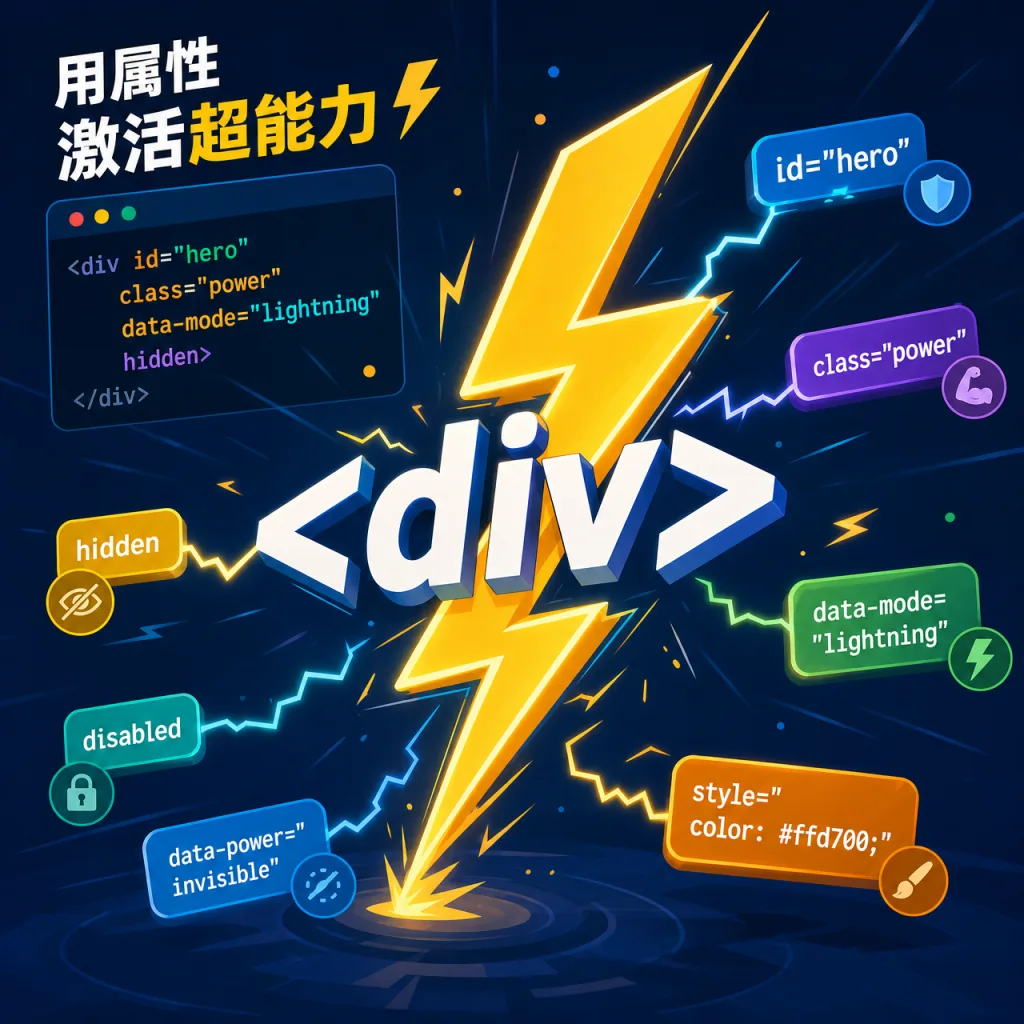
htmx takes a different road: ~14KB min.gz, zero dependencies, and by adding attributes to HTML you get AJAX, CSS transitions, WebSockets and SSE. <button hx-post="/clicked" hx-swap="outerHTML"> lets a button replace itself with the server's response — anyone who has written jQuery will feel at home immediately.
Its philosophy is "completing HTML" — why should only <a> and <form> be able to make HTTP requests? Why should only click and submit trigger anything? htmx removes those limits, so any element, any event, any method (GET/POST/PUT/DELETE) and any swap strategy works. It's extremely friendly to backend developers: no frontend build chain, no SPA — server-side rendering plus a handful of htmx attributes gets you smooth interactions.
Who it's for:
- Server-rendered projects on Django / Rails / Laravel / Go
- Small teams that want modern interactions with minimal JS
- Projects sensitive to bundle size with high SEO requirements
Who it's not for:
- Large SPAs already deeply invested in React/Vue
- Apps that need complex client-side state management
Minimal setup
Load it from a CDN:
<script src="https://cdn.jsdelivr.net/npm/htmx.org@2.0.10/dist/htmx.min.js" crossorigin="anonymous"></script>
<button hx-post="/clicked" hx-swap="outerHTML">Click Me</button>
Or via npm:
npm install htmx.org --save
Repo: https://github.com/bigskysoftware/htmx
4. Wrap-up and what to do next
If you can only install one, ToolJet is the fix for the most painful problem — nobody available to build internal tools; stand up that customer renewal dashboard and you'll see the payoff right away. Zed goes to anyone who writes code every day — half an hour is enough to feel the difference from VS Code. The rest go in as needed: heavy email volume means Notifuse, standardized ops workflows mean Rundeck, and backend projects that want less JS mean htmx.
#AIVideoEditing #ScriptedVideo #TalkingHeadVideo #Tooljet #Rundeck #Notifuse #Zed #Htmx #zed-industries #bigskysoftware