Title options (pick 1 of 3)
Five download sites piled up in your bookmarks? OmniMedia handles 39 platforms in one panel
OmniMedia in 10 minutes: stuffing 39-platform video parsing into a self-hosted panel
No third-party tools installed, yet I have a video parsing backend for 39 platforms
Stop installing a pile of tools just to download videos — OmniMedia is enough
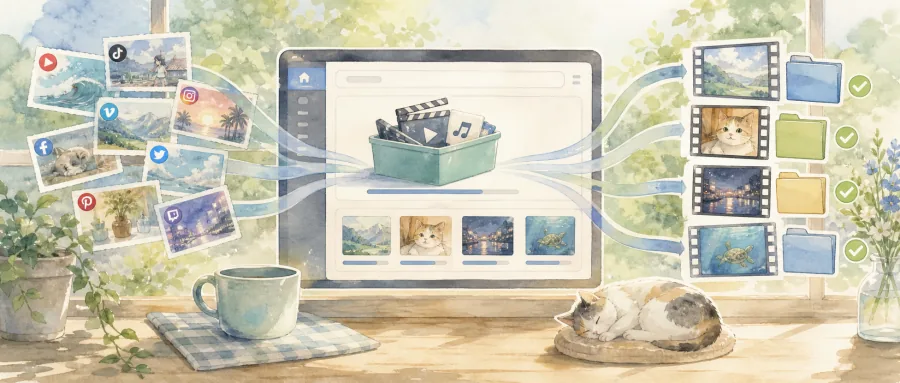
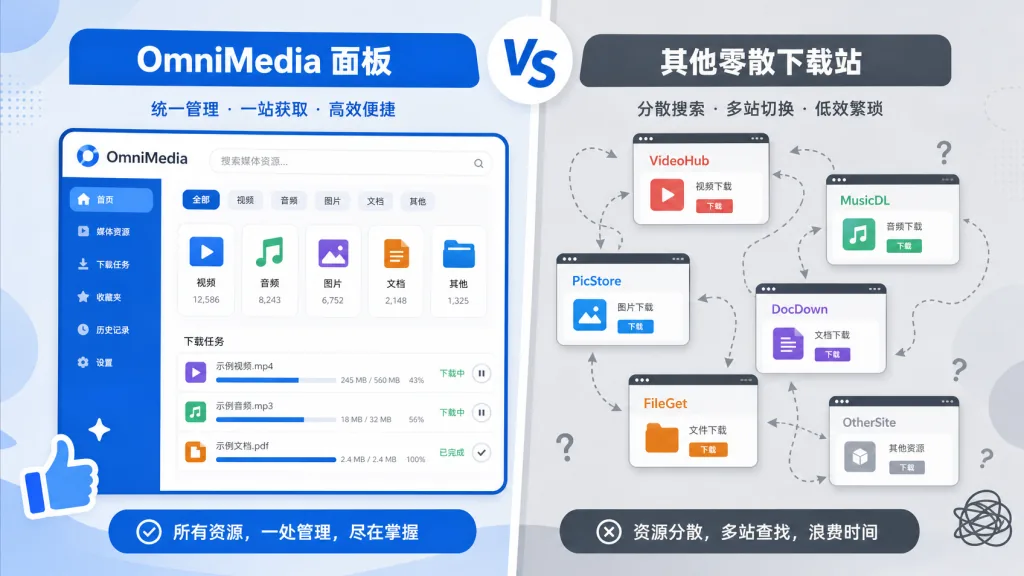
Anyone working in content operations knows this loop: a viral TikTok shows up and you want to keep it, so you copy the link, open a third-party parsing site, paste, wait for transcoding, download; then a YouTube short catches your eye, and the whole routine repeats with a different tool; then a Bilibili video appears and you need yet another site. Five or six downloaders sit on your machine, each covering two or three platforms, and private links, login walls and IP rate limits still throw errors now and then.
OmniMedia folds all of this into one place — a self-hosted Flask web app where you paste a link and get parsing, preview and download, across 39 platforms, with the same interface every time.
1. Project intro: what exactly is it?
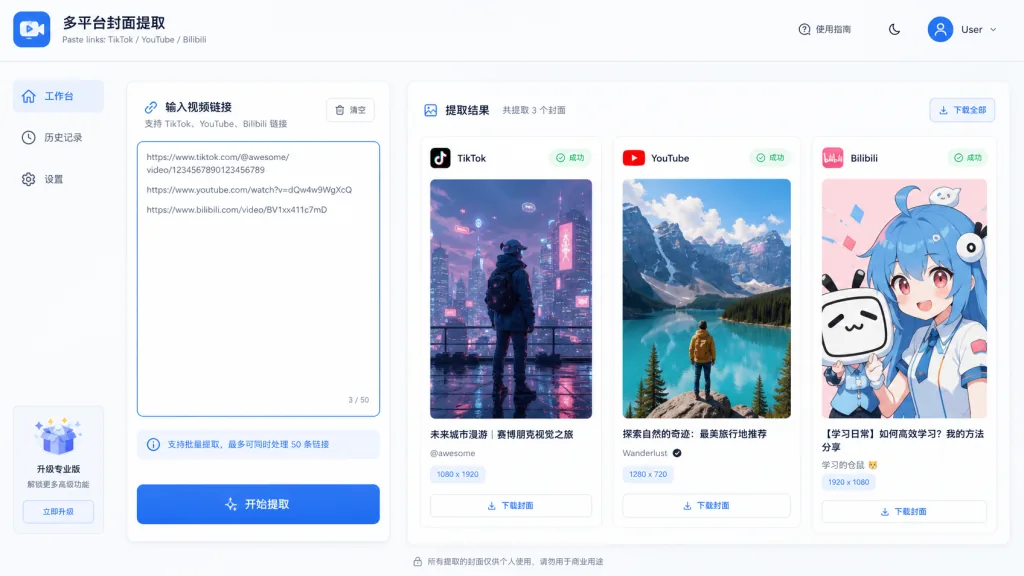
OmniMedia is a self-hosted media parsing and download service built on Python + yt-dlp, positioned as a "one-stop public media parsing workbench". It aggregates the parsing logic scattered across platforms behind a unified API, while the frontend is Next.js 16 with a clean bilingual Chinese/English web UI that supports light and dark themes on desktop and mobile.
Four core keywords: self-hosted, 39 platforms, unified interface, a closed parse + download loop. It currently has 7 stars on GitHub, aimed at personal tooling and small-team production use.
2. Core features in depth
1. Dual-mode parsing: links or shared text
OmniMedia accepts standard URLs, and also lets you paste the full share text copied from Douyin or TikTok (short link plus description). The backend extracts the real link with a regex, drops the noise and returns normalized metadata: title, author, duration, cover and a list of available qualities. This "garbage in, clean out" design removes the hassle of trimming links by hand.
2. Batch processing with order preserved
The workbench accepts up to 40 links pasted at once (10 per call on the API), and the backend processes them in batches while returning results strictly in input order. For editing workflows that organize footage by timeline, that ordering guarantee saves you a second sorting pass.
3. Creator profile mode
Switch to Creator profile mode and paste a public profile URL to get the author's avatar, bio, verification status, follower data and a paginated grid of up to 12 public posts. Private or login-only profiles are explicitly rejected instead of silently returning empty data.
4. Browser extension and proxied downloads
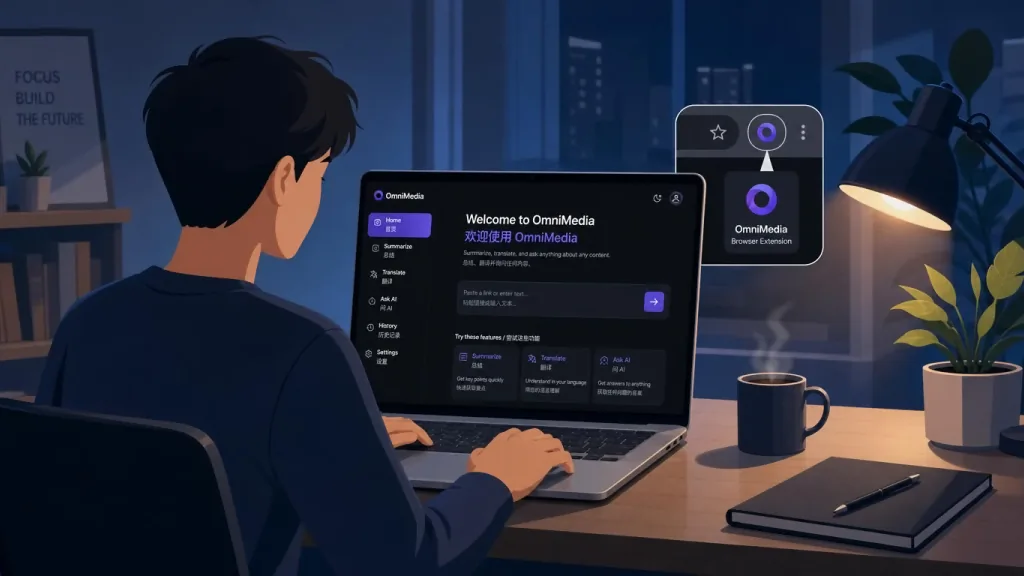
There are official Chrome / Edge Manifest V3 extensions that can parse the current tab or a pasted link from the toolbar and hand the download job to the OmniMedia server. Downloads are relayed through the server, avoiding expired direct links and regional restrictions.
3. Technical highlights and performance data
- Platform coverage: 39 public sites, including TikTok, Douyin, Instagram, YouTube, Bilibili, Telegram, Twitter/X, Reddit, VK, Niconico and more;
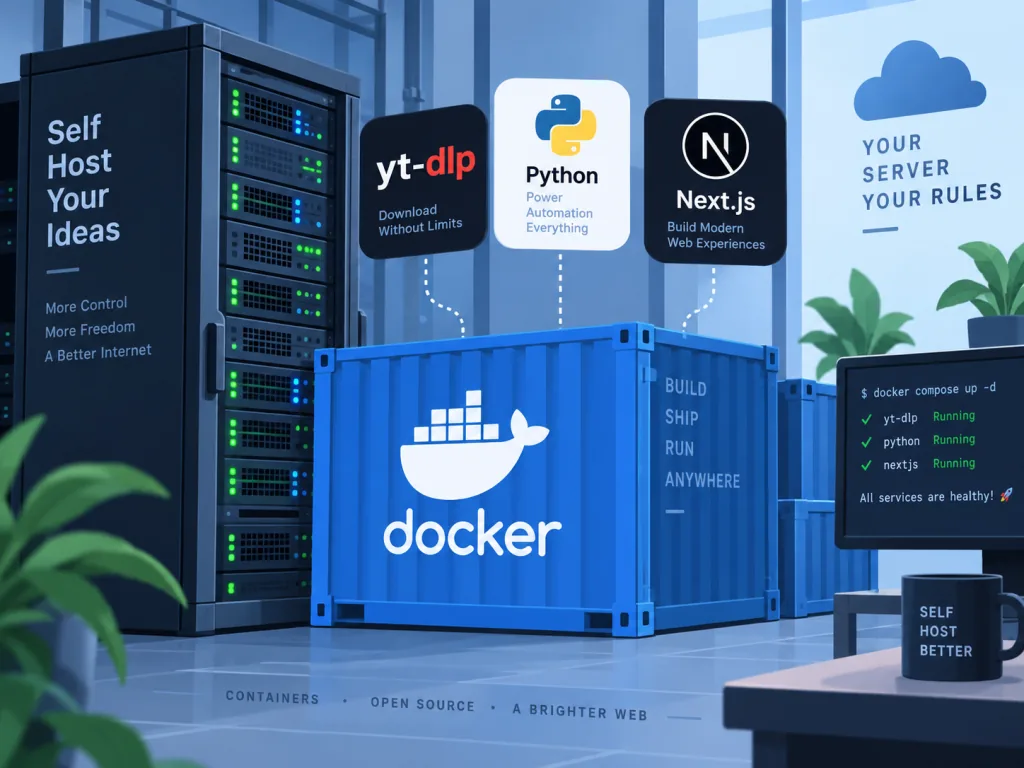
- Stack: Python 3.10+ backend, Next.js 16 frontend, yt-dlp as the underlying parser, SQLite for orders (optional Clerk auth + PayPal digital goods checkout);
- Deployment: a single
docker build+docker run -p 7860:7860starts the full web app; - Security boundary: browser cookie forwarding is disabled by default; for content behind a login you must explicitly enable
YTDLP_COOKIES_FROM_BROWSERor mount a Netscape-format cookies file; - Proxy support: the
YTDLP_PROXYenvironment variable applies to yt-dlp parsing, downloading and direct cover-image requests alike, easing IP rate limits on platforms like Instagram; - Optional extras: after
pip install -r requirements-optional.txt, gallery-dl public album parsing is enabled; without it the endpoint returns 503 and the main flow is unaffected.
4. Use cases and audience
- Content operations / editing: people who need to pull material from many platforms in bulk and care about quality and licensing;
- Indie developers: those who want a private parsing panel for themselves or a client and refuse ad-riddled third-party sites;
- Research and archiving: bringing public videos into a local knowledge base, compliance evidence collection or academic research;
- Not for: users hoping to bypass paywalls, login walls, geo-blocking or DRM — OmniMedia explicitly does not offer these, and the project repeatedly stresses that you should only download content you own or are authorized to use.
5. Comparison with alternatives
| Dimension | OmniMedia | Cobalt (online) | yt-dlp CLI | Per-platform download sites |
|---|---|---|---|---|
| Self-hosted | ✅ Flask + Docker | Needs your own fork | Pure command line | ❌ Third-party hosted |
| Platform count | 39 | 10+ | 1000+ | 1~3 |
| Web UI | ✅ Bilingual + light/dark themes | ✅ | ❌ | ✅ But inconsistent styles |
| Creator profiles | ✅ Paginated, 12 posts | ❌ | Needs custom scripts | ❌ |
| Auth / payments | Clerk + PayPal (optional) | ❌ | ❌ | ❌ |
| Browser extension | ✅ Manifest V3 | Partial | ❌ | ❌ |
OmniMedia's edge is the combination of web experience + creator profiles + optional monetization, whereas pure yt-dlp users have to write their own frontend, and scattered download sites cannot guarantee privacy or stability.
6. How to get started fast
Docker is the easiest path:
git clone https://github.com/xubaoer19940428-creator/omni-media.git
cd omni-media
docker build -t omnimedia .
docker run --rm -p 7860:7860 omnimedia
Open http://localhost:7860 in a browser and paste any public link into the workbench to see normalized results. To try the API, just curl it:
curl -X POST http://localhost:7860/api/parse \
  -H "Content-Type: application/json" \
  -d '{"url":"https://www.youtube.com/watch?v=xxxxxxxxxxx"}'
If you deploy to a platform that offers no file mounts, such as Railway, base64-encode cookies.txt and store it in a Secret variable named YTDLP_COOKIE_DATA_B64; for local development you can simply use YTDLP_COOKIES_FROM_BROWSER=auto to let yt-dlp read your Chrome session.
Advanced advice: in production, always mount a Railway Volume at /data to persist SQLite orders; before enabling PayPal checkout, read docs/paypal-review.md to prepare the variables the review requires.
7. Summary and next steps
OmniMedia brings multi-platform parsing, preview, download, profile browsing and optional auth/payments into one Flask app you can run locally — a clean answer for people who want a web experience without handing their data to a third party. The core value in one line: self-hosted, unified interface, all 39 platforms included.
Before using it, make sure of two things: only download content you have rights to; and only enable login-dependent features on trusted private deployments.
Project URL: https://github.com/xubaoer19940428-creator/omni-media Live demo: https://useomnimedia.com
One-line pitch: instead of hoarding a pile of half-broken download sites in your bookmarks, spend ten minutes running OmniMedia and make "paste link → download" a single panel from then on.
#omni-media #OmniMedia #xubaoer19940428-creator #AIVideoEditing #ScriptedVideo #TalkingHeadVideo #OpenSource #GitHub