Title options (pick 1 of 3)
6 wild open-source GitHub projects that make your AI agent actually do the work
6 GitHub gems I keep to myself to turn AI from talk into action
Record it once and let AI repeat it: 6 projects that completely changed my workflow
1. Opening: one project between getting burned and getting hooked
Your PM asks you to "automate" a test pass, so you open a screen recorder, capture the flow, write a script, debug the UI elements — and half an hour later you're still fighting XPath. Meanwhile a colleague already recorded the same flow, handed it to an AI, and got a report generated automatically. This set of projects exists so you can skip that detour.
2. The lineup at a glance
| Repo | Stars | Main language | One-line pitch |
|---|---|---|---|
| microsoft/skill-recorder | 4.0k | TypeScript | Record an action once, get a reusable AI Skill |
| ShawnPana/phone-harness | 2.9k | Python | Lets an agent drive your actual iPhone/Android |
| mukul975/Anthropic-Cybersecurity-Skills | 33.0k | Python | 818 security skills that give an agent an analyst's brain |
| AMAP-ML/LongHorizon-Harness | 1.6k | Python | A long-running loop engine so an agent can work for dozens of hours without going off the rails |
| modelcontextprotocol/servers | 90.5k | TypeScript | The official MCP reference implementation — the standard socket for wiring tools into agents |
| vercel-labs/skills | 32.1k | TypeScript | The npx skills CLI, one entry point to install and use Skills across platforms |

3. Project breakdown
microsoft/skill-recorder — record once, let AI repeat it
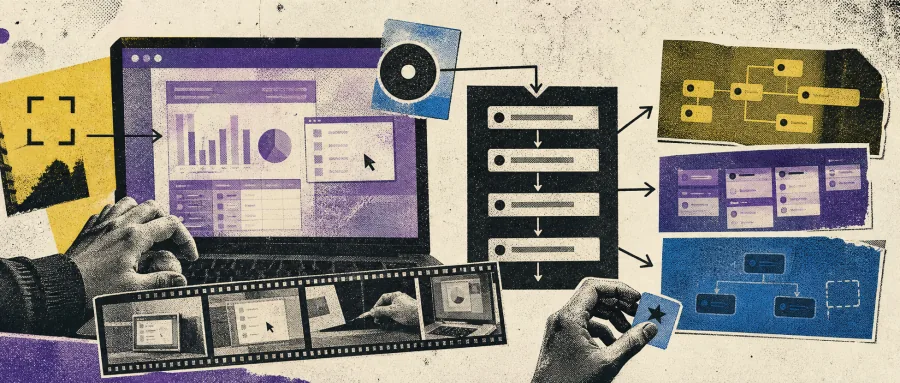
Its core pitch is "turn screen actions into reusable Skills": record what you do by hand once, and it generates a stepped skill the agent can call. It captures clicks, window switches, terminal output and voice narration, then uses the GitHub Copilot CLI to reconstruct clear intent plus ordered steps, and finally emits a SKILL.md or a scheduled Automation.
On the technical side, it prefers calling an agent's native tools (such as gh, web_fetch) over replaying UI clicks; record "submit a form" once and it generalizes to "submit every form of this kind". ==Note: your GitHub account needs Copilot access.== macOS is the primary target, and Windows 11 x64/ARM64 is supported too.
Who it's for:
- Individuals and small teams repeating the same desktop routine every day
- Anyone who wants to feed executable flows into Copilot / Cowork / Copilot Studio
- Not for: people who refuse to touch the Copilot ecosystem, or who only run Linux servers
Minimal setup
Grab the one-line install command from the releases page:
# Open https://github.com/microsoft/skill-recorder/releases/latest
# Find the "Commit-pinned installation" section and copy the full command for your OS into a terminal
Once installed, just record:
1. Click the red button or press ⌘⇧R / Ctrl+Shift+R to start recording
2. Complete your task as usual
3. Click Analyze and let Copilot reconstruct the steps
4. Generate a Skill or an Automation
Repo: https://github.com/microsoft/skill-recorder
ShawnPana/phone-harness — let an agent drive your real phone
Let Claude Code, Codex or any agent drive your iPhone / Android directly, with native OCR + adb, no jailbreak and no app installed on the phone. iPhone goes through the iPhone Mirroring window on a Mac, Android goes through adb (USB or Wi‑Fi), and the same helper works across platforms.
On the technical side, OCR uses the Apple Vision framework to get text with coordinates, and tap / swipe / typeText are all HID-level events; cloud devices support phone-harness cloud start to rent an Android box in one command, with the first 100 minutes free. ==Note: unlocking an iPhone pauses Mirroring, and a PIN-locked Android still needs a human==; there is no multi-finger touch and no Face ID flow, and DRM video shows up black.
Who it's for:
- People who want an agent to order takeout, check the weather or reply to messages on their phone
- Automated testing / data collection / cross-app workflows
- Not for: pure server environments, or scenarios needing the camera or biometrics
Minimal setup
Just ask the agent to install it for you:
Set up phone-harness for me. Clone https://github.com/ShawnPana/phone-harness into ~/.phone-harness, read install.md first, install it so phone-harness is on my PATH, and register it as a skill named phone-harness.
Once installed:
phone-harness --doctor
phone-harness <<'PY'
open_app("Weather")
print(screenshot())
PY
Repo: https://github.com/ShawnPana/phone-harness
mukul975/Anthropic-Cybersecurity-Skills — 818 security skills packed into an agent
Feed 818 structured cybersecurity skills straight into your AI agent, spanning 34 security domains and mapped to 6 frameworks (MITRE ATT&CK, NIST CSF 2.0, MITRE ATLAS, MITRE D3FEND, NIST AI RMF, MITRE F3). It follows the agentskills.io open standard and is compatible with 20+ platforms including Claude Code, Copilot, Codex CLI, Cursor and Gemini CLI.
On the technical side, it maps frameworks precisely by skill type — forensics skills carry ATT&CK + CSF, AI security skills additionally carry ATLAS and AI RMF. Coverage counts: ATT&CK 805, CSF 804, D3FEND 139, AI RMF 97, F3 94, ATLAS 93. ==Note: the project contains dual-use techniques such as red teaming, phishing and exploitation — authorized testing, security research and defending your own systems only==. Read SECURITY.md before use.
Who it's for:
- Security analysts, incident responders, penetration testers
- SOC teams that want to use an agent as a junior analyst
- Not for: people outside security entirely, or those unwilling to set up an agent toolchain
Minimal setup
Clone it and mount it directly as a skill source:
git clone https://github.com/mukul975/Anthropic-Cybersecurity-Skills
# In Claude Code / Codex, run:
/help add-skill ./Anthropic-Cybersecurity-Skills
Then just ask:
Given a suspicious Kerberoasting log, give me Sigma rules and Volatility3 memory forensics steps
Repo: https://github.com/mukul975/Anthropic-Cybersecurity-Skills
AMAP-ML/LongHorizon-Harness — a loop engine that runs for dozens of hours without falling over
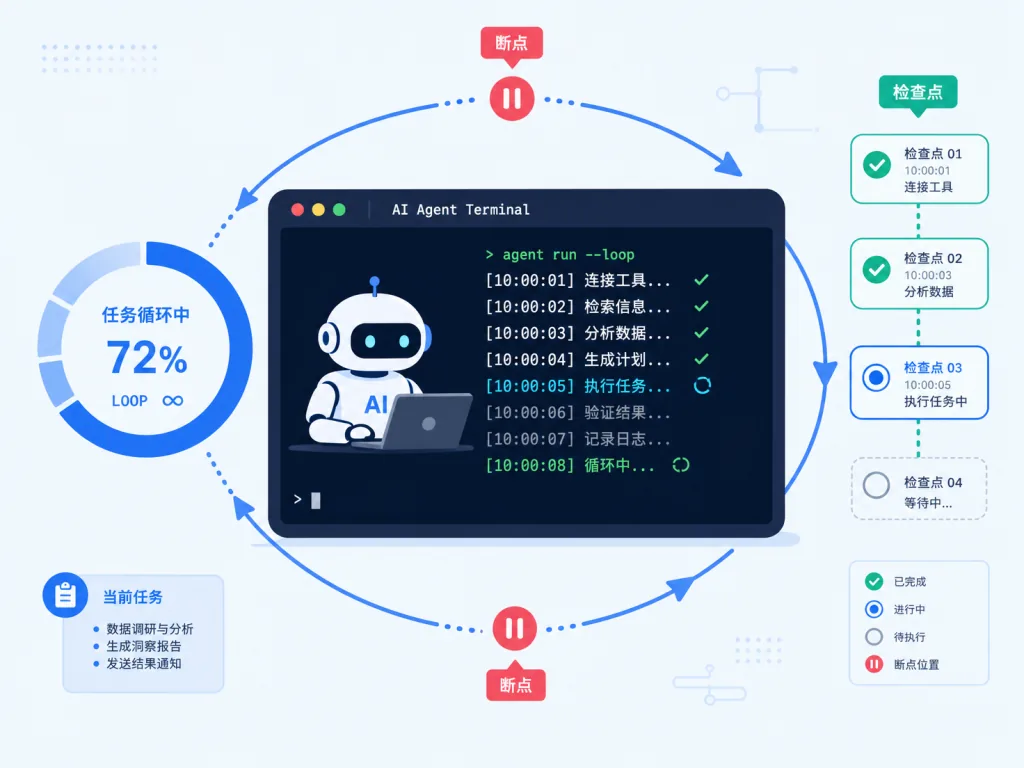
Wrap Claude Code, Codex, OpenCode or DeepSeek Harness in a "long-horizon task loop": Plan → Act → Verify → Checkpoint → feed failures back as evidence → retry, until the goal is genuinely done. It doesn't retrain a model; it adds a persistent execution loop around one.
On the technical side, it uses fresh-context execution to avoid context rot; durable verified state keeps progress across many rounds; it supports independent audit and restart-and-resume; and since v0.1.4 there's a React/FastAPI Web Workbench where you pick a backend, choose a model and send instructions from the browser. ==Note: the model sets the ceiling for a single round — the Harness only decides how long and how steadily it runs==.
Who it's for:
- Tasks that need an agent running across desktop apps + CLI for hours or even tens of hours
- People already on Claude Code / Codex who are being tortured by "context too long" or "it crashed halfway"
- Not for: single-turn Q&A, or cases where the model itself keeps hallucinating
Minimal setup
One command to install:
pip install longhorizon-harness
lh-harness web    # start the Web Workbench
# or run a task straight from the CLI:
lh-harness run --agent claude-code --goal "Turn every TODO in the repo into a real implementation and make the tests pass"
Repo: https://github.com/AMAP-ML/LongHorizon-Harness
modelcontextprotocol/servers — the official MCP reference implementation
The reference server collection maintained by MCP (Model Context Protocol) itself, showing how to wire tools into an agent with the SDK of each language: Everything, Fetch, Filesystem, Git, Memory, Sequential Thinking, Time and more. In effect, the standard example of an "AI tool socket".
On the technical side, it comes with 10 language SDKs (C# / Go / Java / Kotlin / PHP / Python / Ruby / Rust / Swift / TypeScript), and every reference server is a minimal runnable sample; community versions have moved to the MCP Registry, and this repo keeps only a few reference implementations maintained by the steering group. ==Note: the servers here are teaching examples and shouldn't be used as production services as-is==. Evaluate your own security model first.
Who it's for:
- Developers who want to write their own MCP server
- Engineering teams learning the MCP protocol and comparing implementations across languages
- Not for: people who just want a file / DB tool they can ship immediately (go to the Registry for the official ones)
Minimal setup
Look at the smallest example, Fetch:
git clone https://github.com/modelcontextprotocol/servers
cd servers/src/fetch
# Follow the README to configure mcp.json in Claude Desktop / Cursor
Or add this to claude_desktop_config.json in Claude Desktop:
{
  "mcpServers": {
    "filesystem": {
      "command": "npx",
      "args": ["-y", "@modelcontextprotocol/server-filesystem", "/Users/yourname/Desktop"]
    }
  }
}
Repo: https://github.com/modelcontextprotocol/servers
vercel-labs/skills — install across every agent with one npx skills line
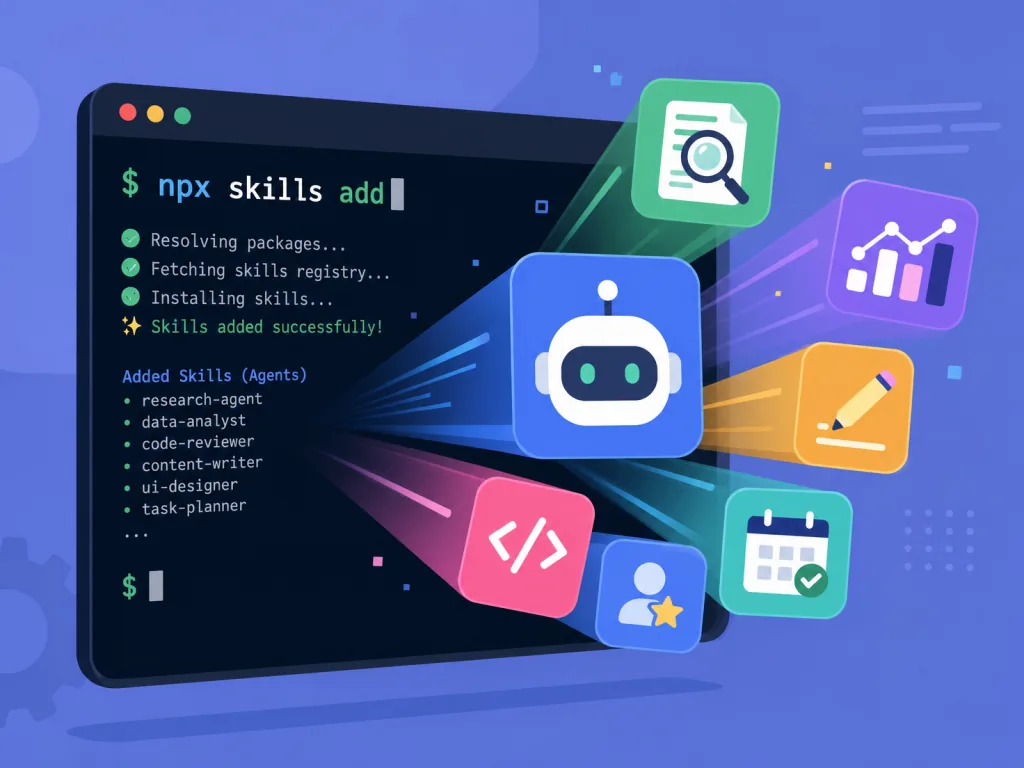
The official CLI of the Agent Skills ecosystem, supporting 75+ agents (OpenCode, Claude Code, Codex, Cursor and others) and settling the "how do I install this Skill into my agent" question once and for all. It is itself the infrastructure that makes many of the projects above run.
On the technical side, add installs and use generates a prompt and feeds it straight to the agent; it supports GitHub shorthand, full URLs, subdirectories, GitLab, Azure Repos and local paths; private repos fall back to Git credentials + GitHub CLI + SSH, without copying tokens into the Node process. ==Note: npx skills use <pkg> --agent <a> launches an interactive agent==, so make sure the matching CLI is installed.
Who it's for:
- Developers who switch between several agents / IDEs every day
- People who want to build up a shared team Skills repo
- Not for: solo users on a single agent who never need to share skills
Minimal setup
Install a Skill:
npx skills add vercel-labs/agent-skills
Use it without installing:
npx skills use vercel-labs/agent-skills --skill web-design-guidelines --agent claude-code
Install globally instead of per project:
npx skills add owner/repo -g
Repo: https://github.com/vercel-labs/skills
4. Takeaways and what to do next
If you only want to try two: install vercel-labs/skills first, because it's the entry point to the whole Skills ecosystem; then install microsoft/skill-recorder, where recording one action is enough to see an AI genuinely reproduce work you've done. Take the other four as needed — phone-harness for phone automation, Anthropic-Cybersecurity-Skills for security analysis, LongHorizon-Harness for long-running tasks, and modelcontextprotocol/servers as the reference when you wire up your own tools.
#AIagents #AIworkflow #automation #SkillRecorder #PhoneHarness #AnthropicCybersecuritySkills #LonghorizonHarness #Servers #Skills #skill-recorder