Pick a title (1 of 3)
6 open-source tools I keep coming back to — for Mac users, frontend devs and spreadsheet wranglers
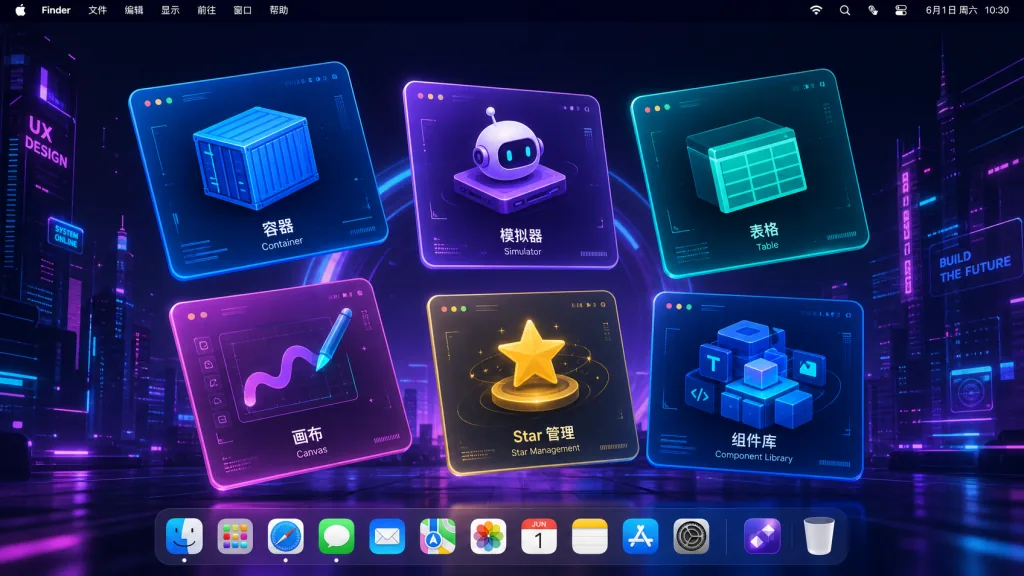
My private stash: 6 GitHub projects that fix my day-to-day dev blockers
Tested and used: 6 niche open-source tools on GitHub, reviewed in one go
1. Intro: why you need these tools
You just set up an M-series Mac and want to run Linux containers locally to test code — but the moment Docker Desktop starts, the fans spin up. You do iOS automation and need a dozen simulators running at once on a 16GB laptop, and the machine grinds to a halt. You build frontends and need an infinite-canvas whiteboard inside React, but every library out there is either paid or has an API that fights you. You work with spreadsheets, and SheetJS got pulled from npm, so an old project broke overnight.
None of these scenarios are exotic. They are everyday desktop reality for developers. This list is the six projects I've actually reached for over and over in the past few months — each one clears a specific blocker.
2. The list at a glance
| Repo | Stars | Main language | One-line pitch |
|---|---|---|---|
| apple/container | 50.1k | Swift | Apple's native Linux containers for macOS |
| MobAI-App/simslim | 2.0k | Go | Cuts iOS simulator memory to a quarter of what it was |
| productdevbook/hucre | 2.2k | TypeScript | Zero-dependency, tree-shakable spreadsheet engine |
| hishamk/spatialboard | 14 | TypeScript | React infinite canvas + node-graph editor |
| AmintaCCCP/GithubStarsManager | 3.6k | TypeScript | Local-first GitHub stars manager |
| rizkimuhammada/cosmic-ui | 748 | Astro | Cyberpunk-styled React component library |
3. Project breakdown
apple/container — the official answer for Linux containers on macOS
Apple wrote a container tool in Swift. Each container runs inside a lightweight VM, and the whole thing is tuned for Apple silicon. It leans on the new virtualization and networking features in macOS 26, so it starts faster than classic Docker Desktop and uses less memory.
Containers use standard OCI images, so images pulled from Docker Hub or GHCR work as-is, and images you build can be pushed back. The system service is started with container system start, and the CLI is nearly identical to Docker's — migration cost is minimal.
Who it's for:
- Engineers doing Linux container development on Apple silicon
- Teams that find Docker Desktop too heavy and want a native replacement
- People who need OCI compatibility without installing VM software
Who it's not for:
- Intel Mac users (==Apple silicon is a hard requirement==)
- Anyone still on macOS 15 or earlier
Minimal setup
Download the signed installer from the Releases page, double-click to install, then start the service:
container system start
Run your first container:
container run --rm alpine echo hello
That command pulls the alpine image, runs echo hello inside a lightweight Linux VM, and cleans up on exit.
Project: https://github.com/apple/container
MobAI-App/simslim — one Mac that does the work of ten simulators
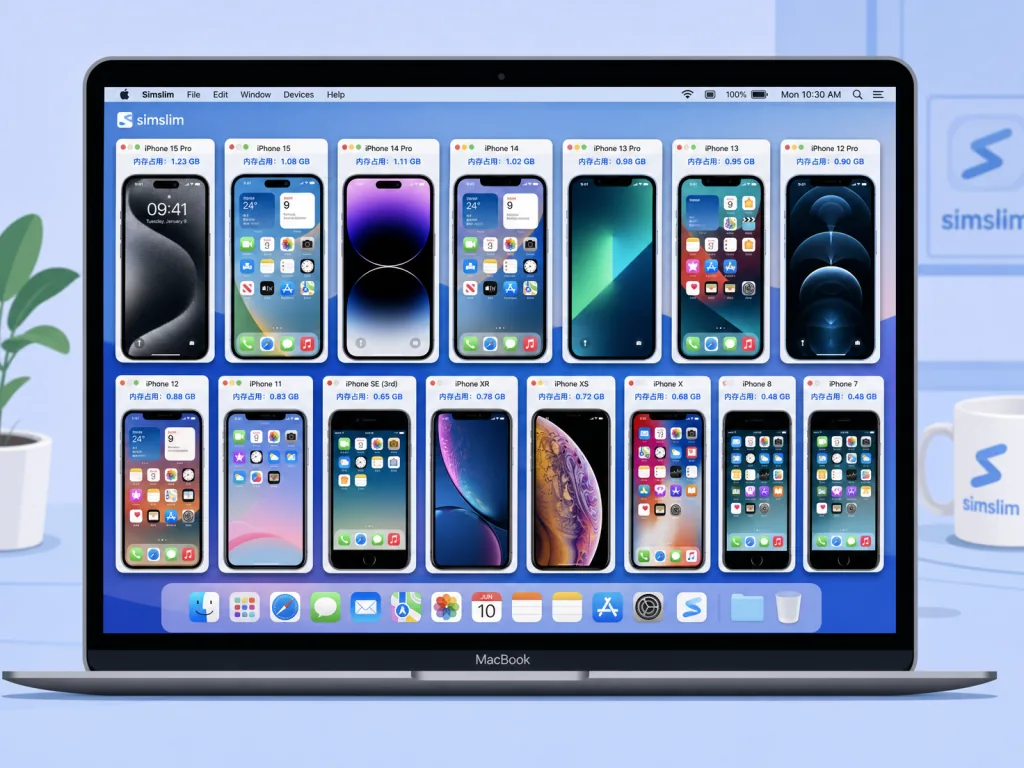
The moment an iOS simulator boots, it spins up 180+ background services: Siri, Spotlight, photo analysis, News, iCloud sync... None of that matters when you're running tests, but every process eats memory. simslim shuts those daemons down, dropping a single simulator from 4GB to 0.9GB.
The measured numbers are blunt: on an M1 Pro 16GB laptop, native simulators start thrashing swap at five; after slimming, a dozen can share the screen and still run. Every disabled service is grouped by category (Siri, Widgets, iCloud, Push, App Store, etc.), and you can keep individual ones, e.g. --except search to keep Spotlight.
Who it's for:
- Engineers running iOS simulators in CI or in bulk locally
- Teams that drive AI agents against multiple simulators for testing
- Developers on memory-constrained laptops who want to squeeze the hardware
Who it's not for:
- Users running one or two simulators who don't care about memory
- Test scenarios that genuinely need Siri or iCloud sync
Minimal setup
Install:
brew install mobai-app/tap/simslim
List all simulators, then start one slimmed down:
simslim list
simslim on <udid>
Switch back to stock whenever you want:
simslim off <udid>
Source: https://github.com/MobAI-App/simslim
productdevbook/hucre — picking up where SheetJS left off
SheetJS pulled itself from npm a few months ago and old projects broke overnight; meanwhile its Pro tier locked styles, conditional formatting, sparklines and a pile of other features behind a paywall. hucre is a zero-dependency spreadsheet engine written in pure TypeScript. It reads and writes XLSX / CSV / ODS / JSON / NDJSON / XML, with full round-trip fidelity.
Bundle size is its killer feature: the CSV module alone gzips to 3.7KB, XLSX read/write is 68KB, and the entire library is 129KB. In CI, pnpm size holds the budget and any PR that exceeds it fails the build. Feature-wise (13 conditional format types, sparklines, streaming I/O, Edge runtime support, CSP compatibility) it matches or beats SheetJS.
Who it's for:
- Frontend/Node engineers migrating off SheetJS
- Developers handling spreadsheets in Edge runtime, Cloudflare Workers or Deno
- Projects that care about bundle size and want real TypeScript types
Who it's not for:
- Cases that need very complex Excel macros (VBA)
- Projects still locked to old CJS-only Node environments
Minimal setup
Install:
npm install hucre
Read an XLSX file:
import { readXlsx, writeXlsx } from "hucre"
const workbook = await readXlsx(buffer)
console.log(workbook.sheets[0].rows)
Import only what you need to keep the bundle minimal:
import { parseCsv, writeCsv } from "hucre/csv"
Source: https://github.com/productdevbook/hucre
hishamk/spatialboard — a ready-made infinite canvas for React
If you want the kind of infinite canvas tldraw, Miro or Figma has, the options on the market are either expensive or painful to integrate. spatialboard combines a whiteboard, a node-graph editor, a presentation deck and an LLM-readable format in a single MIT-licensed TypeScript library.
The engine core is SpatialEngine. Every node is a React component plus a declarative definition — custom nodes are its core API. Hand-drawn strokes (roughjs), sticky notes, rich text, images, frames, plus zoom/align/snap/group/undo history/minimap are all built in. Nodes can declare input and output ports and a pure compute function; DataFlowEngine propagates values automatically and detects cycles. The best part: a Frame doubles as a slide, so engine.enterPresentation() drops you into presentation mode with fade/zoom/3D cube transitions.
Who it's for:
- Indie developers building whiteboards, flowcharts, mind maps or knowledge tools
- Agent products that need to run data flows or hook up an LLM on the canvas
- Teams that want a presentable canvas with slide mode built in
Who it's not for:
- Projects that need a full Figma-grade vector editor (path editing, boolean ops, etc.)
- Older projects still on React 17 or earlier
Minimal setup
Install:
npm install spatialboard
Mount a blank canvas:
import { SpatialBoard, SpatialEngine } from "spatialboard"
import "spatialboard/style.css"
import { useMemo } from "react"

const engine = useMemo(() => new SpatialEngine(), [])
return <SpatialBoard engine={engine} />
Project: https://github.com/hishamk/spatialboard
AmintaCCCP/GithubStarsManager — a cure for star-hoarding
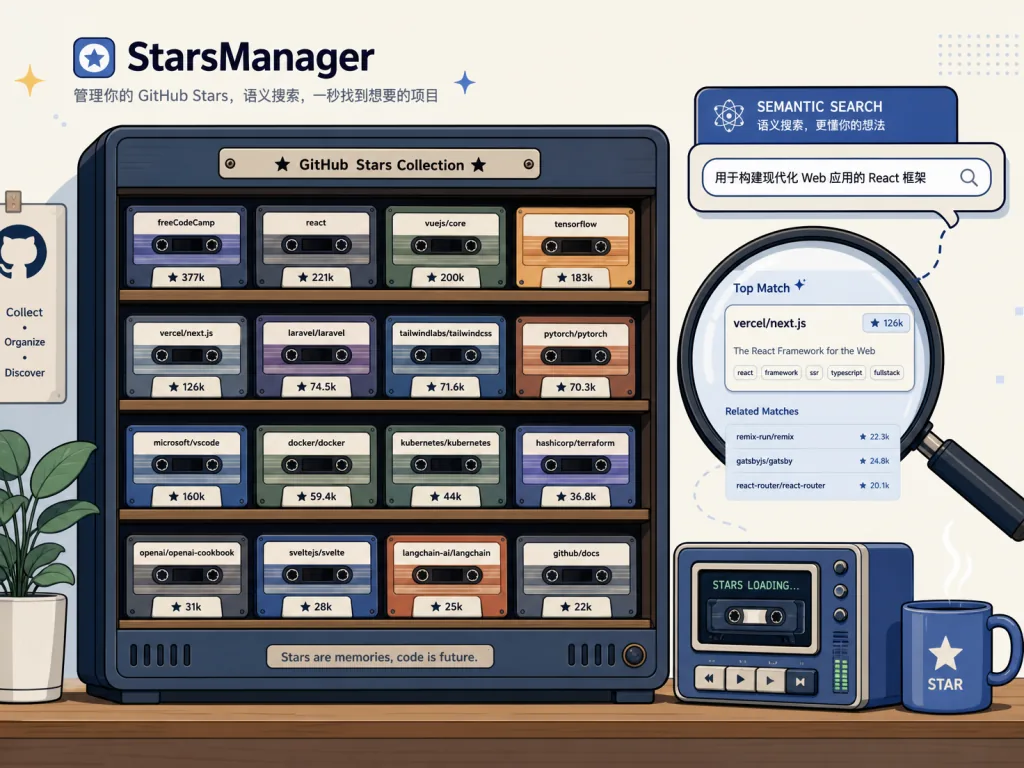
You've probably starred a thousand repos, and next time you need one you only remember "it was a React state management library" — the name is gone. GitHub Stars Manager syncs all your stars locally, then uses AI to summarize and categorize them, with semantic search and Q&A to get them back.
Your data stays 100% local. It supports multiple AI models, release tracking, asset filtering and one-click downloads. Beyond GitHub-style manual tags, it does natural-language Q&A — ask "which Python libraries did I star that are good for RAG?" and it just answers. Clients cover Windows, macOS and Linux.
Who it's for:
- Developers with 500+ starred repos who need a second pass at retrieval
- Open-source enthusiasts tracking releases without clicking Watch on everything
- Engineers who care about data privacy and want local storage
Who it's not for:
- Users with fewer than 50 stars and little need for search
- Teams that need cloud-based multiplayer sharing of star lists
Minimal setup
Download the installer for your platform from the Releases page, install it, then sign in to GitHub to authorize syncing:
# macOS: just drag it into Applications
# Linux: extract the AppImage, then make it executable
chmod +x GithubStarsManager.AppImage
Once syncing finishes, just ask in natural language:
Which projects did I star that are meant for local LLM inference?
Project: https://github.com/AmintaCCCP/GithubStarsManager
rizkimuhammada/cosmic-ui — a cyberpunk React component library
You're tired of building dashboards and want a different look for the next project. cosmic-ui is a cyberpunk-styled React component library: Button, Dialog, Menu, Combobox, Toast, Tabs, Accordion, Alert, Checkbox, RadioGroup, Switch, Input, Textarea, Chart, Frame — the whole set.
Under the hood it's Zag.js state machines plus a custom Frame SVG decoration system, with variants composed via cva + twMerge, so it plugs straight into the Tailwind ecosystem. The docs site was rebuilt from a Vite + React SPA to Astro — static output plus React Islands, better SEO and faster first paint. The default look is sci-fi neon borders and scanlines, but every component is a thin wrapper, so CSS variables are yours to change.
Who it's for:
- Developers building dashboards, monitoring pages and internal tools
- Teams that want the sci-fi look without building it themselves
- Engineers learning Zag.js state machines and multi-framework Astro integration
Who it's not for:
- Minimalist, enterprise Material-style products
- Projects unwilling to use Tailwind
Minimal setup
Install dependencies and start the docs site preview:
npm install
npm run dev
Import components straight into a React project:
import { Button } from "cosmic-ui"
Project: https://github.com/rizkimuhammada/cosmic-ui
4. Wrap-up and what to do next
This list spans six unrelated areas — containers, simulators, spreadsheets, canvases, GitHub management, frontend components — but they share one thing: each solves a specific pain point I actually hit, rather than existing for its own sake.
If I could only install two, I'd pick apple/container (to replace lumbering Docker Desktop) and productdevbook/hucre (to clean up the mess SheetJS left behind). The rest — simslim for running many iOS simulators, spatialboard for a whiteboard product, StarsManager to cure star-hoarding, cosmic-ui for a different visual flavor — come out as needed.
#AIVideoEditing #ScriptedVideo #TalkingHeadVideo #Container #Simslim #Hucre #Spatialboard #Githubstarsmanager #CosmicUi #cosmic-ui