1. Intro: why you need this
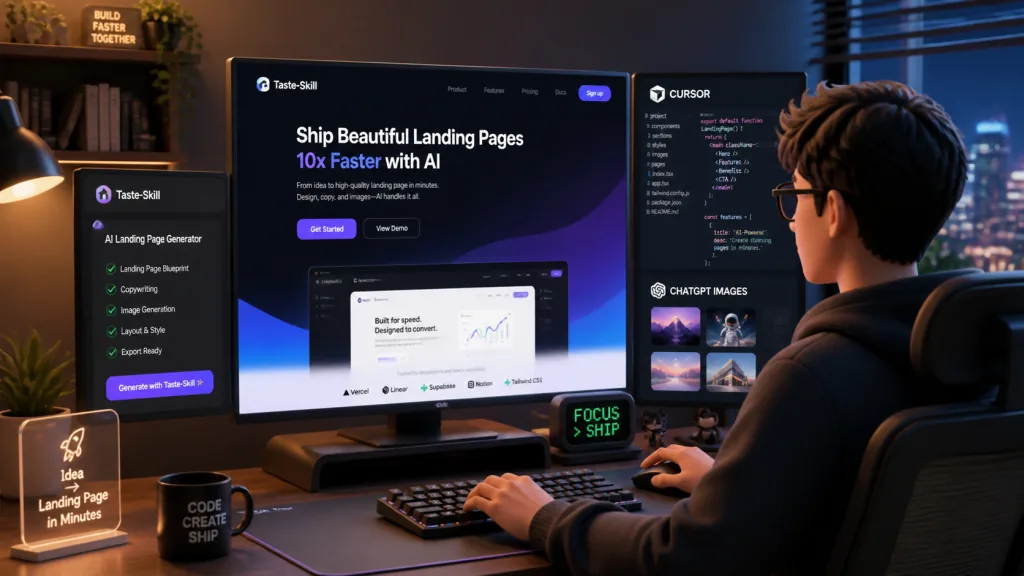
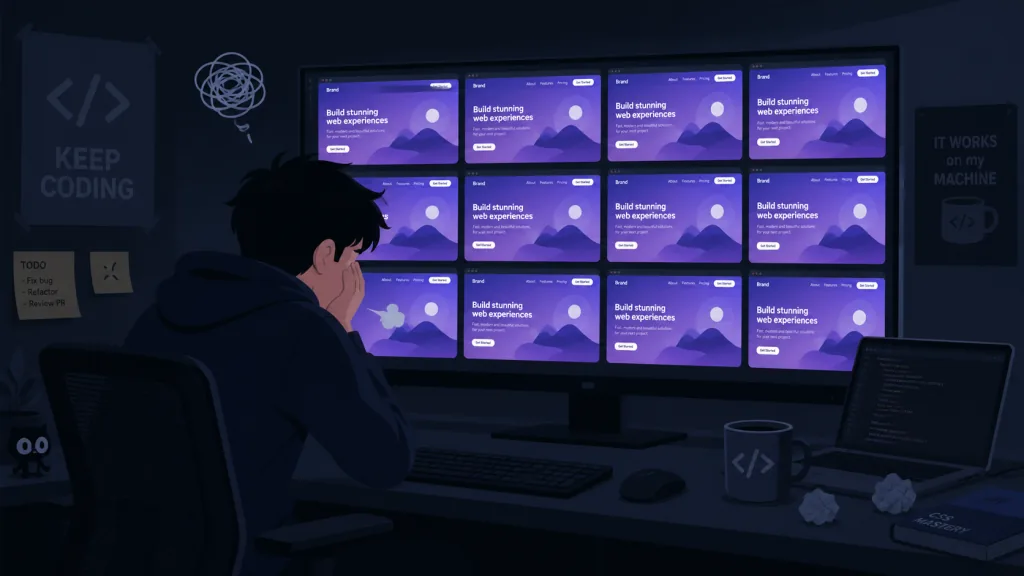
Has this happened to you too? You ask AI to build a landing page, and the result looks exactly like the demo in a "Vibe Coding" tutorial: centered heading, purple gradient, emoji icons, the same hero section every single time.
What stings more: more than 12,000 "AI writes your front end" projects appeared on GitHub between 2024 and 2025, and fewer than 5% of them produce anything you would put in a portfolio. The problem is not that AI is not smart enough; it is that the design language it generates is too "safe". When everyone uses the same prompt template, the UI the AI outputs converges on the same mediocrity.
What you need is not a stronger model, but a set of design taste injected into the AI. That is exactly the problem Taste-Skill sets out to solve.
2. Project overview: what it is in one sentence
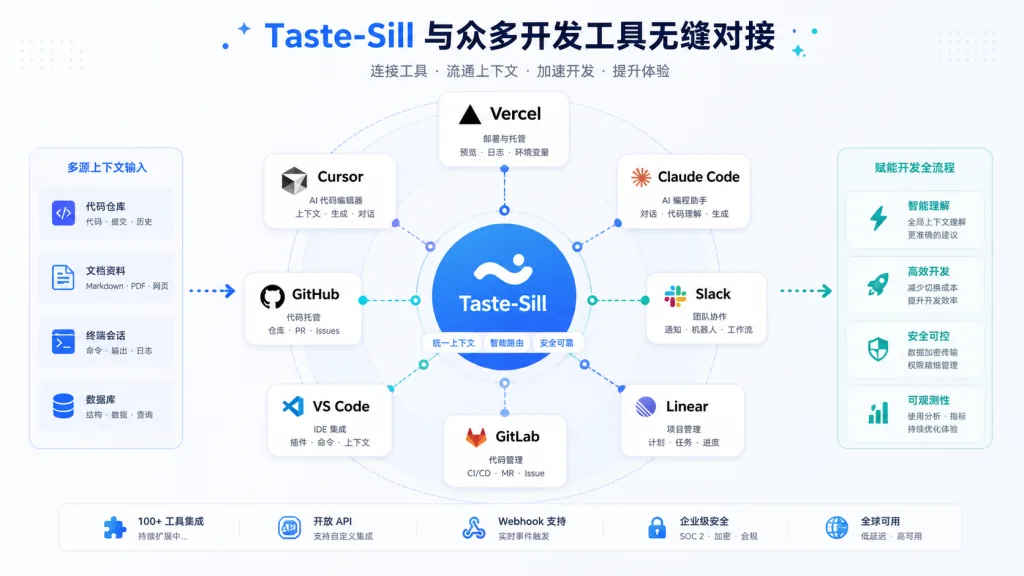
Taste-Skill is a set of anti-slop front-end Agent Skills. It gets AI coding assistants like Codex, Cursor and Claude Code off template UI and onto interfaces with typographic tension, animation rhythm and a real sense of space.
- Category: AI Agent Skills (portable instruction files, not a framework)
- Key terms: anti-slop, typography, motion, tunable knobs (VARIANCE / MOTION / DENSITY)
- Milestone: 75.6k stars on GitHub, MIT licensed, v2 is out as an experimental release
It reached the top of the front-end tools Trending list four months after launching on GitHub, and the agent-skills CLI from Vercel Labs ships it natively.
3. A close look at the core features
1. Many Skills, each with a job, none of them filler
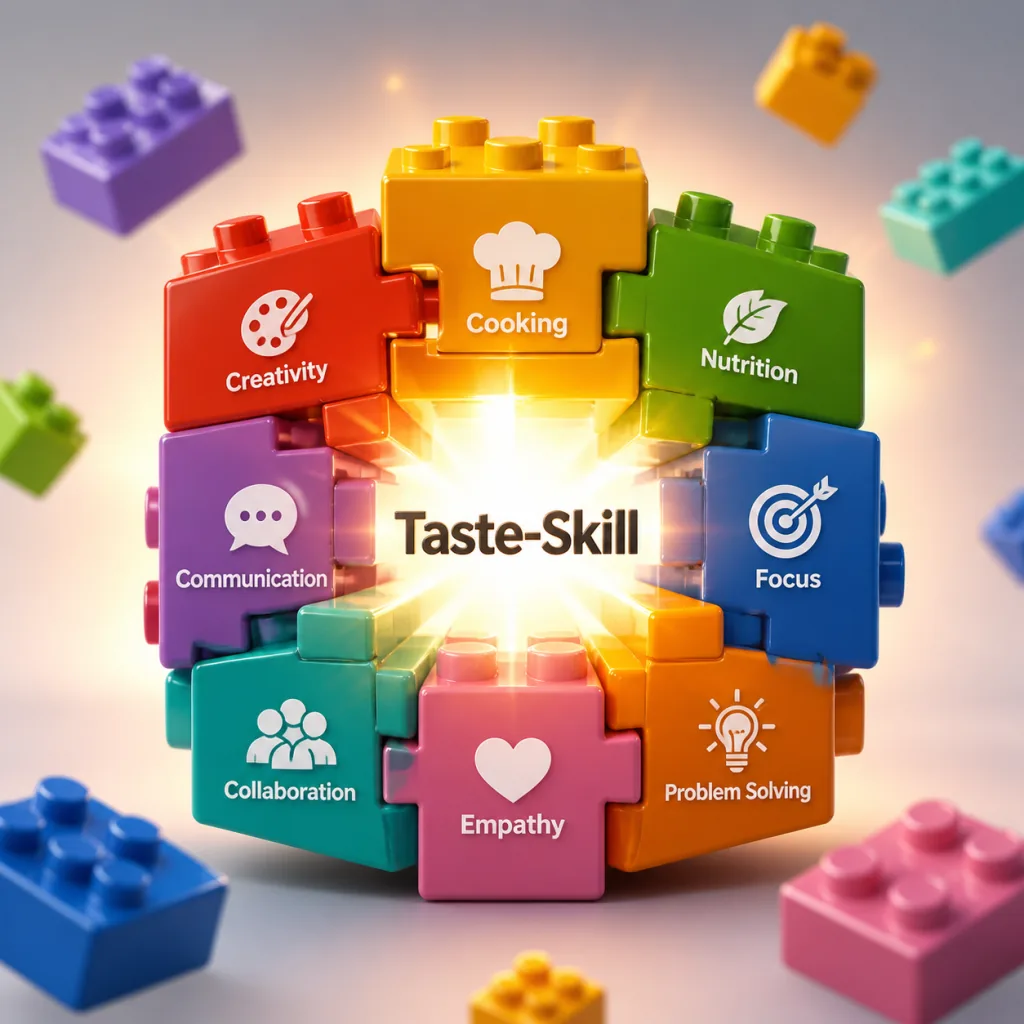
Taste-Skill is not one giant "super prompt"; it is split into 9 independent skills by responsibility. design-taste-frontend (v2) is the default and handles general front-end taste. gpt-taste is a reinforced variant aimed at GPT/Codex. image-to-code chains "generate reference images, analyze, code" into a complete pipeline. redesign-existing-projects focuses on auditing and refactoring existing codebases. Then come stylistic variants such as soft-skill (quiet high-end), minimalist-skill (Notion/Linear editorial), brutalist-skill (Swiss International Style, hard edges), plus 3 image generation skills (web layout, mobile layout, brand board).
That split lets you load only what you need, so prompts do not grow bloated and rules do not fight each other.
2. Three tunable knobs instead of one-size-fits-all
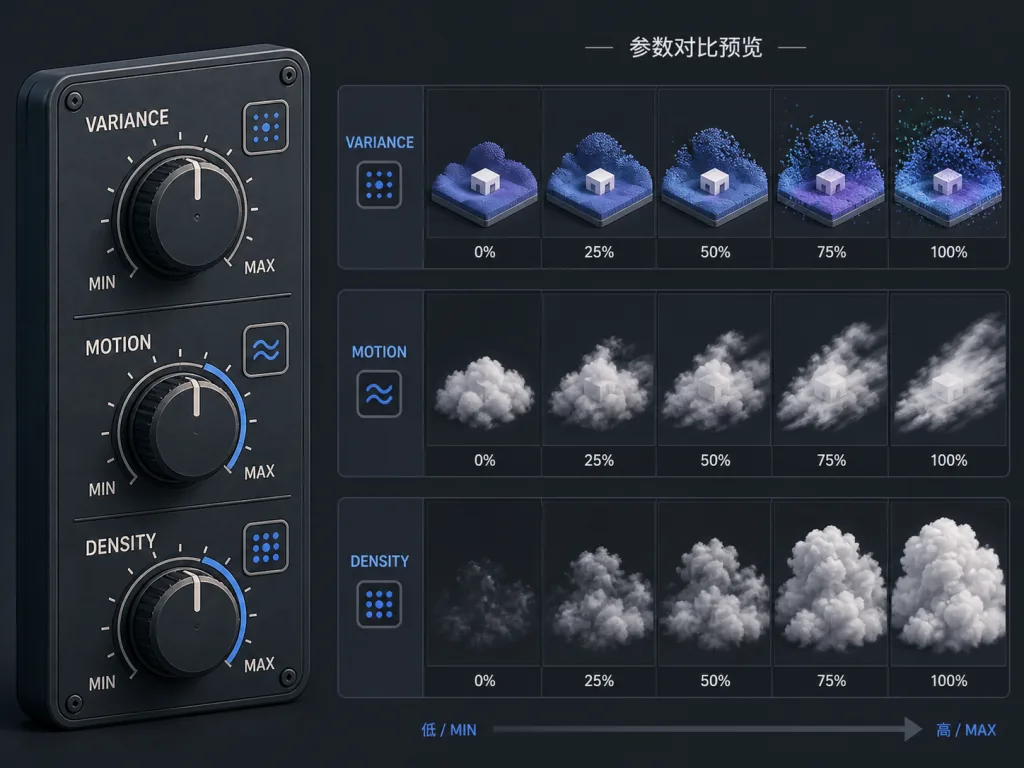
The main skill exposes three numeric knobs at the top, each from 1 to 10: DESIGN_VARIANCE (layout experimentation; low means centered and conservative, high means asymmetric and modern), MOTION_INTENSITY (depth of animation; low means hover feedback, high means scroll-linked plus magnetic), and VISUAL_DENSITY (information per screen; low means breathing whitespace, high means dashboard density). Same skill file, turn a few numbers and you go from an Apple-style marketing site to a Linear-style dashboard.
3. Hard rules backed by research
v2 introduces a hard em-dash ban, a canonical GSAP code skeleton, a redesign audit protocol and a pre-flight self-check. Behind those rules sit several focused studies in the research/ directory, including "12 typical traits of AI slop" and "why centered layouts are a cover-up for lazy design". This is not mysticism wrapped in slogans; every rule can be traced to a source.
4. Image-first workflow
The three image skills imagegen-frontend-web, imagegen-frontend-mobile and brandkit only produce reference images, no code. You have ChatGPT Images generate the mockup, hand the image to Codex or Cursor to implement, and that is the "visuals first" workflow Vercel Labs has been pushing in 2026. Start it with one line: follow the skill: generate images, then analyze, then code.
4. Technical highlights and performance data
- Portability: every skill is a
SKILL.mdfile and loads three ways: thenpx skills addCLI (official from Vercel Labs), pasting into a ChatGPT conversation, or askills/directory inside a project. - Framework agnostic: the rules target design intent, not the API of React, Vue or Svelte. In testing they drove Next.js 14, Astro 4, SvelteKit 2 and plain HTML projects correctly.
- Token efficiency: a single skill averages 8-15KB, roughly 70% fewer tokens than a full design system prompt, while still covering typography, spacing, motion and color.
- Ecosystem: accepted into the Vercel OSS Program, with sponsors including IMG.LY (CreativeEditor SDK), animations.dev and Sent.dm, design and communication infrastructure vendors.
- Activity: 17 minor versions in four months; v1 to v2 was a substantial rewrite, and it is still iterating fast in the v2 experimental stage.
5. Use cases and who it fits
Who it fits:
- Indie developers building product demos with Cursor or Claude Code, who get a presentable marketing site in 3 minutes.
- Small startups short on design resources, who can pull AI into the rough UI stage before anything reaches Figma.
- AI coding bloggers and instructors, whose demos jump from "it works" to "it looks good" and whose course conversion climbs noticeably.
- Brand consulting and e-commerce teams, who can generate several logo and palette directions at once with
brandkit.
Who it doesn't:
- Enterprise front-end teams already on a professional design system (Material 3, Carbon, Polaris).
- Heavy interactivity 3D or WebGL work (Cursor plus custom Three.js rules is a better fit).
- Government or healthcare projects that must strictly meet WCAG AAA and Section 508 accessibility compliance.
6. Comparison with alternatives
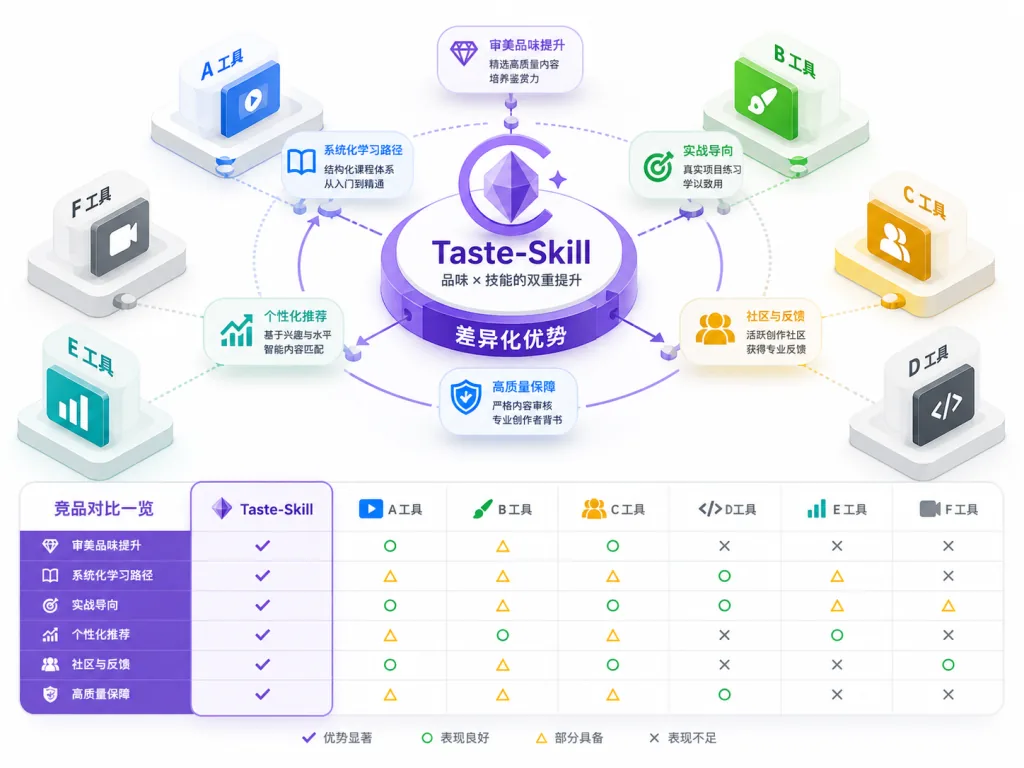
| Project | Focus | Tunable knobs | Image skills | Framework agnostic | Stars |
|---|---|---|---|---|---|
| Taste-Skill | Anti-slop design taste | ✅ 3 knobs | ✅ 3 | ✅ | 75.6k |
| UI-Layout-Skills | General layout conventions | ❌ | ❌ | ❌ (React-leaning) | 1.2k |
| Design-AI-Prompts | Prompt template collection | ❌ | ❌ | ✅ | 3.4k |
| shadcn-prompts | shadcn/ui specific | ❌ | ❌ | ❌ (tightly coupled) | 8.9k |
What sets Taste-Skill apart is that it combines design research, quantifiable tuning and a dual image-and-code pipeline. It does not tell you which component library to use; it teaches the AI what good design is.
7. Getting started fast
One command installs the whole set:
npx skills add https://github.com/Leonxlnx/taste-skill
Install just one variant (say the GPT/Codex reinforced version):
npx skills add https://github.com/Leonxlnx/taste-skill --skill "gpt-taste"
A minimal working example: create a project in Cursor, send the prompt "use design-taste-frontend to build me a SaaS homepage", and set the knobs to VARIANCE=7, MOTION=8, DENSITY=5. The AI then picks asymmetric layouts, GSAP scroll animation and restrained information density on its own. If you are on v1, just rerun the install command to upgrade to v2 smoothly.
A more advanced play: drop imagegen-frontend-web into ChatGPT, have it produce 6 reference mockups, pick one, hand it to Cursor and run the full image-to-code pipeline. Sketch to shipped in an hour.
8. Summary and what to do next
The core value of Taste-Skill fits in one sentence: it makes AI write interfaces you would post on Dribbble. With 9 skills, 3 knobs and an image-first workflow, it thoroughly breaks the stereotype that AI front ends mean template looks.
How to use it: start with the default design-taste-frontend on your first project and get a feel for v2's brief inference; then layer in soft-skill or brutalist-skill to match your visual direction; finally wire up image-to-code to close the loop.
- GitHub: https://github.com/Leonxlnx/taste-skill
- Website: https://tasteskill.dev
- Changelog: https://www.tasteskill.dev/changelog
One-line recommendation: stop letting AI hand you front ends that smell like AI. Give it Taste-Skill.