Title options (pick 1 of 3)
Stop letting AI ship "AI-flavored" pages: the 4 open-source projects I installed all at once
The AI-slop cure: 4 open-source picks that make Claude Code / Cursor output look designed
Tired of AI UIs that all look the same? These open-source projects are hard to give up once you try them
1. Intro: what if a tool could just do this step for you…
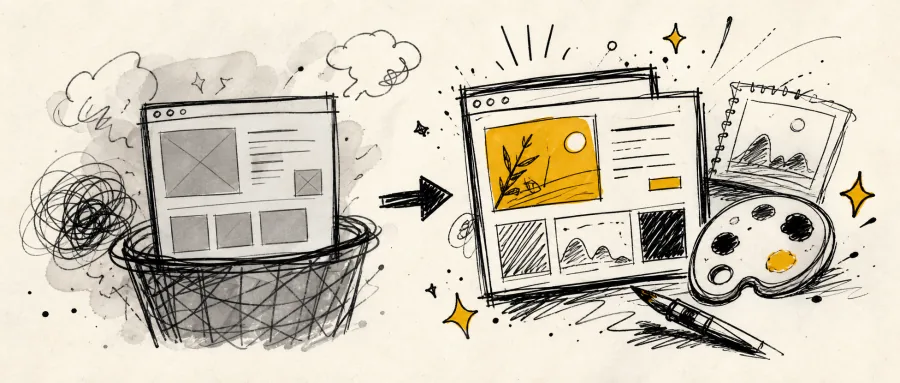
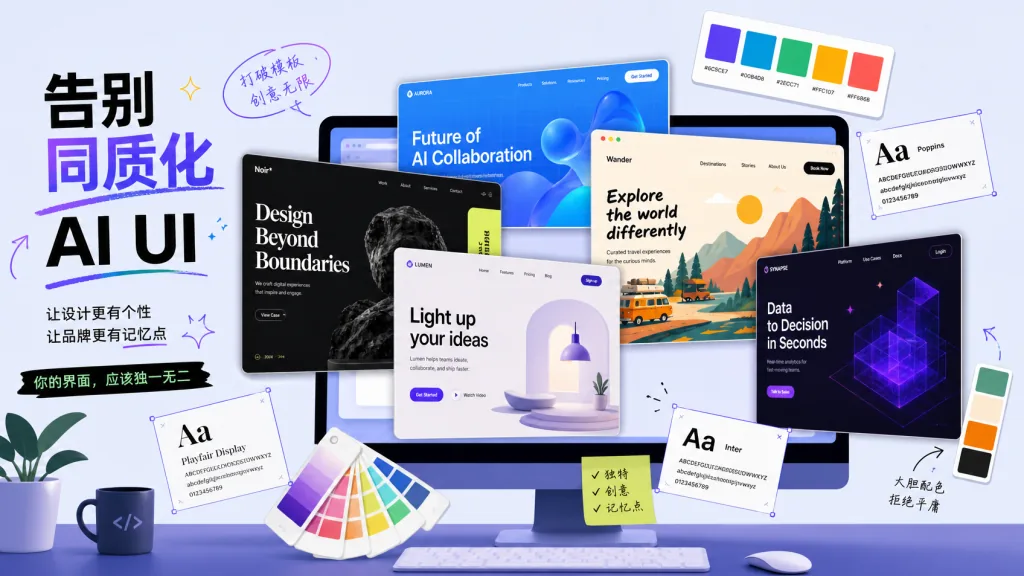
A frontend colleague just handed a design file to AI and asked for a first-pass homepage. What came back: 16px radii everywhere, a single pale-gray gradient shadow, every button blue-on-white, and illustrations that all looked like cousins of the same SaaS template. It's not that AI didn't do the work — it only knows one kind of "good-looking", the "safe option" that shows up most often in the training set and offends the fewest people.
So this article packages up four open-source projects built specifically to cure "AI flavor". Each attacks from a different angle, so interfaces produced by coding agents like Claude Code, Cursor and Codex feel a little less templated and a little more human.
2. Project rundown
| Repo | Stars | Main language | One-liner |
|---|---|---|---|
| Leonxlnx/taste-skill | 88.7k | JavaScript | An agent Skill that installs "taste" into AI so your UI stops looking like everyone else's |
| Nutlope/hallmark | 28.9k | CSS | A design-grade Skill running 57 anti-slop gates, with 21 themes ready to use |
| VoltAgent/awesome-design-md | 116.8k | — | 73 DESIGN.md files from real brands — drop one in and AI follows it |
| nexu-io/open-design | 97.2k | TypeScript | A local-first desktop app that turns coding agents into a design engine, with 20+ CLIs supported |
3. Project breakdown
Leonxlnx/taste-skill — giving AI actual taste
Taste Skill is a portable agent Skill, and its pitch is right there in the README: "gives your AI good taste". It doesn't replace your agent; it feeds the agent a systematic ruleset for typography, layout, motion and whitespace, cutting off those cookie-cutter "AI defaults" at the root. Once installed, the agent is constrained by these rules while writing JSX, CSS and layouts, and it stops producing pages you can spot as AI-generated at a glance.
It also ships image-generation skills that can generate reference boards for web, mobile and brand kits. Use them with image generators like ChatGPT Images first, then land the implementation with Codex / Cursor / Claude Code — a continuous workflow. MIT licensed and compatible with Vercel Labs' agent-skills system, so installation and migration are cheap.
- Fits: designers and engineers who write frontend with Cursor / Claude Code / Codex daily and are tormented by "AI flavor"
- Doesn't fit: pure backend projects, or command-line tools with no UI at all
Minimal setup
Just tell your agent:
Install this skill for me: https://github.com/Leonxlnx/taste-skill
Or do it manually:
npx skills add Leonxlnx/taste-skill
Once installed, say:
Build me a modern product landing page with real design sense — no AI flavor
Repo: https://github.com/Leonxlnx/taste-skill
Nutlope/hallmark — 57 gates that block AI slop
Hallmark takes a harder line: "a design skill that refuses to look AI-generated". Its core mechanism is 57 built-in slop-test gates — before the agent emits HTML/CSS, it automatically checks whether the output fell into the patterns LLMs produce most: "gradient hero + three-column features + rounded buttons + emoji decoration". If a gate trips, it forces a rewrite and runs a pre-emit self-check.
It also bundles 21 themes, from Cobalt's deep-blue technical look and Lumen's light modernism to Garden's organic style and Carnival's retro print feel. Two different briefs come out with completely different structures — not one template with a different colorway. Four accompanying verbs are genuinely useful: default generation of a new UI, hallmark audit <target> to audit existing code, hallmark redesign <target> to tear it down and rebuild, and hallmark study <screenshot/URL> to extract the DNA of a design you admire and output a portable design.md for other agents.
- Fits: teams that want the agent to output "differentiated design" rather than the "safe option"
- Doesn't fit: projects that only need an admin backend and don't care about visual differentiation
Minimal setup
Just tell your agent:
Install this skill for me: https://github.com/Nutlope/hallmark
Or do it manually:
npx skills add Nutlope/hallmark
Once installed, say:
hallmark audit ./src/landing
Repo: https://github.com/Nutlope/hallmark
VoltAgent/awesome-design-md — 73 brand DESIGN.md files you can copy outright
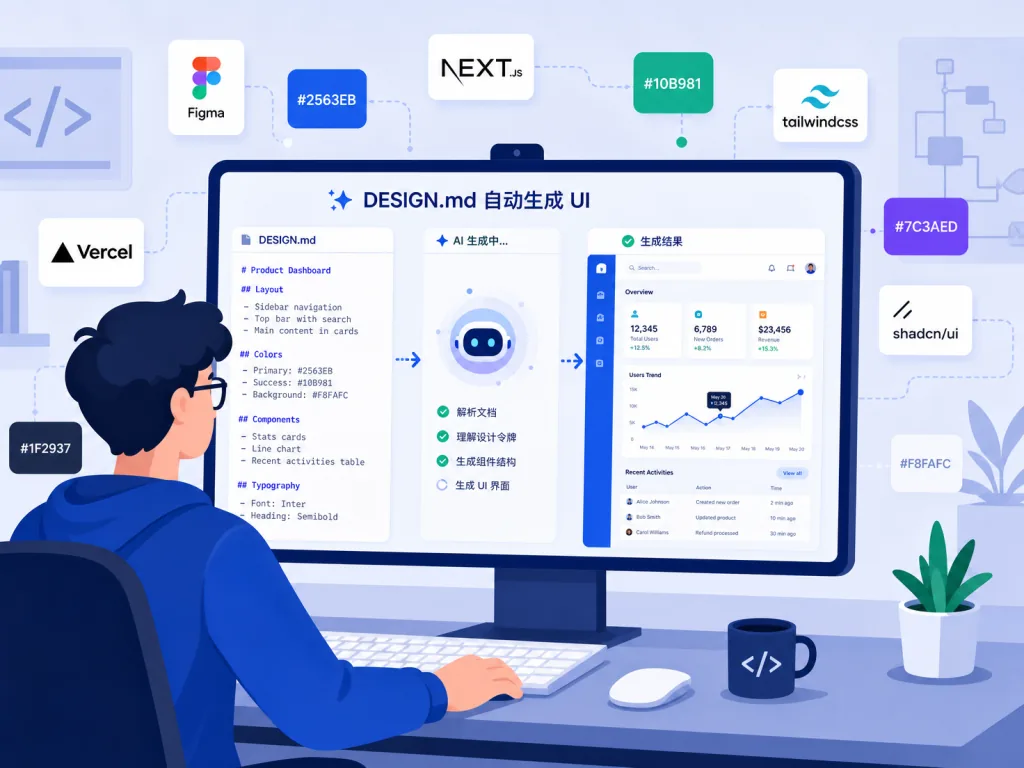
DESIGN.md is a new concept from Google Stitch: a plain-text design system document. An AI agent reads the Markdown and understands what your UI should look like. awesome-design-md collects 73 DESIGN.md replications of real websites, covering everything from Claude's warm-orange editorial feel and Cohere's gradient data vibe to ElevenLabs' dark cinematic mood and Mistral's French minimalist purple.
Usage is dead simple: pick a DESIGN.md you like, copy it to your project root, then tell your agent "build me a page that looks like this" — and the AI follows the palette, fonts, spacing and component rules inside. No Figma export, no JSON schema, just a Markdown file, and paired with AGENTS.md it becomes a complete "project spec". If the niche brand you want isn't listed, you can request a custom one at getdesign.md/request.
- Fits: developers who know exactly which brand's design language they want and want to start immediately
- Doesn't fit: visual work that must be fully original and unlike any existing brand
Minimal setup
Pick a DESIGN.md you like and download it to the project root:
curl -o DESIGN.md https://getdesign.md/claude/design-md
Then tell your agent:
Redo my homepage following the rules in DESIGN.md
Repo: https://github.com/VoltAgent/awesome-design-md
nexu-io/open-design — turning a coding agent into a design engine
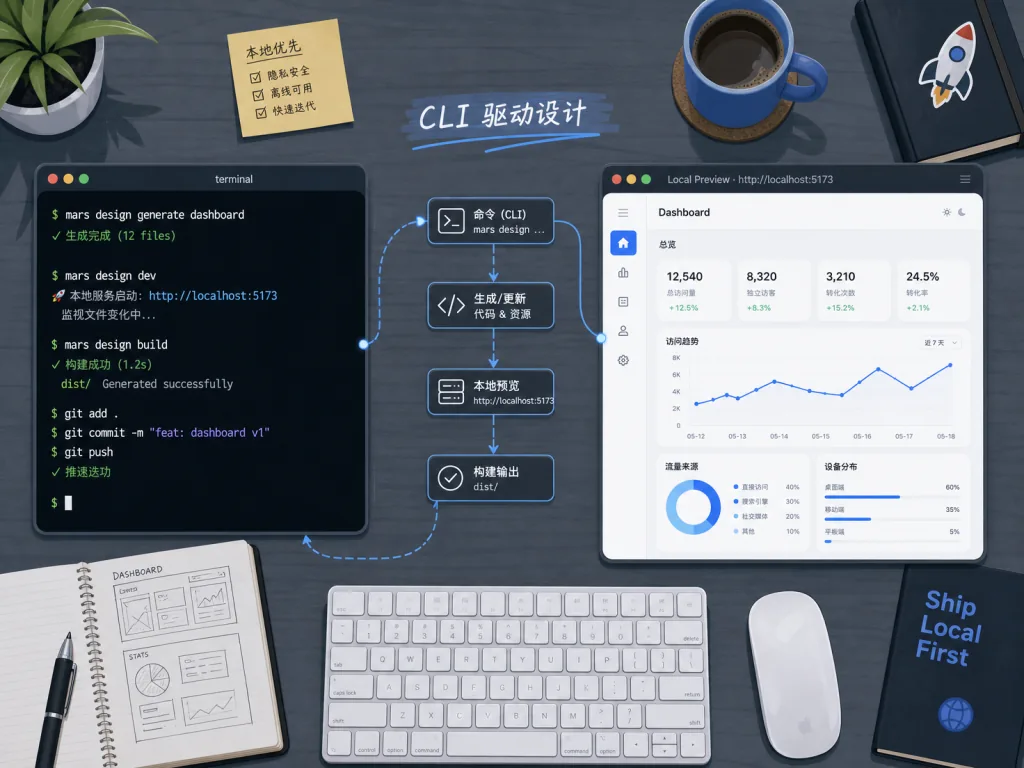
OpenDesign is the heaviest proposition in this group: a local-first desktop app that runs on macOS and Windows. Its core idea is to open-source Anthropic's Claude Design "agent-native" workflow — read the brief, set the direction, stream the generation, self-critique, deliver — and turn it into your own local studio.
It generates web, desktop and mobile prototypes, live dashboards, PPT decks, images, video and HyperFrames motion, with output formats covering HTML, PDF, PPTX and MP4. Under the hood it supports 26 CLIs including DeepSeek Harness (dsh), Claude Code, Codex, Cursor, OpenCode, Qwen and Copilot, plus BYOK connections to OpenAI-compatible endpoints. In effect it plugs every coding agent already on your machine into a design pipeline, and with a brand-grade DESIGN.md design system, ready-made plugins and sandboxed iframe previews, it forms a complete design → development workflow.
- Fits: teams that need an agent to close the loop from design file to code, run locally, and control cost with BYOK
- Doesn't fit: people who just want to install a Skill and tweak some CSS, and don't need a desktop app
Minimal setup
Download the installer from the Releases page:
https://github.com/nexu-io/open-design/releases
After launching, connect your agent with BYOK:
open-design connect --provider deepseek --key <your-api-key>
Then enter a brief on the Home screen:
Build me a SaaS product landing page, styled after Linear, dark theme
Repo: https://github.com/nexu-io/open-design
4. Takeaways and next steps
All four work independently, but with different emphases. taste-skill and hallmark are the lowest-barrier Skills — the former is a ruleset, the latter a theme library — and installing one gets you out of "AI flavor" immediately. awesome-design-md suits the case where you already have a specific brand in mind: copy one DESIGN.md in and you're done. open-design is for teams that want a localized, complete workflow and don't mind installing a desktop app.
If you only pick one, start with npx skills add Nutlope/hallmark today; if you want the combo, install taste-skill + awesome-design-md together.

#AIVideoEditing #ScriptedVideo #TalkingHeadVideo #TasteSkill #Hallmark #AwesomeDesignMd #OpenDesign #taste-skill #awesome-design-md #open-design