1. Opening: why you need this tool
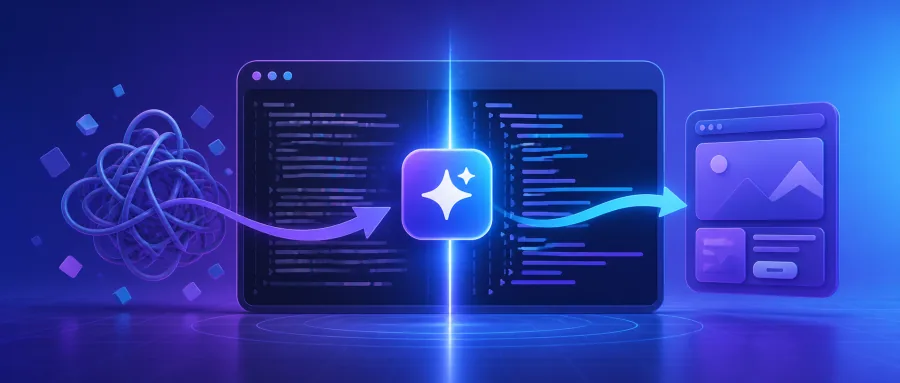
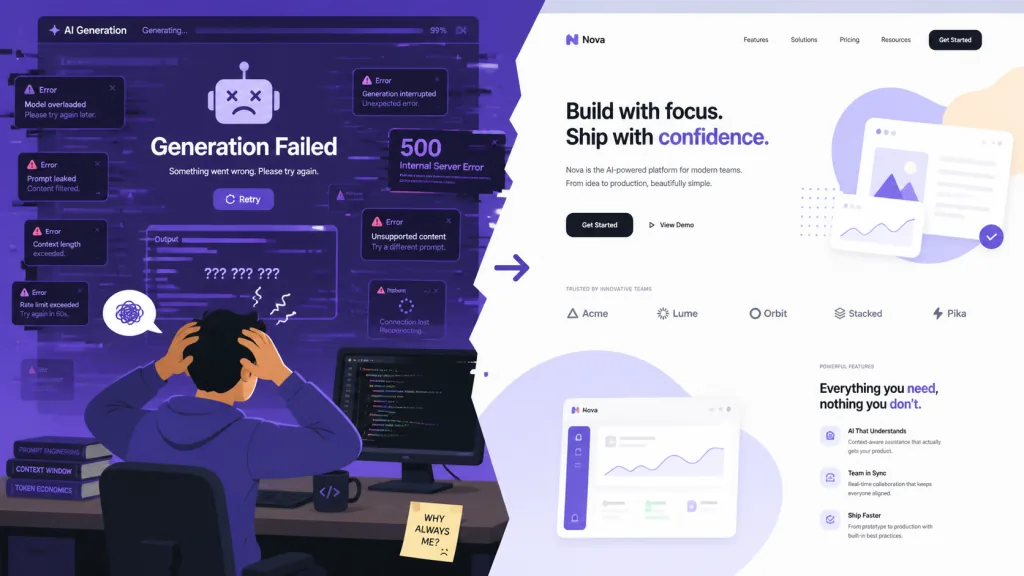
Anyone writing frontend pages with Cursor, Claude Code or Codex has hit the same wall: the code the AI produces runs, but the visuals are hard to describe — stacked centered heroes, spacing with no room to breathe, identical rounded buttons, and a screen full of harsh purple-to-blue gradients. Search "AI-generated frontend" on GitHub and the words that show up most in complaint threads are "ugly", "template-y" and "slop".
The term "AI slop" caught on in 2024, meaning low-quality, homogeneous content churned out by large models at volume. In design, slop has obvious tells: em-dash abuse, emoji as decoration, layouts so symmetrical they read as stiff, and a headline that always sits dead center. When 80% of a product's pages look the same, no amount of solid business logic can save it.
The more painful part: developers ask AI to "design it a bit better", write three pages of prompt, and the AI still fakes its way through. Taste isn't teachable through a handful of rules. It needs structured constraints, adjustable dials, and explicit bans on anti-patterns. That's the problem Taste Skill targets.
2. What it is, in one sentence
Taste-Skill describes itself as "The Anti-Slop Frontend Framework for AI Agents". It isn't a UI component library and it isn't a code generator — it's a portable set of Agent Skills, delivered through a SKILL.md instruction file, so mainstream AI coding assistants like Cursor, Codex and Claude Code automatically follow a research-backed design spec when writing frontend code.
Four keywords cover the core features: adjustable (dials), anti-slop, multi-scenario (variants), framework-agnostic. On GitHub it has reached 73,499 stars (as of the current data), making it one of the most popular frontend-design projects in the Agent Skills ecosystem, sponsored by the Vercel open source program. The latest major version is v2 (experimental), a substantial rewrite of v1.
3. Core features in depth
1. Three adjustable dials: from "template" to "personality"
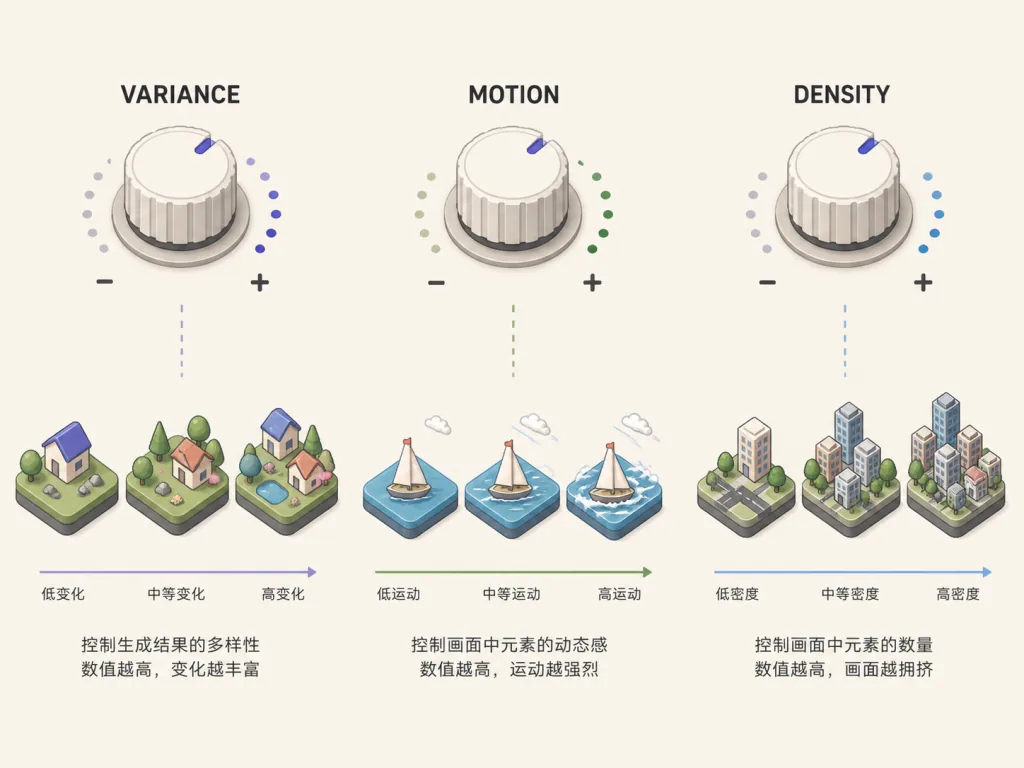
The most inventive part of Taste Skill is that it exposes three 1–10 numeric dials at the top of SKILL.md:
- DESIGN_VARIANCE: how experimental the layout is. Low values (say 3) produce centered, tidy, conservative composition; high values (say 8) produce asymmetric layouts that break the grid and feel aggressively modern.
- MOTION_INTENSITY: how deep the animation goes. Low values keep only hover feedback; high values unlock scroll-driven animation, magnetic snapping, GSAP timelines and the like.
- VISUAL_DENSITY: how much information sits on each screen. Low values give the generous whitespace of a high-end site; high values suit data-dense dashboards.
These dials aren't decoration. They're written into the AI's prompt-engineering constraints, so a developer can switch styles per project type (a brand site versus a SaaS console) without rewriting the whole ruleset.
2. Many variants: one repo, ten design languages
The repo's skills/ directory holds a dozen-plus independent skills, each tied to a design direction or workflow:
design-taste-frontend: the general default (v2 experimental).high-end-visual-design(soft-skill): soft, premium, restrained, heavy on whitespace and elastic animation.minimalist-ui: editorial product style, benchmarked against Notion and Linear.industrial-brutalist-ui: Swiss type, hard contrast, experimental composition.redesign-existing-projects: UI audit and redesign for an existing project.image-to-code: an end-to-end image → analysis → implementation pipeline.gpt-taste: reinforced rules for GPT/Codex.full-output-enforcement: stops the AI from shipping half-finished output or leaving TODO comments.
This "one repo, many styles" design saves developers from swapping tool stacks for every project.
3. Image generation skills: hand the reference image to AI too
Taste Skill doesn't just handle code — it handles reference images. The repo ships three image generation skills: imagegen-frontend-web (web composition), imagegen-frontend-mobile (mobile UI) and brandkit (brand identity board). These output reference images, which you pair with ChatGPT Images or Codex's image mode to produce visual comps, then feed into Cursor or Claude Code for the frontend. That "visuals first, code second" flow is one of the most effective ways to do AI-assisted design right now.
4. Hard anti-slop rules
The README and CHANGELOG spell out some hard bans, for example:
- A hard em-dash ban (introduced in v2): em-dash abuse in AI-written English copy is treated as a slop signal, and the rules require periods or line breaks instead.
- Color anti-patterns: default AI palettes like "centered symmetric purple-blue gradients" are banned.
- Placeholder ban: together with
full-output-enforcement, placeholder comments like// TODOare forbidden.
4. Technical highlights and performance data
Architecture: Taste Skill follows the Agent Skills open standard proposed by Vercel Labs, declaring skill metadata through SKILL.md frontmatter. That means any agent compatible with the standard (Codex, Cursor, Claude Code, Gemini CLI and others) can discover and load these skills automatically, with no per-platform adaptation.
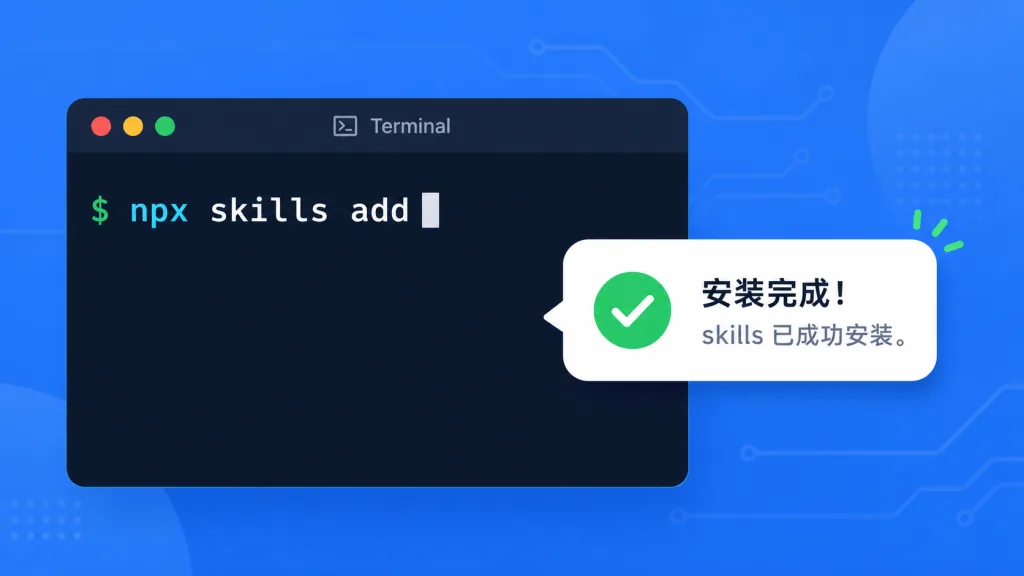
Install experience: one command — npx skills add https://github.com/Leonxlnx/taste-skill. It supports on-demand installs (specified by install name), can be pinned back to v1, and single files can be copied into a local project. Very flexible.
Ecosystem fit: the project is certified by the Vercel open source program and interoperates with the vercel-labs/agent-skills ecosystem. Sponsors include IMG.LY, Emil Kowalski (author of animations.dev) and Sent.dm, spanning creative SDKs, motion teaching and messaging APIs — indirect proof of its standing among professional developers.
Version evolution: v1 to v2 is a real rewrite, adding Brief inference, a design-system map, canonical GSAP code skeletons, a redesign audit protocol and a strict pre-flight check. Star History shows steady growth since launch; it's a phenomenon-level project in the 2025–2026 AI Agent Skills space.
5. Who it's for
Good fit:
- Indie developers / startup teams: building product landing pages, brand sites and marketing sites fast with Cursor + Claude Code, and wanting the first version to look presentable.
- Design-sensitive frontend engineers: allergic to the "template feel" of AI output, willing to spend 10 minutes turning dials for a different look.
- AI Agent app developers: extending their own agents on the Vercel Agent Skills standard and needing a reference implementation.
- Design educators: researching "how to teach AI taste" — Taste Skill's
research/directory holds plenty of background papers.
Concrete scenarios:
- Use
design-taste-frontendwith a high VARIANCE dial for an asymmetric SaaS landing page. - Use
redesign-existing-projectsto modernize an old React admin interface. - Use
imagegen-frontend-web+image-to-codefor an end-to-end reference-image → implementation flow. - Use
industrial-brutalist-uifor an artist's portfolio site.
Bad fit: maintainers of legacy projects that depend entirely on v1 behavior and won't upgrade; pure backend projects with no design requirements; minimalists with zero tolerance for prompt engineering.
6. Comparison
| Project | Positioning | Adjustable dials | Multiple style variants | Framework-agnostic | Anti-slop rules |
|---|---|---|---|---|---|
| Taste Skill | Agent Skills (instruction pack) | ✅ Three dials | ✅ 10+ variants | ✅ | ✅ Hard bans |
| shadcn/ui | Component library + CLI | ❌ | ❌ | ✅ React | ❌ |
| v0.dev | All-in-one generation | ⚠️ Prompt level | ⚠️ Limited styles | ⚠️ React/Next | ❌ |
| Cursor built-in rules | In-IDE prompts | ❌ | ❌ | ✅ | ⚠️ Hand-written |
Taste Skill's edge: it only specifies "what not to do" and "how to make tradeoffs" — it never forces a UI library or framework. That means you can use the same design rules in Vue, Svelte, SolidJS or plain HTML, whereas projects like v0 and shadcn are hard-bound to a specific stack.
7. Getting started
One-line install (recommended):
npx skills add https://github.com/Leonxlnx/taste-skill
This scans the repo's skills/ directory and installs every skill.
On-demand install:
npx skills add https://github.com/Leonxlnx/taste-skill --skill "design-taste-frontend"
Minimal working example: once installed, type this into a Cursor or Claude Code chat:
Use design-taste-frontend, set VARIANCE to 7, MOTION_INTENSITY to 5, and build me a landing page for a coffee brand.
The AI then loads that skill's three dials, anti-slop rules and GSAP skeletons, and outputs code with obvious design intent.
Advanced tips: first use imagegen-frontend-web to generate 3 reference images, pick one you like, then implement it end-to-end with image-to-code. If the v2 experimental build doesn't suit you, pin v1 explicitly: --skill "design-taste-frontend-v1".
8. Takeaways and next steps
Taste Skill solves a real problem that has long been ignored: writing frontend with AI isn't hard; writing good-looking frontend is. Through adjustable dials, scenario-specific variants and strict anti-slop rules, it turns "design taste" from a vague prompt into an enforceable constraint system. 73K stars, official Vercel sponsorship and backing from several leading tech companies all suggest this is a project worth following and learning.
Three suggestions for readers:
- Try it today: install the default skill with one command, then set the three dials to non-default values (VARIANCE=7, MOTION=5, DENSITY=4) on your next AI coding task and feel the difference.
- Pick a style per project:
high-end-visual-designfor brand sites, the default plus high DENSITY for admin consoles,industrial-brutalist-uifor portfolios. - Watch the CHANGELOG: v2 is still evolving fast; read
CHANGELOG.mdand weigh the upgrade risk before pinning.
Project links:
- GitHub: https://github.com/Leonxlnx/taste-skill
- Website: https://tasteskill.dev
- Changelog: https://www.tasteskill.dev/changelog
One-line recommendation: instead of letting AI keep generating purple gradients, install Taste Skill into its head — taste is harder to teach than code, and this actually does it.