Title options (pick 1 of 3)
Still fighting AI-generated UI that drifts off-brand? This corpus of 73 design specs is the cure
awesome-design-md: let AI read the visual language of Stripe and Linear directly
No designer required — awesome-design-md lets you replicate 73 big-brand interfaces
1. Does this still give you headaches?
What's the most maddening moment when you ask AI to build a page for you?
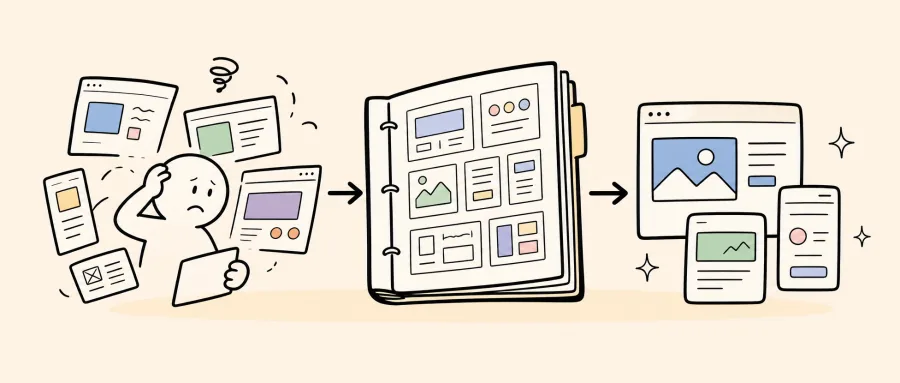
Your prompt is crystal clear, yet the UI that comes back looks like it belongs to a different company — colors drift, font sizes jump around, buttons are sometimes round and sometimes square, and none of it matches the product's character. The problem is that AI can't "read" your design intent, and the design file is sitting in Figma where the AI can't consume it.
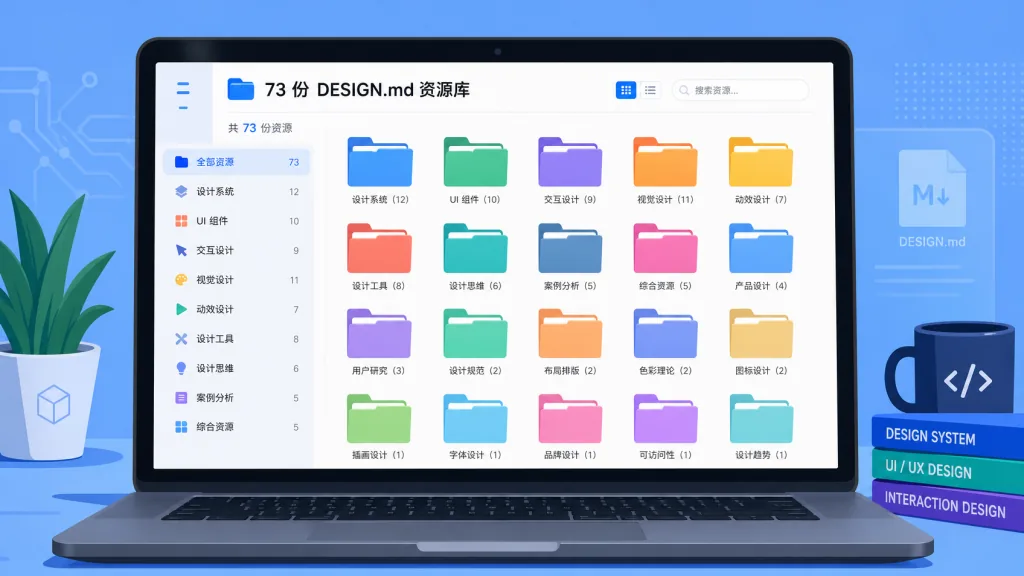
Awesome DESIGN.md collects 73 DESIGN.md files reverse-engineered from real websites — Claude, Stripe, Linear, Apple, Tesla, Starbucks and other leading products — essentially handing you 73 "visual instruction manuals" for free.
2. The project in one sentence
Awesome DESIGN.md is a collection of DESIGN.md resources. DESIGN.md is a plain-text design system document proposed by Google Stitch; AI coding agents can read it directly and then generate visually consistent UI. The repo currently covers 73 sites and keeps growing, open source under the MIT license.
3. A deep dive into the core features
1. Copy a DESIGN.md and you're done
Each site comes with a DESIGN.md plus two visual catalogs, preview.html and preview-dark.html, laying out colors, type sizes, buttons and cards for eyeball comparison. Download the DESIGN.md, drop it in your project root, tell the AI "build it in this style", and you get a page whose character closely matches the target site.
2. A nine-section structure covering every design dimension
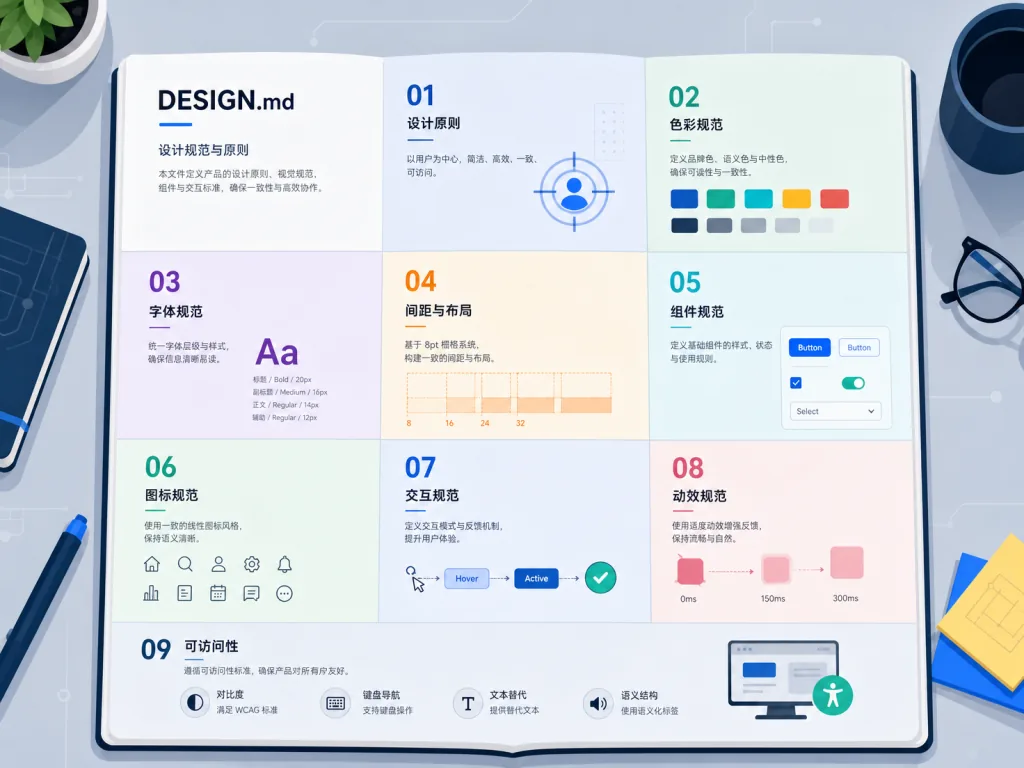
Every DESIGN.md strictly follows the Stitch spec, expanded into nine sections: visual atmosphere, color and semantic roles, type hierarchy, component styles, layout principles, depth and shadow, Do/Don't rules, responsive breakpoints, and an agent prompt cheat sheet. Compared with shallow input like "here are a few screenshots", this structured description lets the AI absorb tokens, rules and usage in one pass.
3. A design corpus spanning ten categories
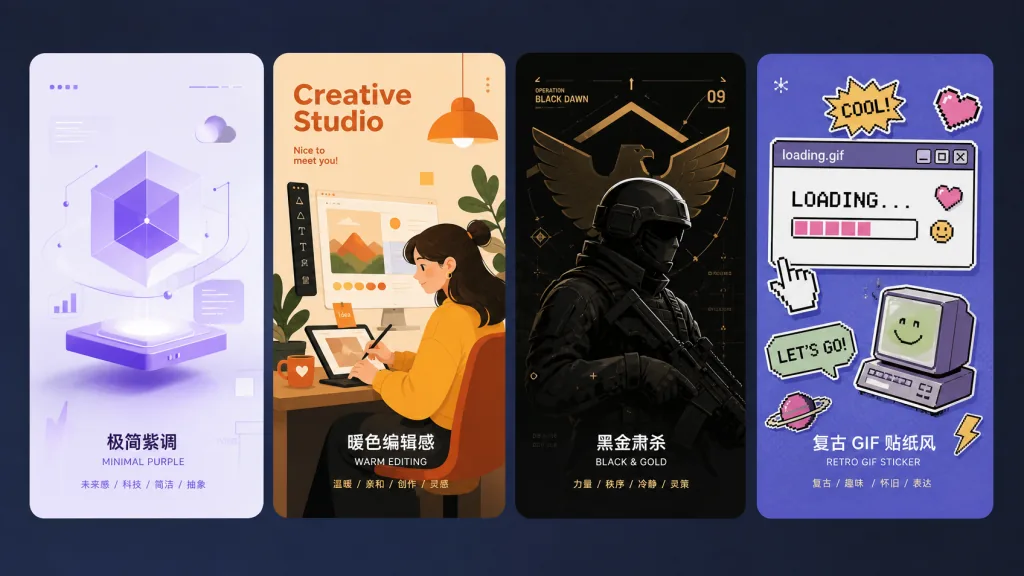
The repo covers ten categories — AI and LLM platforms, developer tools, backend and databases, productivity SaaS, design tools, fintech, e-commerce and retail, media and entertainment, automotive, and retro web — with 73 real-site corpora. Styles range from Stripe's purple minimalism to Lamborghini's black-and-gold severity, from Mastercard's warm editorial feel to Dell 1996's GIF-sticker look. A single repo is basically enough to support visual research for one AI product.
4. An ecosystem that closes the loop
If a site isn't covered yet, you can request it via getdesign.md, and paid requests cover private sites too. If you'd rather not build a project from scratch, the associated LaunchKit provides complete out-of-the-box product templates; if you want automated marketing distribution, EveryFeed plugs into 35+ channels for direct publishing.
4. Technical highlights and performance numbers
- Scale: 73 DESIGN.md files covering 10 major categories.
- Format: a strict nine-section expansion of the Google Stitch DESIGN.md Specification.
- Engineering-friendly: plain Markdown files, no build tooling, no JSON Schema, parsed directly by LLMs.
- Companion files: each site ships
preview.htmlandpreview-dark.htmlfor light and dark visual reference. - License: MIT, free for commercial use and redistribution.
- Ecosystem: integrated with the VoltAgent stack, upstream to getdesign.md custom requests, LaunchKit templates and EveryFeed distribution.
5. Who it's for
- Teams prototyping with Cursor, Claude Code, Lovable and similar AI coding assistants who want brand-consistent UI output can use the matching site's DESIGN.md as an anchor.
- Small teams without a design system yet can borrow big-brand corpora to stand up a visual skeleton, then swap in their own brand assets later.
- Design research, competitor visual teardowns and retro web recreations — entries like Dell 1996 or Nintendo 2001 are ready to use.
- Not for: professional design teams that need Figma source files or pixel-perfect deliverables; purely manual development workflows that never generate UI with AI.

6. Competitive comparison
| Resource type | Typical option | Difference from Awesome DESIGN.md |
|---|---|---|
| Figma community templates | Figma Community | Beautiful source files, but AI struggles to read them directly and conversion is needed |
| Tailwind UI / shadcn | Tailwind UI, shadcn/ui | Provides component code, but styles are relatively uniform and lack cross-brand corpora |
| Design token JSON | Style Dictionary output | Structured, but costly for LLMs to parse — less natural than Markdown |
| AI design prompt collections | Various prompt repos | Stuck at the "one paragraph of description" level, lacking standardized tokens and rules |
Awesome DESIGN.md's differentiator is the combination of three things: reverse-engineered real sites, the Stitch-spec structure, and Markdown's natural fit for LLMs. One repo replaces all four resource types above.
7. How to get started fast
- Clone the repo:
git clone https://github.com/VoltAgent/awesome-design-md. - Pick a target site under
Collection— for example, if you want to build something like Linear, locate theLinearentry. - Copy the matching
DESIGN.mdinto your project root, and dragpreview.htmlinto a browser to eyeball the colors and component styles. - Open Cursor or Claude Code and prompt: "Based on the
DESIGN.mdin the project root, generate the hero section, pricing page and signup form for me, outputting React + Tailwind code." - Advanced tip: create a
design/directory to hold DESIGN.md files, previews and font specs in one place, then have the AI re-read DESIGN.md before generating each component to avoid context drift.

8. Takeaways and next steps
With 73 real-site corpora, Awesome DESIGN.md turns AI UI generation from "guessing the style" into "reading the spec". Its greatest value isn't that it looks good — it's that years of accumulated big-brand visual language are compressed into a Markdown file an AI understands instantly, ready to ship with the Stitch toolchain.
Next step: start with the 1-2 sites your product benchmarks against, copy their DESIGN.md and try one generation to see how the AI performs against a spec, then decide whether to bring it into your team's workflow systematically. Project: https://github.com/VoltAgent/awesome-design-md — MIT licensed, copy it and use it commercially.

#awesome-design-md #AwesomeDesignMd #voltagent #AIAgent #AIWorkflow #Automation #OpenSource #GitHub