
Title options (pick 1 of 3)
Keeping a BT kitty in your terminal: tork bundles search, trackers and ISOs into one binary
Three fewer services to run: this Go kitty compresses BT aggregated search to under 200ms
No Web UI, yet every tracker is under control: tork's counterintuitive approach to BT
A "cat" in the terminal that covers BT search, tracker merging and ISO downloads
Scroll through BT clients on GitHub and most look like download tools from the last century — screens full of buttons, floating pop-ups, and an account login demanded at every turn. Linux power users who just want to grab an Ubuntu or Debian image cleanly from the terminal still have to assemble the qbittorrent-nox, Jackett and cross-seed trio themselves. Then came tork, a project with an ASCII kitten, whose goal is blunt: get search, tracker merging, SOCKS5 proxying and official ISOs done in one place.
1. Intro: why you need this tool
Installing Jackett alongside qBittorrent, writing RSS rules, then adding cross-seed for automatic seeding is a “standard move” for plenty of people. Assembling that stack takes 1–2 hours, and the more rules you have the more maintenance it needs — not to mention the port-forwarding headaches macOS users hit when setting up transmission-daemon + Sonarr/Radarr. A student who just wants one 1080p documentary shouldn't have to open a whole Web UI full of noise. tork's answer: pack search, trackers, proxy and ISOs into one TUI, start in under 200ms, and keep config in ~/.tork/config.yaml.
2. Project intro: what tork is
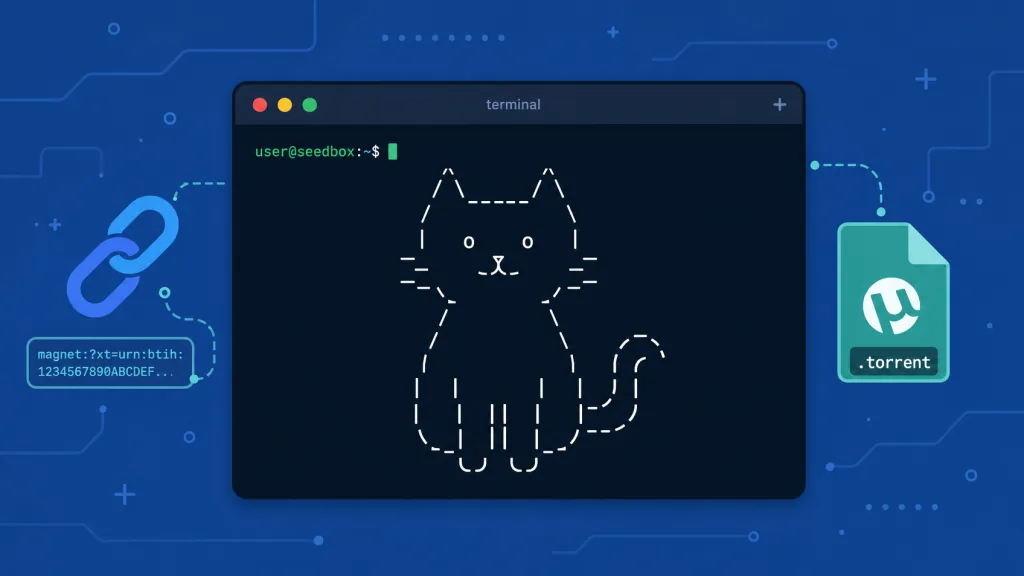
tork is a terminal BT client + aggregated search engine written in Go, currently at 206 stars on GitHub. What it does is deliberately restrained: search public indexes such as Knaben / YTS / Nyaa, merge the trackers a single resource has across multiple indexes, preview magnets, proxy through Tor when needed, and offer one-stop official Linux ISO downloads. The keywords are “lightweight, aggregated, privacy-friendly.”
3. Core features in depth
1. Multi-index aggregation + tracker merging
tork supports Knaben, YTS and Nyaa out of the box, plus custom RSS or Torznab feeds. The most valuable part is the dedupe behavior: when the same magnet appears across three indexes, tork shows it as one row and tags the tail of the result with yts+2, meaning “the other two indexes also carry this resource.” Press v to switch to the detail panel and see the full source list. When a download starts, tork announces using the merged tracker list from all sources, which gives a few more swarm routes than a single index — noticeably helpful in practice when dealing with dead links.
2. One-key official Linux ISO mirrors
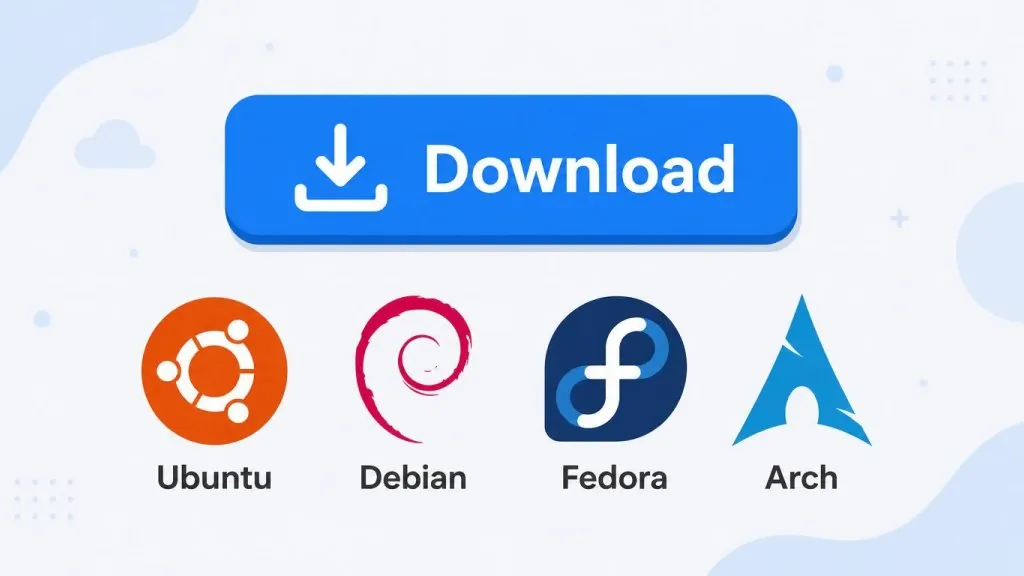
When downloading Ubuntu / Debian / Fedora, the big fear is a hijacked mirror. tork ships official download entries for Ubuntu, Debian, Fedora, Arch, NixOS, Proxmox and more; press i to open the isos page, hit Enter to download straight from the official signed link, and skip hunting mirror sites one by one and checking checksums yourself.
3. Strict SOCKS5 / Tor proxying
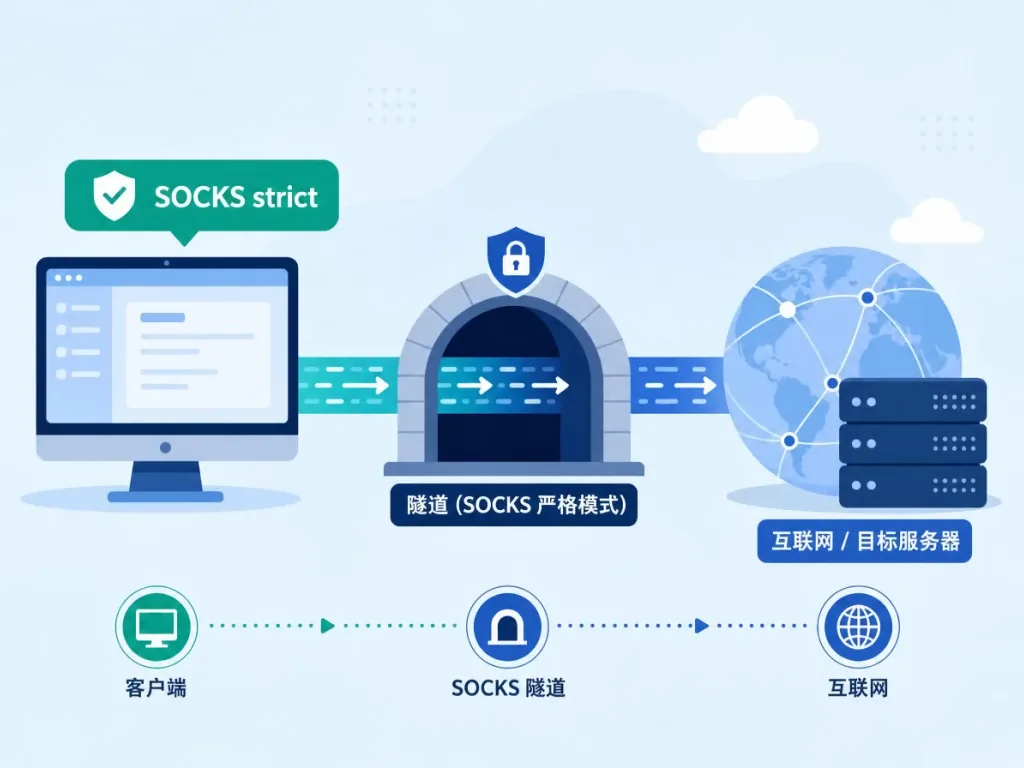
tork proxy tor connects to a local Tor instance in one command. tork runs in strict mode: search, ISO requests, HTTP trackers and outbound TCP peers all go through the proxy, while DHT, uTP, UDP trackers, inbound peers, port mapping and WebTorrent are actively disabled to eliminate “proxy leaks” at the root. The SOCKS strict badge at the top of the TUI only upgrades to ((o)) Tor strict after passing verification through the Tor Project's check service.
4. Autopilot natural-language planning (in development)
tork autopilot "all breaking bad seasons 1080p under 40GB" lets the little “cat” plan for itself. It lists candidates, explains its reasoning, then asks you to confirm adding them to the queue; add --headless and --yes and you can drop it into cron.

4. Technical highlights and performance data
tork's BT core comes from anacrolix/torrent, and the author exposes only a handful of tuning knobs in the torrent_tuning section (half_open, peer_high_water, etc.), leaving the rest at library defaults. Direct HTTP downloads follow a “confirm the server supports Range and the resource is stable, then shard” strategy; files under 10MB or incompatible servers automatically fall back to a single-connection download. Sharded downloads support resume, verification uses SHA-1/256/512, and the final file only lands on disk after the digest check passes — no half-finished torrents. The config directory defaults to 0600 permissions, and sensitive URLs are entered through a hidden terminal prompt so they never reach shell history. Startup time is in the millisecond range, and memory use is noticeably lower than transmission-daemon + Web UI.
5. Use cases and audience
- Downloading Linux distros: arch/nixos users switching distros or making backups can grab official ISOs with familiar shortcuts.
- Privacy-sensitive downloads: students doing OSINT for papers need Tor routing without hand-writing iptables rules.
- Low-footprint HTPC / server: on old hardware or a NUC where you don't want a Docker stack, tork's single binary + config file can live there permanently.
- Less suitable for: heavy automated cross-seeding, racing hot new releases, or remote management via a Web UI — qBittorrent + cross-seed is still smoother there.
6. Comparison with alternatives
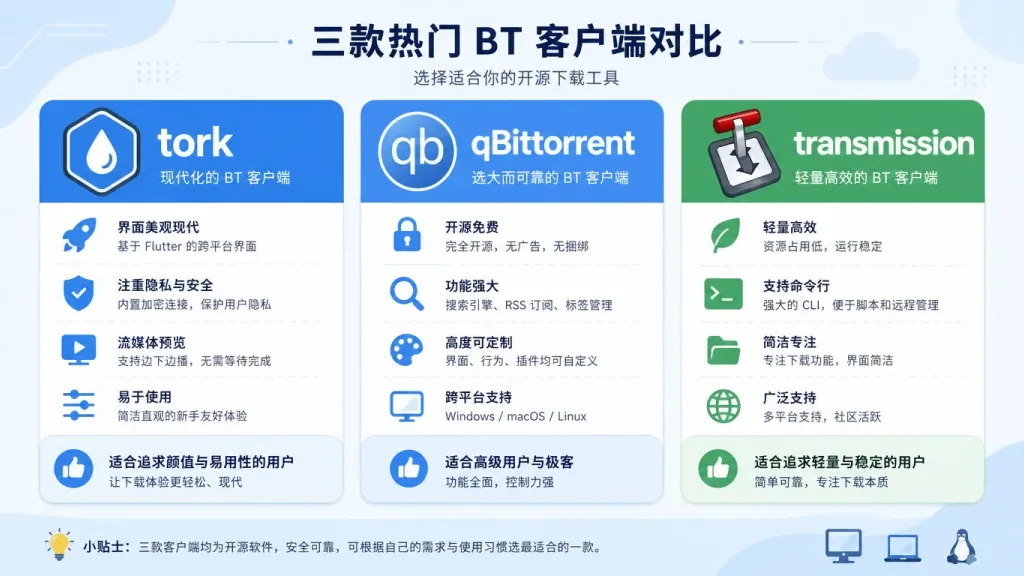
| Dimension | tork | qBittorrent + Jackett | transmission-daemon |
|---|---|---|---|
| Interface | Pure TUI | Web UI | Web UI / CLI |
| Multi-index aggregation | Built-in dedupe + tracker merging | Needs cross-seed | None |
| Proxy support | Strict SOCKS5/Tor mode | Manual setup | Ordinary proxy |
| Resource usage | Very low | Moderate | Moderate |
| Official ISO sources | Built-in | Needs RSS | None |
tork's strength is the combination of lightweight + aggregation + privacy; its weakness is the missing GUI and an automation ecosystem still being fleshed out.
7. Getting started quickly
For macOS users:
brew tap melqtx/tap && brew install tork
Arch and Nix:
yay -S tork
nix run github:melqtx/tork
Direct Go install (1.26+):
go install github.com/melqtx/tork/cmd/tork@latest
On first launch press ? for the shortcut panel. To try the Tor proxy:
tork proxy tor
tork doctor --proxy-check
The config file ~/.tork/config.yaml ships with commented templates; enable metadata_cache or periodic health self-checks as needed.
8. Summary and next steps
tork stuffs “search → tracker merging → strict proxy → official ISOs” into a little ASCII kitten shell written in Go, and it's especially friendly to terminal users, privacy-conscious users and lightweight servers. The project is still iterating fast and the Autopilot subcommand is already on the way, but the default behavior is enough to replace most “BT download + index aggregation” glue scripts.
If you're tired of bouncing between qBittorrent + Jackett + cross-seed, adopt a “cat”: the repo is github.com/melqtx/tork, MIT licensed, issues and PRs welcome.
⚠️ Only download content you have the right to obtain and share — official Linux ISOs, public-domain media, your own files. A proxy is not anonymity.
#tork #Tork #melqtx #CLI #DevTools #OpenSource #GitHub