Pick a title (1 of 3)
Hands-on with CS Board: upload a voice clip and a script, get a whiteboard animation video
CS Board at 768 stars: seven whiteboard-video steps squeezed into one local workbench
No drawing skills for a whiteboard explainer? CS Board's local pipeline says otherwise
CS Board: give it a voice clip and a script, and it hands back a talking whiteboard animation
1. Intro: still losing sleep over this?
A 60-second spoken video takes a script, voice-over, storyboard, motion design and subtitle timing in the traditional workflow — easily half a day. And if what you want isn't a live-action vlog but a clean whiteboard explainer drawn from scratch, the workload doubles again. The AI era looks like it has plenty of tools to help: TTS, image generation and voice-over each cover their own part. But stringing them into a pipeline that actually runs, with narration, visuals, subtitles and hand-drawing rhythm all in sync, is where most people stall out at "I've only played with each tool separately." CS Board (Whiteboard Sound & Vision Workshop) compresses that pipeline into one local workbench — 768 stars, Python as the primary language — with a single goal: upload a reference audio clip, paste a Chinese script, click once, get an MP4.
2. Positioning: what problem it actually solves
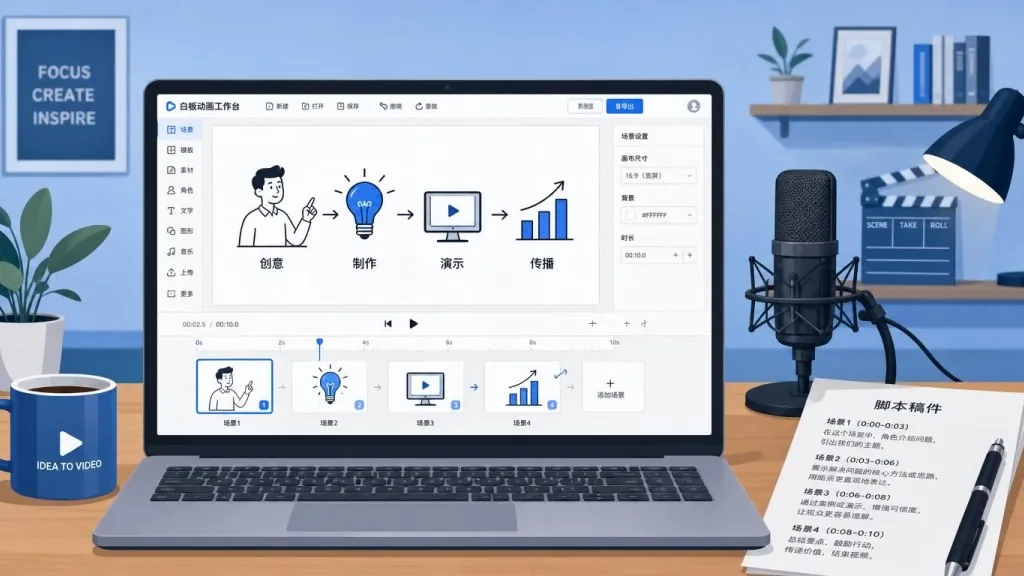
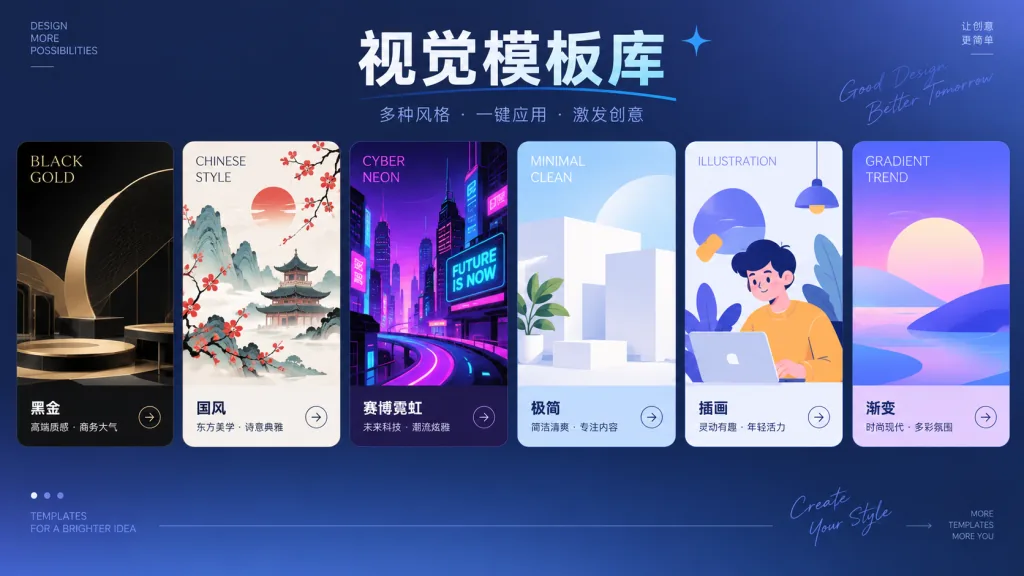
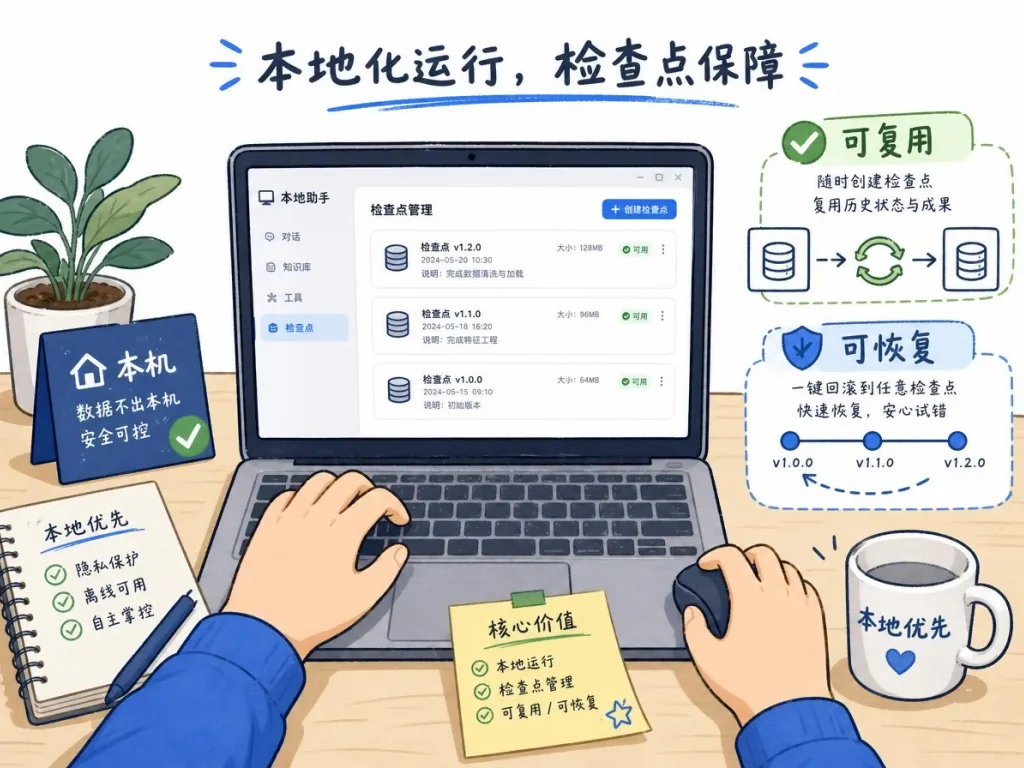
CS Board calls itself a "local AI video production workbench." Its core features boil down to four keywords: local voice cloning (wired to IndexTTS 2.5 Gradio/FastAPI, reference audio never leaves your machine), 12 visual templates (minimal whiteboard, Chinese classical, cyber neon, black-gold launch event, 3D clay and more), dynamic infographics (text and images appear item by item on the real narration timeline, so visuals never run ahead of the voice), and task reuse and resume (checkpoints for voice-over, storyboard, images and segment videos). Assets, keys, task history and final cuts are stored in the local .webapp/ directory by default; teams on the same LAN can share one production queue, while each person's production preferences stay in their own browser. Compared with the previous release, this version adds a standalone voice library, a style library, an IndexTTS settings page, a text-to-image workbench, and per-object grouping for hand-drawing rhythm.
3. Core features in depth
1. Three production modes cover most Chinese video scenarios
"Standard production" is for validating a content direction fast: upload audio and script, pick a visual template, and the system breaks the script into scenes, unifies the visual style and composites the whiteboard animation. "Custom reference" is for fixed IP or branded content: add a style reference image plus up to 5 characters with 1–3 reference images each; the system casts characters according to the script instead of copying the people in the reference images directly. "Dynamic infographic" is for content where the audience has to understand while listening: it first builds a phrase-level timeline from the real narration, then generates chapters, key points and the text-image structure; every element appears only after the corresponding speech begins, so visuals never run ahead or lag behind. All three modes share the same voice and script input, so switching costs nothing.
2. A local voice library with 33 sample voices out of the box
Reference audio management is the key step from "scattered across folders" to "one central workbench." CS Board ships a standalone /voices page: search by name, filename or format, browse with pagination, audition, add, rename and delete, with voices stored in .webapp/voices/. The repo bundles 33 real sample voices across 5 pages, including Trump (Qwen3), Sun Wukong, Zhu Bajie, Tang Seng, Sha Seng, Lin Daiyu, Jia Baoyu, Cao Cao, Peppa Pig, Crayon Shin-chan, news broadcast, documentary narration, child voice and more — these are showcase content for the voice library and are not included by default after download. Most importantly: submitting a task copies the voice into the task directory, so deleting or renaming a voice afterwards never affects tasks already generated.
3. Fine-grained preprocessing for Chinese readings, terms and hyphens
TTS text preprocessing only affects the text sent to IndexTTS; the original text is still used for the storyboard, page content and subtitles. Before synthesis it automatically protects technical terms such as GPT-5 and Qwen3-TTS, and converts plain hyphens by context: number ranges like 3-5 become the spoken form "3到5" ("three to five"), negative numbers like -2 become "负2" ("minus two"), and other hyphens become pauses. Polyphonic phrases live in pronunciation.yaml at the repo root:
phrases:
  - phrase: 银行
    char: 行
    pinyin: HANG2
So 银行 (yínháng, "bank") is rewritten as 银<行|HANG2> in the TTS text only; the storyboard, pages and subtitles keep the original text. To add a reading, just add one rule containing phrase, char and pinyin.
4. A standalone text-to-image workbench that reuses the same API config
The new /image-generator lets you generate images without submitting a video task: type a prompt, optionally pick a style from the shared style library, use the configured image model service, set size and quality, then preview and download the result as PNG. Only the latest 4 results stay in the current page session; after a refresh they never enter the video task history. This is great for the "try a few images and check the style first" workflow — no need to redo a whole video because one attempt failed.
4. Technical highlights and performance data
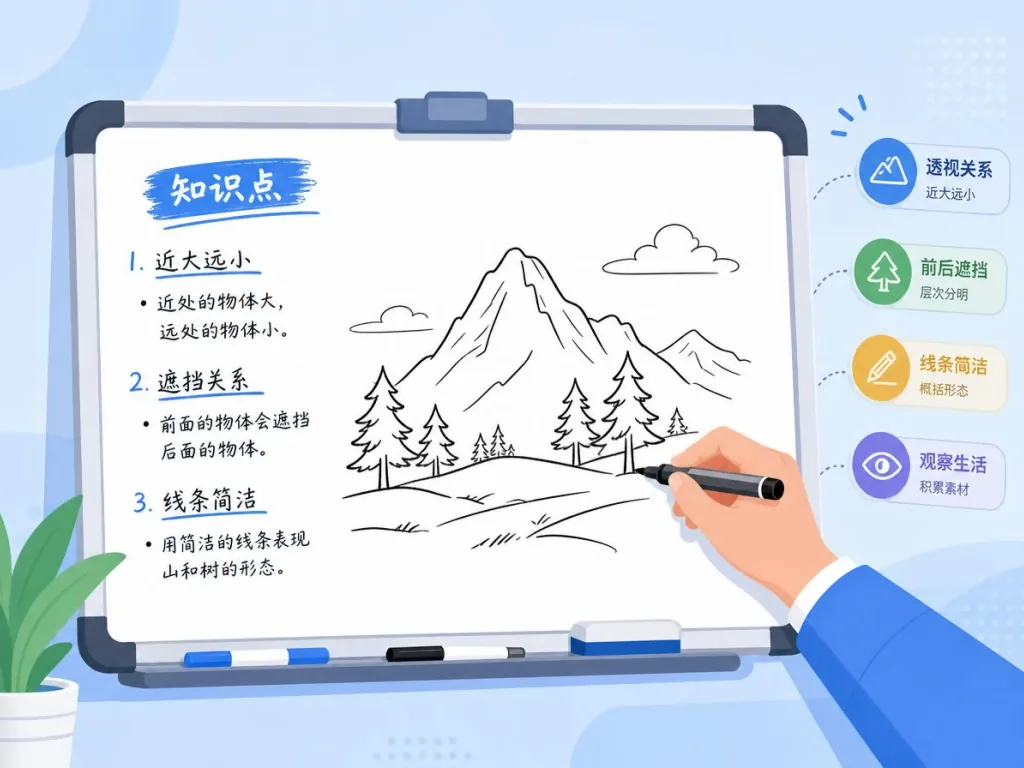
CS Board's stack is built around "local-first plus checkpoint recovery." The frontend is React, the backend is FastAPI, video rendering uses Remotion (needed for the dynamic infographic mode), and inference depends on an external IndexTTS 2.5 service (Gradio usually at http://127.0.0.1:7860, FastAPI usually on port 8000); image and text generation go through an OpenLux-compatible API (default gpt-5 for script breakdown, default gpt-image-2 for images). Three architectural highlights: first, task reuse and resume — voice-over, storyboard, images, segment videos and the final cut all have checkpoints, so changing render settings doesn't require calling the model again; second, object-level hand-drawing rhythm — adjacent strokes are drawn continuously per object, with time allocated by stroke length and turn complexity to avoid pen jumps between objects; third, a configurable video output directory — the final MP4 can be saved elsewhere while intermediate images, audio and checkpoints stay in .webapp/jobs/<task ID>/. Controlled pacing covers 16:9 landscape, 9:16 portrait and 1:1 square, plus a subtitle toggle, the account name on the pen body, 4 levels of line-drawing amount, and a density setting of 1–4 scenes per image.
5. Use cases and who it's for
Case one: short-form knowledge creators who need to turn an article into a whiteboard explainer fast — "standard production" plus the minimal thick-line sketch whiteboard style is enough.
Case two: opinion and business analysis, where data or arguments need to unfold along with the narration — the semantic time contract in "dynamic infographic" mode was designed for exactly this.
Case three: batch output for a fixed IP or branded content, such as course series or corporate promos — "custom reference" mode supports 1 style image plus up to 5 characters, keeping the series look consistent.
Who it suits: independent creators, small teams and content studios willing to run IndexTTS and Python services locally and who want controllable assets and privacy. Who it doesn't suit: pure SaaS users who refuse to install Python and Node.js locally (though the author notes you can lean on the Metaso MiniMax H3 video generation API instead of self-hosting); and professional film teams needing 4K high-frame-rate cinema-grade output (output is mainly whiteboard motion graphics within 1.6K).
6. Comparison with alternatives
| Item | CS Board | Closed-source SaaS such as Pika / Runway | Generic TTS + editing tools stitched together |
|---|---|---|---|
| Voice source | Local IndexTTS, reference audio never leaves the machine | Cloud, only platform voices or upload terms with restrictions | Varied, but each segment runs separately |
| Chinese pronunciation control | pronunciation.yaml + automatic term/hyphen handling | Usually none | Manual intervention required |
| Visuals and hand-drawn animation | 12 templates + object-level hand-drawing rhythm | Generic video generation, no whiteboard stroke animation | Requires manual AE/PR work |
| Narration and visual sync | Driven by the semantic time contract, revealed item by item | Inferred from the prompt | Manual track alignment |
| Checkpoints and reuse | Voice-over/storyboard/images/segments/final cut all covered | None | None |
| Deployment | Local, self-managed .webapp/ | Cloud | Assembled locally from several tools |
The main reason to pick CS Board: when you need a "talking whiteboard" and want the whole production line on your own machine — reusable, with editable pronunciation, and able to redo a single image in batches — neither closed-source SaaS nor hand-stitched tooling delivers.
7. Getting started fast
Requirements: Python 3.11+, Node.js 22.13+, FFmpeg and FFprobe on PATH, a reachable IndexTTS 2.5 service, and an OpenLux API key (text and image model permissions).
Windows one-liner:
git clone https://github.com/ChenShuo2004/cs-board.git
cd cs-board
python scripts/prepare_env.py
.\.venv\Scripts\python.exe -m pip install -r webapp\requirements.txt
Push-Location web; npm ci; Pop-Location
.\start-webapp.ps1
macOS one-liner:
brew install python@3.13 node ffmpeg
python3.13 scripts/prepare_env.py
.venv/bin/python -m pip install -r webapp/requirements.txt
(cd web && npm ci)
./start-webapp.sh
The script starts the frontend and backend and opens http://127.0.0.1:13000/; devices on the same LAN can use the address the script prints. On first run, open "API settings" in the top right corner and fill in the OpenLux API key, text model, image model (defaults gpt-5 + gpt-image-2), IndexTTS address and interface type, and the video output directory, then upload a 10–30 second single-speaker reference clip, paste at least 10 characters of Chinese script, and choose a production mode and visual template to start. Advanced tips: first generate a few images in /image-generator to validate the style, then run the full video task; when you hit a polyphonic character, just add a rule in pronunciation.yaml; to reproduce an earlier result, search the task name in "Generation history" and click "Reuse this run's settings and assets."
8. Summary and next steps
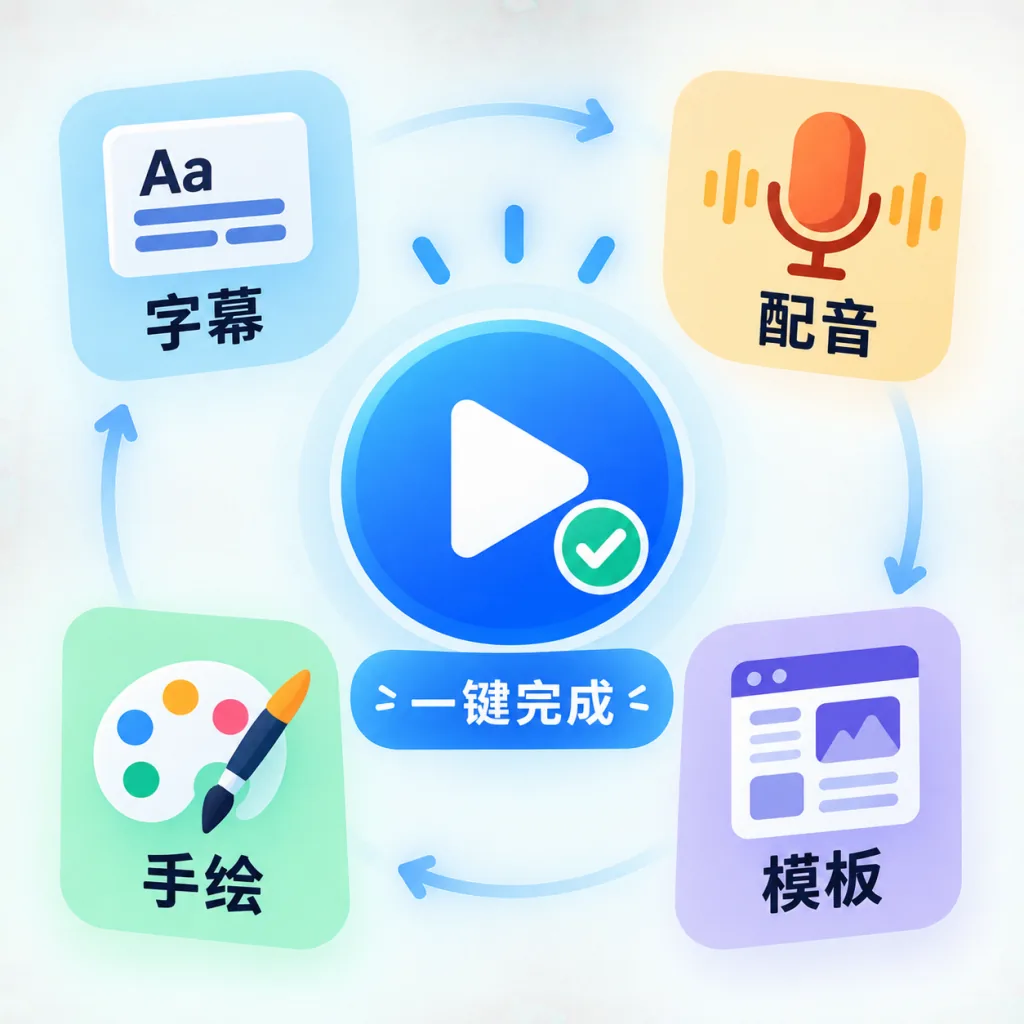
CS Board packs voice cloning, content breakdown, illustration generation, hand-drawn animation, subtitles and audio-video compositing into one local workbench. It is very practical for Chinese spoken-content creators who want controllable assets and a reusable process, and the three production modes cover everything from quick validation to branded output. Set up the IndexTTS 2.5 service and the OpenLux API first, then use /image-generator and a short audio clip to try a whiteboard short under 30 seconds — once the template and pacing match your expectations, move on to longer pieces. If you don't want to build a GPU for video generation APIs, the project's sponsorship path lets you plug in MiniMax H3 (768P at ¥0.09/s, 2K at ¥0.15/s, with an OpenAI-compatible API). Repository: https://github.com/ChenShuo2004/cs-board. One-line pitch: turning a script into a talking whiteboard video is now a one-person, one-machine job.
#cs-board #CsBoard #chenshuo2004 #AIVideoEditing #ScriptedVideo #TalkingHeadVideo #OpenSource #GitHub