1. Why you need this tool
Day one for a new hire: the doc says "install Python 3.9 first", but their machine has 3.12 and nothing runs. You switch to project A and need Node 14, switch to project B and need Node 20, flipping back and forth with nvm. Code that runs in CI throws an error the moment you run it locally — the versions don't match. Every developer has been ground down by "inconsistent environments" at some point: reinstalling the OS, clearing config, chasing compatibility issues, half a day gone each time. Devbox wants to end that state: put the dev environment into a declarative, reproducible isolated shell, so that no matter who runs it, when, or on which machine, the result is the same.
2. Project overview: what it is in one sentence
Devbox is a command-line dev environment manager open-sourced by Jetify, built on the Nix package manager. It treats "system-level tooling" as declarable dependencies, and can pull more than 400,000 package versions from the Nix Package Registry. The repo has 12.2K stars, and the positioning is Instant, easy, predictable.
3. A deep dive into the core features
1. Declare the environment in devbox.json, share one toolchain
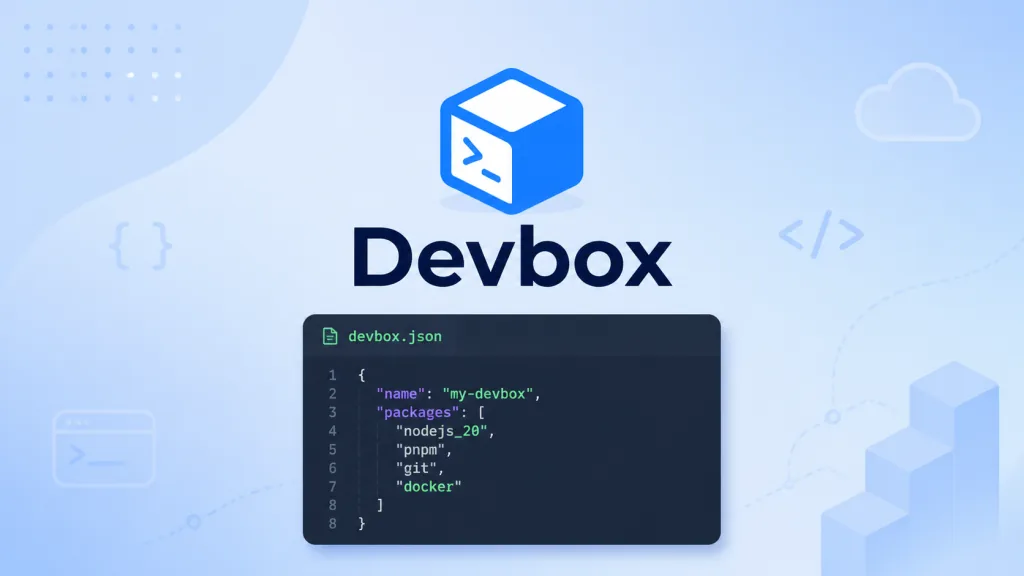
Devbox declares the system-level tools a project needs in a devbox.json file, for example "packages": ["python@3.10", "go@1.18"]. Commit that file to the repo, and every member gets exactly the same tool versions by running devbox shell. It solves the same problem requirements.txt solved — except the granularity moves from language packages to OS-level binary tools.
2. An isolated shell, zero pollution of the host
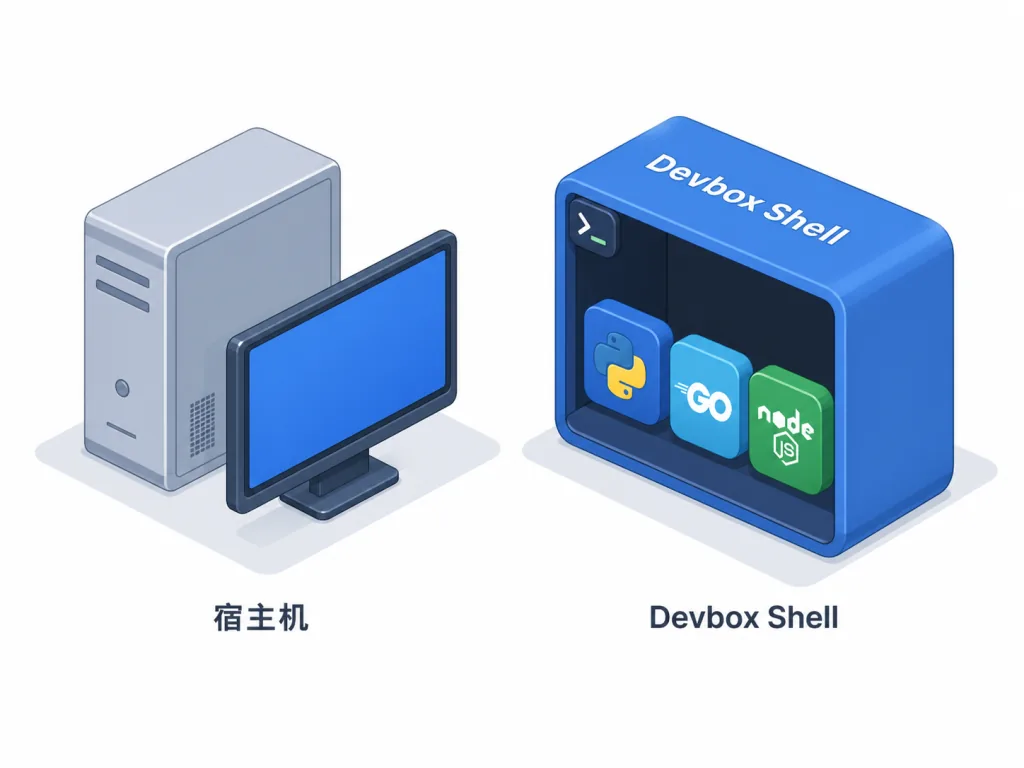
The dev environment Devbox creates is fully isolated from the host machine. Outside the Devbox shell, the system shows nothing of the Python, Go or Node you installed on a whim; when you're done, exit the shell and the host stays clean. That's especially friendly for developers who like trying new tools but dread polluting their home directory.
3. One declaration, many targets
Devbox environment declarations are portable: the same devbox.json can be emitted as a local shell, a VSCode devcontainer, a production Dockerfile, or a cloud remote dev environment. In other words, development, CI and production deployment all read from the same "tool version source of truth", which minimizes the classic "works on my machine".
4. No virtualization, no performance tax
Unlike container solutions such as Docker, Devbox builds its isolated environment directly on the host filesystem, so file I/O and command response aren't slowed down by a mount layer or virtualization. When you need to ship to production, generate an equivalent Dockerfile in one command and build the corresponding container image.
4. Technical highlights and performance numbers
Under the hood Devbox is Nix, a package manager known for being "declarative, purely functional, reproducible". Nix gives Devbox several key abilities: 1) pinning exact versions from the 400,000+ package versions indexed on Nixhub.io; 2) letting different projects use different versions of the same software without conflicts; 3) cacheable, shareable environment builds, where community prebuilt images greatly speed up the first start. Architecturally, Devbox's CLI is written in Go, installation is a single line curl -fsSL https://www.jetify.com/devbox | bash, and it covers mainstream Linux and macOS.
5. Where it fits, and who it's for
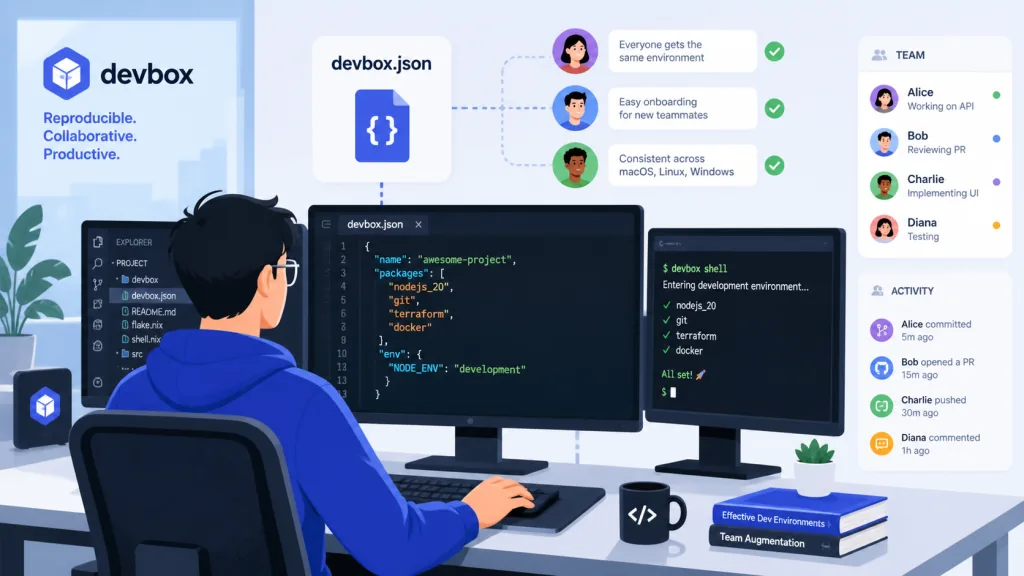
- Developers juggling many projects and versions: maintain projects requiring Python 2.7, Python 3.11, Go 1.18 and Go 1.22 at the same time; Devbox gives each project its own tool versions.
- Team collaboration and onboarding: spin up a consistent environment in one step with
devbox.json+devbox shell, so "set up per the README" docs stop going stale. - CI/CD and production parity: develop with Devbox, generate a Dockerfile for deployment, and guarantee local and production use the same toolchain versions.
It's not a great fit for pure-frontend Node projects — nvm already covers that; nor for scenarios needing full OS isolation (multi-kernel testing, for example), where Docker is still the first choice.
6. Comparison with alternatives
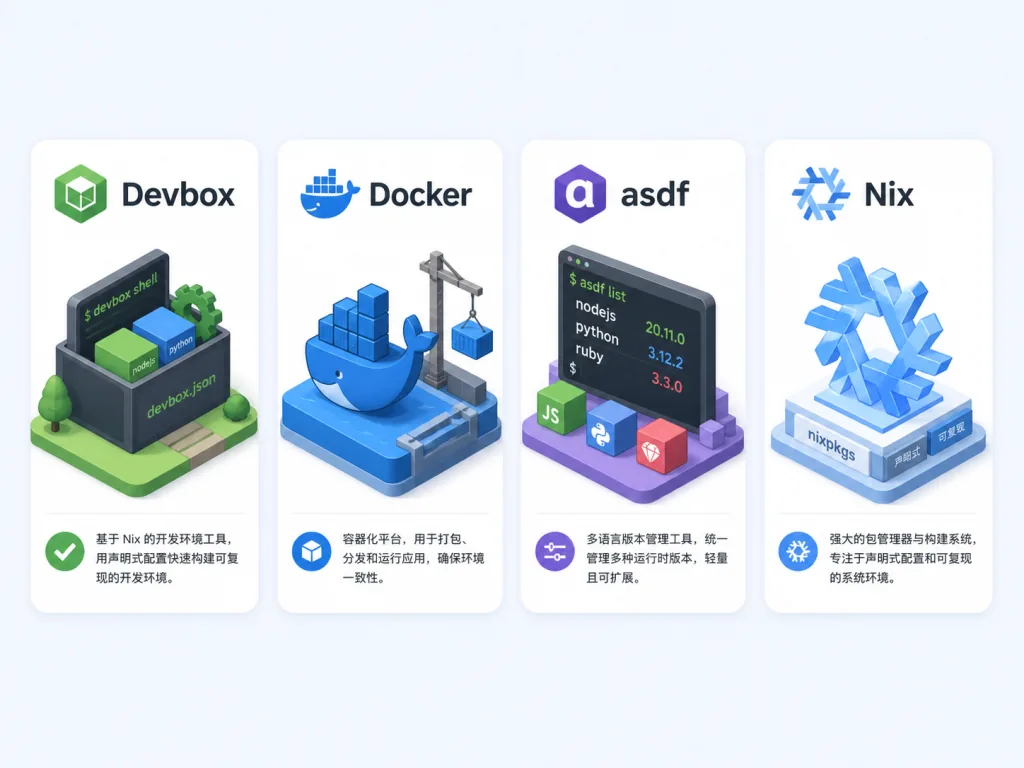
| Tool | Isolation level | Performance overhead | Config style | Reuse across targets |
|---|---|---|---|---|
| Devbox | System package level | Low | devbox.json | Shell / devcontainer / Dockerfile / cloud |
| Docker | Full container | Medium to high (I/O cost) | Dockerfile | Mainly for containerization |
| asdf | System package level | Low | .tool-versions | Local shell only |
| Nix directly | System package level | Low | default.nix | Needs your own wrapping |
Compared with asdf, Devbox sits on Nix's 400,000+ package ecosystem, far beyond asdf's plugin coverage; compared with using Nix directly, Devbox offers a friendlier CLI and team collaboration conventions.
7. Getting started fast
Install with one command:
curl -fsSL https://www.jetify.com/devbox | bash
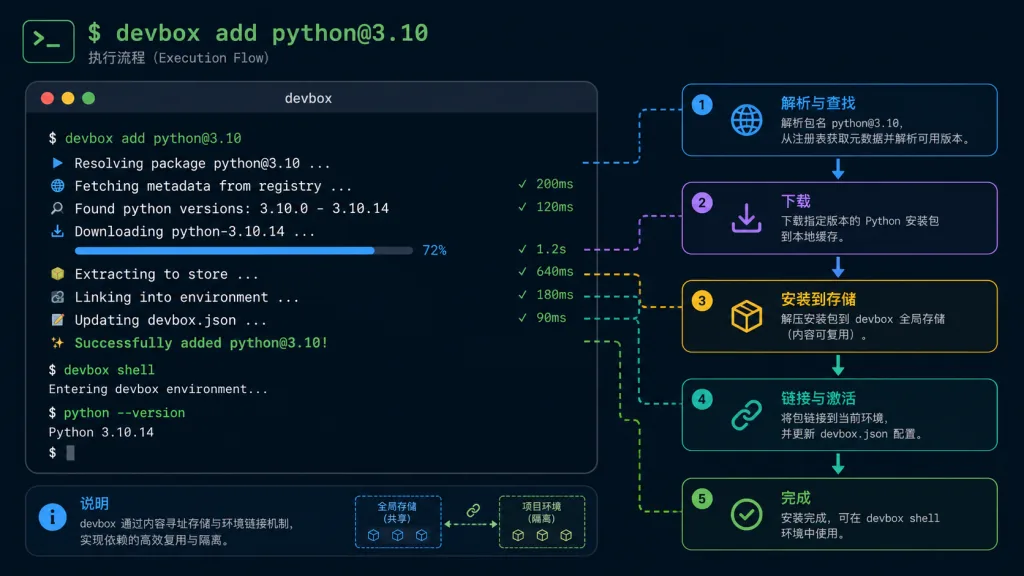
A minimal working example, in an empty directory:
mkdir myproject && cd myproject
devbox init
devbox add python@3.10
devbox shell
python --version
exit
Next steps: 1) commit devbox.json to Git; 2) pair it with the VSCode Dev Containers extension for "open the repo and start working"; 3) run devbox run build in CI so the pipeline and your machine use the same tool versions.
8. Summary and what to do next
The core value of Devbox: turn the dev environment from "hand-built and passed around via docs" into something "declarative, reproducible, portable". If you're stuck dealing with version conflicts, onboarding setups, or local-versus-CI drift, Devbox is worth a try.
- GitHub: https://github.com/jetify-com/devbox
- Site and docs: https://www.jetify.com/devbox/
One-line pitch: with Devbox, devbox shell becomes the only ritual you need when switching projects.