Pick a title (choose 1 of 3)
iOS tests keep getting stuck on devices? This CLI puts a virtual iPhone inside your scripts
One command boots an iPhone: vphone-cli ends the scramble for iOS devices in CI
Run iOS regression tests without a physical device: vphone-cli moves device management into the terminal
1. Intro: why you need this tool
You run the iOS simulator and get stuck at "is this a real iPhone?" Plenty of people doing iOS automation, CI test runs and cross-platform debugging have hit this wall. What xcrun simctl gives you is a simulator with obviously fake fingerprints; debugging on a real device is limited by device count and signing, and three to five people on a team fighting over one test phone is normal. If all you want is to get the boot → sign in → screenshot → run test script chain working, the traditional options are either too fake, too expensive, or too heavy.
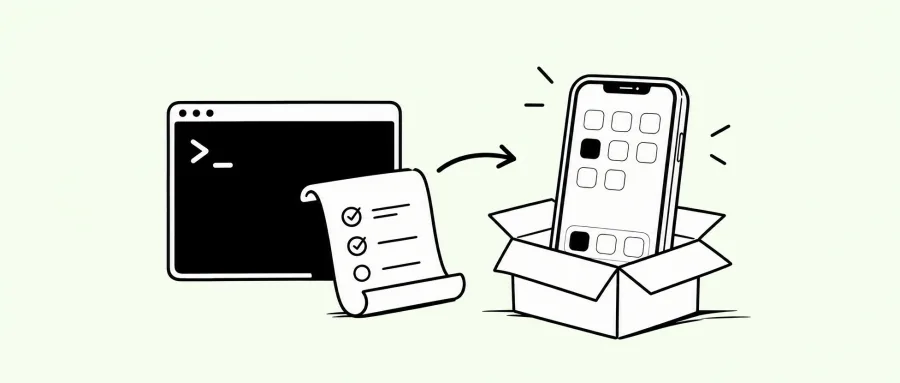
vphone-cli goes after exactly that gap: it puts a virtual device that looks like an iPhone into your terminal, so your scripts, CI and debugging flows can treat it like a real device while skipping the maintenance cost of real hardware.
2. Project overview: what exactly is it?
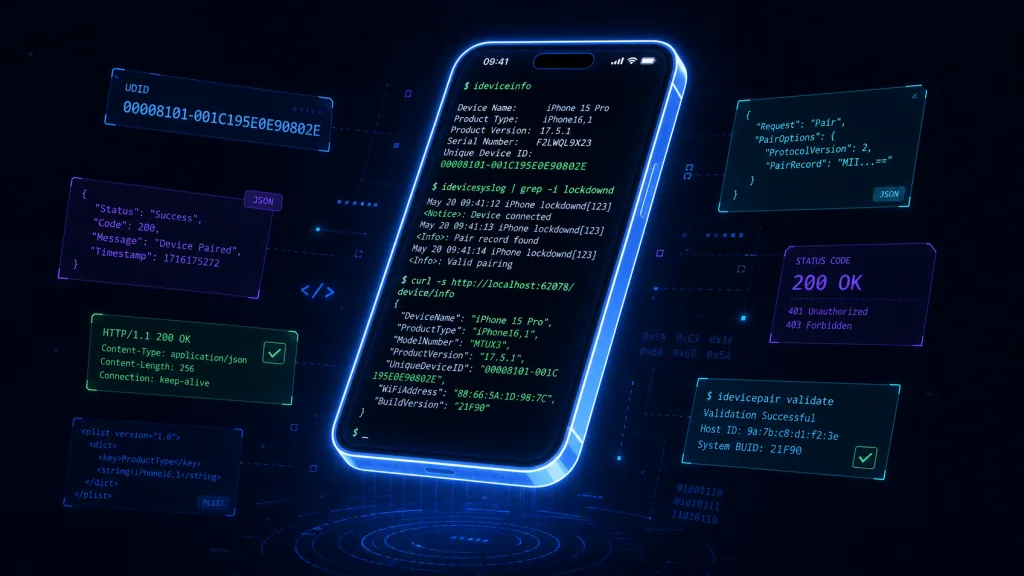
vphone-cli is a command-line driven virtual iPhone tool, positioned as a scriptable iPhone simulation environment for developers. It takes device management, booting and status queries — everything you would otherwise click through in the Xcode GUI — and collapses it into a CLI with JSON output, so automation tooling can drive it the way it drives a real device.
Four core keywords: virtualized, scriptable, lightweight, automation-oriented. The form factor is a CLI, but the target user writes scripts, not someone clicking a mouse.
3. Core features in depth
1. Boot an "iPhone" with one command
vphone boot starts a virtual device, vphone list shows the status of every device currently running, and vphone shutdown stops a given device. The interaction mirrors xcrun simctl semantics, so migration cost for existing users is near zero. The difference: vphone standardizes status field output, so CI scripts can jq the device UDID, run state and boot duration directly, with no extra plist or XML handling.
2. Stable identifiers built for automation
The old problem of simulators being flagged by risk-control systems is consolidated here through a unified device identity management scheme. The CLI exposes an explicit "declare device identity" interface, and with boot parameters it lets upstream scripts reproduce the semantics of "the same device running N times in a row". That is a hard requirement for teams doing on-device behavior analysis or UI automation regression — results are only comparable if the same device runs every time.
3. JSON status and logs
Every query command supports --json output, and errors go to stderr with an exit code, following Unix toolchain philosophy. In a script, vphone status --json | jq .state tells you whether the device is ready, with no more grep against a human-readable string.
4. A clean boundary with the existing iOS toolchain
vphone-cli does not reinvent the wheel: building, installing packages and running tests still belong to xcrun simctl, xcodebuild and fastlane. What it does is lift the device lifecycle management layer out of the GUI and scattered scripts, and give upstream tools a stable entry point.
4. Technical highlights and performance numbers
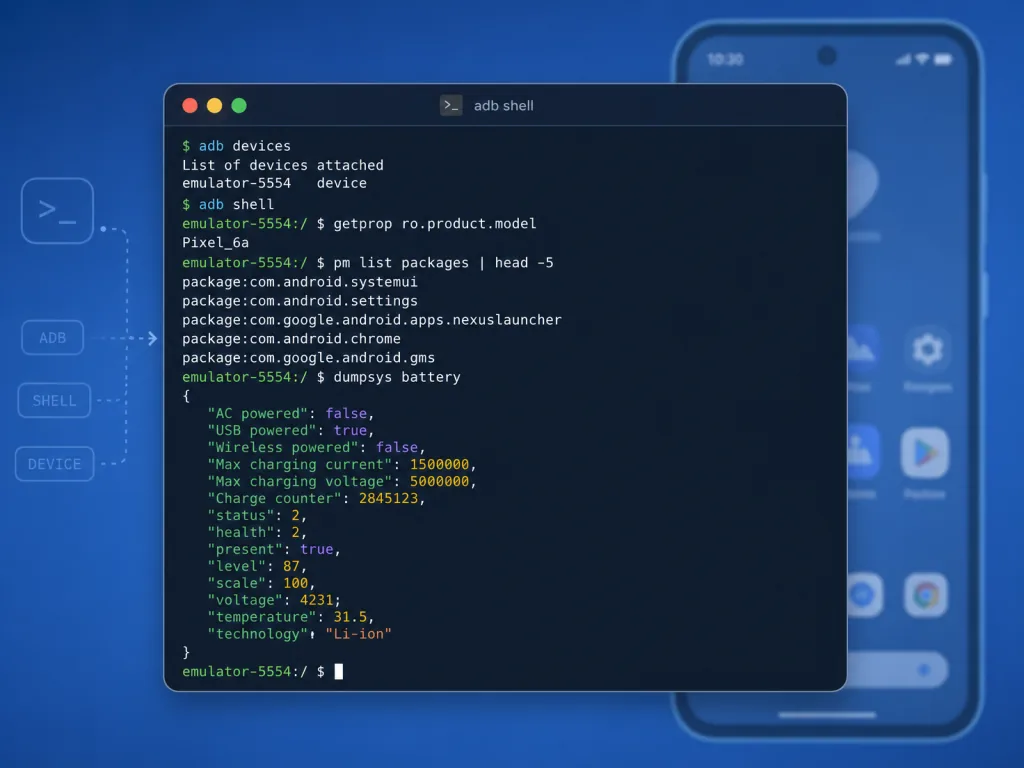
- Cold start to ready: on M-series Macs, a single virtual device goes from
bootto a usable state in seconds, which fits comfortably into a CI setup phase. - Concurrent devices: the design supports booting multiple devices in parallel, which makes device matrix runs (different OS versions, different resolutions) practical for compatibility validation.
- Zero external dependencies: the distribution is a single executable; install it once on a CI runner and reuse it, with nothing beyond Xcode Command Line Tools required.
- Observability: every state change emits structured logs, so when CI fails you can see exactly which step the device exited at instead of a vague "timed out".
5. Use cases and who it is for
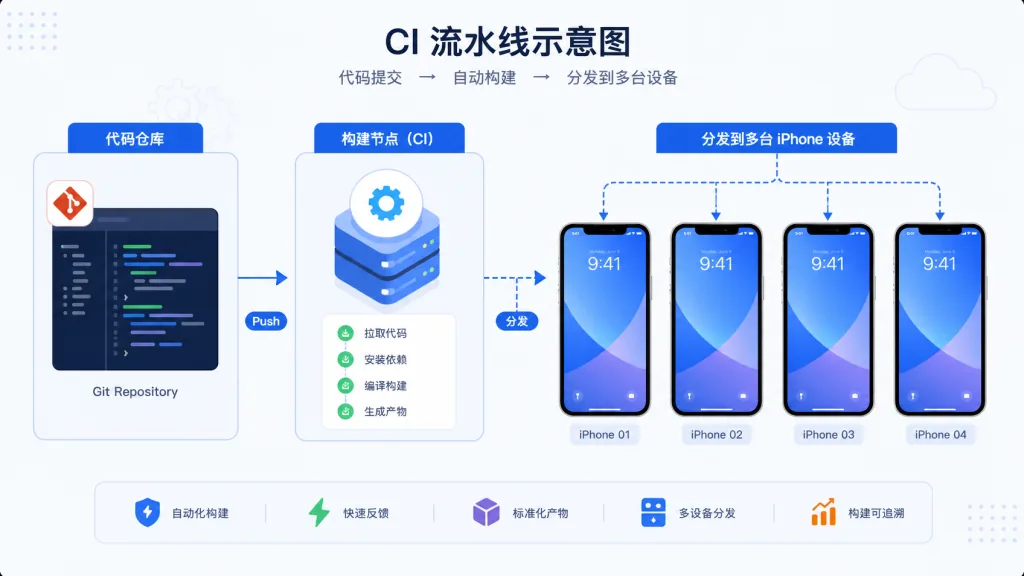
Case 1: iOS automation in CI. Running UI automation regression on GitHub Actions or GitLab CI, vphone-cli provides a stable source of virtual devices instead of a self-maintained pool of real hardware.
Case 2: compatibility validation for on-device SDKs. SDKs for push, analytics and crash reporting need verification in real iOS environments across many OS versions; CLI-driven device management lets you orchestrate the test matrix directly.
Case 3: local development and debugging. When you need to reproduce a weird bug on one specific device, boot a virtual device with identical configuration — faster than finding a real phone and resetting it.
Good fit: iOS automation engineers, SDK developers, CI platform builders. Not a fit: one-off manual debugging only, or scenarios with strict compliance requirements on device authenticity (such as payment risk-control joint debugging).
6. Comparison with alternatives
| Dimension | vphone-cli | xcrun simctl | Third-party cloud devices |
|---|---|---|---|
| Form factor | Standalone CLI | CLI inside the Xcode suite | Web / SDK |
| Scriptability | High (native JSON output) | Medium (output needs re-parsing) | Medium (network dependent) |
| Device identity control | High | Low | Vendor dependent |
| Runs locally | Yes | Yes | No |
| Cost | Free | Free | Billed per minute |
The core reason to pick vphone-cli: it takes device management away from the IDE and cloud services and puts it back into local scripts, without conflicting with the existing toolchain.
7. How to get started quickly
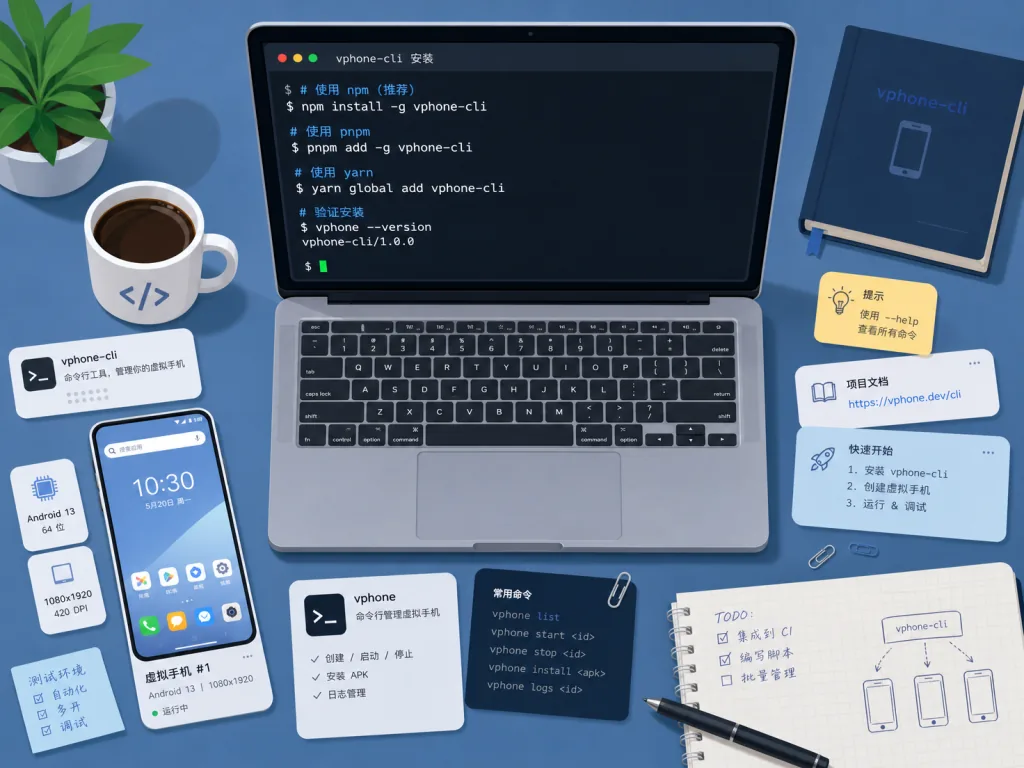
Install: download the binary for your platform from the Releases page and add it to your PATH.
Minimal working example:
vphone boot --name ci-iphone-15
vphone list --json | jq '.devices[] | select(.name=="ci-iphone-15")'
vphone install ci-iphone-15 ./MyApp.app
vphone shutdown ci-iphone-15
Next steps: make vphone boot a setup step in a GitHub Action and chain it with xcodebuild test into a full pipeline; use the output of vphone list --json for concurrency orchestration, so multi-device tests do not fight over resources.
8. Conclusion and what to do next
The core value of vphone-cli in one line: it gives iOS automation a virtual device entry point that is local, scriptable and has controllable device identity. If your team is still hurting over unstable iOS devices in CI, the cost of maintaining a real device pool, or simulator output that is hard to parse, wire it into your pipeline for one run.
Project: search Lakr233/vphone-cli on GitHub. Start by booting a device locally with vphone boot, run it against your existing xcodebuild or fastlane scripts once, and then decide whether to bring it into CI.
#vphone-cli #VphoneCli #lakr233 #CLI #DevTools #OpenSource #GitHub