
1. From idle iPad to smart-home hub: all it takes is one dashboard
An old iPad gathering dust in a drawer, a tablet mount on the wall you can't be bothered to remove, carefully configured Home Assistant lights and curtains you never open an app for — that is the real state of many smart-home hobbyists. Devices keep multiplying, but the "unified dashboard" problem never got solved. Clock Dashboard strings these three together with a Vue 3 project: weather, lunar calendar, calendar and HA device control, all packed into one idle screen, ready the moment the single-page app loads. It has already collected 743 stars on GitHub.
2. What problem it solves
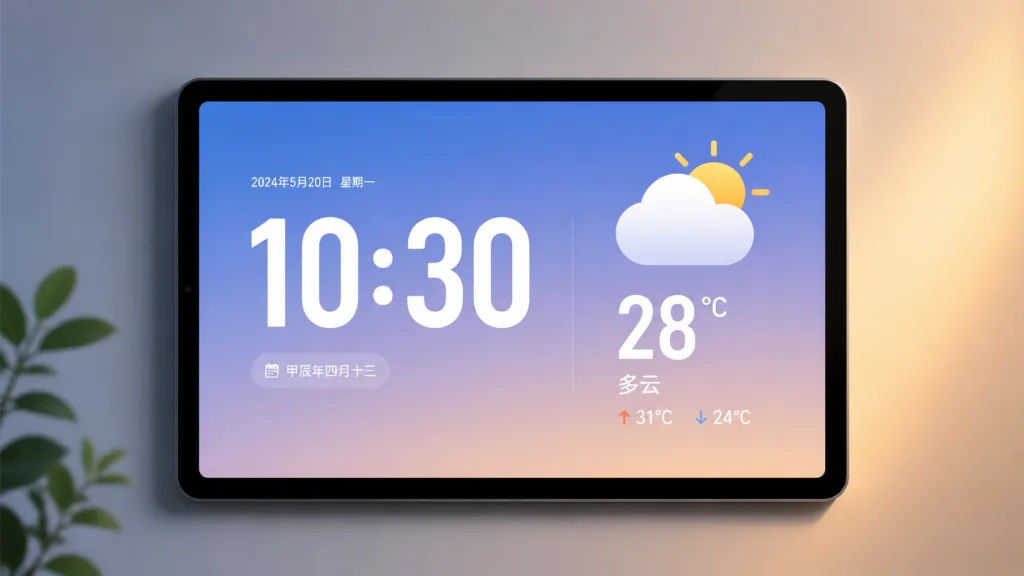
Clock Dashboard is a purely frontend weather clock dashboard, and its goal is to turn an idle tablet into a family information center instantly. The core features come down to four keywords: dynamic clock, live weather, Chinese lunar calendar and almanac, and Home Assistant control. The project is built on Vue 3.4 + Vite 7.0 + Tailwind CSS, currently at v1.20.0, and was still shipping updates densely in January 2026. Every API is called directly, every setting is stored locally, and privacy risk is zero.
3. A deep dive into the core features
1. Dynamic digital clock + weather integration
The clock page uses the SF Compact Rounded typeface with scrolling animations and a random tilt effect, aiming at the feel of Apple's native clock. Weather data comes from Open-Meteo, supports automatic location by geolocation or IP, and shows temperature, humidity, air quality index (US AQI), apparent temperature and UV index. Better still, rain, snow and thunder all get visual effects, and tapping the bottom weather area adjusts the refresh interval.
2. Lunar calendar + almanac + full-screen calendar
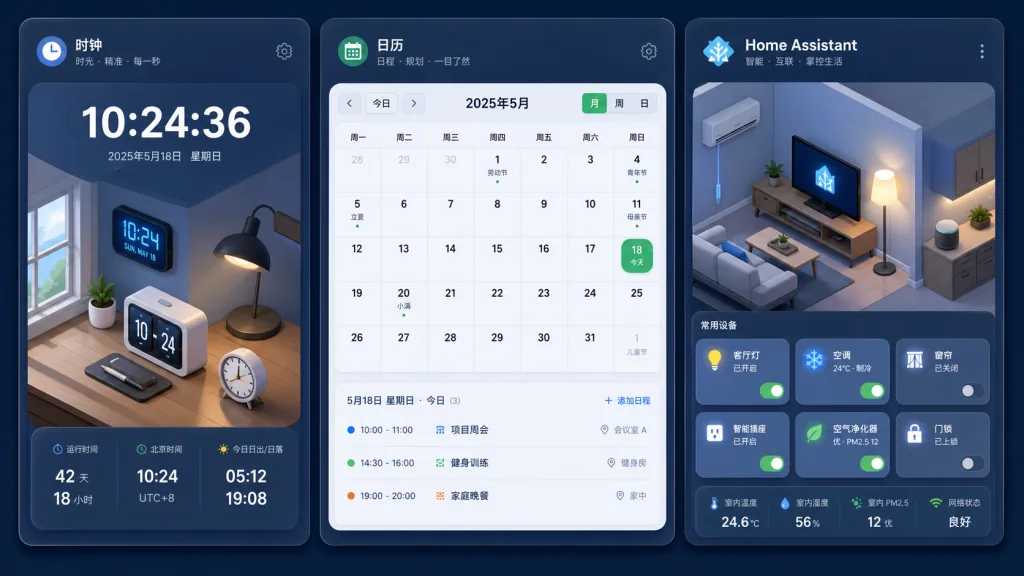
The main reason many people insist on the lunar calendar is that it tells you what is auspicious or taboo today and which hours are lucky. Clock Dashboard integrates lunar-typescript: it shows not only the lunar date, sexagenary year and traditional festivals, but also packs almanac data into the calendar page — auspicious/taboo activities, hourly fortune and Pengzu taboos, all there. v1.17.0 added statutory holiday markers, so scheduling trips up less often.
3. Home Assistant device control
This is what separates the project from an ordinary clock dashboard. Once the HA address and a long-lived token are configured, swiping left or right opens the smart control page, where lights, switches and curtain motors (Cover) sync state in real time. Since v1.19.0 the layout supports multi-column selection to fit different screen sizes. One-click JSON import/export means you don't reconfigure entities when switching devices.
4. PWA + multi-device support
It supports iOS "Add to Home Screen," delivering a full-screen immersive experience with no address bar that masquerades as a native app. v1.19.0 lowered the minimum to iOS 10.3.3, which means iPads from before 2017 can still run it. If your device is really old, the author also maintains a Vue 2 version as a fallback.
4. Technical highlights and performance
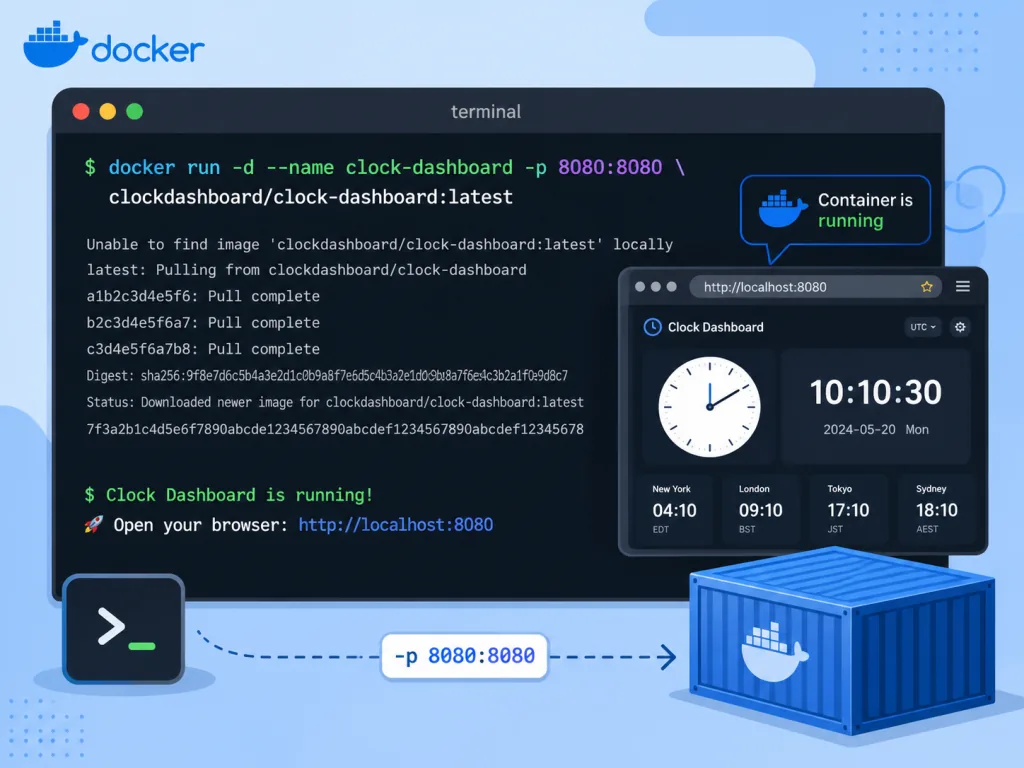
On stack choices, Vue 3 + Vite 7 + Tailwind CSS is the smoothest combination available right now: Vite 7 cold starts usually finish within 300ms with HMR almost imperceptible; Tailwind cuts style code dramatically; and a pure frontend architecture means you can host it on GitHub Pages with no server cost. On the ecosystem side, Open-Meteo provides free weather and air-quality APIs, BigDataCloud provides IP reverse lookup, Home Assistant goes through its official REST API, and every dependency is open source or free tier. The build output is static files, the Docker image is served by nginx, and a single container is enough to serve it.
5. Who it's for
- People with an idle iPad/Android tablet at home: buy a mount, hang it on the wall, power it on — far cheaper than buying a dedicated smart display.
- Heavy Home Assistant users: lights, curtains and AC already in HA, missing only a unified family dashboard.
- Fans of traditional calendars: perpetual calendar + almanac + holidays, more intuitive for scheduling than the phone's built-in calendar.
- Not suitable for scenarios needing accounts, cloud sync or multi-user collaboration — this is a purely local tool with no backend.
6. How it compares
| Project | Clock Dashboard | Traditional weather clock app | Official HA Lovelace |
|---|---|---|---|
| Deployment cost | Static hosting, zero cost | App store download required | HA backend + browser required |
| Lunar calendar and almanac | Built in | Partially supported | Needs custom cards |
| Offline cache | localStorage, local | Depends on the app | Depends on the browser |
| Tablet fit | PWA full-screen immersive | Most charge to remove ads | Desktop layout first |
| Privacy | All data local | Most require an account | Self-hosted |
Compared with official HA Lovelace, Clock Dashboard wins on out-of-the-box simplicity and the Chinese lunar calendar; compared with commercial weather apps it wins on no ads, no account and deep HA integration.
7. How to get started quickly
One-command Docker deploy (recommended):
docker run -d -p 8080:80 --name clock-dashboard ghcr.io/teojs/clock-dashboard:latest
Then visit http://localhost:8080. Synology users can use Docker Compose plus watchtower for automatic updates.
Local development:
git clone https://github.com/teojs/clock-dashboard.git
cd clock-dashboard
pnpm install
pnpm dev
Requires Node.js ≥ 22 and pnpm ≥ 9.6.
Key point for HA integration: enter the HA address (must be HTTPS) and a long-lived token in the settings at the top right of the dashboard, then add cors_allowed_origins to HA's configuration.yaml, or the browser will block the cross-origin requests. Configure it once and you can swipe left and right to control devices.
8. Takeaways and next steps
Clock Dashboard answers three questions with one lightweight project: what to do with an idle tablet, how to read weather and calendars, and how to control HA devices in one swipe. It doesn't chase feature bloat; it makes every detail smooth — adjustable clock colors, switchable effects, importable config JSON.
If you happen to have a tablet gathering dust, or you already run Home Assistant, this project is worth trying right now. Repo: https://github.com/teojs/clock-dashboard , live preview: https://teojs.github.io/clock-dashboard/ . If it works well for you, a star is the best thanks to the author.