1. Why you need this
If you use iOS, you have probably hit at least one of these: an app gets slower and slower after an update, but the App Store only offers the latest version; you want to install a delisted tool on a phone that isn't jailbroken; or you want to keep a stable old build around as a fallback before testing a new release. iTunes dropped app management long ago, and Apple never provided any official "download a previous version" entry point. These needs stayed unsolved for years.
Worse, jailbreaking itself is expensive and carries real security risk, so it isn't a realistic option for most ordinary users. Which raises the question: how do you download an IPA of any version without jailbreaking? DLiPA offers a lightweight answer.

2. What it actually is
DLiPA is an iOS app inspired by the command-line tool ipatool. It lets you use your own Apple ID to download, install and share IPA files outside the App Store, including older versions, with no jailbreak at any step.
The positioning is clear: wrap ipatool's capabilities in a graphical app so people who aren't comfortable with a terminal can use them directly. The project has 921 stars on GitHub, supports iOS 13 and later, ships localization for 12 languages, and is currently one of the most complete and China-friendly options in this category.
3. Core features in depth
1. Multi-account management and cross-region store switching
DLiPA supports adding multiple Apple IDs, and each account keeps its own independent download history. That is handy if you hold accounts across regions such as China, the US and Japan: switching stores doesn't mean logging in and out over and over, and download histories never get mixed together.
2. Three ways to search, plus one-tap copy
Besides searching by name, you can paste an App Store link or enter a Bundle ID (for example com.apple.mobilesafari) to pinpoint an app. Once an app is selected, the Bundle ID, app ID and link can all be copied with one tap, which makes redistribution or script automation easy.
3. Historical versions and download by Version ID
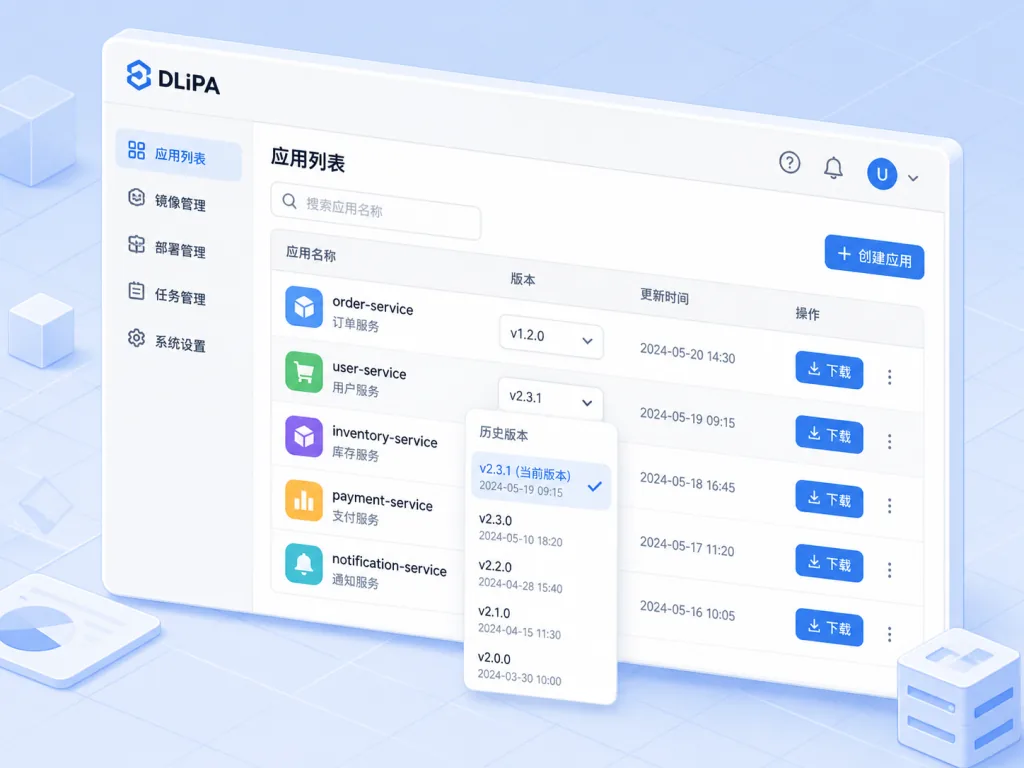
This is what separates DLiPA from ordinary download tools. It doesn't just fetch the latest build — it enumerates the app's version history and even downloads a specific version by Version ID. For developers reproducing a bug or users rolling back an incompatible update, that is a baseline requirement.
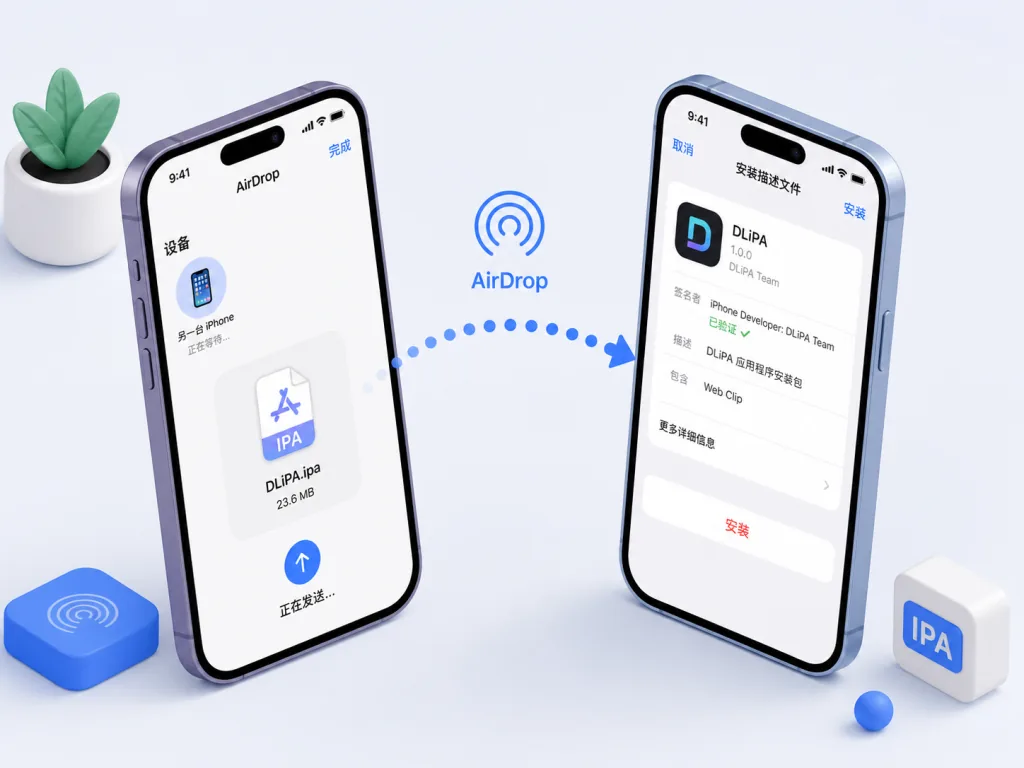
4. Direct IPA install and AirDrop sharing
A downloaded IPA can be installed on the device directly, or shared to other devices over AirDrop. The project recommends the AirDrop route to avoid breaking auto-update, which is safer than installing in place. The whole flow is built around one goal — getting the IPA file — so the path is very short.
5. Friendly to AltStore and sideloading
DLiPA doesn't depend on AltStore, but it ships a full AltStore signing and install walkthrough. It also works with iOS App Signer, covering both macOS and Windows users. For anyone who doesn't want a third-party store but does need sideloading, the path is already smooth enough.
4. Technical highlights and numbers
DLiPA reuses ipatool's ability to talk to Apple's private iTunes API, packaging commands that used to run only in a Mac terminal into an iOS app. The bottleneck in the whole flow is network speed and Apple's server response, not client-side performance. Specific highlights:
- iOS 13+ compatibility, covering the vast majority of devices still in use over the past six years;
- Localized in 12 languages, with native Simplified Chinese support;
- Account isolation, with download history and credentials stored separately;
- Precise download of any version by Version ID — finer granularity than the App Store's "roll back to the previous version".
5. Where it fits, and who it fits
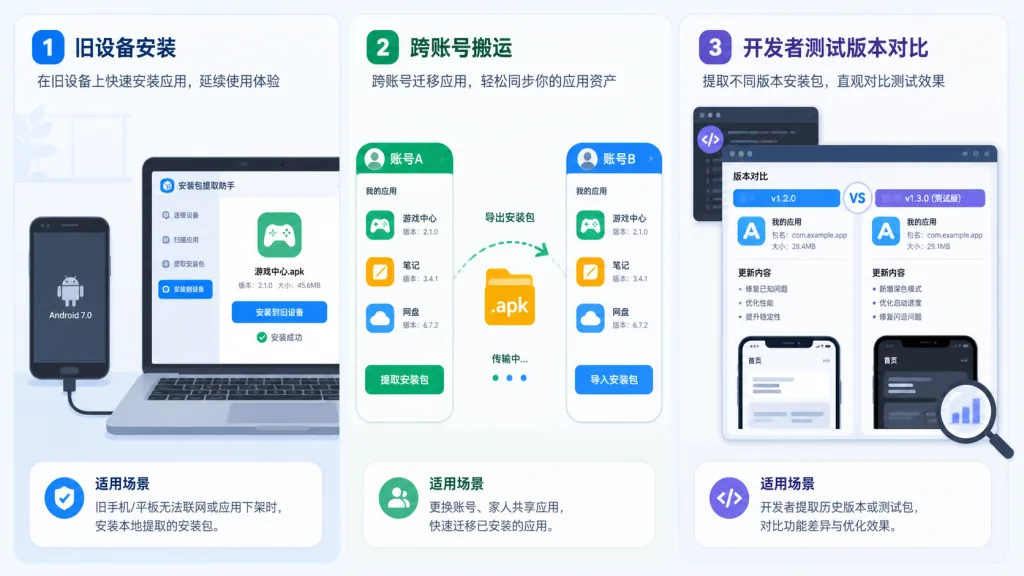
- iOS tinkerers: installing delisted apps, keeping old versions around so nothing gets force-upgraded.
- Indie developers and testers: deploying a specific build across multiple devices for compatibility testing.
- Cross-region app users: moving or backing up IPAs between accounts in different regions.
- Ordinary users: the lightweight need of sharing an older build of some app with family or friends.
Who it doesn't fit: enterprise users who want one-click automated deployment to a fleet of devices (go with MDM), and absolute beginners who don't want to touch signing tools such as AltStore.
6. How it compares
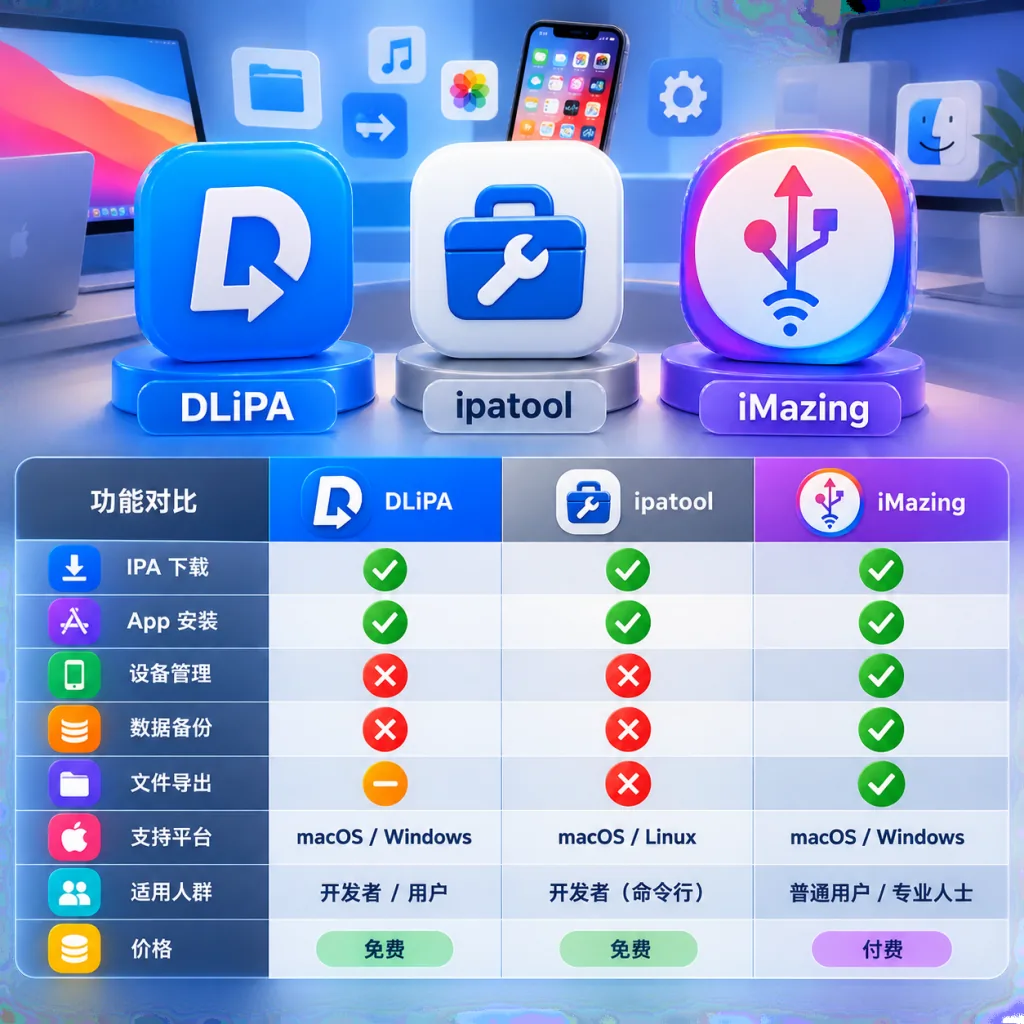
| Aspect | DLiPA | ipatool (CLI) | iMazing / iMobie |
|---|---|---|---|
| Needs a computer | No, an iPhone is enough | Yes, Mac/PC required | Yes, a computer required |
| Old version downloads | Yes, via Version ID | Yes, but you must look up IDs manually | Partial |
| Multi-account management | Yes, fully isolated | Requires switching configs | Weak |
| Chinese UI | Yes | No | Yes |
| Jailbreak required | No | No | No |
| Learning curve | Low, graphical | High, terminal required | Medium |
As you can see, DLiPA moves ipatool's capabilities onto the iPhone and fills two gaps at once — Chinese UI and multi-account support — making it the closest thing to an all-round option on mobile today.
7. Getting started quickly
1. Download and install Get the latest IPA from GitHub Releases and sign/install it with AltStore or iOS App Signer. Devices on iOS 16 and later need Developer Mode enabled (Settings > Privacy & Security > Developer Mode).
2. Sign in with an Apple ID Add a regular Apple ID on first launch. Note that only freely downloadable apps are supported; paid apps require the purchase receipt from the corresponding account.
3. Search and download Enter a name, paste a link or enter a Bundle ID, open the target app's version list and pick the version you want. Finished downloads appear in a local list, ready to install or AirDrop.
4. Advanced use For automated batch work, keep using the underlying ipatool CLI; DLiPA is better suited to grabbing packages day to day.
8. Takeaways
DLiPA solves a long-ignored need: letting ordinary users download any version of an App Store IPA without jailbreaking. 921 stars, 12 languages and iOS 13+ support already show broad community recognition.
If all you want is an older version of some app on your phone, or a backup of a tool that may be delisted soon, DLiPA is currently the least painful choice. Start with the AltStore route, then move on to multi-account use and precise downloads by Version ID once you're comfortable.
- GitHub: https://github.com/AhmedBafkir/DLiPA
- Underlying dependency, ipatool: https://github.com/majd/ipatool
One-line pitch: if you want an older iOS app, don't want to jailbreak, and don't want to mess with a computer, DLiPA is the most direct answer available.