
Title options (pick 1 of 3)
No decent SSH client on iPhone? rootshell puts a full Mac terminal in your pocket
rootshell: deploy once, and Metal rendering pushes the iPad terminal to 120Hz
No OpenSSH inside: rootshell rewrote the client in pure Swift and threw in post-quantum crypto
rootshell: a Mac-grade terminal squeezed into an iPhone, with SSH tricks to spare
1. Opening: when you want to fix one line of code on the subway
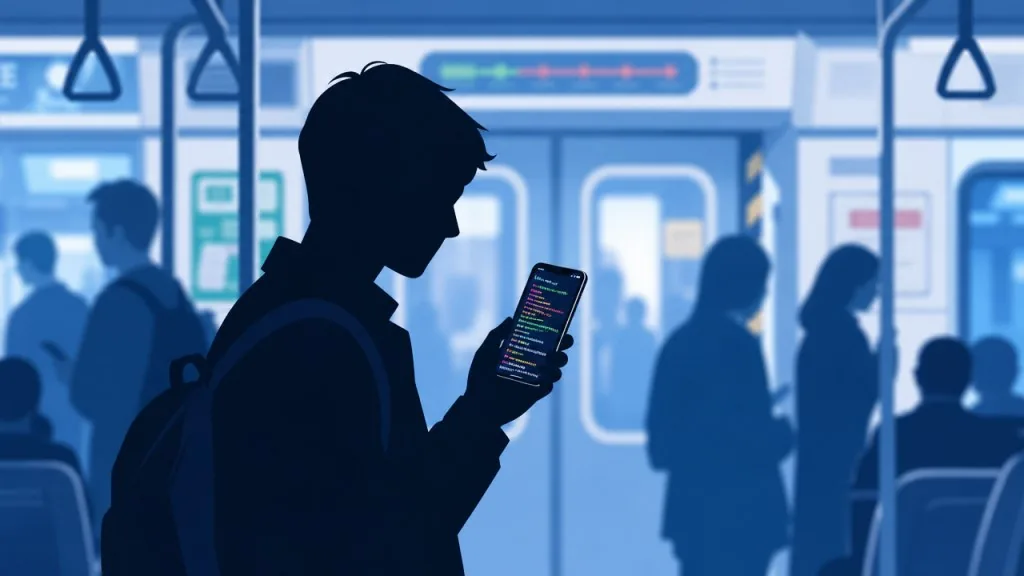
Backend engineers get interrupted by this scene all the time: an alert fires, you are standing in a subway car, there is no room to open a laptop, the built-in terminal app on iPhone needs an ipa-installed pseudo-terminal, and even an SSH client requires a jailbreak. By the time you get back to your desk, that one bad config line has held a sharded table lock for 40 minutes.
The more awkward part is that almost every iOS terminal stops at "it can run commands": no GPU acceleration, so long output crawls like a slideshow; SSH private keys sit in plaintext inside the sandbox, which is hardly secure; want to monitor the status of background coding agents like Claude Code or Codex? Not available. Not available at all.
rootshell — MIT licensed, completely free, 703 stars, written in Swift — wants to solve exactly this: to provide a working environment with the full capability of a Mac terminal on iPhone, iPad, Vision Pro and Mac.
2. Project overview: what rootshell is
rootshell is an MIT-licensed, all-platform Apple terminal emulator written primarily in Swift, with 703 stars on GitHub. It packs GPU-accelerated rendering, native SSH, AI agents, cloud provider consoles, screen sharing, YubiKey hardware keys and the rootshell Roam roaming protocol into one app, with a consistent experience across iPhone, iPad, visionOS and macOS.
Four core keywords: Metal-accelerated rendering, a native Swift SSH implementation (no external dependencies), post-quantum SSH security, and cross-device coding agent notifications.
3. Core features in depth
1. Metal terminal rendering powered by libghostty
rootshell integrates libghostty from the ghostty project, handing the entire rendering pipeline to the GPU. Combined with ProMotion 120Hz displays, long logs scroll with pixel-level smoothness; with HDR brightness boost enabled on iPhone, characters stay legible in harsh outdoor light. It ships with 450+ themes, Nerd Font support and 7 cursor animations (breathing, heartbeat, neon flicker, candlelight and more), making daily use far more fun than the stock Terminal.
2. An SSH client rewritten in Swift
This is not a wrapper around OpenSSH but a protocol stack rewritten in pure Swift, with jump hosts, SSH agent forwarding, dynamic SOCKS5 forwarding and port forwarding built in, plus the ability to promote any SSH or TSSH config file into a system-level VPN. On the security side: P-256 private keys held in the Secure Enclave that never leave the hardware; Passkey-backed sk-ecdsa-sha2-nistp256 keys where every signature goes through Face ID / Touch ID; and post-quantum support for mlkem768x25519-sha256 hybrid key exchange, ML-DSA host key signatures, and ssh-mldsa44-ed25519 interoperable with OpenSSH 10.4. Developers can also log in directly with Google / Microsoft / GitLab OIDC identities, skipping key file management entirely.
3. Rootshell Roam: mosh + tssh dual-protocol roaming
The worst thing about being on the move is losing the connection when Wi-Fi and cellular hand over. rootshell Roam implements the mosh-compatible SSP protocol natively in Swift and also supports tssh (QUIC+KCP) UDP transport, letting you choose between the built-in QUIC (TLS 1.3, modern congestion control) and KCP (AES-GCM-256). STUN NAT traversal, automatic reconnection, credentials in the Keychain and local predictive echo while offline make it possible for an SSH session to drop in an elevator and resume in the car.
4. A coding agent inbox with end-to-end encrypted push
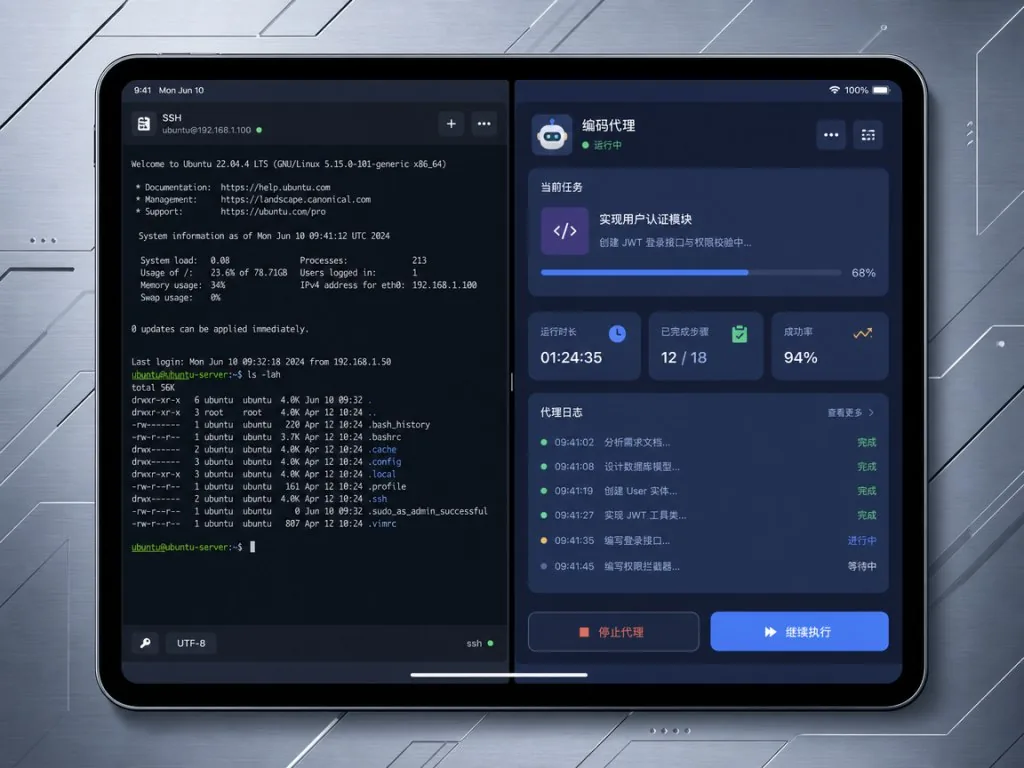
Whether it's Claude Code, Codex, Cursor, Copilot, OpenCode or Antigravity, rootshell can detect their state inside the terminal: working, waiting for your input, done. Those states become visual cards in the sidebar, and long builds or pending sudo passwords are also surfaced as cards. Combined with end-to-end encrypted push (X-Wing = ML-KEM-768 + X25519), notifications travel from a remote server to your phone with the title, summary and routing information all encrypted, so the relay only ever sees ciphertext. Tapping a notification takes you straight back to the corresponding window, tab or split, including panes under tmux control mode.
5. Screen sharing and cloud infrastructure in one place
Screen sharing with native HEVC + UDP + Metal decoding supports 4K@60FPS at 60Mbps with adaptive bitrate; login windows are recognized by an on-device vision model, which can type the saved password automatically. AWS, Azure, Linode, DigitalOcean, Tailscale and NetBird all support OAuth or token access; Linode LISH and AWS EC2 serial console connect directly; Kubernetes clusters can be browsed and nodes debugged through a debug pod.
4. Technical highlights and performance data
- Rendering: libghostty + Metal, ProMotion 120Hz, dynamic compensation for HDR brightness overlays
- SSH: pure Swift implementation, 0 external dependencies, transport layer always negotiates
nonecompression, eliminating compression side channels (including the shared-context attacks in arXiv:2609.07709 and CCS 2026) - Post-quantum: full support for
mlkem768x25519-sha256,mlkem768x25519-sha512andsntrup761x25519-sha512 - Encrypted scrollback: AES-256-GCM on disk, ANSI colors fully restored after reconnect
- VPN: MPTCP keeps Wi-Fi and cellular subflows alive simultaneously (server needs Linux 5.6+), a standalone macOS build runs as a system extension
- Multimedia: HEVC 4K@60FPS screen sharing, AES-256 SRTP audio/video encryption
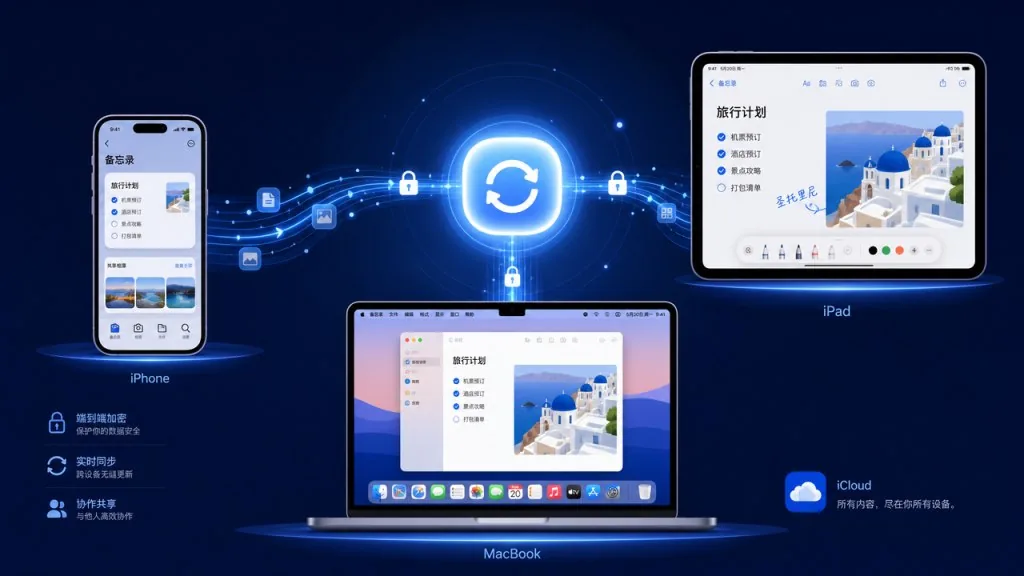
- Sync: iCloud sync for connection history and profiles; a custom
.rootshellbackupformat as a single AES-256-GCM encrypted backup file
5. Use cases and audience
Case one: ops / SRE working on the move
No need to wait until you're back at your desk for a server alert — native SSH, screen sharing, VPN and K8s debugging are all covered on iPhone.
Case two: full-stack engineers working across devices
With an iPad as the main dev machine and a Mac as the build node, rootshell merges SSH, tmux control mode, the Helix editor, git and a file browser into one experience; the coding agent inbox tells you at any time whether remote Claude Code is waiting for your approval.
Case three: security-conscious remote teams
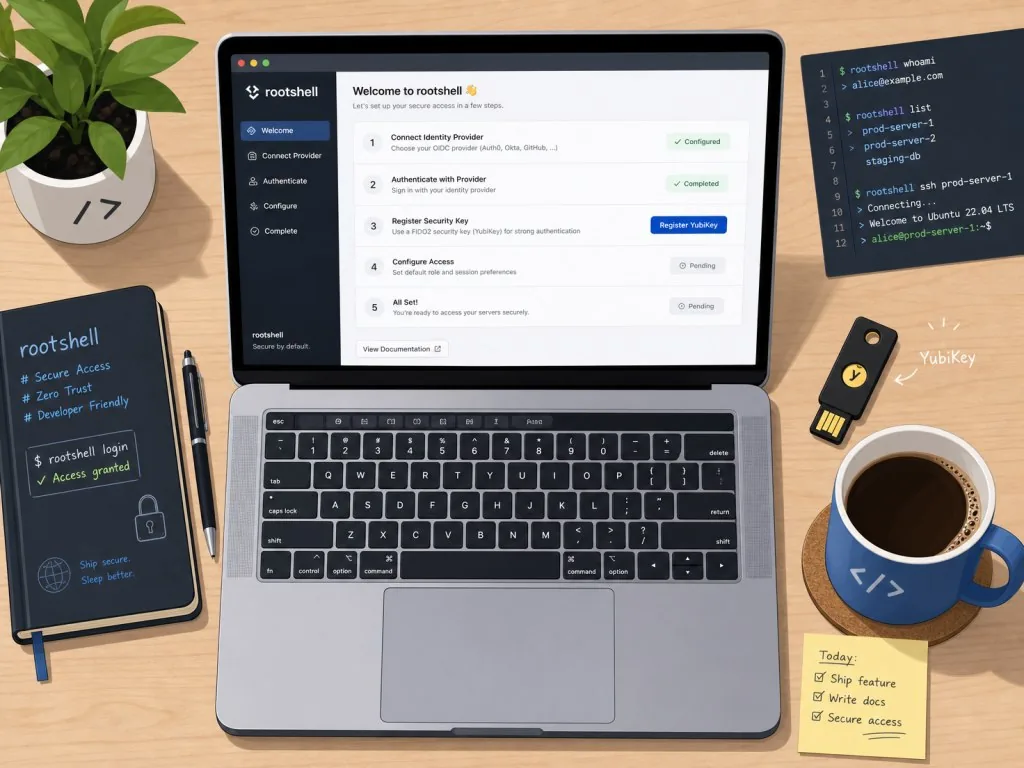
Secure Enclave private keys, Passkey signing, YubiKey / FIDO2 hardware keys, OpenPubkey OIDC login, end-to-end encrypted push — rootshell puts enterprise-grade security options inside a free app.
Not a great fit: pure Windows / Linux desktop users; scenarios that need graphical RDP remote desktop (it uses macOS screen sharing plus a VNC-compatible mode, not Windows RDP).
6. Comparison with alternatives
| Dimension | rootshell | Termius | Blink Shell | System Terminal |
|---|---|---|---|---|
| Platform coverage | iPhone/iPad/Vision Pro/Mac | All platforms | iOS/Mac | Mac only |
| Rendering | Metal + libghostty | Software rendering | Software rendering | Metal |
| Post-quantum SSH | Built in | Partly experimental | Not supported | Partly supported |
| Secure Enclave keys | Supported | Supported | Partial | Supported |
| Coding agent inbox | Built in (Claude Code/Codex/Cursor etc.) | None | None | None |
| Screen sharing | HEVC 4K@60FPS + VNC | None | None | None |
| AI voice agent | Gemini Flash real-time voice | None | None | None |
| License | MIT open source | Closed-source subscription | Closed-source paid | Closed source |
By comparison, rootshell's differentiation comes down to three things: treating the terminal as part of the IDE (coding agents made visible), treating SSH as a security protocol (post-quantum plus hardware keys), and treating screen sharing as an extension of the terminal session.
7. Getting started fast
Install from the App Store: search "rootshell" on iPhone / iPad; the visionOS and macOS sandbox builds go through TestFlight; the standalone macOS build can be downloaded as .tar.xz or installed with Homebrew:
brew tap kitknox/rootshell
brew install --cask rootshell
First-time setup:
- Open the app and go to Settings → SSH Keys to generate or import a key (Secure Enclave P-256 or Passkey recommended)
- Settings → Connections to add a host and enable the authentication methods you need
- For SSH push notifications, go to Settings → Notifications → Push Notifications, pair your computer, and paste the generated command on the target machine
Build from source:
git clone https://github.com/kitknox/rootshell.git
cd rootshell
open rootshell.xcodeproj
Xcode 26.4+ lets SwiftPM resolve dependencies automatically. Building in the simulator works directly; building for a device or with entitlements requires running scripts/setup-dev-signing.sh.
Advanced: pair with herdr 0.9.0+ to enable control mode, wire the rf / Helix / wasm subsystems into your daily workflow, and set up autostart for tmux control mode.
8. Summary and next steps
rootshell is an MIT-licensed Swift project that assembles "all Apple platforms + GPU acceleration + native SSH + post-quantum security + visible coding agents" into one complete picture. It is more than another terminal emulator: it fuses SSH, AI agents, screen sharing, cloud infrastructure and hardware keys into a single mobile productivity tool.
If you are an Apple-ecosystem developer or ops engineer, and you keep getting stuck on the pain of "losing contact the moment I leave my Mac," rootshell deserves a serious try — free, no ads, no in-app purchases, and one of the rare genuine efforts among 2025's iOS terminal tools.
- GitHub: https://github.com/kitknox/rootshell
- Website: https://www.rootshell.com
- App Store: https://apps.apple.com/app/rootshell-local-terminal-ssh/id6755794662
- TestFlight: https://testflight.apple.com/join/DEVnH3N2
#rootshell #Rootshell #kitknox #CLITools #DevTools #Database #OpenSource #GitHub