Choose a title (pick 1 of 3)
Five or six game launchers installed? Try Omakade, a local game library for Linux
Hands-on with Omakade: one less piece of software to install, and your Linux game entry point goes from 6 to 1
Without uninstalling a single Steam game, it put every platform's games into one theme: how Omakade does it
Omakade: gathering Linux's scattered games into one local library that breathes with your theme
1. Intro: too many games, too many launchers
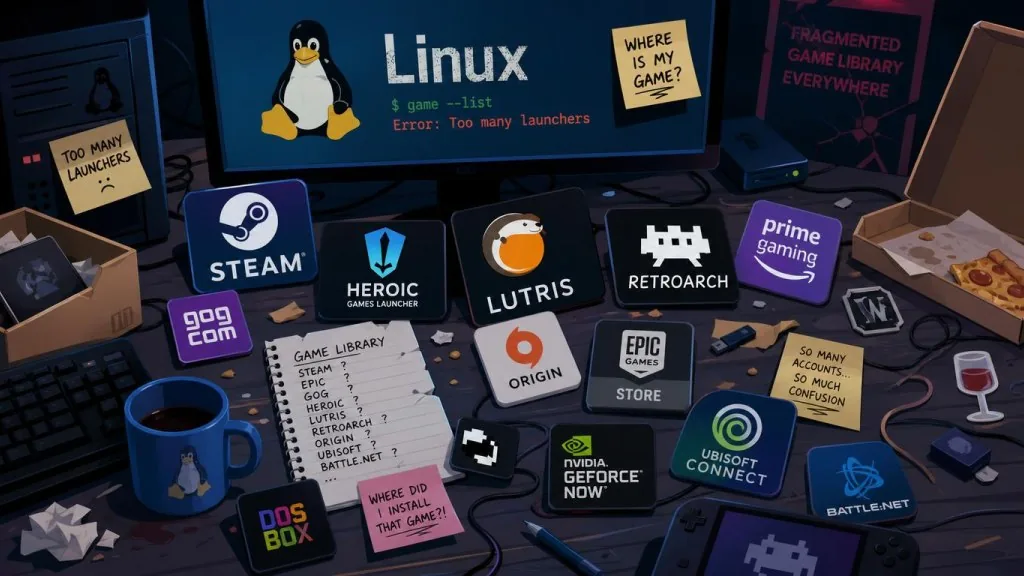
You have Steam, Heroic, Lutris and Faugus installed. Battle.net and GOG each take their own corner. Add the emulators — RetroArch, PCSX2, RPCS3 — and every app is sitting on a pile of games, each cover in a different visual style. The result: to find something to play you switch between five or six launchers; to see how many hours you played this month you dig through stats one app at a time; to show a friend the artwork you've collected, your screen looks like a junk drawer. This is the everyday reality of Linux gamers. Omakade wants to pull all of it into one library that is local-first, visually unified, and usable with both keyboard and gamepad.
2. What it is: a local-first game aggregator
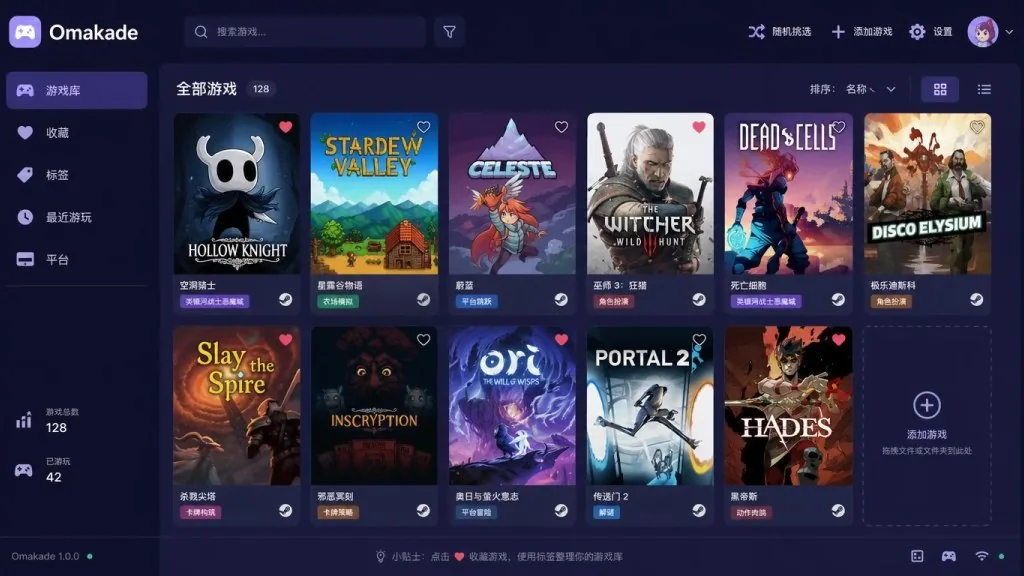
Omakade is a desktop game aggregation client for Linux (Omarchy in particular), written in C++, currently sitting at 432 stars on GitHub. Its positioning comes down to four things: merge the "installed" games from multiple launchers and emulators into one interface; follow the Omarchy theme so the visuals stay consistent; support keyboard, mouse and gamepad input; store all data locally with no mandatory account or API key. It is an independent community project, not an official Omarchy app — but it is tightly integrated with the Omarchy desktop theme.
3. Core features in depth
1. One library for Steam, Heroic, Lutris, Faugus, Battle.net and GOG
Omakade automatically scans those launchers for installed games and presents them all with the same card style. The README is explicit: accounts, downloads, updates, DRM, cloud saves and compatibility settings stay inside the original launcher — Omakade only "dispatches", it never "replaces". That means you don't have to worry about breaking Steam's Proton configuration or your Heroic login state. It also offers an optional view of games you own on Steam and Heroic but haven't installed, so you can check what's still sitting in the backlog.
2. A console library covering ten emulators
The biggest headache for emulator users: RetroArch, PCSX2, RPCS3, PPSSPP, Ryujinx, Cemu, melonDS, shadPS4, Dolphin and Xenia each ship their own frontend. Omakade brings those cores into the same browser, with custom covers, favorites, tags and filters. It also bundles save backups, so an unfortunate kernel upgrade doesn't wipe your progress.
3. Gamepad-first Couch Mode and Game Mode
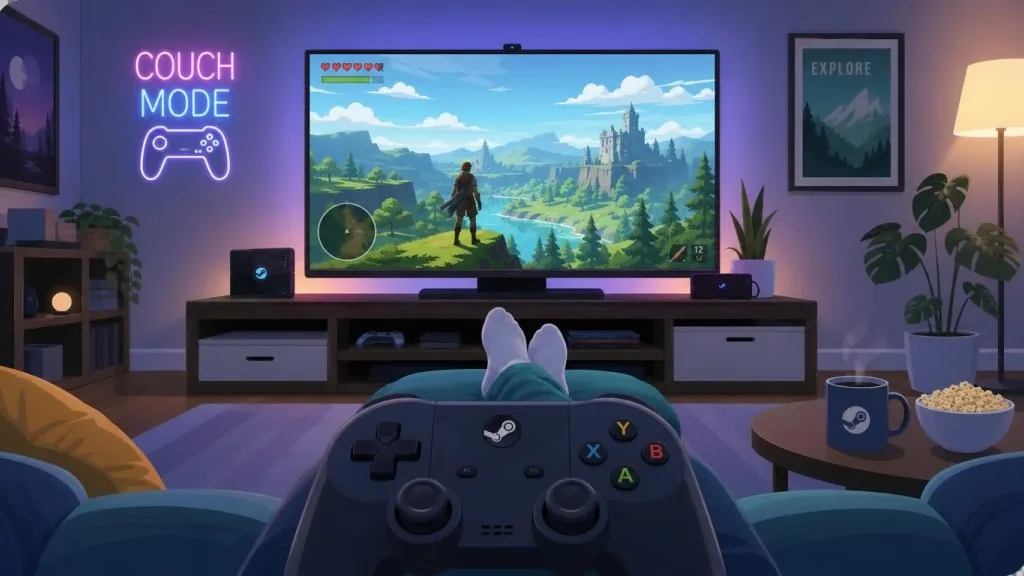
Press F11 or the Start button on your gamepad to enter full-screen Couch Mode, with enlarged UI elements designed for the living room. One level deeper is Game Mode: you can dedicate a separate monitor and audio output to gaming, and the system drops back to the desktop when the game exits — essentially a lightweight couch-console mode. Omakade also has built-in Sunshine/Moonlight streaming export to push local games to other devices.
4. Metadata, stats and Year in Review
Omakade can optionally track playtime, session history and statistics charts, and generate a "Year in Review" image. It pulls Steam achievements and RetroAchievements, with optional IGDB, SteamGridDB and ProtonDB integration for richer metadata and covers. Favorites, Collections, Tags, filters, custom covers and a "pick something random" button turn it from an aggregator into a genuine personal game library.
4. Technical highlights and performance data
Omakade is written in C++; local data lives in ~/.local/share/omakade/, configuration in ~/.config/omakade/config.toml, and cover cache in ~/.cache/omakade/. This XDG-standard layout makes backup, migration and cleanup trivial — pack those three directories and you've carried off the entire library. Optional credentials go through the system Secret Service, so Steam or IGDB tokens are never stored in plaintext. CI runs on GitHub Actions, and the license is GPL-3.0-or-later. Installed-game discovery and core browsing both work offline, with no account and no API key — that is the fundamental difference from "cloud-sync" game libraries.
5. Who it's for
Scenario one: players on Omarchy or Arch-based distros who want to see every installed game in one place. Scenario two: emulator collectors running several frontends who need unified management and save backups. Scenario three: living-room PC users building a console-like setup with a gamepad, a dedicated monitor and a streaming device. It is not for pure Windows users, not for tinkerers who keep every launcher setting exactly as they configured it (you'd probably rather write your own scripts), and not for players who want cloud sync and seamless cross-device handoff — Omakade is local-first, not cloud-first.
6. Comparison
| Project | Positioning | Visual consistency | Emulator coverage | Gamepad / couch mode | Local-first |
|---|---|---|---|---|---|
| Omakade | Linux aggregation + unified theme | Follows Omarchy | 10 cores | Couch + Game Mode | Strong |
| Heroic / Lutris | Launcher replacement | Whatever each ships | Limited | Weak | Medium |
| Pegasus / ES-DE | Emulator frontend | Custom themes | Broad | Strong | Strong |
| Steam Big Picture | Built into Steam | Steam style | Weak | Strong | Medium |
Compared with Heroic and Lutris — which replace your launchers — Omakade never takes over your Steam account or downloads. Compared with emulator frontends like Pegasus and EmulationStation, it also manages your commercial Steam games. That "light dispatch, broad coverage, strongly local" position is the differentiator.
7. Quick start
On Omarchy it's one line:
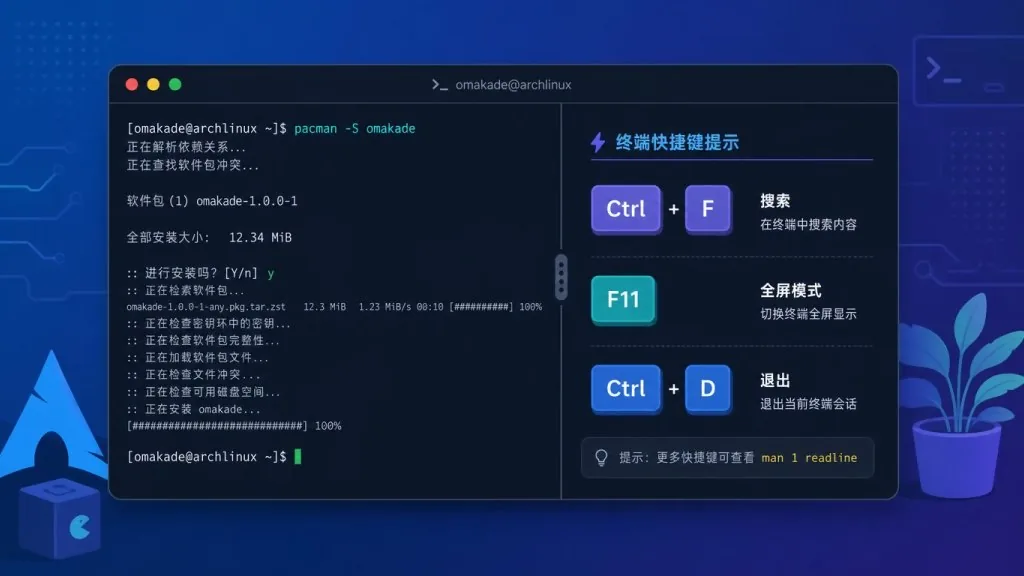
sudo pacman -S omarchy/omakade
If you'd rather follow the author's signed repository (more timely updates), add the repo first and then install:
curl -fsSL https://pkgs.btso.dev/install.sh | bash
sudo pacman -S btsouth/omakade
Once installed, launch Omakade from the app menu, or run omakade in a terminal. The first launch scans for installed games automatically; to see what it looks like first, run omakade --demo to load a fictional library. Useful shortcuts: Ctrl+F to search, arrow keys to navigate, F11 for Couch Mode, Ctrl+D for settings. For details on emulators, Game Mode, IGDB/SteamGridDB integration and backup/restore, see docs/GUIDE.md and docs/GAME-MODE.md.
8. Takeaways
Omakade's core value is folding Linux's fragmented game entry points into one library that follows your theme, works with a gamepad and stores everything locally. It doesn't hijack your launchers, touch your accounts or steal your cloud saves — it only "displays and dispatches". If you're an Omarchy user, an emulator player, or want to build a living-room PC, start with pacman -S omakade, then enable Couch Mode, Game Mode and playtime tracking as needed. Repository: btsouth/omakade; website and demo at btsouth.github.io/omakade. Let your Linux game library feel like one whole again.

#omakade #Omakade #btsouth #Frontend #WebDev #GameDev #OpenSource #GitHub