
Pick a title (choose 1 of 3)
mattpocock/skills: 22 small, modular AI skills that don't grab your steering wheel
Packing engineering fundamentals into AI: mattpocock/skills saves you a whole round of code review
A 295.8K-star skill library: not for vibe coding, but for keeping engineering control
mattpocock/skills: squeezing software engineering fundamentals into 22 moves for AI coding agents
1. Intro: you thought you bought a race car, but the AI drove you into the mud
In a requirements review you describe the goal to the agent once, and it cranks out a thousand lines of code. Looks fast. Then it runs, and it's all bugs — fix one, three more appear. Three months later the repo holds a bigger ball of mud nobody dares touch than the product itself.
That's not your fault. Many current AI coding workflows — GSD, BMAD, Spec-Kit — take the "do everything" route: they swallow the entire development process and ask you to hand over control. Once the process itself has a bug, you don't even have an entry point to debug it.
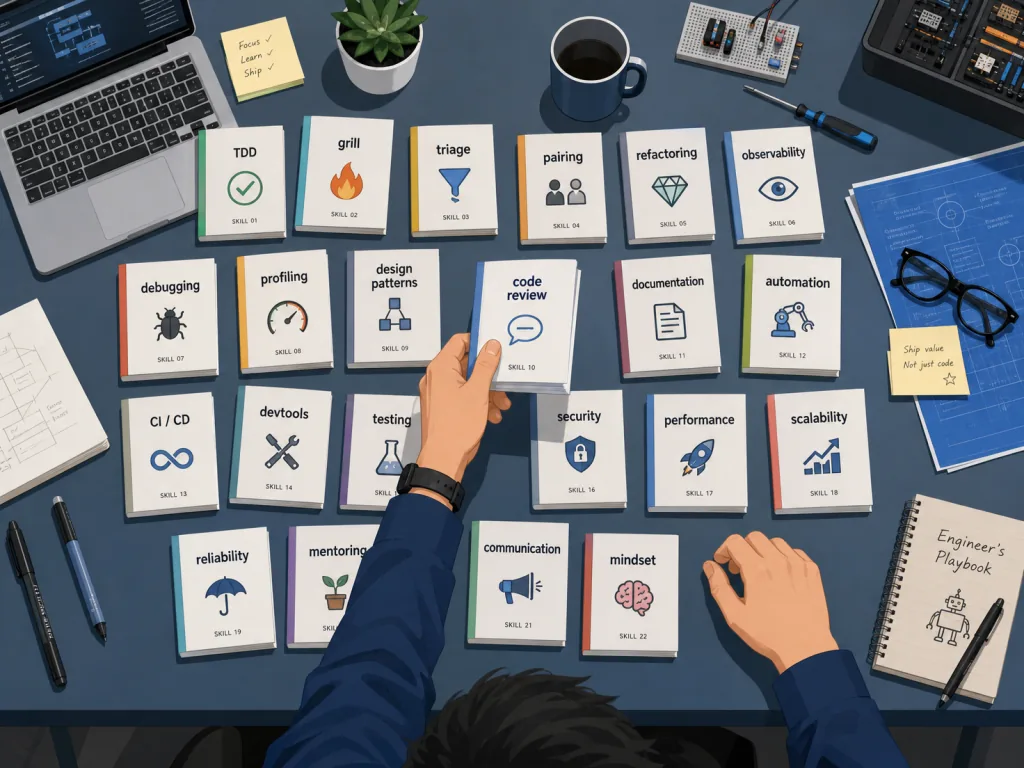
mattpocock/skills goes the other way, breaking the whole development process into 22 small, composable skills, each solving one class of problem. Install the ones you want, decide the assembly order yourself. The repo has already pulled 295.8K stars on GitHub, the core language is Shell, and it installs in 30 seconds. Let me take it apart for you.

2. What it is: software engineering fundamentals distilled into 22 reusable skills
mattpocock/skills is a "battle-tested" skill library that UK engineer Matt Pocock distilled from the .agents directory he uses day to day. The positioning is explicit — aimed at real engineers, not vibe coding.
Four keywords for the core features: composable, adaptable, model-agnostic, built on decades of accumulated engineering experience. The skills are sliced finely, and the author encourages you to hack them and make them your own. Every skill falls into one of two categories, engineering and productivity, arranged as a matrix along two axes — "user-invoked" and "model-invoked" — so you can pick by role.
3. Core features in depth
1. /grill-me and /grill-with-docs: align on the goal, starting with an interrogation
There's a line in The Pragmatic Programmer: "Nobody knows exactly what they want." The agent doesn't know what you want, and that's the root of the vast majority of failures.
/grill-me makes the agent interrogate you like a senior architect — chasing fuzzy requirements down to the field level, the edge case level, the error handling level. /grill-with-docs distills the conversation into the project's GLOSSARY.md and ADRs (architecture decision records). The original has a great example: compressing "a particular lesson in a course chapter is set to real" into "materialization cascade." The upshot: variable names, file names and even the tokens the agent burns thinking all get leaner.
2. /tdd: a feedback dashboard for the agent via the red-green-refactor loop
Suppose you and the agent are aligned on the goal — what if it writes code that runs but is garbage? The answer is feedback loops. /tdd forces the agent to write a failing test first, then the minimal code that makes it pass, then refactor. Give the agent a consistent feedback rhythm and the odds of good code rise sharply. There's a companion, /diagnosing-bugs, which turns debugging itself into a stage-gated, disciplined loop.
3. /improve-codebase-architecture: a regular deep scan of your code
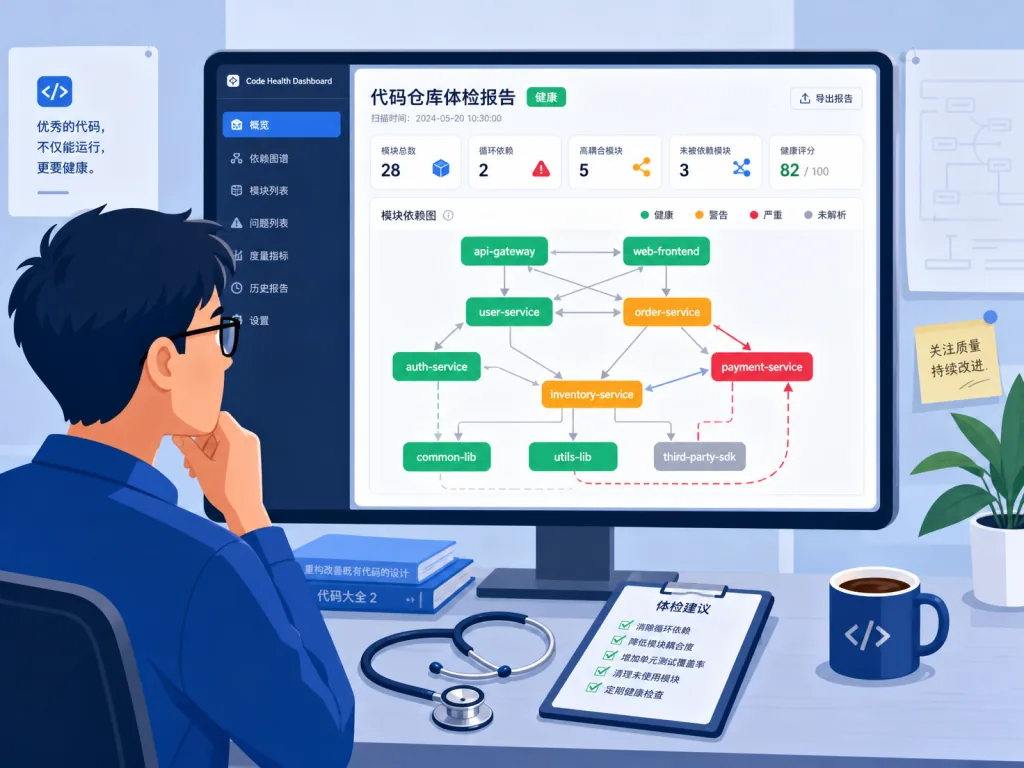
The faster the agent writes code, the faster software entropy grows. /improve-codebase-architecture periodically scans the whole repo, finds "deepenable modules" (places where a smaller interface could expose more functionality), presents them as a visual HTML report, then walks you through them one by one. Note its positioning: a checkup, not first aid — on an old repo it will find real problems, but it won't clear the silt for you.
4. /to-spec, /to-tickets, /implement: turn the conversation straight into an executable plan
/to-spec skips the interview and synthesizes the current conversation directly into a spec published to your ticket system. /to-tickets breaks the spec into tracer-bullet tickets (each one declares its blocking relationships). /implement lands the work on the agreed boundaries following /tdd, and closes out with /code-review. The chain can be split or combined, fitting requirements of different sizes.
5. /grilling, /wait-what, /ask-matt: teaching the agent to interrogate and to stop when it doesn't understand
/grilling is the reusable interrogation primitive shared by grill-me, grill-with-docs, triage, wayfinder and improve-codebase-architecture. /wait-what is the "signal's bad, say it again" skill — it fires the moment AI output is unclear and makes it restate things using the vocabulary in GLOSSARY.md. /ask-matt is the router: it tells you which skill to use right now.
4. Technical highlights and performance data
- Two-tier invocation model: user-invoked skills (triggered manually, you play the orchestrator) and model-invoked skills (auto-matched to scenarios, holding reusable discipline) are strictly separated to avoid recursing into each other.
- Zero ecosystem lock-in: the same skill set installs into Claude Code, Codex, GitHub Copilot, Gemini CLI, Cursor, OpenCode, Devin, Windsurf, Amp and Pi — a dozen mainstream agents, write once and run everywhere.
- Auto-update: Claude Code and Codex update themselves by default; VS Code Copilot pulls new versions daily; other agents sync manually with
npx skills@latest update. - Observable cost optimization: the author measured it — once a shared glossary is in place, the agent's token consumption per session drops and the thinking chain gets shorter. That's a rare explicitly stated cost data point in an AI workflow.
- Domain-native: the 22 skills cover requirements, design, coding, debugging, review, refactoring, docs and collaboration — not a point tool, but a systematized encapsulation of engineering practice.
5. Use cases and who it's for
Use cases:
- Cold-starting a mid-to-long-term project — you need a glossary, TDD habits and code review standards for the new repo.
- Health checks on a legacy codebase — run
/improve-codebase-architectureregularly to find modules worth "deepening." - Multi-person collaboration — write the team's latent ambiguities into
GLOSSARY.mdso the agent is a team member too.
Who it's for: engineers who can write code, want to keep control, and are wary of "do-everything" AI workflows; tech leads who want to lay down a set of engineering discipline for the team.
Who it's not for: pure vibe coders who just want AI to spit out a whole app in one sentence; people unwilling to spend one-time setup effort on engineering discipline.
6. How it compares
| Dimension | mattpocock/skills | GSD / BMAD / Spec-Kit-style process tools |
|---|---|---|
| Granularity of control | 22 fine-grained skills, freely composable | Fully managed process, end to end |
| Locating failures | Each skill is independent, editable, replaceable | Black-box process, hard to debug |
| Model compatibility | Any agent, model-agnostic | Usually tied to a specific agent |
| Onboarding cost | 30-second install + one-time config | You must learn the whole process methodology |
| Fits which projects | Long-term projects that need engineering discipline | One-off prototypes, PoCs |
The selection logic in one line: if you want "an AI assistant that follows discipline," pick skills; if you want "AI to drive the whole way," pick process tools.

7. Getting started fast
Install (pick the one matching your main agent):
- Claude Code:
claude plugin install mattpocock-skills@claude-plugins-official(auto-updates) - Codex:
codex plugin marketplace add mattpocock/skills&&codex plugin add mattpocock-skills@mattpocock - GitHub Copilot (CLI and VS Code both):
copilot plugin marketplace add mattpocock/skills, then install the plugin - Gemini CLI:
gemini skills install https://github.com/mattpocock/skills.git --path skills/engineering - Other agents (Cursor, OpenCode, Devin, Windsurf, etc.):
npx skills@latest add mattpocock/skills -a <agent>
⚠️ Pick exactly one source per agent, or you'll end up with duplicate skills.
Minimal working flow:
- Once installed, run
/setup-matt-pocock-skillsonce in every repo to configure the ticket system, labels and where docs live. - Before changing anything, run
/grill-me(non-code scenarios) or/grill-with-docs(engineering scenarios where you want a glossary). - Hook
/tddonto implementation,/code-reviewonto wrap-up, then open the PR. - Take half an hour a week to run
/improve-codebase-architectureand "see" your architecture debt.
8. Takeaways and next steps
What mattpocock/skills really sells isn't "plugins" but a discipline template with software engineering fundamentals encapsulated inside. It acknowledges that AI coding accelerates entropy, so it hands you 22 mountable little tools that let you keep code quality and control while enjoying the speed.
Action item: install it in your main agent tonight — pick a real, small task you actually need to do and walk the minimal chain: /grill-me → /to-spec → /tdd → /code-review. If you already have a legacy repo, run /improve-codebase-architecture right away; for the first time you'll "see" the places in the code you've always wanted to fix but never had time for.
Project links:
- GitHub: github.com/mattpocock/skills
- Skill directory: skills.sh/mattpocock/skills
- Author's newsletter: aihero.dev/s/skills-newsletter
Remember one thing — in the AI era, engineering discipline is worth more than ever.

#skills #Skills #mattpocock #AI agents #AI workflows #automation #open source #GitHub