1. How hard is it to build a personal site people actually remember
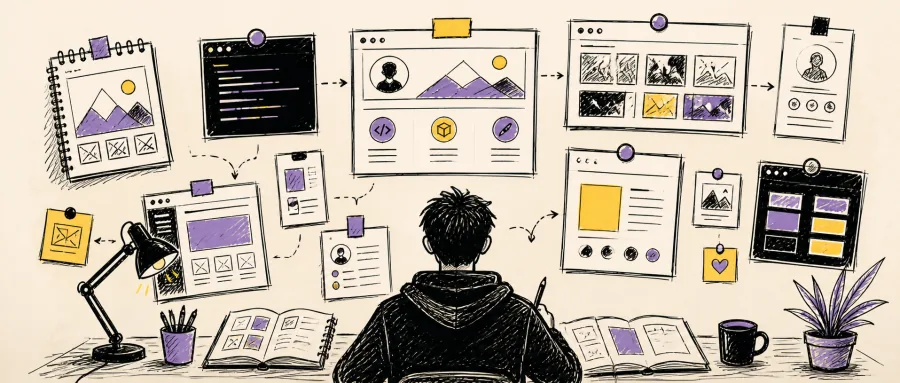
You open Dribbble and Awwwards, flip through 30 pieces, and decide to build your own personal homepage. Two days later you are stuck on layout, animation and color, and the progress bar is frozen at 30%. The scenario is familiar — 70% of developers who want a personal site die at the "I don't know what it should look like" step, let alone pulling off divine-tier moves like Three.js 3D interaction.
For indie developers, a personal homepage is the first face you show when job hunting, taking on contract work, or building influence. One design that makes someone pause is worth more than ten project links on a résumé. But inspiration never falls out of thin air.
2. What portfolio-ideas is
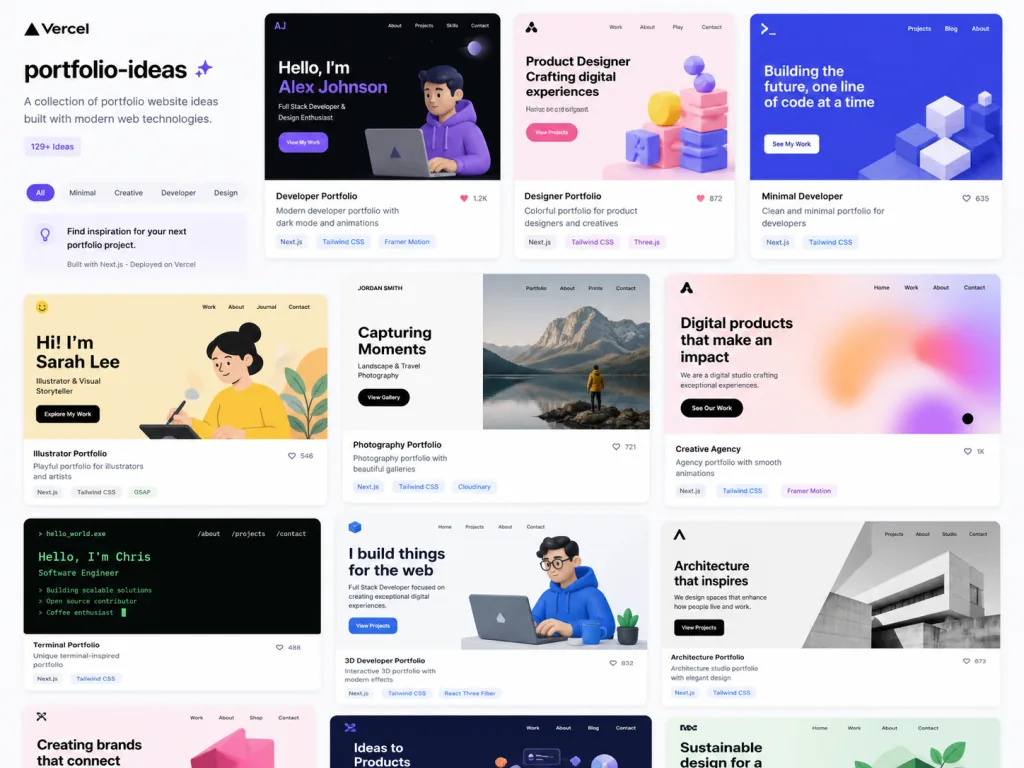
portfolio-ideas is an open-source inspiration library on GitHub with 6.2K stars, dedicated to collecting personal homepage cases from developers and designers. Every entry carries the author, a screenshot, a live link, the GitHub repo and the tech stack used, covering mainstream options such as React, Next.js, Vue, Svelte, Flutter, Jekyll and Eleventy.
It was created by Victor Eke, inspired by Clone Wars, Hashnode's 30 Web Developer Portfolios collection, and the author's own real struggle while building a personal site. The repo is maintained in pure Markdown, updated through PRs, and paired with a portfolio.html site for visual browsing.
3. A deep dive into the core features
1. One-stop case showcase
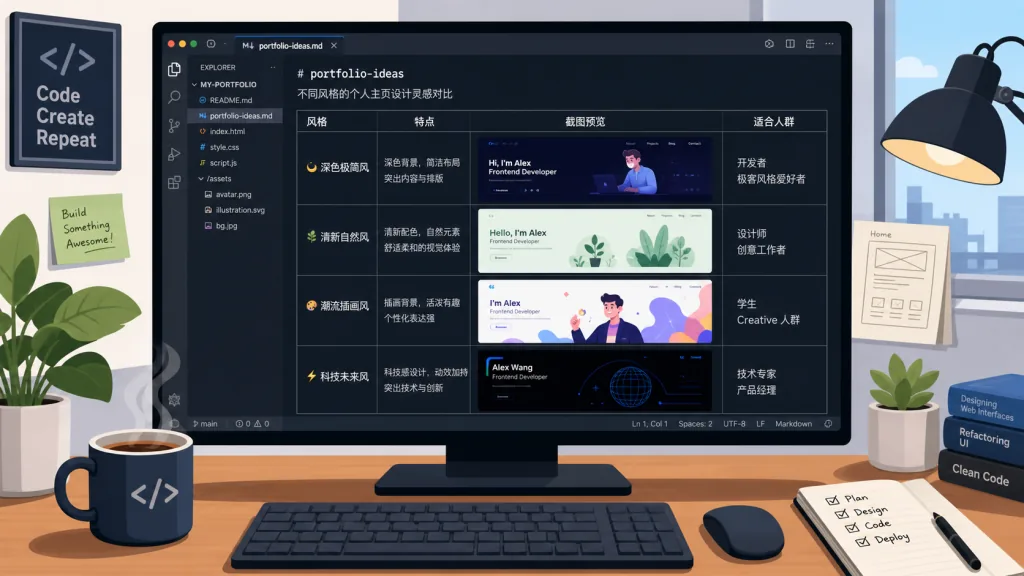
The repo uses a Markdown table to present 60+ selected works uniformly, each row carrying five fields: author, screenshot, live URL, repo and tech stack. That structure means you can compare sideways — if you want a real Next.js + GSAP example, just filter by tech stack in the table.
2. Broad tech stack coverage
From the plain HTML/CSS/JavaScript trio to a modern Next.js + Sanity + Tailwind CSS setup; from Jekyll-built static sites to Three.js + GSAP-driven 3D interactive sites (Bruno Simon's bruno-simon.com is the classic case). Whatever your technical depth, you can find a reference that matches.
3. A companion visual site
The README links to https://portfolio-ideas.vercel.app/portfolio.html, which shows every case as a card wall with screenshot previews and click-through. For readers tired of plain text, this visual browsing is far friendlier.
4. An open contribution mechanism
The project uses All Contributors badges to credit every submitter, and a CONTRIBUTING.md spells out the rules for adding a new case. Want to recommend your own work or someone else's? A PR gets it in — the whole flow is newcomer-friendly.
4. Technical highlights and performance
The project itself is pure Markdown deployed as a static site on Vercel, so it loads extremely fast, with screenshots served from GitHub as the image host. The table structure is easy to extend: adding a case means appending one row, with no template changes. The real highlight is "minimal but extensible" — maintainers write no code, contributors only need Markdown.
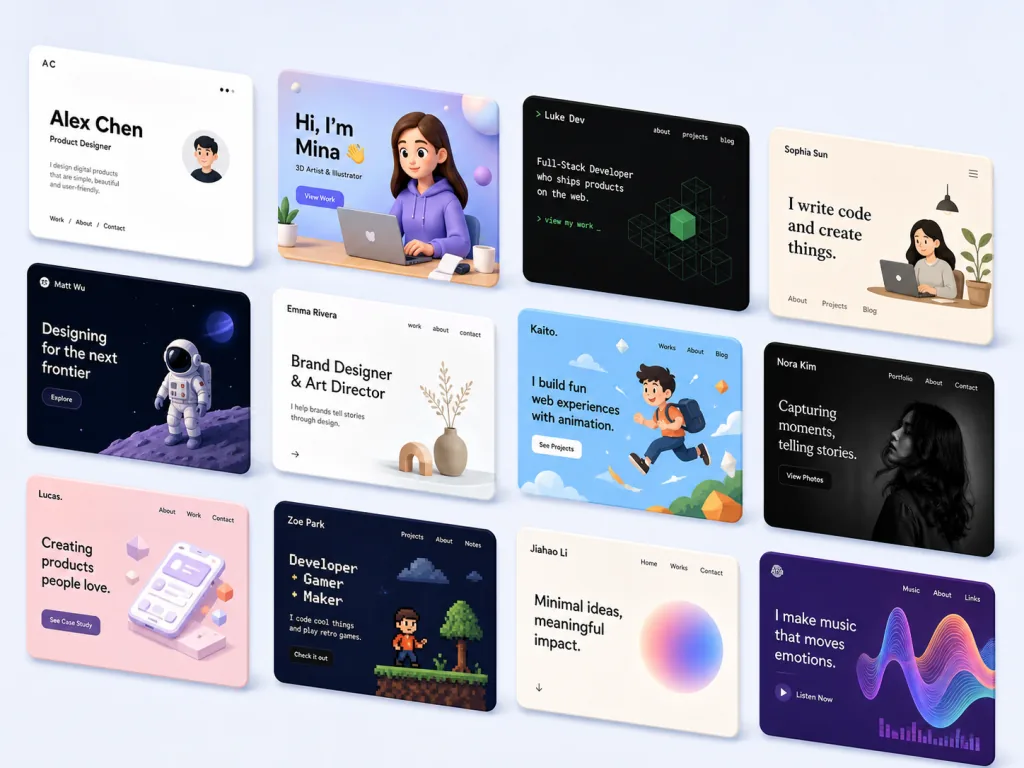
For viewers, the biggest value is coverage: 60+ cases spanning 2D card style, 3D immersive, minimalist typographic and animation-heavy directions. Paired with the Tech Stack field, it works like a live-updating "sample library for personal homepage tech choices."
5. Who it's for
- Developers about to job hunt: build a differentiated homepage that makes a recruiter linger 30 more seconds — pick a style here and remix it.
- Freelancers taking on clients: benchmark client expectations against high-quality cases and make your quote more persuasive.
- Design / frontend learners: treat each case as a real exam question — imitate its layout, animation and responsive handling.
- Not for: people who already have a portfolio site they are happy with, or users who just want a template to copy without studying its structure.
6. How it compares
| Project | Content format | Update mechanism | Visual preview | Coverage |
|---|---|---|---|---|
| portfolio-ideas | Markdown table + Vercel visual site | Community PRs | Screenshots + card wall | 60+ curated |
| Dribbble / Awwwards | Design work feed | Platform editors | High-quality screenshots | Tens of thousands, mixed |
| Clone Wars | Collection of open-source clones | Community PRs | None | 100+ repos |
| Blog recommendation lists | Text feed | Manual upkeep | Rare | Dozens to hundreds |
What sets portfolio-ideas apart: it focuses on the vertical niche of "developer/designer personal homepages," and the included GitHub repo links mean every case can be forked and studied — not something you look at once and forget.
7. How to get started quickly
- Open https://github.com/Evavic44/portfolio-ideas and browse the README table.
- Pick 3–5 cases close to your target direction, and note their tech stacks.
- Visit the matching GitHub repo, clone it locally, run it, and understand how the animation and layout are implemented.
- Rework it into your own version and deploy to Vercel or Netlify.
- If you like the result, send a PR back to
portfolio-ideasand add your work.
Further tip: use the Tech Stack column to make tech decisions — decide you want GSAP? First look at how existing cases pair it with ScrollTrigger, then decide whether to bring in Framer Motion at all.
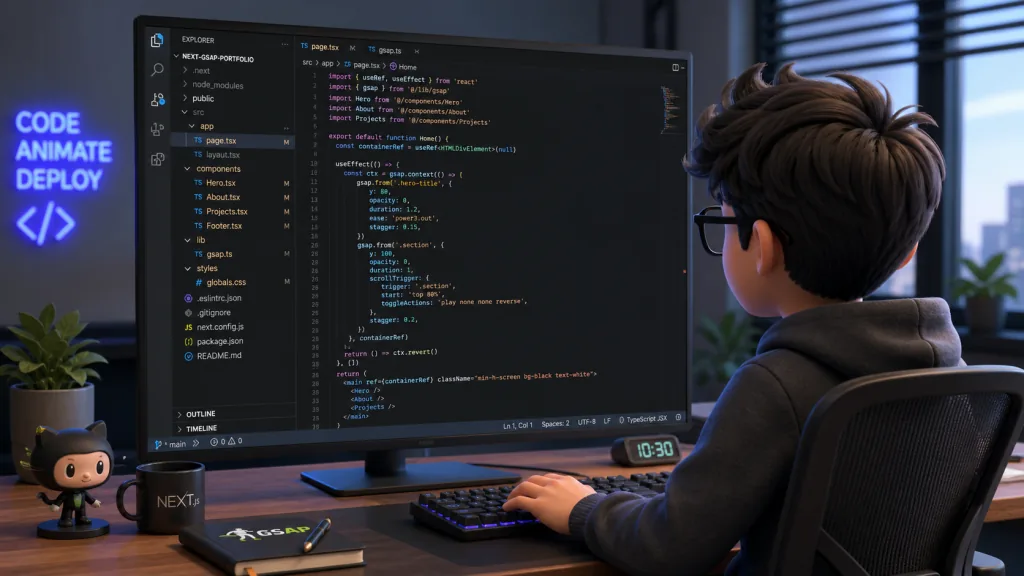
8. Takeaways and next steps
The core value of portfolio-ideas is that it turns "good work other people already shipped" into something structured, open-sourced and community-driven. It does not teach you how to write the code, but it shows you the playable boundaries of the whole ecosystem, so you don't grind on layout in the wrong direction.
If you are agonizing over a personal homepage, pick the 3 styles you love most from the table and copy them — that is 10x faster than designing from zero. When you're done, don't forget to open a PR back to the repo, so your work becomes the next person's inspiration.
- GitHub: https://github.com/Evavic44/portfolio-ideas
- Browse online: https://portfolio-ideas.vercel.app/portfolio.html
- One-line pitch: an inspiration library for developer homepages — after 60 cases, your own direction gets clear on its own.