Choosing a title (pick 1 of 3)
Screenbox to the rescue: someone finally handles the big video files Windows' own player can't
Five minutes with Screenbox: 4K HDR, casting and Xbox in one place
LibVLC under the hood, Fluent Design on the outside: Windows players can look like this
Screenbox: a 4500-star modern Windows player that stuffs LibVLC into Fluent Design
1. The Windows playback mess
The built-in Movies & TV app crashes on a 4K HDR file with subtitles; PotPlayer is bloated and ships with pop-up ads; MPC-HC's interface is stuck in 2010 aesthetics; MPC-BE and QQ Player stopped shipping updates long ago. This isn't an isolated case — since the UWP era, Windows has consistently lacked a player that is "modern in design, light in size, hard-nosed at decoding, and open in ecosystem". That is exactly the awkward gap Screenbox wants to close.
2. Project overview: in one sentence
Screenbox is a modern Windows video player built on LibVLC and UWP, focused on "performance first, cross-device experience". It follows the Fluent Design language and supports Windows 10 1903+, Windows 11 and Xbox consoles. It has 4508 stars on GitHub and is one of the few actively maintained native player projects in the Windows ecosystem in recent years.
3. A deep dive into the core features
1. A native Fluent Design interface
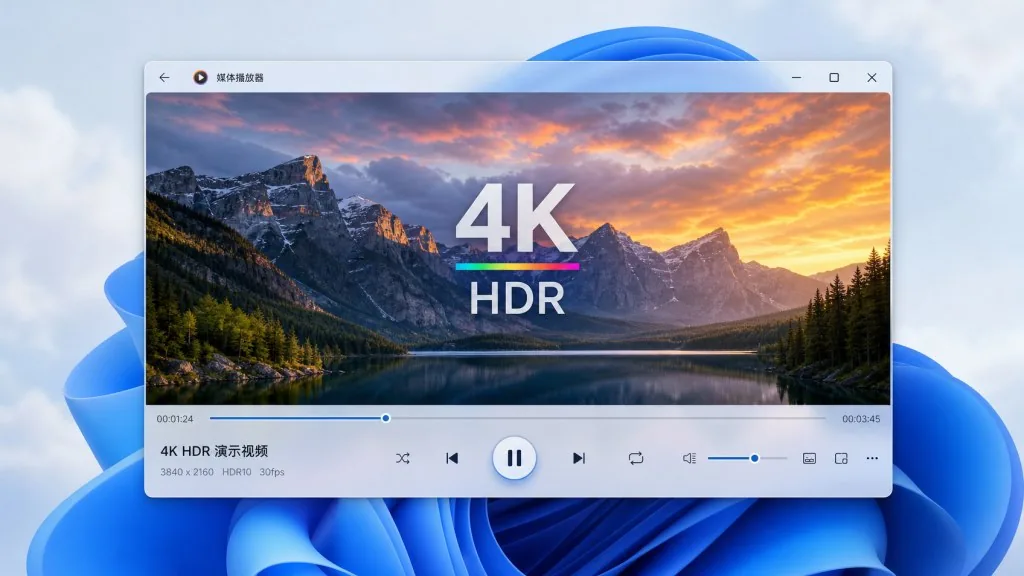
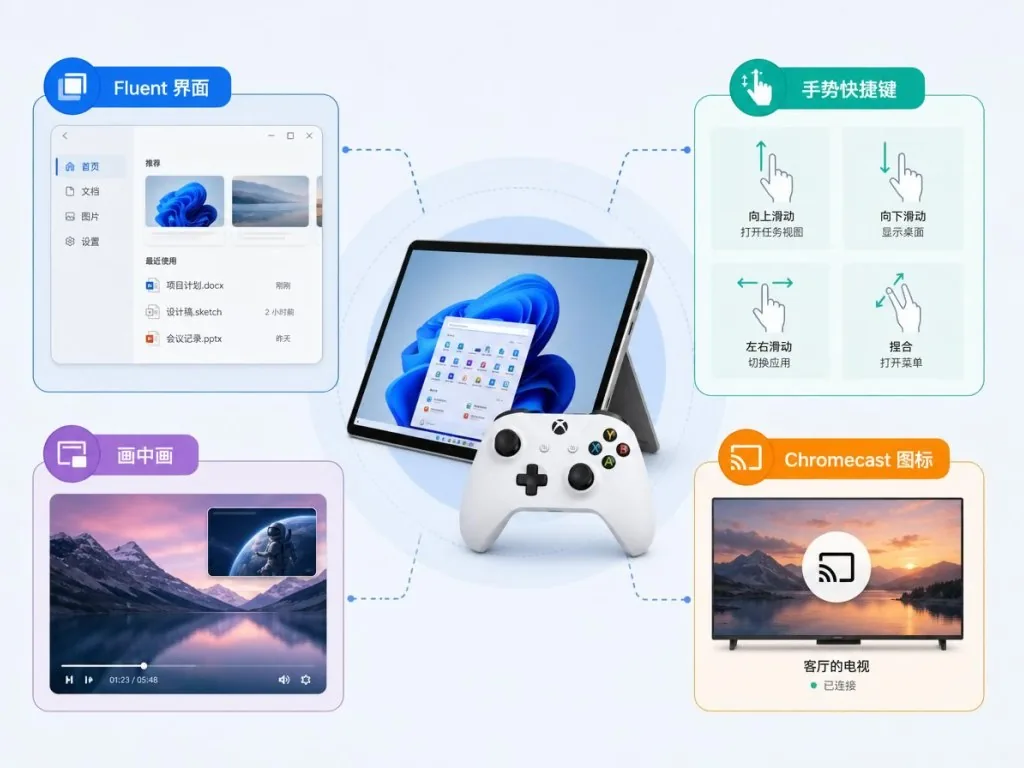
Screenbox reuses Windows 11's Mica, acrylic materials and Reveal highlight, and both the playback page and the media library follow the system light/dark theme automatically. Window borders and controls blend into the system — no "skin slapped on top" awkwardness the way third-party players usually feel.
2. Gestures and keyboard shortcuts
The player supports swipe gestures for seeking and volume, plus a YouTube-style shortcut layout: J/K to rewind/fast-forward, F for fullscreen, M to mute. The handiest part is the number keys 1 through 4 for switching window sizes, which makes the "I was scrolling social media and suddenly want to actually watch this" moment effortless.
3. Picture-in-picture, casting and LAN playback
Picture-in-Picture floats the video anywhere on the desktop, so replying to messages or writing code isn't interrupted; Chromecast sends local videos to the living-room TV; network media browsing auto-discovers SMB/UPnP servers, so you don't have to copy files over first.
4. Frame capture
Press a shortcut on any frame to save it as an image — no need to fall back on Windows' Win+Shift+S screenshot tool. That's handy for film bloggers and editors pulling reference frames.
5. The decoding foundation: LibVLC
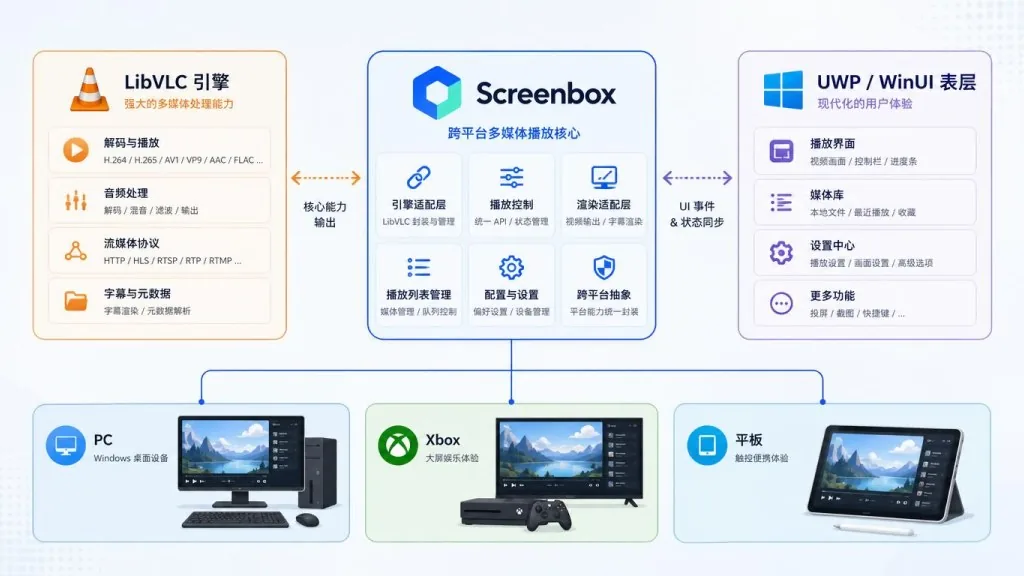
Under the hood it isn't the usual FFmpeg wrapper most players use, but LibVLCSharp maintained by VideoLAN, supporting nearly every mainstream container and codec — including H.265, AV1 and subtitle track switching — with no extra codec packs to install.
4. Technical highlights and performance numbers
Screenbox is written in C# + UWP and compiles to AnyCPU; memory usage sits around 120 MB resident after launch, lower than most Win32 players. The WinUI 3 + LibVLC combination routes hardware decoding through DXVA automatically, with frame rendering handled by UWP's MediaPlayerElement or a custom swap chain. Cross-platform coverage runs from x86 tablets to Xbox Series X, and the Xbox build works directly with a controller, giving the same experience as desktop. Localization runs through Crowdin, already covers 10+ languages, and syncs back to the repo automatically via GitHub Actions.
5. Where it fits, and who it's for
- Windows users who watch a lot of 4K HDR video: whatever the stock player can't handle, Screenbox picks up;
- NAS or LAN media library owners: SMB/UPnP servers are discovered automatically, from couch to living room in one go;
- Xbox console owners: the same UWP package installs on the console, with the controller as remote;
- People bothered by visual inconsistency: Fluent Design blends into Win11 windows, so no more "app islands".
Not for: users who only work on macOS/Linux; command-line player purists; anyone clinging to the classic MPC layout.
6. Comparison with alternatives
| Project | Rendering base | UI design | Store distribution | Console support |
|---|---|---|---|---|
| Screenbox | LibVLC | Fluent Design | Yes | Xbox |
| Films & TV (built-in) | Microsoft proprietary | Win8 style | Yes | Weak |
| PotPlayer | FFmpeg | Traditional Win32 | No | No |
| VLC Win11 | Official LibVLC | Qt port | Yes | No |
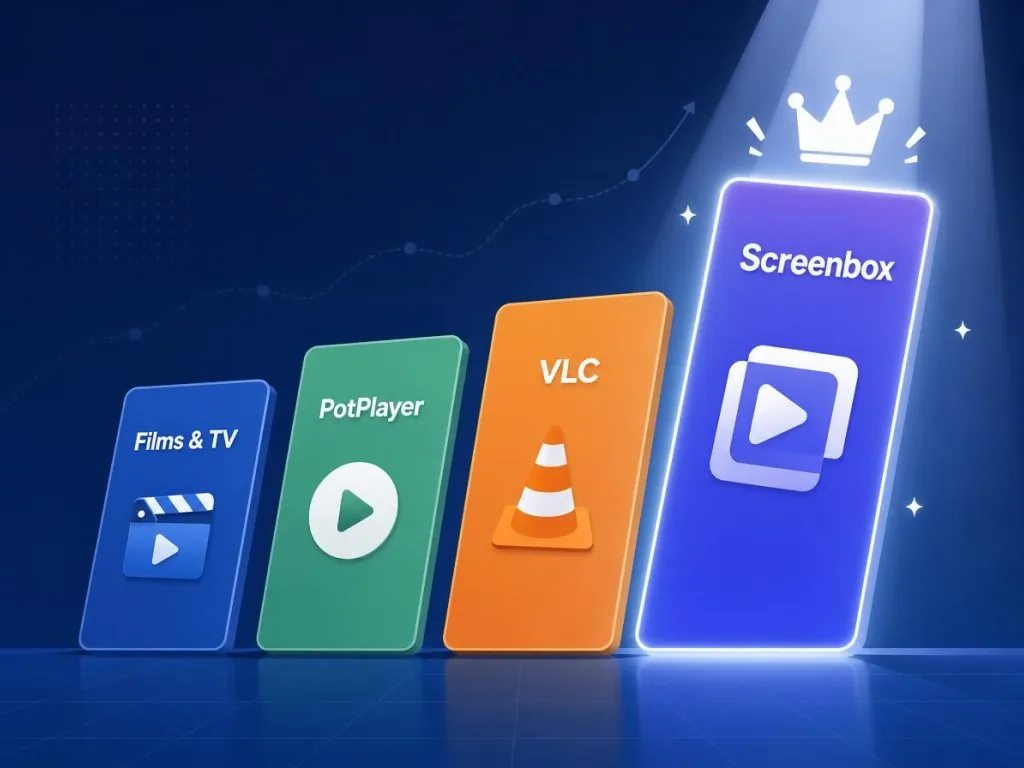
Compared with the official VLC Windows build, Screenbox is lighter, more modern and supports Xbox natively; compared with the built-in player, it decodes more formats and supports casting and LAN playback.
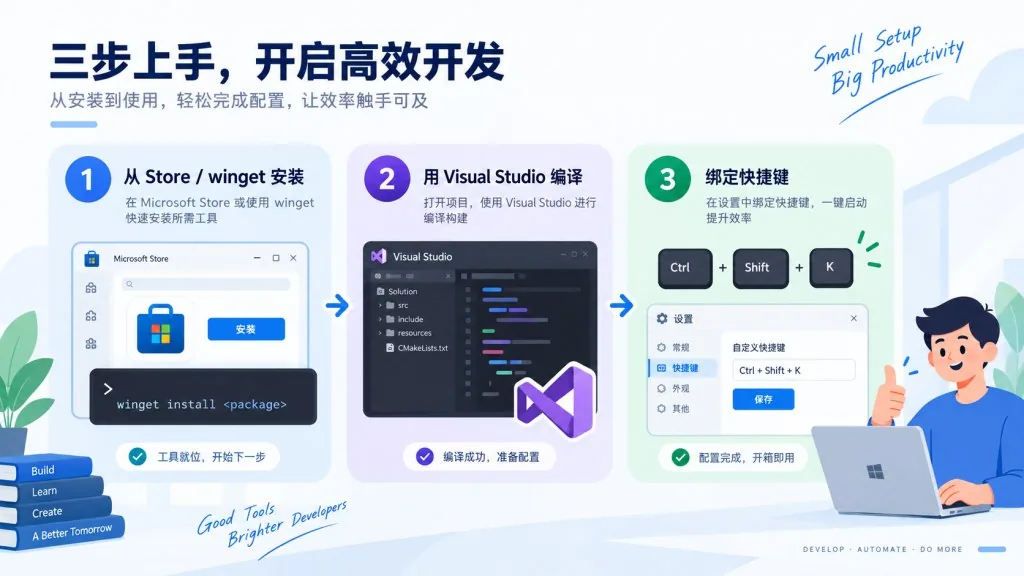
7. Getting started fast
Two ways to install for regular users:
- Search "Screenbox" in the Microsoft Store for a one-click install with automatic updates;
- Run
winget install screenbox -s wingetfrom the command line.
For developers: clone git clone https://github.com/huynhsontung/Screenbox.git, open Screenbox.slnx in Visual Studio 2026, select the x64 platform and press F5. Translators can claim a language on the Screenbox project page on Crowdin; PRs merge automatically.
Next steps: turn on "Hardware decoding" and the default subtitle track in settings first, then bind global shortcuts — that saves you from picking a track by hand every time.
8. Summary and what to do next
Screenbox stitches LibVLC's hard-nosed decoding together with a modern UWP/Fluent exterior, which for Windows users across the board feels close to "completion". If you're tired of bloated players or the limits of the built-in app, now is the time to switch.
Repo: https://github.com/huynhsontung/Screenbox Microsoft Store: https://apps.microsoft.com/detail/9NTSNMSVCB5L One-line advice: make Screenbox your default player and let Windows be a competent home-theater terminal again.
#screenbox #Screenbox #huynhsontung #Database #OpenSourceProjects #GitHub