
Pick a title (choose 1 of 3)
Hard to find something to watch, buffering everywhere, platforms fragmented? Stremio fixes media fragmentation in one move
Aggregating video from many sources, Stremio packs your media world into one board
No streaming subscriptions, yet you can watch sources from all over the world? Inside Stremio's addon mechanism
1. Intro: hard to find, painful to play, fragmented platforms — the three chronic headaches of media fans
You just finished a US drama series and want another film in the same vein. You open a browser and search for a good while, and the sources are scattered across a dozen websites. You want 4K HDR, but cloud drives throttle you and ads pop up everywhere. You watch half of something on your phone, move to the TV to continue, and the progress bar does not line up.
This is not a one-off. With streaming services fragmented the way they are today, the average user has to hop between 4–5 platforms to finish what they want to watch. Finding content, aggregating it, and resuming across devices — every step drains patience.
Stremio chooses to solve all three at once.

2. Project overview: what is Stremio?
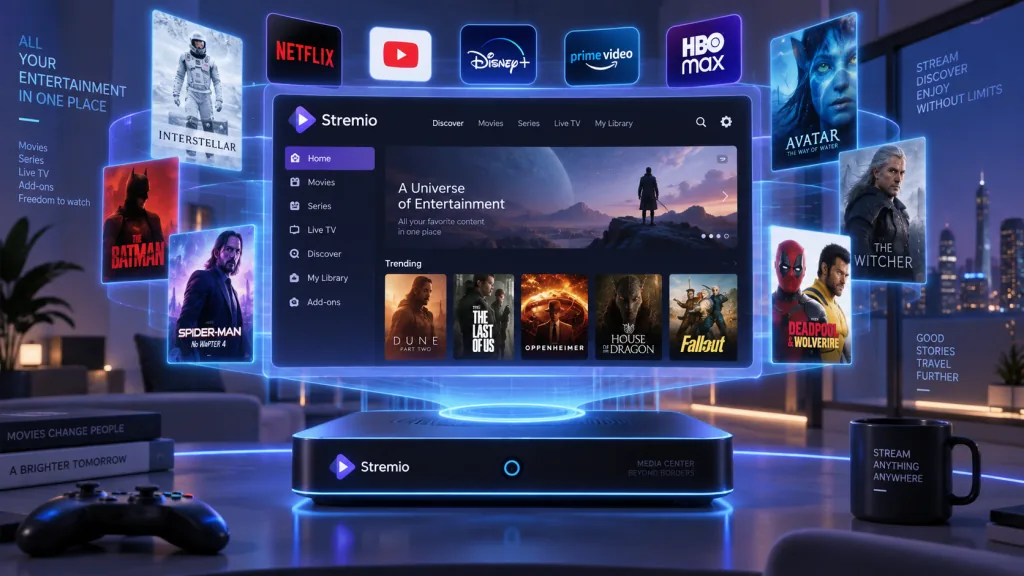
Stremio is a modern media center, positioned as a one-stop video entertainment solution. It does not produce content itself. Instead it aggregates video from many sources through an addon mechanism, so you can do the whole discover → watch → manage loop in one interface.
Four keywords sum up the core features:
- Cross-platform: Web, desktop, mobile and TV
- Addon-based: the Addon system extends functionality without limits
- Aggregation: one interface for films, series, live TV and cloud drive sources
- Free and open source: GPLv2, community-driven
The project has been shipping continuously since 2017 and covers all major operating systems.
3. Core features in depth
1. Addon system architecture
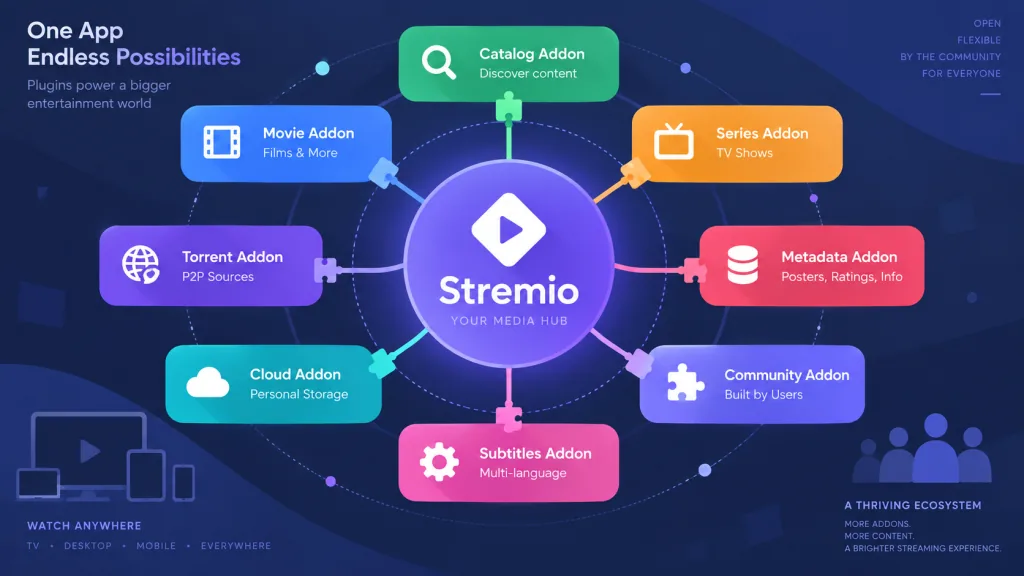
The soul of Stremio is its addon system. The official Addon SDK lets developers write addons that scrape metadata and stream links from any source. Once an addon is installed, Stremio folds its content into the unified Board and Discover pages.
That means you can install a YouTube addon, a cloud drive search addon and an IPTV addon side by side without switching apps. Every addon follows the same metadata convention (aligned on IMDB/TMDB IDs), so recommendations, favorites and resume points work seamlessly across platforms.
2. The unified Board
The Board page is your content hub. It aggregates:
- Series you are following (new episodes tracked automatically)
- Continue watching (progress synced across devices)
- New content recommended by addons
Where a traditional video site makes you bookmark every show by hand, the Board sorts by update time automatically, so you never miss a new episode.
3. The Discover page
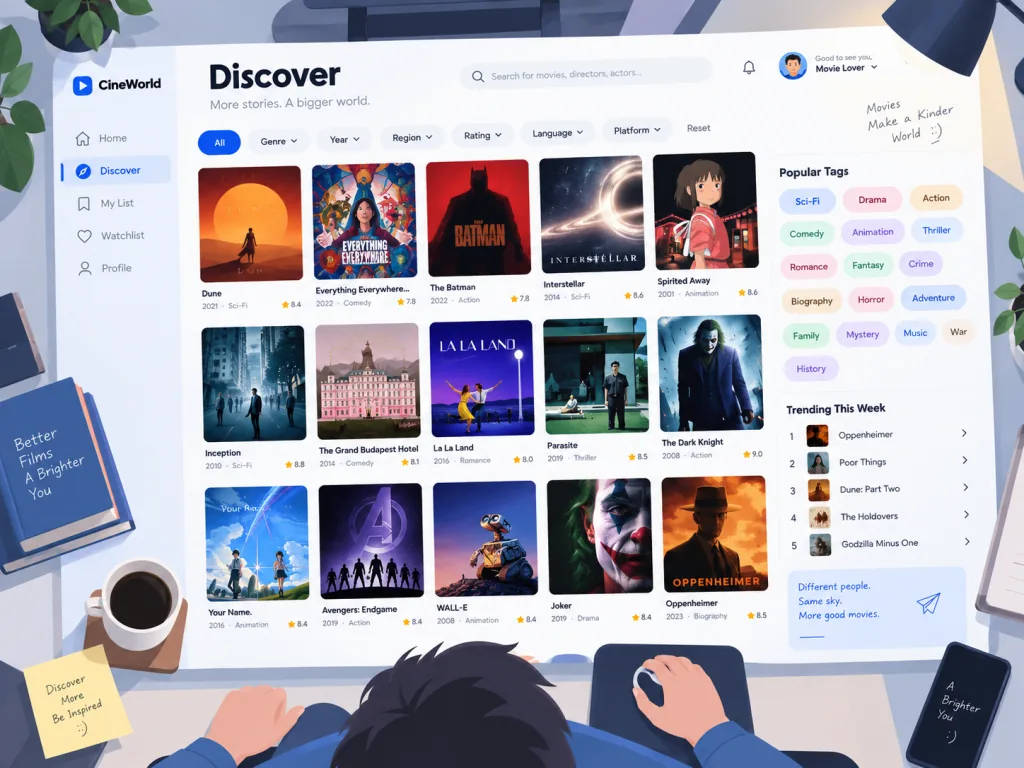
Built on TMDB data, the Discover page offers multi-dimensional filters: genre, year, rating, region, popularity ranking. Posters, synopses and cast information are all pulled from metadata sources automatically, and the presentation is close to Netflix.
4. Meta Details page
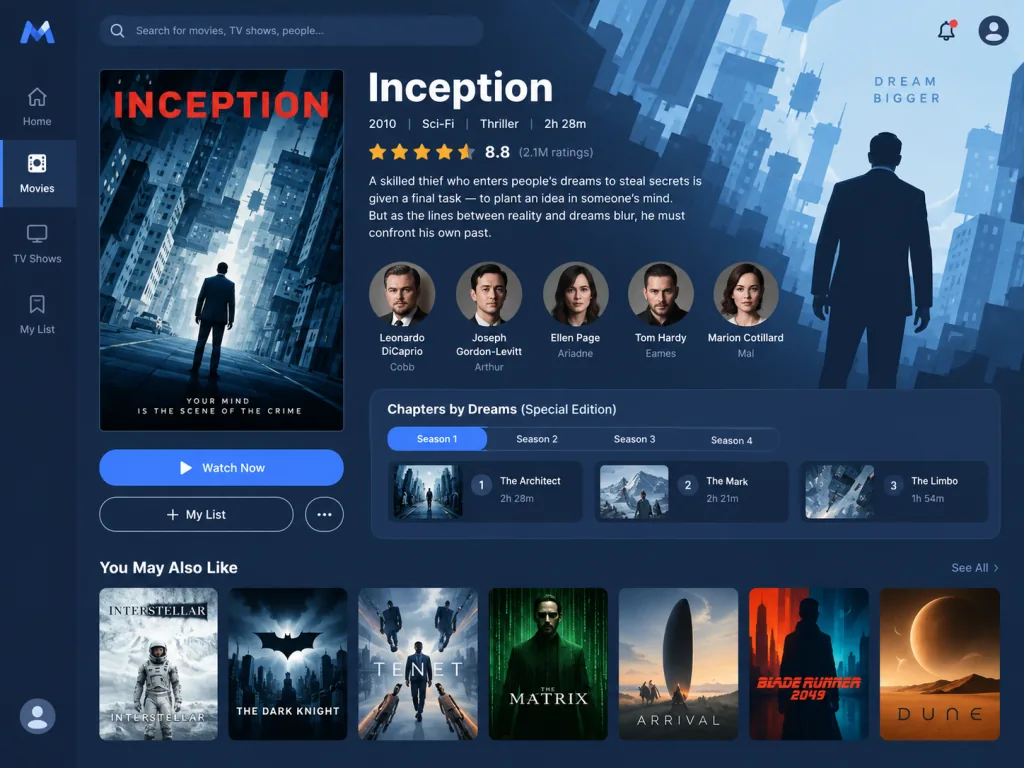
Click any title and the details page shows the cast, the episode list (across seasons), trailers and related recommendations. Series are laid out clearly by season and episode, and one click takes you into playback.
4. Technical highlights and performance numbers
- Stack: React + Redux, a pure front-end SPA, deployed on Netlify with global CDN acceleration
- Build system: a mature Webpack setup;
npm startboots a hot-reloading dev server,npm run buildemits the production bundle - Cross-platform: one codebase targets Web, an Electron desktop shell and a Tauri shell, packaged for multiple platforms with one command
- Addon communication: addons talk to Stremio Core over HTTP/manifest endpoints; the loose coupling lets addons deploy independently
- State management: Redux handles cross-device progress sync, and combined with the Stremio account system it delivers cloud resume
In the ecosystem, the team runs an Addon Catalog with hundreds of community addons covering official video sites, cloud drives, anime and subtitles.
5. Use cases and who it is for
Case 1: binge watchers — aggregating series from multiple platforms, tracking updates automatically, resuming across devices
Case 2: media collectors — managing a local NAS, cloud drives and online sources under one metadata scheme
Case 3: tinkerers — extending functionality through addons and customizing their own media center
Good fit: users willing to spend 10 minutes installing addons and who want freedom over their content; technical enthusiasts; multi-device users.
Not a fit: pure subscribers who only follow Netflix/Disney+ exclusives; absolute beginners who do not want to tinker at all (some basic network configuration is required).
6. Comparison with alternatives
| Dimension | Stremio | Plex | Jellyfin | Kodi |
|---|---|---|---|---|
| Core positioning | Aggregation + discovery | Media server | Media server | Local player |
| Addon ecosystem | Rich (Addons) | Weaker | Plugin system | Very rich |
| Learning curve | Medium | Fairly simple | Medium | Harder |
| Cross-device experience | Excellent | Excellent | Excellent | Average |
| Content sources | Addon aggregation | Local library | Local library | Local + plugins |
Stremio's differentiator is addon aggregation plus a unified cross-device UI. It does not force you to build a server, and you do not need a pile of local files before it is useful.
7. How to get started quickly
Prerequisites: Node.js 12+, npm 6+
Step 1: clone and install
git clone https://github.com/Stremio/stremio-web.git
cd stremio-web
npm install
Step 2: start the dev server
npm start
Open http://localhost:3000 and the web interface is up.
Step 3: install addons
Go to stremio.com/addons, pick the addons you want (YouTube, Cinemeta, community subtitles), copy the manifest URL and paste it into Stremio's settings to enable it.
Next step: for production use npm run build; the output deploys directly to static hosts such as Netlify or Vercel.
8. Conclusion and what to do next
Stremio uses addons plus cross-device sync to pull fragmented media back into one clean interface. It does not replace any streaming platform; it gives you a single entry point.
If you are tired of bouncing between a dozen websites, Stremio is worth an evening. Install three or five addons, set up your Board, and the whole experience gets a lot cleaner.
- GitHub:
https://github.com/Stremio/stremio-web - Website:
https://stremio.com - Docs:
https://github.com/Stremio/stremio-web/blob/development/README.md
One-line pitch: install a few addons and you never have to switch back and forth again.
#stremio-web #StremioWeb #stremio #Frontend #WebDev #OpenSource #GitHub