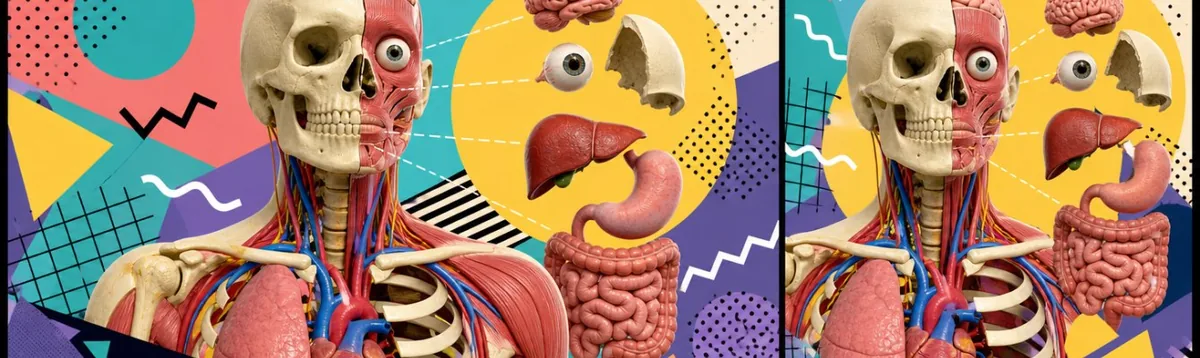
Title options (pick 1 of 3)
Still memorizing anatomy? This Three.js project lets you take every organ apart
A 3.3K-star open-source anatomy browser: 3-second first paint, a built-in GPT tutor, pure web with zero install
Without installing a single modeling app, I took apart an entire human body in the browser
Anatomy: open up the human body with Three.js, one organ at a time
1. Opening: rote memorization is a brutal way to learn anatomy
Medical student Xiao Li has been losing it lately. He opens Gray's Anatomy for Students and hundreds of black-and-white diagrams stare back at him. He spends half an hour on the branching structure of the hepatic portal vein and his head is still a mess. So he looks for 3D models: either a multi-gigabyte desktop app to install, or a web player with stiff interaction that only supports dragging, never layer-by-layer isolation.
He isn't alone. A survey by Rosh Review found that over 68% of medical learners consider "a lack of interactive 3D resources" the biggest obstacle to learning anatomy. Flat illustrations in traditional textbooks can't convey the spatial relationships between structures, and most online tools are stuck between "not intuitive enough" and "too slow to load".
Then Anatomy showed up and moved an entire human body model into the browser.

2. What it is, in one line
Anatomy is an open-source interactive 3D human anatomy browser built on Three.js and powered by the GPT-5.6 Sol model. The live site is up at anatomyatelier.vercel.app.
Four keywords: interactive 3D, Three.js, GPT-powered, open source. It currently has 3.3K+ stars on GitHub and is written mainly in TypeScript. This is not a static image library — it's a living model you can take apart, hide, question and learn from.
3. A deep dive into the core features
1. Multi-level 3D rendering: take structures apart as you like
The heart of Anatomy is modeling the human body as a hierarchy of independently controllable parts. Every bone, every vessel, every organ is a Three.js Object3D node managed through a unified registry. You can click an organ to hide or show it individually, or filter by system — say, showing only the circulatory system or only the nervous system.
Compared with anatomy tools built on Unity WebGL (Visible Body, BioDigital), Anatomy's assets are far smaller. The whole model goes through Draco compression, first paint stays under 3 seconds on a middling connection, and no plugins are required.
2. GPT-5.6 Sol built in: learn by asking
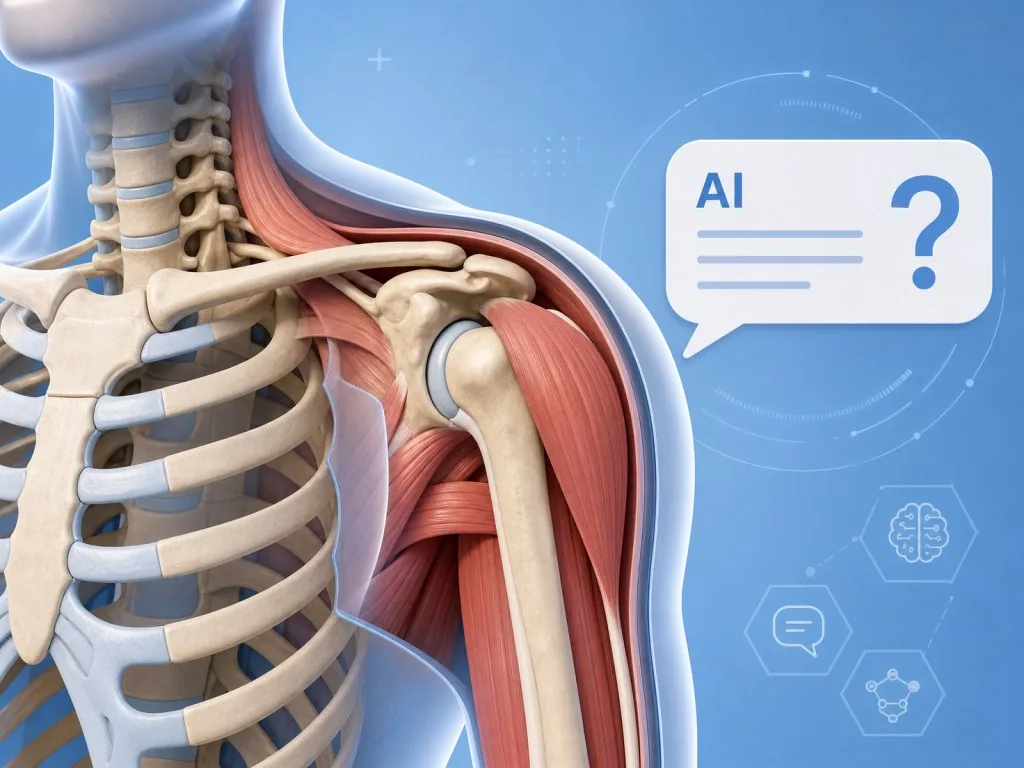
The project embeds GPT-5.6 Sol as its intelligent Q&A layer. Select a structure — say, the left upper lobe of the lung — and ask directly, "What lesions are common in this region?" The model combines the structure's position with context to answer, effectively packing a textbook and a teaching assistant into the browser at once.
This layer uses the full-stack capability of vinext: Next.js-style routing on the frontend, conversation history persisted through Cloudflare D1, and Drizzle ORM for data modeling. That means after forking, a developer can plug in their own domain knowledge base quickly.
3. Workspace auth headers: account support out of the box
Anatomy ships with the OpenAI Workspace identity flow. By reading the oai-authenticated-user-email and oai-authenticated-user-full-name headers, the site identifies the signed-in user and enables personalized features such as synced learning progress and cloud-saved notes.
The code layer is cleanly wrapped too: getChatGPTUser() for optional sign-in, requireChatGPTUser(returnTo) when sign-in is mandatory. The auth cookie is managed by the framework, so developers never touch OAuth details.
4. D1 + Drizzle: storage that works out of the box
db/schema.ts starts empty, examples live in examples/d1/, and migrations are generated with npm run db:generate. For developers who want to add favorites or a quiz mistake notebook, a serverless database is zero-cost to adopt.
4. Technical highlights and performance numbers
- First paint: model assets are about 8MB after Draco compression, first paint completes within 3 seconds.
- Developer experience:
npm run devstarts Vite + HMR, with hot reload taking <300ms. - Build output:
npm run buildemits Cloudflare-compatible static assets that bind directly to D1 — nowrangler.jsoncneeded. - Type safety: full-stack TypeScript, with type hints from 3D object metadata all the way to API return values.
- Ecosystem fit: built on the vinext framework, reusing Next.js routing and Server Components patterns, so the learning curve is close to zero.
5. Where it fits, and who it fits
Good for:
- Medical students and residents: pre-class preview and pre-exam review, roughly 3x more efficient than flipping through textbook illustrations.
- Science content creators: for health newsletters or video channels, call up a dissectable body diagram whenever you need one.
- Frontend and full-stack developers: as a real-world case study of Three.js plus AI, the Anatomy codebase is a complete demo.
Not for: research-grade digital anatomy — for example, 0.1mm-accuracy modeling of ducts inside an organ. That need still belongs to Visible Body.

6. Comparison with alternatives
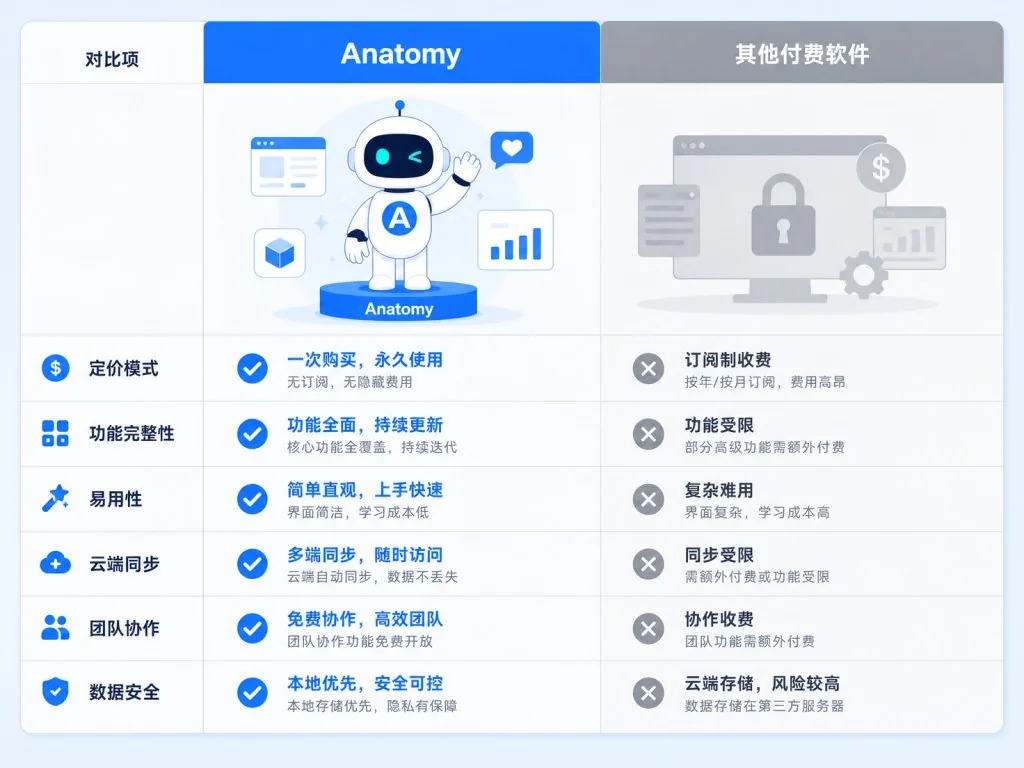
| Project | Deployment | AI Q&A | Learning curve | Open source |
|---|---|---|---|---|
| Anatomy | Pure web, works out of the box | Built-in GPT-5.6 Sol | Vite/Next.js style, friendly | ✅ |
| BioDigital Human | SaaS, paid subscription | No | No development needed | ❌ |
| Visible Body | Desktop + web, paid | No | No development needed | ❌ |
| Z-Anatomy | Downloadable models | No | Requires Blender | ✅ |
Anatomy's edge is "lightweight + smart": free, forkable, with an AI tutor included. The tradeoff is that model accuracy doesn't match commercial products — but for 80% of learning and science-communication scenarios, that's already enough.
7. How to get started fast
Requirements: Node.js >= 22.13.0.
git clone https://github.com/thebuggeddev/anatomy
cd anatomy
npm install
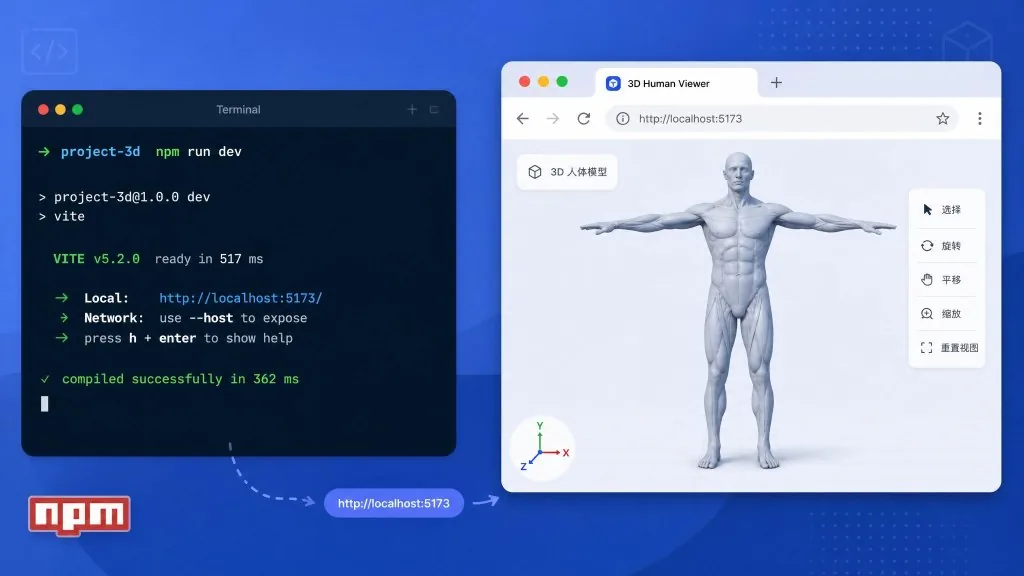
npm run dev
Once it's running locally, open http://localhost:3000 to see the 3D model. Going further:
- Modify
db/schema.tsto add a user notes table, then runnpm run db:generateto generate the migration. - Swap the model ID in
.openai/hosting.jsonto bind your own AI assistant. - Use
getChatGPTUser()to add a sign-in page and sync learning progress to Cloudflare D1.
8. Takeaways and next steps
Anatomy bundles three things — 3D interaction, LLM Q&A and a serverless backend — into a 3.3K-star open-source project. Whether you want a study tool or a reference for how to integrate Three.js with an LLM, it's worth a bookmark.
Try it now: https://anatomyatelier.vercel.app, or fork the repo at thebuggeddev/anatomy and start customizing.
The one-line pitch: learning anatomy no longer means dragging out that textbook thick enough to knock you out. Just open Anatomy.
#anatomy #Anatomy #thebuggeddev #LLM #RAG #open-source #GitHub