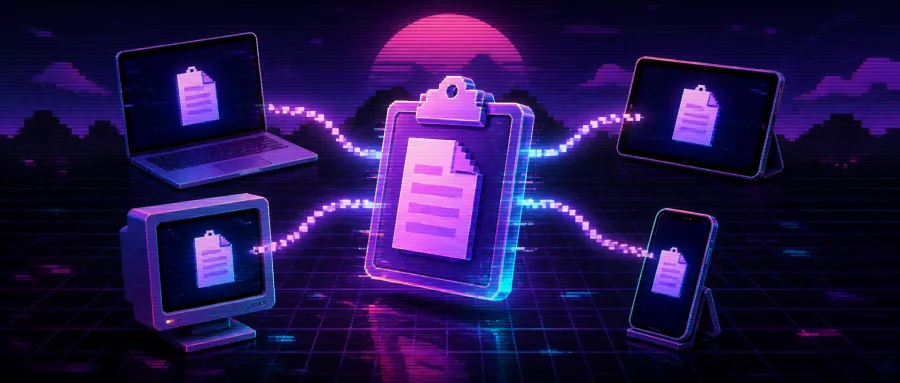
1. Intro: how did copy-paste stop crossing devices?
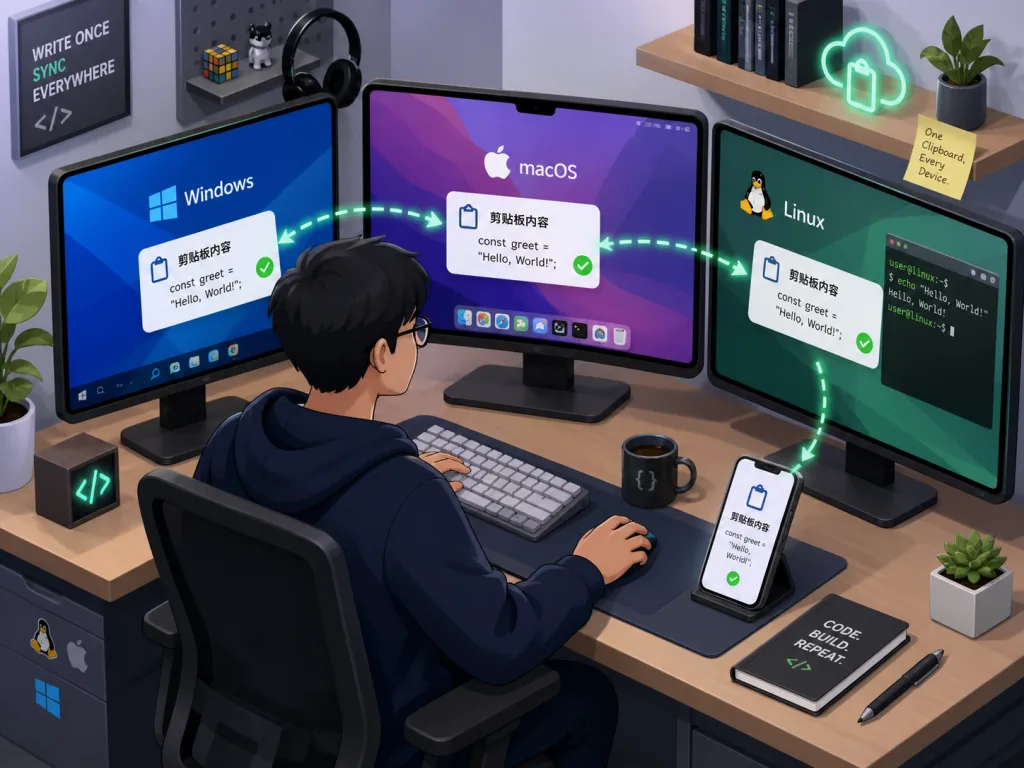
Every developer has been here: you find an error message on Windows, press Ctrl+C, switch to your Mac to paste — and end up searching for it all over again. You take a screenshot of a verification code on your phone, want it in a login box on your computer, and end up sending it to yourself over WeChat. The clipboard should be the most natural bridge between devices, but outside Apple's ecosystem it's practically "disconnected."
What's more unsettling is what actually travels through the clipboard: passwords, tokens, ID numbers, half-finished drafts. If the sync path runs through some unknown cloud middleware, you're handing over your most private text every single day. Cross-platform users just live with this pain daily.
2. The project in one sentence
UniClipboard is a local-first, peer-to-peer, end-to-end encrypted clipboard sync tool for multiple devices, with 1508 stars on GitHub. It's written in Rust and covers Windows / macOS / Linux on desktop, while iOS / Android / HarmonyOS are being folded into the same core as independent P2P nodes. No accounts, no cloud dependency — clipboard content never leaves your devices in plaintext.
3. Core features, in depth
1. P2P plus encrypted relay transport
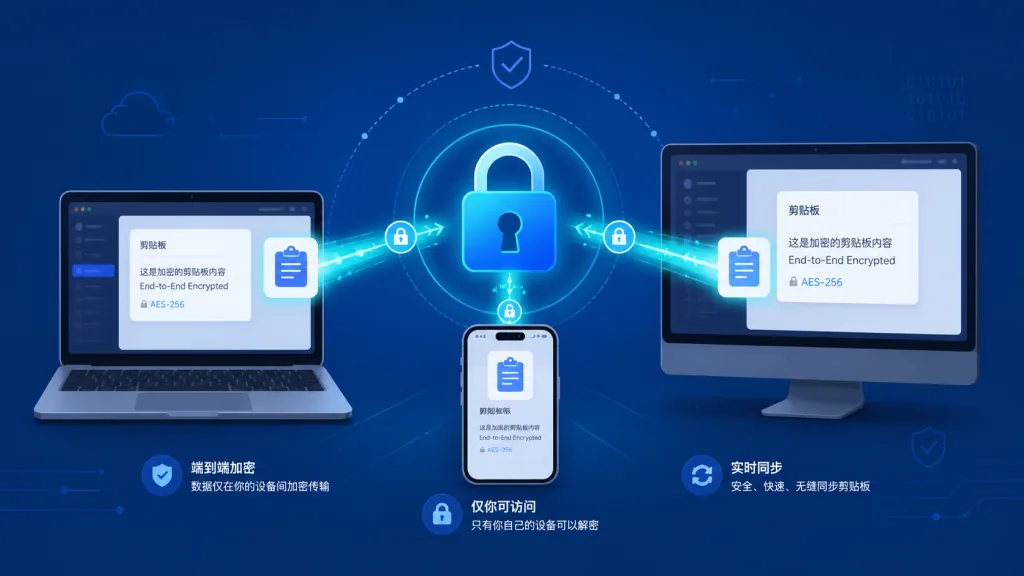
Desktop nodes connect by default over QUIC peer-to-peer links provided by iroh, going direct on the same Wi-Fi. Across networks it tries NAT hole punching first and falls back to an encrypted relay if that fails. Payloads are encrypted with the local key before they ever hit the network, so relays see only ciphertext and connection metadata, never content. This "encrypt first, then pick a route" design decouples the transport layer from the cryptography, giving a far cleaner security boundary than conventional cloud sync.
2. Space-centric key and device management
Each Space has its own MasterKey. Key derivation uses Argon2id (128 MB memory cost, 3 iterations, 4-way parallelism), enough to resist GPU / ASIC brute force. The MasterKey is wrapped with a KEK and stored in a KeySlot, while the KEK lives in the system keychain (macOS Keychain, Windows Credential Manager, Linux Secret Service). When you switch Spaces, local history is re-encrypted under the new MasterKey, so no "old key residue" is left behind.
3. One channel for text, images and files
The desktop app syncs text, images and transferable files, streaming large files in chunks instead of loading them fully into memory. Once sync fires, the other side sees entries with previews in the Quick Panel — code, links, image thumbnails — summoned by shortcut, with almost none of the friction of switching apps.
4. Encrypted full-text history search
History goes into a local encrypted SQLite database, and the search index is encrypted on disk too. Even with a disk image in hand, there's no plaintext to read. Official testing shows tens of thousands of entries still returning results in milliseconds, enough to survive heavy daily use.
5. The uniclip CLI for headless setups
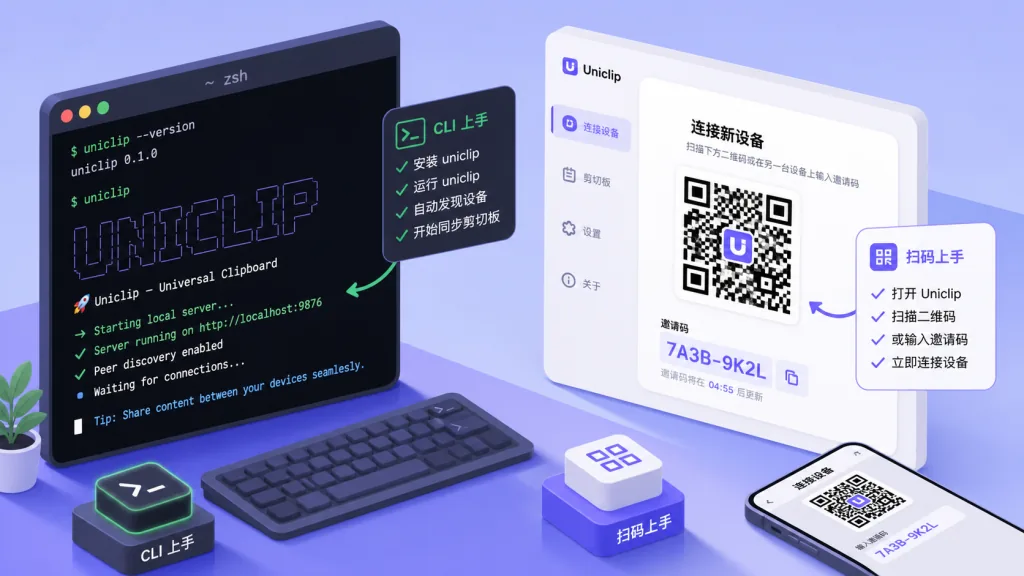
No GUI on a server, an SSH session, tmux or an automation script? UniClipboard ships a uniclip CLI: uniclip init creates a Space, uniclip invite issues an invite code, uniclip send "hello" pushes to the clipboard, uniclip watch streams events. It shares the same flow as the GUI and works entirely without a graphical interface.
6. Mobile: compatibility mode and the target architecture in parallel
An iOS TestFlight beta and an Android APK are already out. Mobile currently runs in "HTTP compatibility mode" — the desktop app opens a local HTTP listener, and the phone scans a QR code to get a URL plus a one-time password, then reads and writes. This mode is deliberately a stopgap. In the target architecture, phones join the same Space as full P2P nodes, just like desktops and HarmonyOS, with no desktop daemon required.
4. Technical highlights and performance data
- XChaCha20-Poly1305 AEAD: 24-byte random nonce plus a 32-byte key, delivering confidentiality, integrity and authenticity together.
- Argon2id key derivation: 128 MB / 3 iterations / 4 threads — parameters in the range the community considers genuinely hard.
- QUIC + iroh P2P: a QUIC-based peer-to-peer network stack with cross-network direct connections and hole punching.
- Tokio async runtime: every network and I/O path is scheduled on Tokio, so the UI never blocks.
- Encrypted SQLite index: tens of thousands of history entries still search in milliseconds, with the index itself encrypted.
- Tauri + Rust frontend: Tauri framework plus a Rust backend, noticeably smaller in size and memory than comparable Electron apps.
- Ecosystem compatibility:
.deb/.rpm/ AppImage / Homebrew Cask / official one-line install script; on Linux there's also a COPR repo for automatic updates.
5. Use cases and who it's for
- Cross-platform dev / ops: switching constantly between Windows, Mac and Linux, and needing to copy commands, errors and log snippets on the fly.
- Privacy-sensitive users: passwords, tokens, internal links and contract drafts need to move between devices, but never through a third-party cloud.
- Server and remote workers: operating remote machines over SSH or a jump host, using the
uniclipCLI to push content into the local clipboard, or sync it back. - Mobile work: verification-code screenshots and address links from an iPhone should show up directly in the computer's clipboard; compatibility mode already works today, and the P2P rollout will only make it smoother.
There's only one case where it isn't for you: you stay entirely inside Apple's ecosystem and don't care about history search or auditability — Cmd+C / Cmd+V with iCloud Universal Clipboard is already enough.
6. Competitor comparison
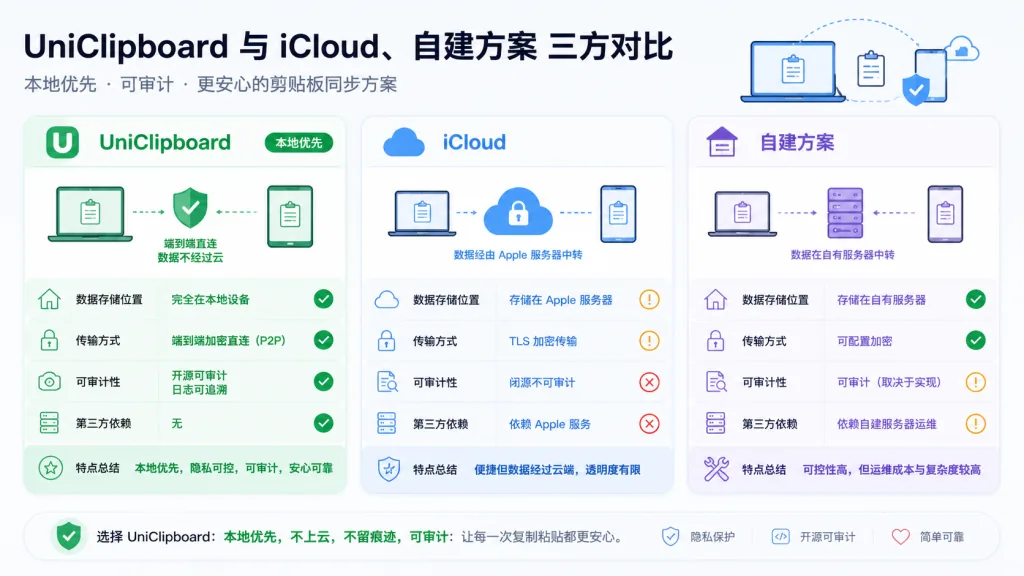
| Dimension | UniClipboard | iCloud Universal Clipboard | Self-hosted sync (e.g. ClipCascade) |
|---|---|---|---|
| Cross-platform reach | Windows / macOS / Linux / iOS / Android / HarmonyOS | Apple devices only | Depends on your deployment |
| Account system | No account — invite code + passphrase | Apple ID required | Self-built accounts |
| Data location | Local encrypted store only | Apple cloud | Your own server |
| Transport path | Direct P2P + encrypted relay fallback | Relayed through Apple cloud | Your own relay |
| Auditability | Rust + all source on GitHub | Closed source | Depends on the project |
| History search | Encrypted index, millisecond lookups | None | Depends on the project |
| Large file support | Chunked streaming | Text / small images only | Depends on the project |
| Offline / LAN operation | Direct on the same Wi-Fi | Requires Apple ID sign-in | Requires your service online |
In one line: if you want cross-platform, auditability and local-first, UniClipboard is the most complete open-source answer available today.
7. Getting started fast
One-line desktop install (Linux / macOS)
curl -fsSL https://uniclipboard.app/install.sh | bash
The script detects your OS and architecture, drops the .app into /Applications, or picks .deb / .rpm / AppImage on Linux.
macOS Homebrew
brew tap UniClipboard/tap
brew trust UniClipboard/tap
brew install --cask uniclipboard   # GUI
brew install uniclipboard          # CLI only
Linux COPR automatic updates (Fedora / RHEL)
sudo dnf copr enable mkdir700/uniclipboard
sudo dnf install uniclipboard
Pairing two devices for the first time
- On the first device, choose "Create a Space" and set an encryption passphrase.
- On the Devices page, generate a short-lived invite code and hand "invite code + passphrase" to the second device.
- On the second device, choose "Join an existing space", enter both, and syncing starts automatically.
Advanced: CLI plus a server node
uniclip init
uniclip invite
uniclip send "hello"
uniclip watch
To sync a phone over the public internet, follow the official "self-host server node" guide and expose the desktop app to the phone behind an HTTPS reverse proxy.
8. Takeaways and next steps
UniClipboard puts cross-device clipboard sync back on a track of user sovereignty: local-first, direct P2P, end-to-end encryption, cryptographically auditable. No accounts, no cloud dependency — and behind those 1508 stars are a lot of cross-platform users who are unhappy with iCloud Universal Clipboard yet hesitant about rolling their own setup.
If "copy it, then go find it again" keeps wearing you down, and you don't want clipboard content drifting to any third-party server, give it a try. Get one Windows machine and one Mac talking in a Space first, then hook a server node in with the uniclip CLI — within about ten minutes you'll feel how smooth cross-device pasting can be.
- Project site: https://uniclipboard.app
- GitHub repo: https://github.com/UniClipboard/UniClipboard
- Mobile repo: https://github.com/UniClipboard/UniClip
- Docs and FAQ: https://www.uniclipboard.app/docs