Title options (pick 1 of 3)
Product promos too slow and too expensive? video-shotcraft lets Claude shoot one from a single sentence
video-shotcraft: 152 storyboard recipe cards turn AI video from a black box into an editable production line
With no motion designer on staff, video-shotcraft still turned product promos into an assembly line
One sentence to a cinematic product promo: the full video-shotcraft guide
1. Opening: every team steps in the same hole when making a product promo
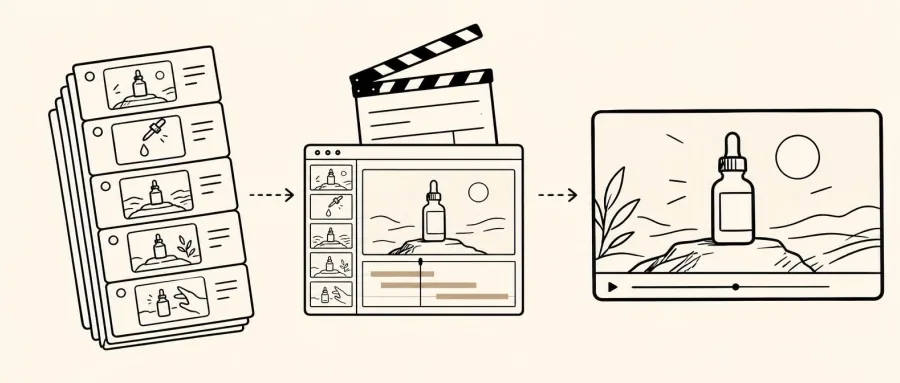
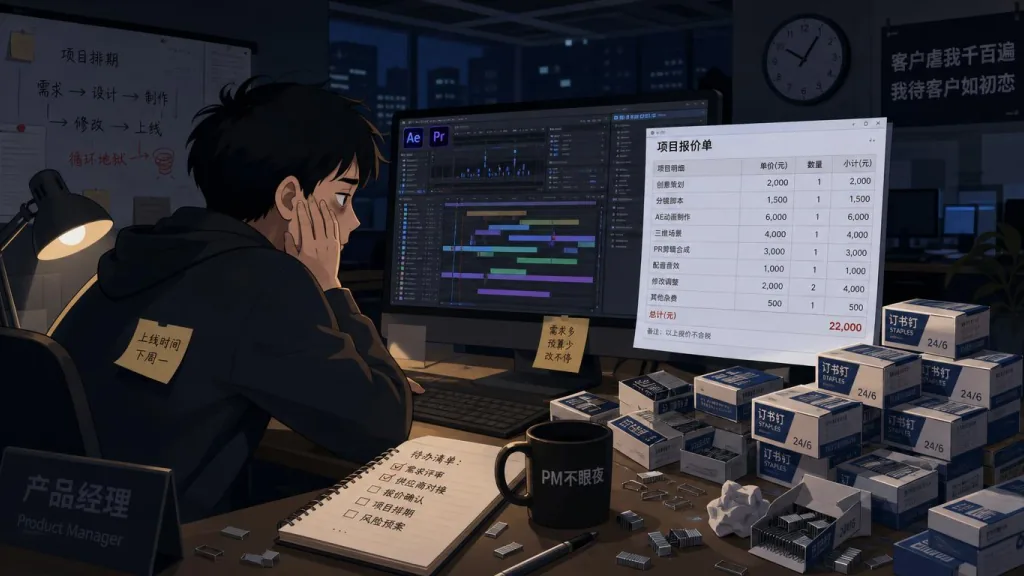
Making a 30-second product promo takes storyboarding, motion design, voice-over, beat sync and sound mixing — and most small and mid-sized teams have no dedicated motion designer. Outsource it ad hoc and you're looking at three days of back-and-forth, five days to delivery and a 50,000 yuan quote. Reach for a template and the boss sends it back because it "looks like plastic". The short films from ClickUp, Perplexity, Slack, Notion and Figma that make you want to download immediately hide their motion logic inside per-frame curves, and you can't just copy them. video-shotcraft, an AI video skill pack with 11K stars, exists to close that gap: it turns Claude Code or Codex into a motion studio that answers whenever you call.
2. What it is: an AI agent, re-cast as a motion studio
video-shotcraft is an "AI video skill pack" for Claude Code / Codex, positioned as "generate cinematic product promos with natural language". Three keywords: Remotion-driven (a React-native video framework), 152 storyboard recipe cards (covering 10 functional categories), and 209 animated previews (searchable and filterable in an online gallery). It also ships a finished, directly renderable template called "Ink Press" — 36.2 seconds, 1920×1080, 30fps, 10 shots, an ink-and-amber look, usable out of the box.
3. Core features in depth
1. The 152 "storyboard recipe cards": Lego bricks of motion logic
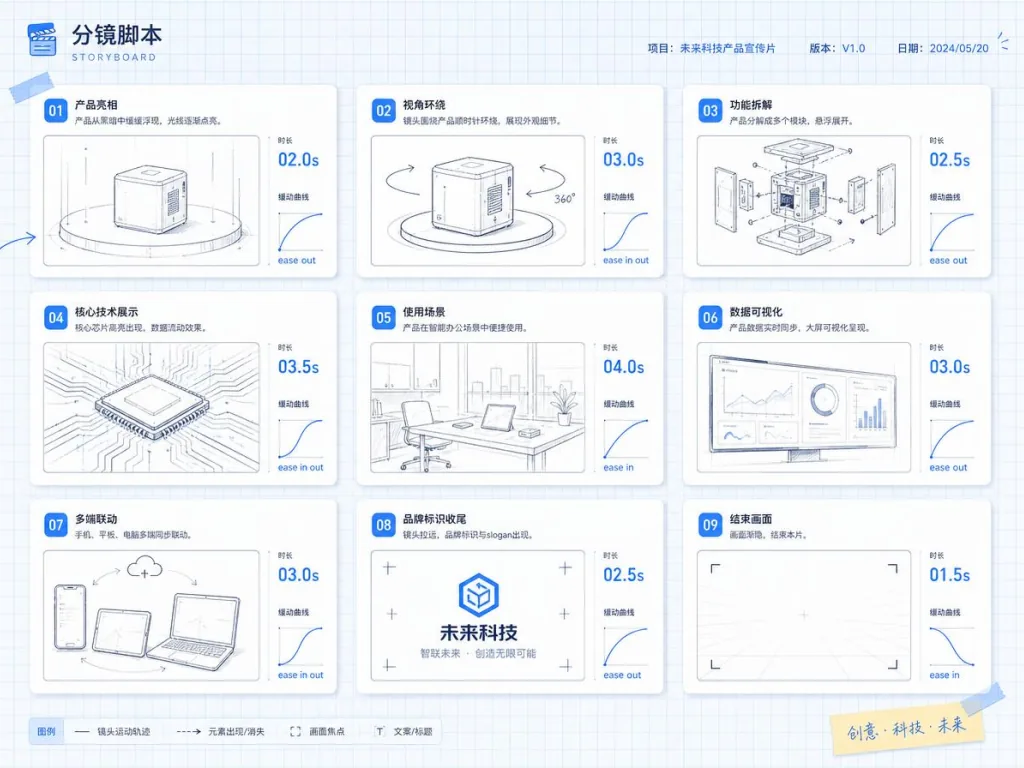
Each recipe card isn't an isolated motion file but a structured script: purpose, energy curve, suggested duration, parameter ranges, implementation notes, known pitfalls. The spotlight-hero-card card, for example, tells you how to push the camera in, how the card lights up, and how long to hold before fading out; the deck-deal-flyin card specifies the order the cards enter, their rotation angles and the landing easing. With these cards in hand, the agent is a screenwriter holding a shot list instead of guessing by feel. Behind each card sits an eight-round, frame-by-frame review process, and each maps to a native Remotion TSX implementation with easing and timing hard-coded.
2. Motion Workbench: a browser timeline you can keep editing after delivery
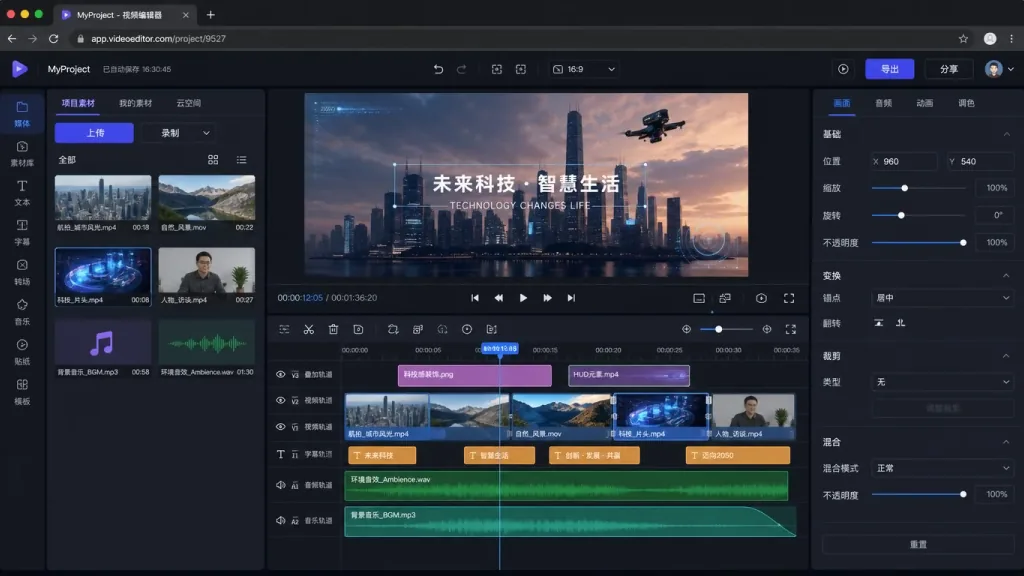
The most frustrating thing about traditional AI video is that "delivery is the end" — change one word and you re-run the whole thing. video-shotcraft ships a CapCut-style browser timeline editor, node workbench/scripts/open.mjs <project>: the finished film is split into four independent tracks — shots, transitions, subtitles and audio — and clicking any shot lets you edit copy, font size and color in the schema panel on the right; 216 demo moves can be dragged straight onto the timeline; preview and final render match at the pixel level (pixel parity already verified). This is extremely friendly to product managers who don't sit in a design role.
3. Beat sync and sound effects: 149 SFX covering 16 scene categories
The soul of motion design is the beat. video-shotcraft provides a complete BGM analysis methodology (music-beat-sync.md) plus 149 categorized sound effects covering sixteen scene types: transition, impact, riser, camera, ui, text, paper, film, light, data, scifi, mech, glass, fluid, crowd and counter. The agent picks the "scene category" first and the "timbre" second, which avoids jarring combinations like shattered glass under a sci-fi shot.
4. JianYing project export: keep polishing in a real editor
After delivery, the film can be exported in one click as an editable JianYing (CapCut CN) draft: every shot is cut separately (so you can change its speed, reorder it or grade it on its own), subtitles are rebuilt as native text layers (content / font size / color editable), and SFX and BGM land on their own audio tracks. Verified on JianYing Pro on macOS 11.2. This step stitches AI output to manual finishing without a seam.
4. Technical highlights and performance numbers
- Native Remotion TSX implementation: every shot component follows "deterministic + driven by a normalized progress
t", so the same input always produces the same frames — ideal for A/B parameter tuning. - 2.5D live-page camera: real web page screenshots serve as the base plate, with multiple parallax layers and camera movement on top — lighter than pure 3D rendering, with more depth than flat 2D motion.
- Pixel-level preview parity: the Workbench editor and the final render agree down to the frame, so no more "looks right in the editor, comes out different".
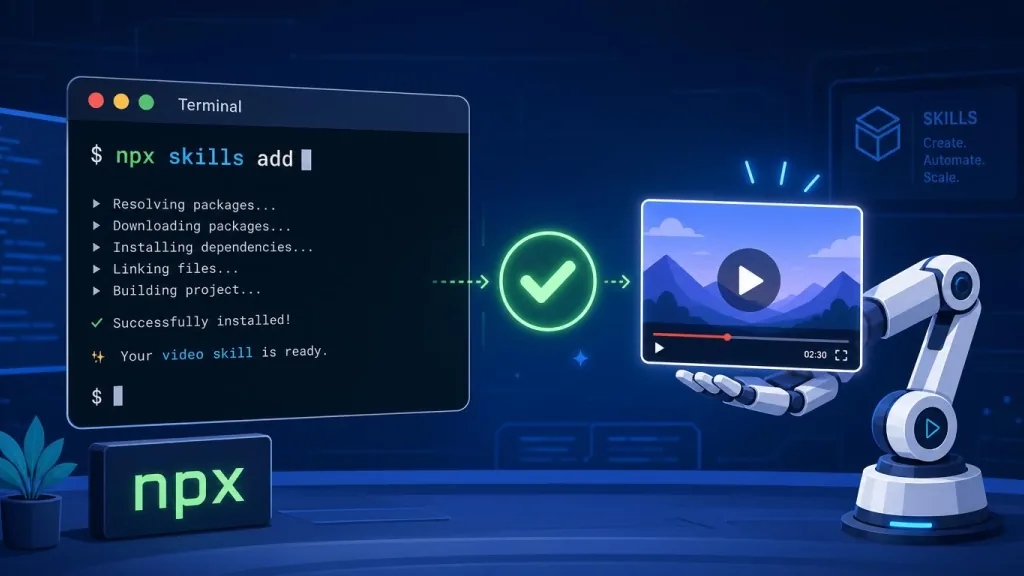
- One-sentence install:
npx skills add Vincentwei1021/video-shotcraft, or just hand the repo URL to your agent — three commands and you're in. - Headless CI rendering support: three big pitfalls already handled — concurrency ceilings on low-core machines, the deprecation of Chrome's old headless mode, and falling back to a local binary when the
remotion.mediaCDN is blocked. - Ecosystem compatibility: the sibling
video-talkcraftis already out (talking-head video edition, word-level timestamps with a median error of 20–40ms, 78 talking-head move cards), sharing the same recipe cards and Remotion workflow.
5. Use cases and audience
Who it's for:
- Indie developers and early-stage teams: no dedicated motion designer, but promos are needed for the product, the site or a launch.
- Product managers and growth teams: batch-produce short product intros for A/B tests, timed to fit each channel.
- Content creators: technical bloggers breaking down products who need animated demo clips.
- Heavy AI agent users: already writing code and doing research with Claude Code or Codex, and want to extend into video productivity.
Not a great fit: live-action narrative shorts, products that need real 3D modeling (cars, furniture), and large brand campaigns with strict requirements on licensed music.
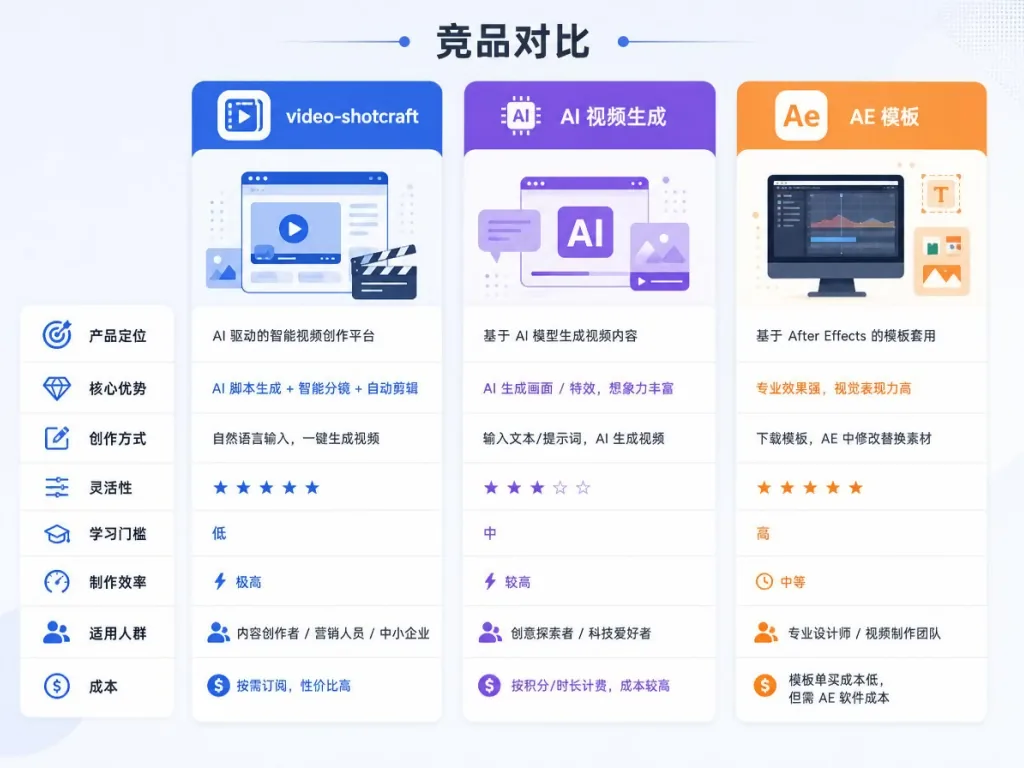
6. Comparison
| Project | video-shotcraft | General AI video generation (Runway/Pika) | After Effects templates |
|---|---|---|---|
| Output | A complete, editable Remotion project | An MP4 you can't edit | Editable, but assets must be swapped by hand |
| Motion controllability | 152 recipe cards, precise to the millisecond | Black-box generation, no fine tuning | High, with a high bar to entry |
| Learning cost | One natural-language sentence | Low | High |
| Follow-up editing | Workbench + JianYing, two-track editing | Regenerate | Requires AE |
| Price | Open source and free | Billed per second | Template + software subscription |
The core reason to choose video-shotcraft: what it delivers isn't a video file, it's a motion production line an agent can call.
7. How to get started quickly
1. One-sentence install (fastest path):
Just say this in Claude Code or Codex:
Install this skill for me: https://github.com/Vincentwei1021/video-shotcraft
The agent clones the repo and links it into the skills directory.
2. CLI install:
npx skills add Vincentwei1021/video-shotcraft
3. Manual install:
git clone https://github.com/Vincentwei1021/video-shotcraft.git
cd video-shotcraft
ln -s "$(pwd)" ~/.claude/skills/video-shotcraft
4. Your first film:
Ask the agent to make a 30-second product promo with the built-in Ink Press template, and give it your product screenshots, copy and brand color — the agent swaps the placeholder assets and renders the film.
5. Going further: browse the 209 animated previews in the online gallery first, pick the shot card names you like (such as deck-deal-flyin, row-embed), then tell the agent to build the film with those cards.
8. Takeaways and what to do next
video-shotcraft redefines "making a cinematic product promo" from a motion design task into a standardized production pipeline an AI agent can call: 152 recipe cards + 209 animated previews + a Remotion project template + the Workbench browser editor + JianYing project export — five pieces that close the loop.
What to do next: run your first film through the Ink Press template to feel the baseline of "one sentence to a finished cut"; then pick 3–5 shot cards you like from the gallery and combine them into a style of your own; finally export into JianYing for the last mile of polish.
- GitHub: https://github.com/Vincentwei1021/video-shotcraft
- Online gallery: https://vincentwei1021.github.io/video-shotcraft/
- Showcase library: https://vincentwei1021.github.io/video-shotcraft/showcase.html
- Sibling project video-talkcraft: https://github.com/Vincentwei1021/video-talkcraft
One-line pitch: you don't have to start your product promo from an empty timeline — start it from 152 shot recipes that are already tuned.
#video-shotcraft #VideoShotcraft #vincentwei1021 #AIVideoEditing #ScriptedVideo #TalkingHeadVideo #OpenSource #GitHub