1. Intro: why you need this
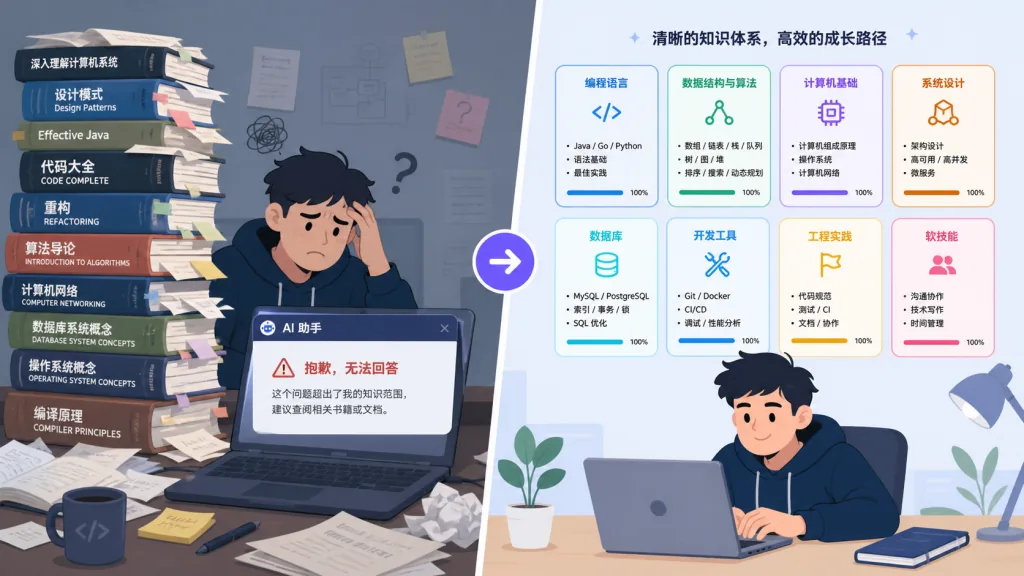
You paid $80 for a classic technical book, spent two weeks grinding through it and taking notes, and assumed it would serve you for life. Three months later, a production issue comes up and you want to ask about "the replication scheme that chapter 7 covered." You open the PDF and can't find the page. You ask an AI, and it says the document wasn't provided. You open your notes, see 200 dense lines, and close them again.
This isn't an edge case. Stack Overflow's research found developers keep an average of 23 technical books each, and fewer than one gets consulted repeatedly. The problem is that PDFs are designed for humans to read, not for AI to consume. Dump a whole book into context and the AI re-reads the table of contents, backtracks and scans the entire text every time. Token consumption runs 24–51x what answering the actual question needs, and it still confidently makes things up.
What we need isn't "the book's content sitting in the AI's context." We need "the AI genuinely reading the book on demand." That's what book-to-skill is for.
2. Project overview: what is it in one sentence
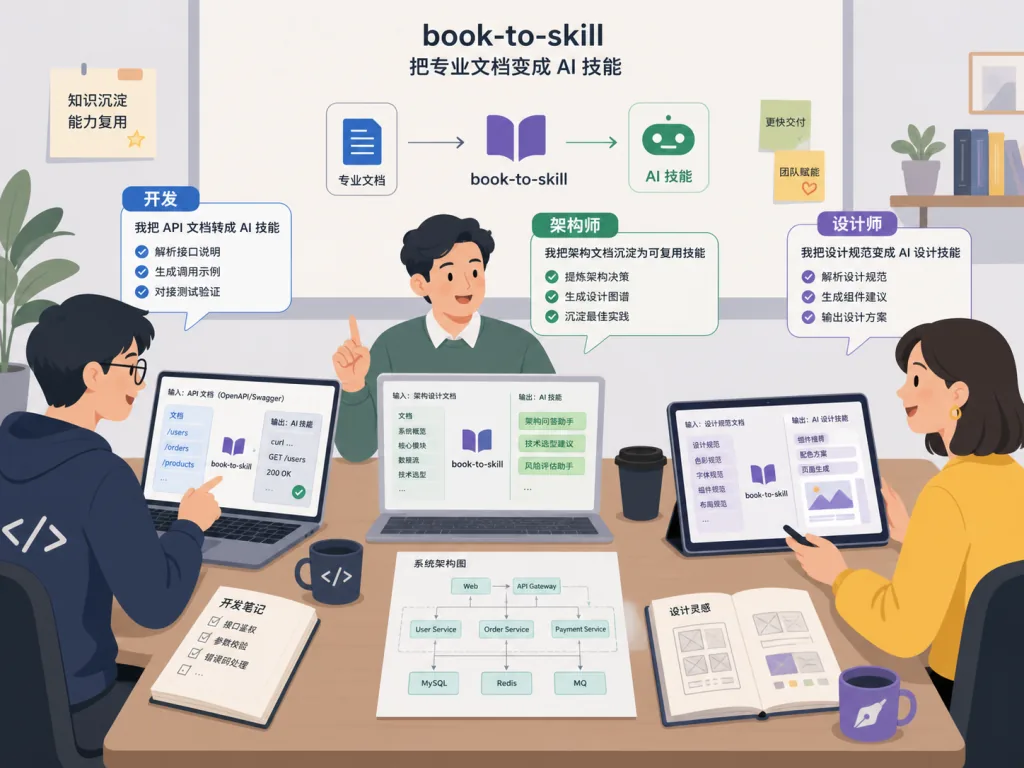
book-to-skill is a Python tool that converts any technical book PDF (or EPUB, DOCX, Markdown and 7 formats in total) into a standardized skill file that AI agents like Claude Code, GitHub Copilot CLI and Amp can load.
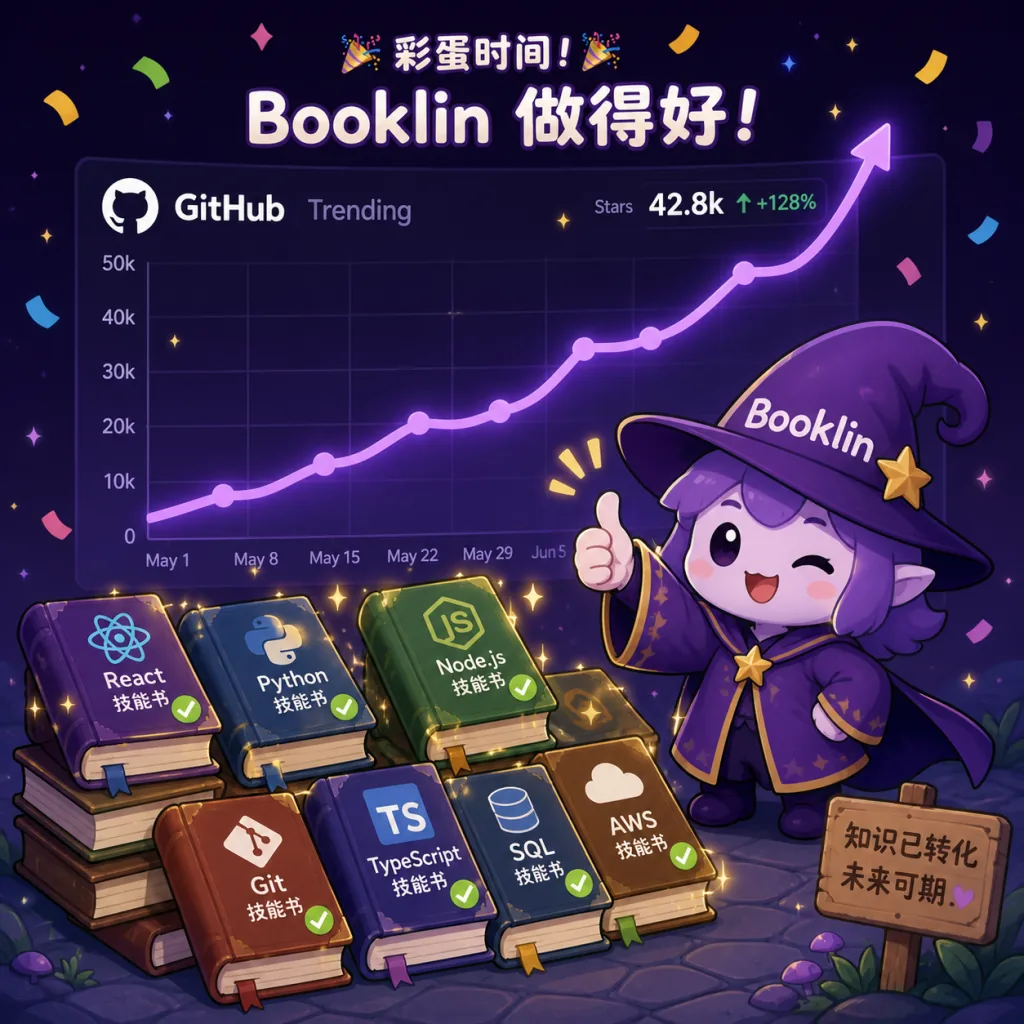
- GitHub stars: 20,738 (growth in 2 weeks)
- Core traits: local conversion · on-demand loading · 24x–51x token savings · compatible with the open Agent Skills standard
- License: MIT
It holds a consistent top-three spot on Trendshift's daily Python chart, and developers can contribute a use case to a separate repo with a "one-line PR."
3. Core features in depth
1. Three steps from book to callable skill
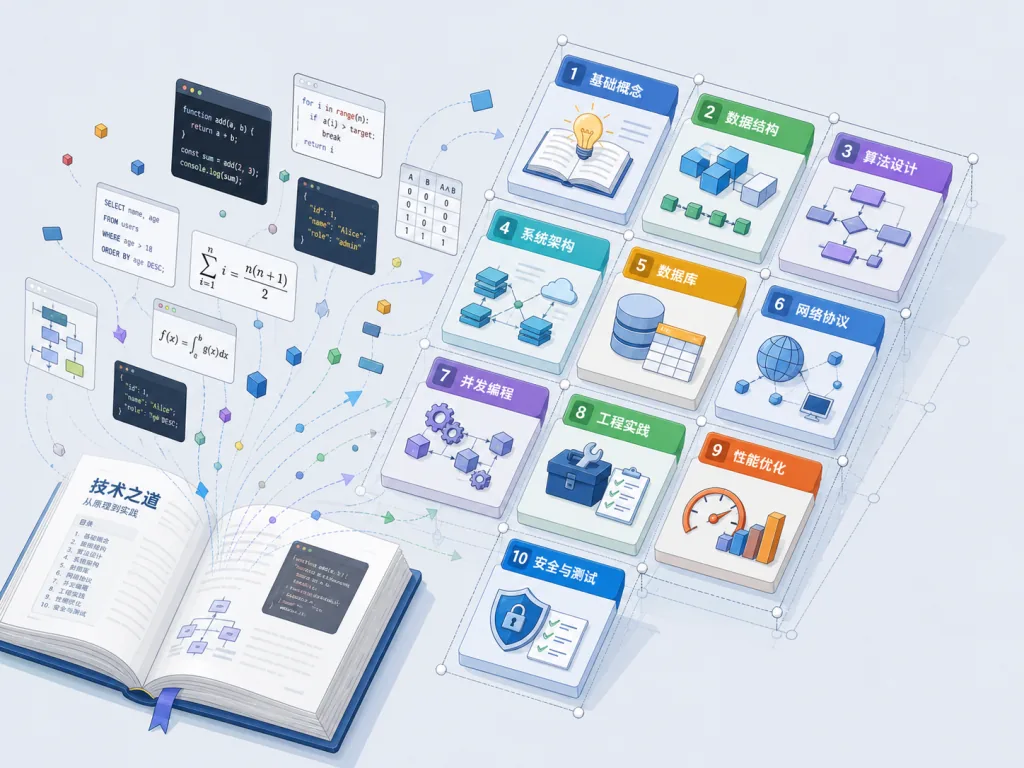
The usage is minimal: run the slash command /book-to-skill ./my-book.pdf → it detects chapters and distills frameworks, decision rules and anti-patterns → it writes into the right agent's skills directory (Claude Code goes to ~/.claude/skills/<book-slug>/). The output isn't a summary; it's structured knowledge.
2. Multi-format input
PDF, EPUB, DOCX, Markdown, HTML, RTF and MOBI — 7 formats. Technical books go through docling (preserving code blocks, tables and formulas); plain-text books go through pdftotext (faster). Scanned PDFs are checked for blank pages and flagged for OCR first, so you don't burn a full run producing an empty skill.
3. The five-part SKILL.md, loaded on demand
The output contains: a core mental model plus chapter index (~4,000 tokens), per-chapter files (~1,000 tokens each), an alphabetical glossary (~1,500 tokens), all patterns and algorithms (~2,000 tokens), and a quick-reference decision table (~1,000 tokens). Chapter files aren't loaded eagerly — they only enter context when you ask about that topic.
4. Not just books: doc sites work too
If the input is structured prose, it runs. Architecture decision records, ops runbooks, brand guidelines, API specs, RFCs, compliance charters — any document you keep reopening and never remember is a valid target book.
4. Technical highlights and performance data
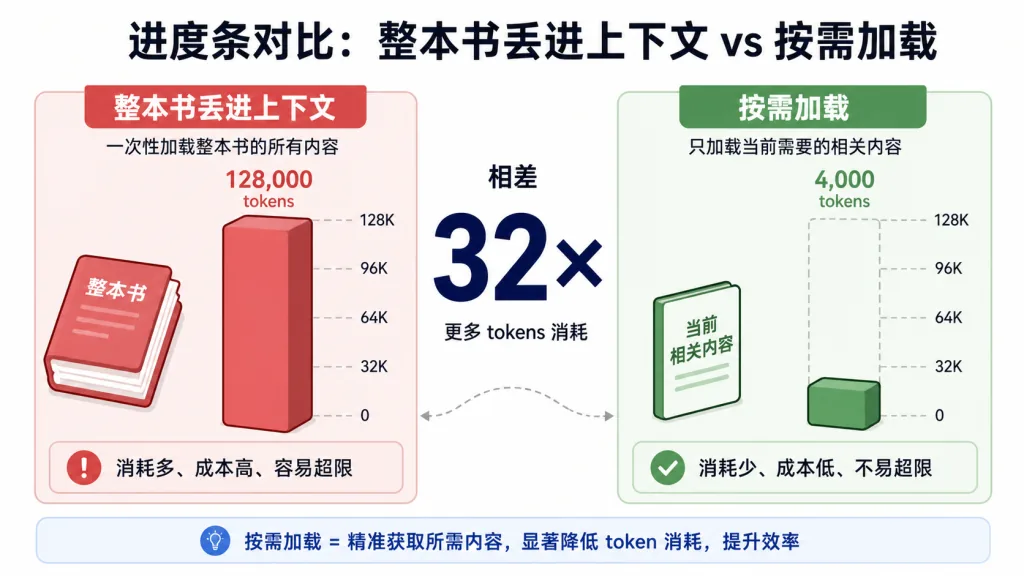
The core idea: pay the "discovery loop tax" once, upfront. A traditional PDF-reading agent re-reads the table of contents and backtracks through the whole book every round. book-to-skill structures the entire book during conversion, so at query time it loads only the genuinely relevant chapters. Token cost scales with answer length, not book thickness.
Measured on real runs, answering the same question with the converted skill versus dumping the whole book into context cuts token consumption by 24x to 51x (see the official docs/performance.md). For a 600-page database systems book, average session cost drops from a few dollars to a few cents.
Architecturally it's two halves: a Python extractor (documents → clean text + metadata) plus a spec-driven generator (an agent follows SKILL.md to turn the text into a structured skill). Everything runs on your machine and files are never uploaded. The output is a synthesized derivative of frameworks, definitions and decision rules — it doesn't copy any passage of the original.
5. Use cases and who it's for
Typical scenarios:
- Senior engineers turning classic technical books (DDIA, the SRE Book, TCP/IP Illustrated) into a conversational AI advisor.
- Architects folding internal ADRs and runbooks into a single skill, so "what checklist do I run when a new service ships" gets answered instantly.
- Design teams converting a brand guide into a queryable AI assistant, saying goodbye to flipping through a 60-page PDF.
Good fit: developers who work with an AI coding assistant daily, tech leads who want team knowledge to become a callable asset, and advanced learners who want to systematically digest technical books.
Not a good fit: casual users who just want a one-off PDF summary; scanned-PDF-only workflows where you won't OCR first; and anyone unwilling to supply their own legitimate copy of the book.
6. Competitor comparison
| Tool | Input | Output | Token cost | Hallucination control | Standardization |
|---|---|---|---|---|---|
| Dump the PDF into ChatGPT | Raw text | Free-form Q&A | High (whole-book context) | Weak | None |
| Generic PDF summarizers | Raw text | Summary | Medium | Weak | None |
| NotebookLM | Raw text | Free-form Q&A | Medium | Medium | Locked to Google's ecosystem |
| book-to-skill | 7 formats | Structured skill | Very low (on-demand loading) | Strong (grounded in real chapters) | Open Agent Skills standard |
The core difference: everyone else solves "let the AI see the book." book-to-skill solves "let the AI actually read the book on demand." The output follows the open Agent Skills standard, so Claude Code, Copilot CLI and Amp all work with it, and you aren't locked to one vendor.
7. Getting started fast
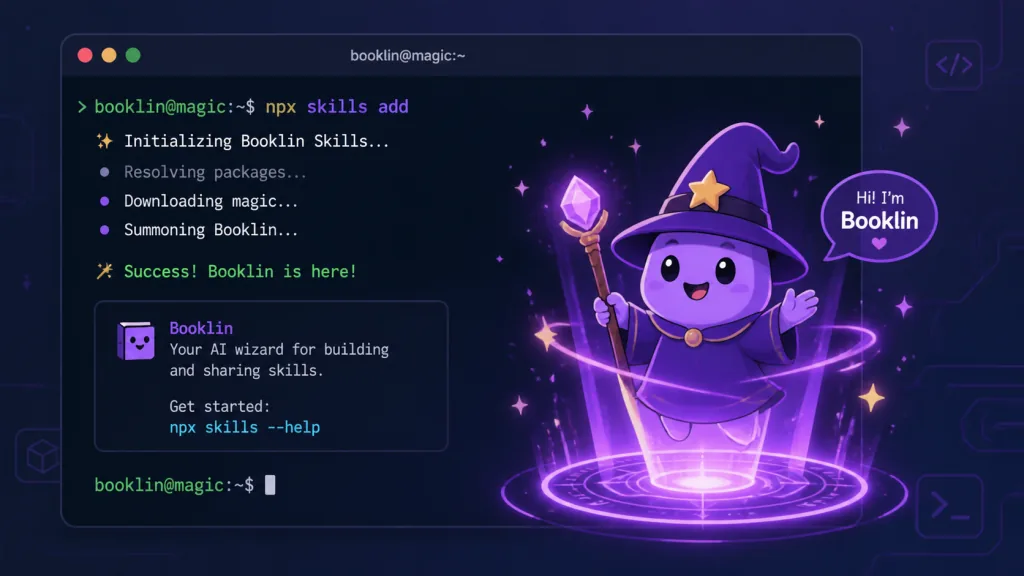
One-line install (through the cross-agent skills CLI):
npx skills add virgiliojr94/book-to-skill
Or clone it manually into the agent's skills directory:
git clone https://github.com/virgiliojr94/book-to-skill.git ~/.claude/skills/book-to-skill
Minimal working flow: first run python3 scripts/extract.py --check to verify dependencies, then run /book-to-skill ./your-book.pdf. A few minutes later, type /book-slug your question in the terminal. For technical books, install docling first (pip3 install docling); for plain-text books, poppler-utils is enough.
Going further: fold an entire docs/ folder into one skill and keep feeding in new documents; use tools/discovery_tax.py to measure your own token savings multiplier.
8. Summary and next steps
book-to-skill redefines the relationship between a person and a book. A book stops being a PDF gathering dust on a virtual shelf and becomes structured memory your AI assistant can call on at any time. 24x–51x token savings is a real, hard-dollar cost reduction, and on-demand loading is the engineering answer to AI hallucination.
If you have a few technical books you keep reopening and never remember, run /book-to-skill once right now and turn the first one into your AI skill. Repo: https://github.com/virgiliojr94/book-to-skill — docs, benchmarks and architecture notes are all there.
One-line recommendation: make the AI actually read your books instead of pretending it did.