
Pick a title (choose 1 of 3)
7 open source tools every AI engineer should hoard, and your throughput takes off
From environment setup to running models: 7 open source projects I use every day
No matter how hot LLMs get, you're stuck without these 7 open source tools
1. Intro: from suffering to sold, one project away
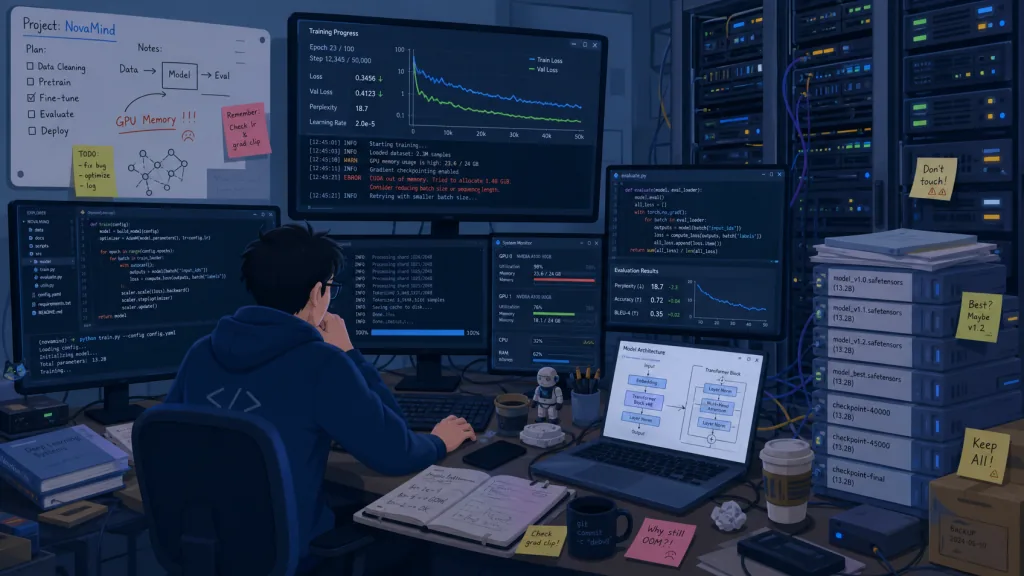
On a recent task I had to run a 70B open model on a small machine with 4GB of VRAM, while also writing a Python service to expose model requests. Just setting up the environment — install the Python dependencies, install the model server, then bolt on a web UI for tweaking parameters — ate a full day. No single tool solves that; you have to chain a few good ones together. The list below is the 7 open source projects I filtered out of repeated pain. Take what you need.
2. Quick overview
| Repo | Stars | Main language | One-line positioning |
|---|---|---|---|
bentoml/OpenLLM | 12.5k | Python | Run OpenAI-compatible open models with one command |
open-webui/open-webui | 152.6k | Python | Self-hosted chat / agent frontend for LLMs |
lyogavin/airllm | 34.6k | Jupyter | Run a 70B model on a single 4GB GPU |
cactus-compute/needle | 11.9k | Python | 8MB-class on-device model for tool calling / extraction |
astral-sh/uv | 90.0k | Rust | 10–100x faster Python package management |
fastapi/sqlmodel | 18.3k | Python | An ORM that's both SQLAlchemy and Pydantic |
denoland/deno | 108.5k | Rust | A secure JS runtime with TypeScript built in |
3. The projects
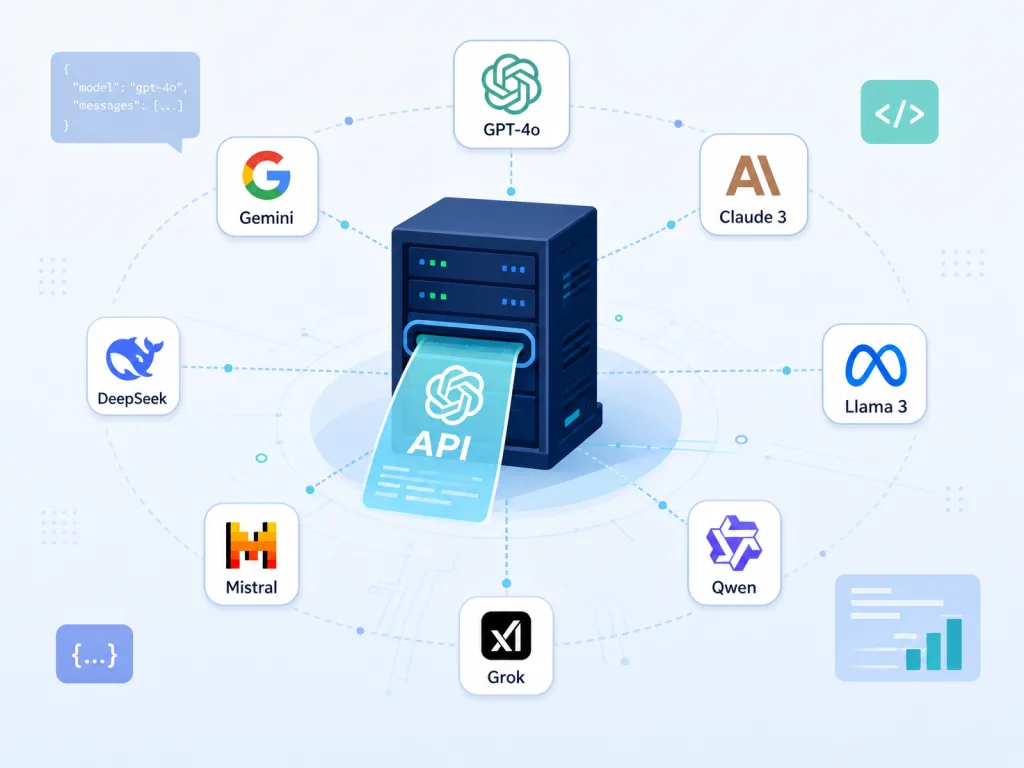
bentoml/OpenLLM — turn any open LLM into an OpenAI-compatible API with one command
Core capability: one command turns any open model into an OpenAI-compatible API. It ships with 10+ mainstream models including Llama, Qwen, Mistral and DeepSeek, supports quantization and swappable inference backends, and includes a chat UI so local debugging is just a browser tab away.
==Note: some models, like Llama, require you to request access on Hugging Face first and then set the HF_TOKEN environment variable==. Its Docker / Kubernetes / BentoCloud deployment path also saves a lot of cloud rollout work.
- Who it's for: engineers who want to swap out OpenAI fast and self-host
- Who it's not for: users who only ever run one giant closed model
Minimal setup
Start the server with one line:
openllm serve llama3.2:1b
Once it's up, open http://localhost:3000 and start chatting. Existing code using the OpenAI SDK just needs its base_url pointed here.
Source: https://github.com/bentoml/OpenLLM
open-webui/open-webui — a self-hosted frontend for LLMs and agents
Core capability: one browser interface to rule every model, local and cloud. Hook up Ollama, OpenAI, LMStudio, GroqCloud, vLLM and other providers at the same time and switch between models without changing clients. It also takes plugins (Filters, Actions, Pipes, Tools), runs RAG, does long-term memory, and covers team collaboration with Channels, RBAC and shared calendars.
==Note: running it in Docker on a Mac needs enough memory allocated, or large models will stutter==.
- Who it's for: teams that want one entry point for local and remote models
- Who it's not for: cases that just need a single "ask one question, get one answer" flow
Minimal setup
Start it with Docker:
docker run -d -p 3000:8080 --add-host=host.docker.internal:host-gateway -v open-webui:/app/backend/data --name open-webui --restart always ghcr.io/open-webui/open-webui:main
Open http://localhost:3000 in a browser and register an account.
Source: https://github.com/open-webui/open-webui
lyogavin/airllm — a 70B model on a single 4GB GPU
Core capability: layer-by-layer streaming pushes VRAM usage to the floor. No quantization, pruning or distillation needed: a 70B model runs on a 4GB GPU, Qwen3-235B in ~3GB, DeepSeek-V3 671B in ~12GB. The trick is streaming the model into VRAM layer by layer for inference.
For anyone with only a gaming laptop or an entry-level card, this is the lowest bar for getting big models running locally.
- Who it's for: developers short on VRAM who want to try big models on their own machine
- Who it's not for: server-side work chasing real-time concurrency and low latency
Minimal setup
Install the package:
pip install airllm
Run inference on a 70B model:
from airllm import AutoModel
model = AutoModel.from_pretrained("llama3_70b")
print(model.generate("Hello", max_tokens=20))
Source: https://github.com/lyogavin/airllm

cactus-compute/needle — an 8MB model for phones and IoT
Core capability: tool calling and structured extraction at 2-bit quantization and 8–29MB. Built for phones, wearables, smart home devices, car head units and microcontrollers — the offline scenarios that cloud approaches usually ignore.
It's based on a custom Simple Attention Network, with tool-calling accuracy roughly 10x higher than traditional models of the same size. It handles structured extraction (fill fields against a schema) and sentence embeddings too — one model, three uses.
- Who it's for: engineers building on-device AI agents or local RAG
- Who it's not for: scenarios needing long conversations or complex reasoning
Minimal setup
Install the package:
pip install cactus-needle
A tool-calling example:
import needle

@needle.tool
def get_weather(city: str):
    "Get the current weather for a city."
    return {"city": city, "temp_c": 27}

agent = needle.Needle(tools=[get_weather])
print(agent.run("What's it like in Lagos right now?")["results"])
Source: https://github.com/cactus-compute/needle

astral-sh/uv — a 10–100x faster Python toolchain
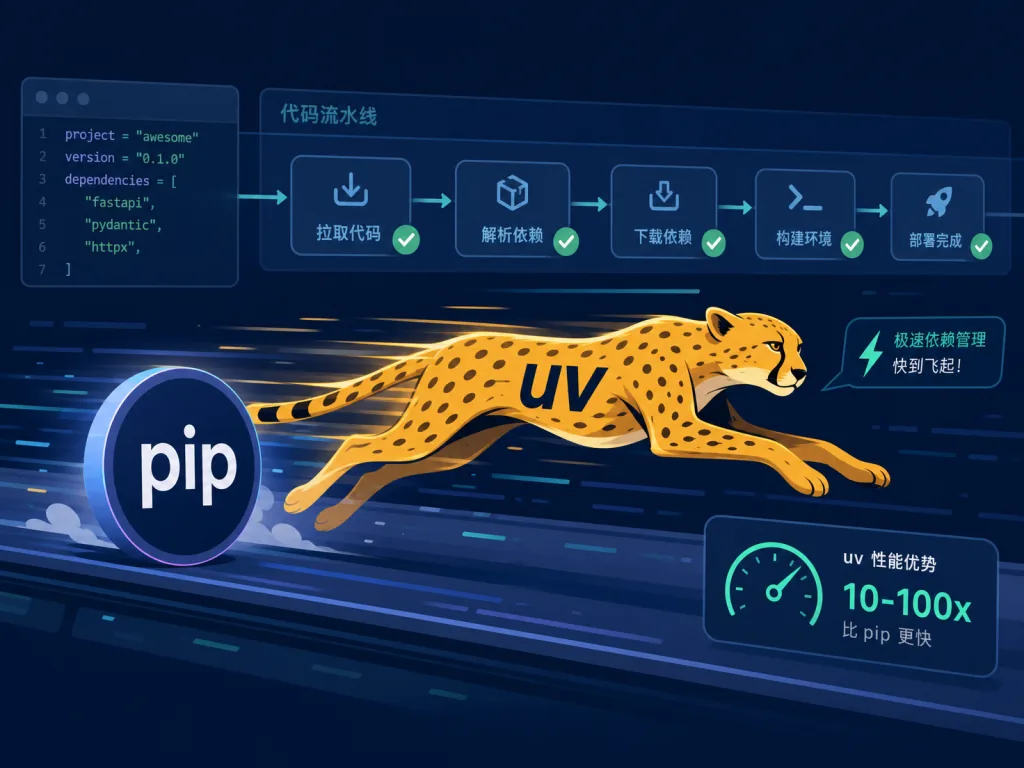
Core capability: a Python package and project manager rewritten in Rust. A single uv replaces pip, pip-tools, pipx, poetry, pyenv, virtualenv and a whole bag of others, 10–100x faster than pip. It also supports lockfiles, workspaces and inline-script dependencies, creating an environment automatically when you run a single-file script.
==Note: uv ships with Python version management, so for a fresh environment just install with uv python install==. The Astral team also builds Ruff and ty, so the ecosystem interlock is smooth.
- Who it's for: any Python developer still typing
pip install - Who it's not for: closed-source company projects locked into a legacy toolchain
Minimal setup
One-line install:
curl -LsSf https://astral.sh/uv/install.sh | sh
Create a project:
uv init example && cd example
uv add ruff
uv run ruff check
Source: https://github.com/astral-sh/uv
fastapi/sqlmodel — the ORM where SQLAlchemy and Pydantic are one
Core capability: merge the SQLAlchemy job and the Pydantic job into a single class. One class is simultaneously the database table, the API request model and the API response model, removing a layer of duplicate definitions. It's built by the author of FastAPI and fits FastAPI projects like they were made for each other.
When you need complex queries or migrations you can still drop down to SQLAlchemy / Alembic, so extensibility isn't capped.
- Who it's for: engineers writing FastAPI backends who don't want to maintain two sets of models
- Who it's not for: pure CLI projects that don't need Pydantic
Minimal setup
Add the dependency:
uv add sqlmodel
Define a model and query data:
from sqlmodel import Field, SQLModel, select

class Hero(SQLModel, table=True):
    id: int | None = Field(default=None, primary_key=True)
    name: str

with SQLModel.metadata.create_all(engine):
    session.add(Hero(name="Spider-Boy"))
    session.commit()
Source: https://github.com/fastapi/sqlmodel
denoland/deno — a modern JS runtime with TypeScript built in
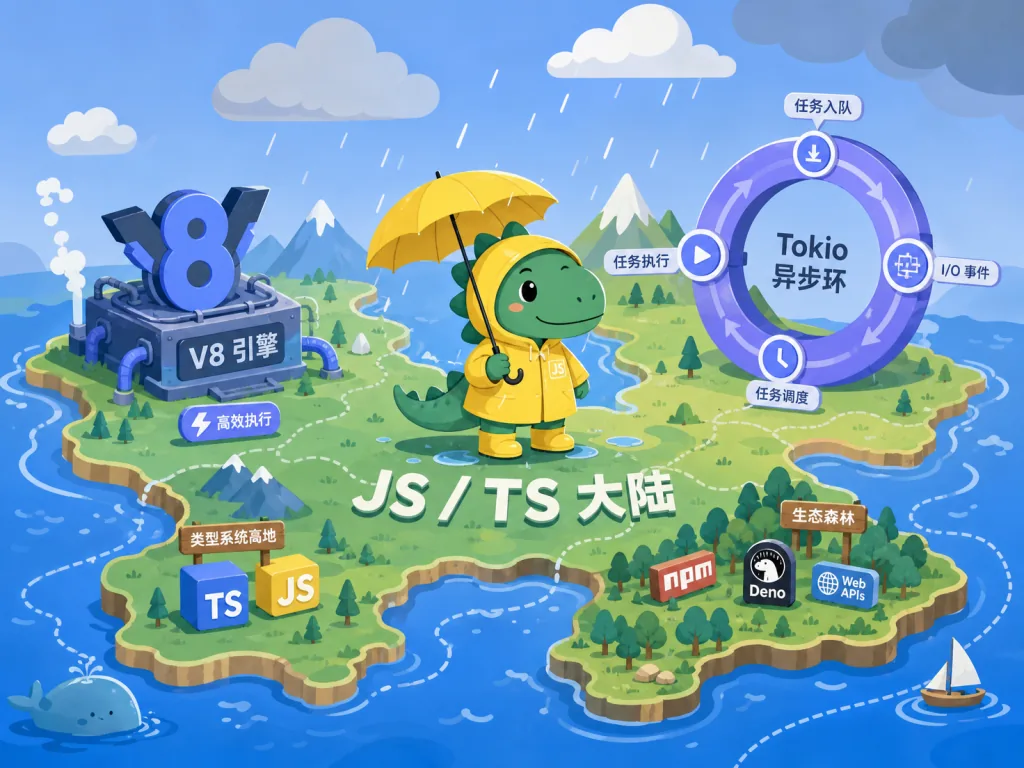
Core capability: native TypeScript support, WebAssembly, and secure by default. Built on V8 + Rust + Tokio, with explicit permissions like --allow-net / --allow-read solving Node's long-standing pain point. The rest of the package is Deno.serve for writing APIs, the JSR registry, and the Deno Deploy platform.
==Note: projects using the older deno.land/x/ are still maintained, but new projects should publish to jsr.io==.
- Who it's for: developers who want to move up from Node without dragging a build toolchain along
- Who it's not for: projects that depend heavily on Node's historical baggage
Minimal setup
Install:
curl -fsSL https://deno.land/install.sh | sh
Write a server and run it:
// server.ts
Deno.serve((_req: Request) => new Response("Hello, world!"));
deno run --allow-net server.ts
Source: https://github.com/denoland/deno
4. Summary and next steps
These 7 projects cover model serving, frontend interaction, low-VRAM inference, on-device deployment, Python engineering, ORMs and the JS runtime. Combine them as needed and you get a complete pipeline. Three paths to start:
- Install
uvandDenofirst: these two are the engineering foundation and speed up daily development immediately. - Then build the model serving layer:
OpenLLMfor the server plusOpen WebUIfor the interface gives you a private ChatGPT in minutes. - Then pick by device: no VRAM, add
AirLLM; on-device / IoT, chooseNeedle; writing a backend, bring inSQLModel.
#AIagents #AIworkflow #automation #Openllm #OpenWebui #Airllm #Needle #Uv #Sqlmodel #Deno