1. Stop fighting the tool by hand
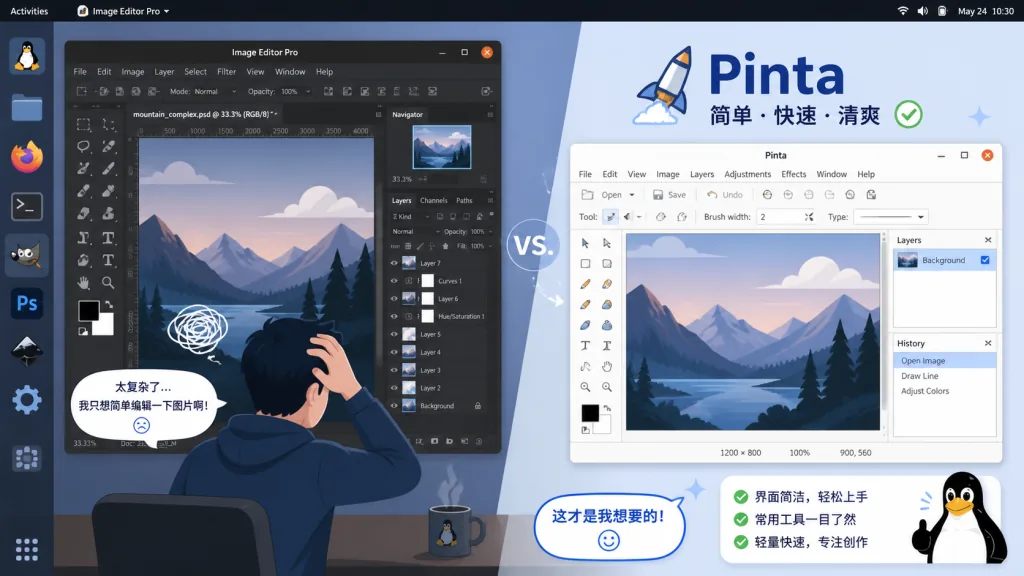
Drawing an arrow on a screenshot, adding a callout, throwing together a simple composite — most people instinctively open GIMP or Photoshop for this, then drown in a wall of menus.
Worse, the Linux desktop has long lacked an image editor that is "as simple as Paint.NET but not a toy". You either get a bare-bones paint app or a professional tool with a steep learning curve. A newcomer who just wants to resize an image for a blog post, or a veteran who wants to batch-process a few assets, both end up defeated by the tool's entry barrier.
Pinta exists to end that awkwardness.
2. Project overview: what exactly is it?
Pinta is a lightweight image editing application written in C# and built on GTK, officially positioned as "a GTK clone of Paint.NET 3.0". It runs cross-platform on Linux, Windows and macOS, and its pitch is "open it and go, up to speed in minutes".
The core traits boil down to four keywords: cross-platform (one codebase covering all three desktop systems), lightweight (small installer, fast startup), Paint.NET-like (keeping Paint.NET's classic interaction model), and MIT open source (free to use and modify).
The project has accumulated 3870 stars on GitHub. The latest version is built on .NET 10 + GTK 4 + libadwaita 1.8, with an interface fully aligned to GNOME's modern design language.
3. A close look at the core features
1. Layer system
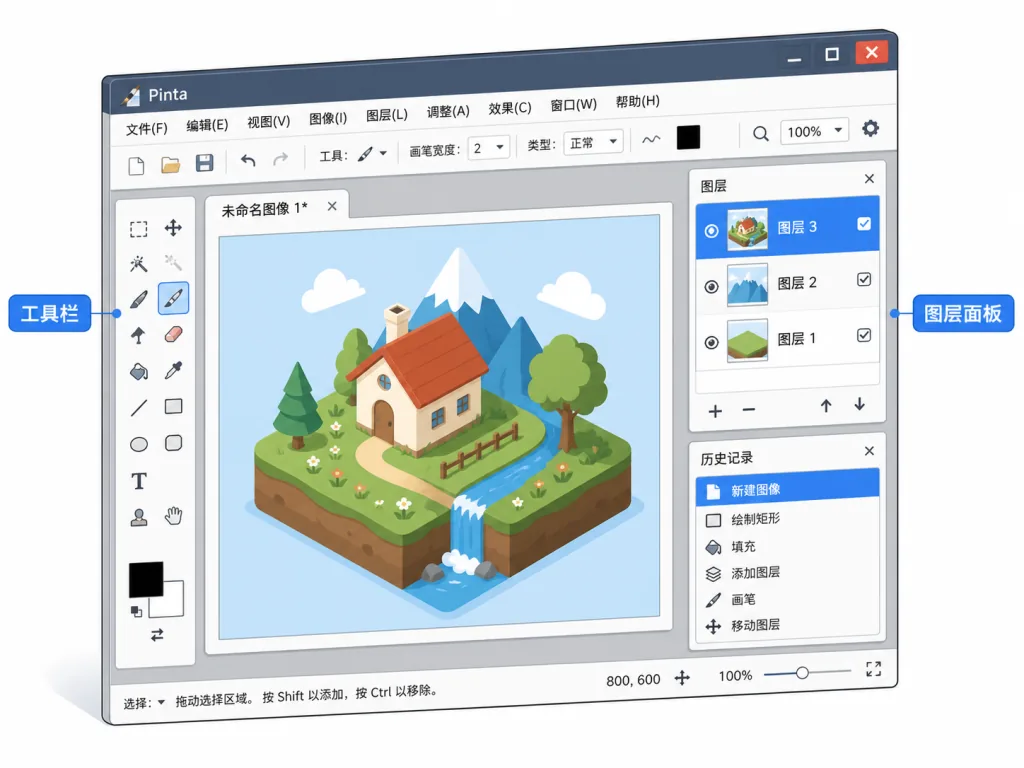
Pinta supports multi-layer editing, with free control over layer order, opacity and blend modes. For everyday needs like "drop on a watermark, add a callout, make a composite", that is entirely enough. Compared with GIMP's complicated layer management, Pinta puts the new, duplicate, merge and delete buttons right on the toolbar, so you skip digging through menus.
2. Drawing and selection tools
It ships with the usual tools: brush, pencil, eraser, paint bucket, rectangle/ellipse select, lasso and magic wand, plus adjustable anti-aliasing and smoothness. The magic wand cuts out a solid-color background in one click, which is very handy for icons and sticker assets. Selection feathering radius is adjustable, so edges transition naturally instead of showing hard jaggies.
3. Image adjustments and effects
It offers basic color work — brightness/contrast, hue/saturation, curves, levels — plus dozens of built-in filters such as blur, sharpen, noise, oil painting and distortion. Every adjustment supports live preview, and the parameter panels follow Paint.NET's layout, with a clear side-by-side before/after view.
4. History and undo
Unlimited undo steps (limited by memory) is one of Pinta's highlights. You can experiment without fear and hit Ctrl+Z back to any point. Next to tools that "only undo 20 steps", Pinta behaves like a mature editor here.
4. Technical highlights and performance numbers
A few choices in Pinta's technical stack are worth noting:
- .NET 10 + GTK 4 + libadwaita: the modern stack brings better high-DPI handling, dark mode support and system theme following, a clear visual improvement over the early GTK 3 versions.
- Single-repo cross-platform builds: the same code compiles and runs on Windows, macOS and Linux (x86_64 / ARM64), with a unified
dotnet buildbuild script, which keeps maintenance costs down. - Permissive MIT license: commercial use and redistribution are allowed, so third parties can safely integrate it into their own product workflows.
- Flat distribution channels: shipped via Flathub, Snap, MSYS2, Homebrew and others, covering mainstream desktop users.
5. Where it fits and who it's for
Who it suits:
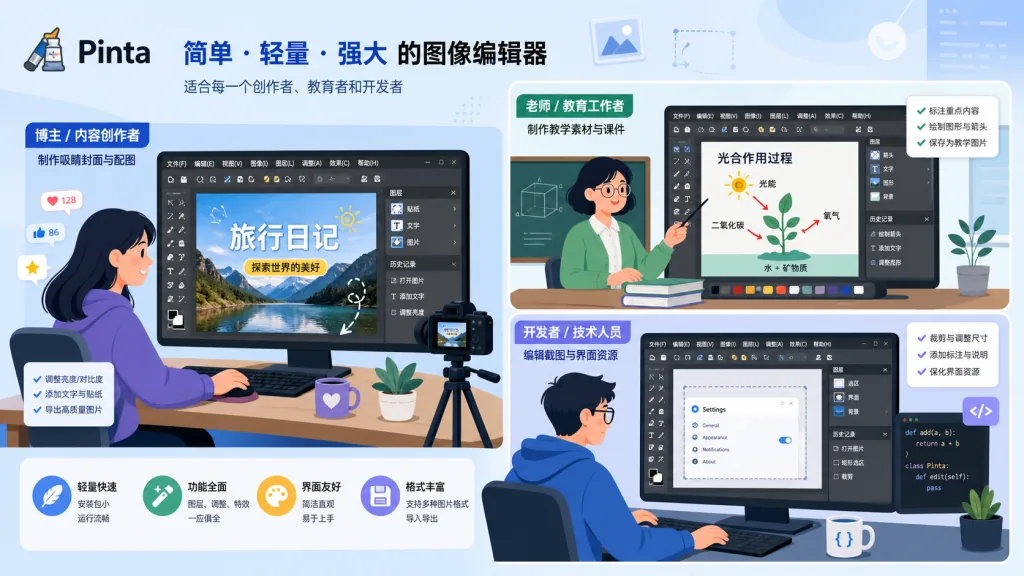
- Linux desktop users, especially in the GNOME ecosystem, who need a handy image annotation and light editing tool.
- Blog authors and documentation writers who constantly take screenshots, add arrows, crop and resize.
- Teachers and students making teaching visuals and simple diagrams.
- Developers who need images for a project README or a UI sketch.
Who it doesn't suit:
Anyone who needs professional-grade color management, CMYK output, RAW processing or batch automation scripting should still choose GIMP, Krita or Photoshop.
6. Comparison with alternatives
| Tool | Learning curve | Depth of features | Cross-platform | Best for |
|---|---|---|---|---|
| Pinta | Very low | Medium | Win/macOS/Linux | Screenshot annotation, light retouching |
| GIMP | High | High | Win/macOS/Linux | Professional image processing |
| Krita | Medium | High (painting-oriented) | Win/macOS/Linux | Digital painting, illustration |
| Paint.NET (Windows) | Low | Medium | Windows only | Light retouching on Windows |
| Photoshop | High | Extremely high | Win/macOS | Professional design |
Pinta's differentiator is "Paint.NET's ease of use plus GTK's cross-platform reach". For users who don't want to be scared off by GIMP but also don't want Windows, it is precisely the right middle ground.
7. How to get started fast
Linux (Flatpak recommended):
Search for Pinta on Flathub and install it in one click, or use the command:
flatpak install flathub com.github.PintaProject.Pinta
Windows:
Download the installer from the official site. The GTK runtime is installed alongside it (the installer handles this automatically).
macOS:
Homebrew is recommended: brew install --cask pinta
Minimal working example:
- Open a screenshot;
- Use "Rectangle Select" to mark the area you want to crop;
- Click "Image → Crop to Selection";
- Open "Effects → Resize" and export at 1280×720;
- Press
Ctrl+Sto save as PNG.
The whole flow takes under a minute, with no tutorial needed.

8. Takeaways and next steps
Pinta's core value fits in one line: bring the Paint.NET experience to every desktop platform, so light image editing is no longer blocked by the tool's entry barrier.
If you are a Linux user who has struggled with GIMP's complexity for years, give Pinta a chance. If you often annotate screenshots and make simple composites, it will be far quicker than launching Photoshop.
- Project: https://github.com/PintaProject/Pinta
- Website: http://www.pinta-project.com/
- Flathub: https://flathub.org/apps/com.github.PintaProject.Pinta
One-line recommendation: if you want an image editor on Linux that "just works when you open it", Pinta is currently the most worry-free answer.