Title options (pick 1)
Still starting from zero on every question? Let OpenKB compile your docs into a wiki that keeps growing
Drop in 100 PDFs and let OpenKB distill them into a distributable Agent Skill
No vector database: OpenKB chews through 20-page documents with "reasoning-based retrieval"
1. Intro: starting from zero every time while your knowledge base stands still
Have you ever had this experience? A new hire joins the team, so you dump three years of project docs, research reports and compliance material on them and tell them to read it all. Then they ask their first question, and you realize they haven't actually absorbed any of it.
That is exactly what traditional RAG is like: a new hire who re-reads every document, re-runs retrieval and re-assembles context on every single question. It looks busy, but knowledge never accumulates. The same PDF gets parsed a hundred times, question sessions share nothing, and the key concept from the last round is already forgotten in the next one.
Worse, traditional RAG mostly cannot read the charts, formulas and scanned pages in a PDF at all. Past 20 pages or so, recall and accuracy fall off a cliff.
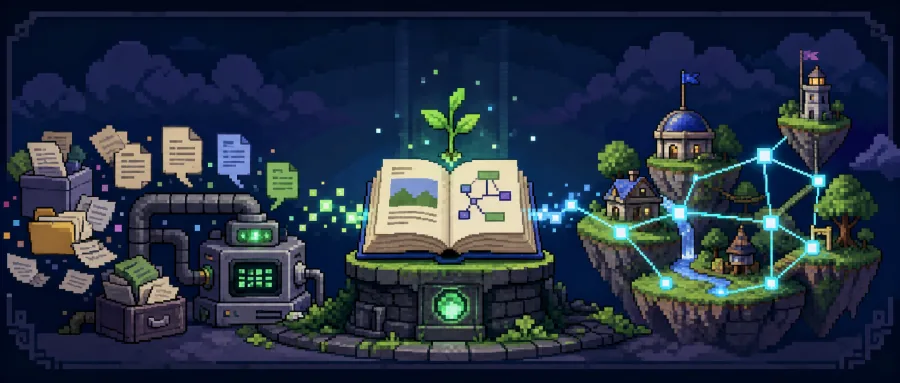
Now imagine a tool that could "compile" scattered documents into a wiki that keeps growing, where every new document reuses, links and updates what is already there. That changes everything. OpenKB is that project.
2. What it is, in one sentence
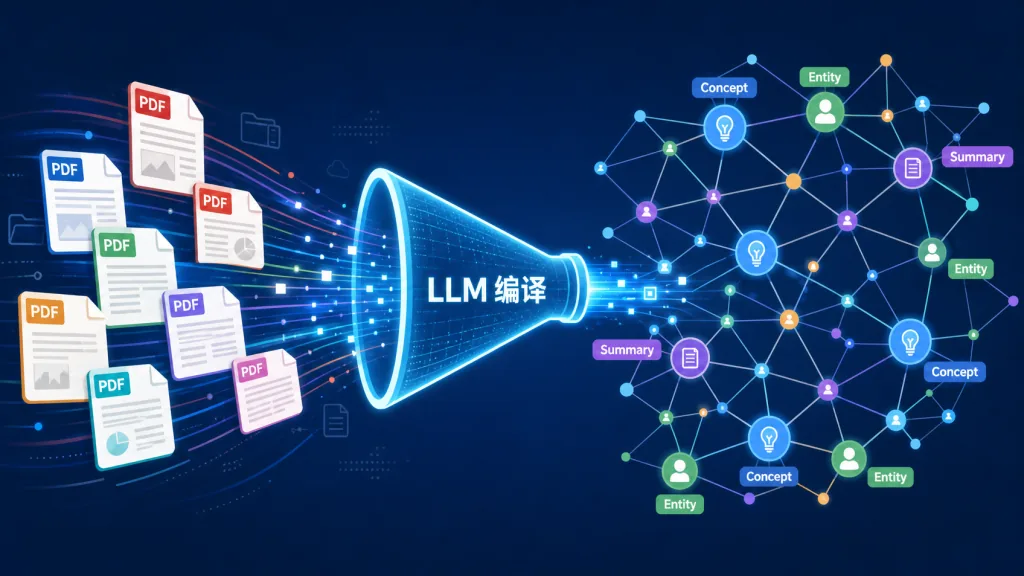
OpenKB (Open Knowledge Base) is an open-source CLI tool from VectifyAI. It uses an LLM to compile raw documents — PDF, Word, PPT, Excel, HTML, CSV, URLs — into a structured, cross-linked, wiki-style knowledge base, and uses PageIndex (from the same team) for vector-free, reasoning-based retrieval built for long documents.
Four keywords: long-document scalability, reasoning-based retrieval, native multimodality, no vector database. Apache 2.0 licensed, with a Web UI (Knowledge Workbench) and integrations for Claude Code, Codex and Gemini CLI.
3. Core features in depth
1. Knowledge compilation: add once, grow forever
After openkb add on a document, the LLM does five things: generate a summary page, read existing concept and entity pages, create or update concept pages through cross-document synthesis, extract entity pages for people, organizations, places and products, and update the index and log. A single source often touches 10–15 wiki pages, and every new document synthesizes on top of what came before instead of sitting in isolation.
2. Reasoning-based retrieval for long documents: drop the vector DB
OpenKB talks directly to PageIndex from the same team, automatically building a hierarchical tree index for PDFs of 20 pages or more. The LLM reads the document structure tree rather than the full text, so there is no semantic breakage from chunking. Combined with on-demand expansion of child nodes, retrieval on long documents is both accurate and token-efficient.
3. Native multimodality: text, images and tables together
Through markitdown and pymupdf, images, tables and formulas in PDF, Word, PPT, Excel and HTML are extracted and understood, not just plain text. That means charts in earnings reports, architecture diagrams in papers and layouts in scanned pages all enter the knowledge base and can be hit by Q&A.
4. Generator layer: the wiki is more than static pages
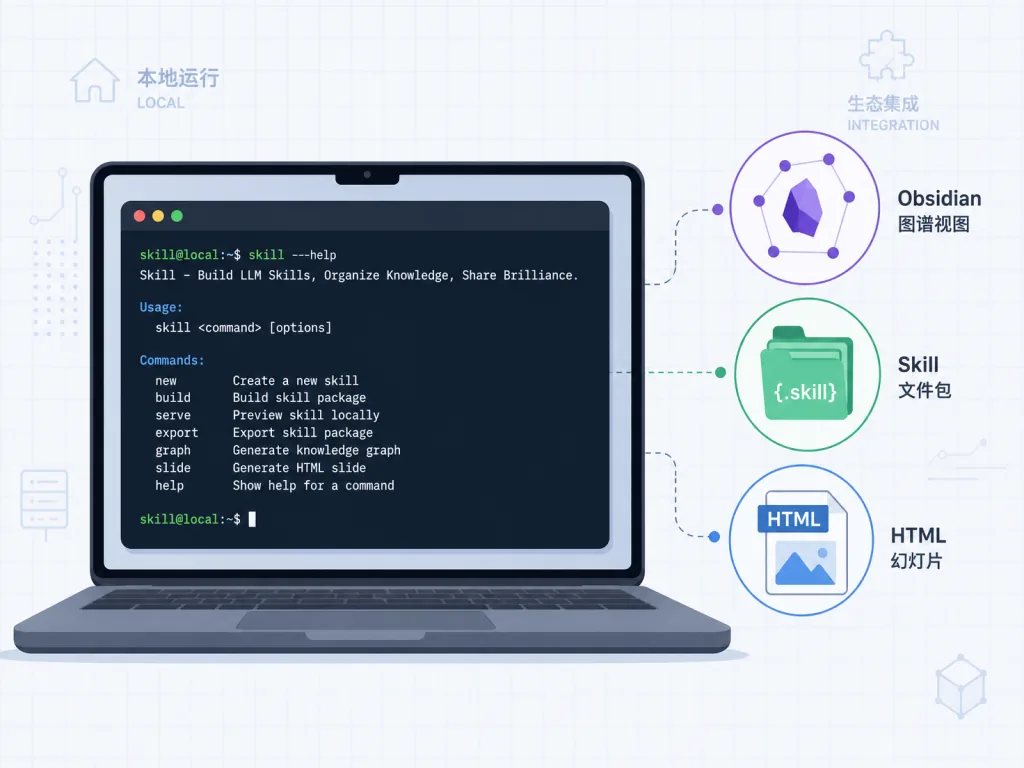
The wiki is the foundation; generators are the buildings on top. openkb query returns answers with citations. openkb chat supports multi-turn sessions that persist and can be resumed. openkb visualize produces three interactive knowledge graph views: 3D, mind map and radial. openkb skill new distills the wiki into a distributable Agent Skill that Claude Code, Codex and Gemini can install and call directly. openkb deck new generates single-file HTML slide decks in one shot.
4. Technical highlights and performance
- Architecture: CLI (Click) + agent framework (OpenAI Agents SDK, LiteLLM-compatible across providers) + PageIndex long-document engine + watchdog file watching. Loosely coupled and easy to extend.
- Retrieval paradigm: while mainstream RAG frameworks still lean on vector databases, OpenKB takes PageIndex's "reasoning-based retrieval" route, sidestepping the two big pain points of inaccurate embedding recall and semantics broken by chunking.
- Ecosystem compatibility: the wiki is plain Markdown with
[[wikilinks]]— drag it into Obsidian and you have a Vault with a graph view. FastAPI provides a REST API and SSE streaming endpoints, and the built-in Web UI is available athttp://127.0.0.1:7566/. - Multi-model support: unifies OpenAI, Claude, Gemini and others through LiteLLM. Providers that use OAuth device flow, like ChatGPT and GitHub Copilot, don't even need an API key.
5. Who it is for
Good fit:
- Researchers and PhD students who need to organize dozens or hundreds of papers into a queryable, linked knowledge network.
- Consulting and investment research teams that digest a stream of PDF reports daily and need chart Q&A and cross-document synthesis.
- Enterprise knowledge management, legal and compliance teams turning historical contracts, policy files and regulatory documents into a traceable wiki.
- AI agent developers who want to use
openkb skill newto distill private knowledge into a distributable Skill for Claude Code, Codex or Gemini.
Not a good fit: lightweight cases with only a few short documents and a one-off question, or fully offline environments with no network access that also refuse to run a local model.
6. Comparison
| Dimension | Traditional RAG (LangChain + vector store) | Karpathy's wiki workflow | OpenKB |
|---|---|---|---|
| Knowledge accumulation | Retrieves from scratch every time | Maintained by hand | LLM compiles automatically, synthesizes across documents |
| Long documents | Chunking loses semantics | Limited by context window | PageIndex tree index + reasoning retrieval |
| Multimodality | Mostly plain text | Manual | Native PDF/Word/PPT/Excel/HTML/CSV |
| Entity extraction | Needs extra NLP | Manual | Automatic (people/orgs/places/products) |
| Output forms | Q&A | Wiki | Wiki + knowledge graph + Agent Skill + slides |
| Retrieval paradigm | Vector recall | Full text | Vector-free, reasoning-based |
7. Getting started quickly
Install and initialize
pip install openkb
mkdir my-kb && cd my-kb
openkb init
Pick a model when prompted (for example gpt-5.4 or anthropic/claude-sonnet-4-6) and write LLM_API_KEY into .env.
Minimal working example
openkb add paper.pdf
openkb add ~/papers/
openkb add https://arxiv.org/pdf/2509.11420
openkb query "What are the main findings?"
openkb chat
Going further
- Want to manage the KB in a browser:
pip install "openkb[web]", then runopenkb-web. - Want to see the graph in Obsidian: just use
wiki/as your Vault. - Hook it into an agent:
openkb skill new my-expert "Reason like an expert on <your-topic>". - Keep accumulating: drop new material into
raw/and runopenkb watchto compile automatically.
8. Summary and next steps
The core value of OpenKB is turning scattered documents into a knowledge base that grows: the LLM writes summaries, extracts entities and builds cross-references, long documents go to PageIndex for vector-free reasoning retrieval, and the output layer gives you Q&A, Skills and visualizations. Every new piece of knowledge gets reused, instead of every question starting from zero.
If you are drowning in documents that keep piling up while retrieval gets harder, start with a single 20-page PDF and run openkb add — and watch knowledge grow on its own.
- GitHub: https://github.com/VectifyAI/OpenKB
- Website: https://openkb.ai
- Same ecosystem: PageIndex (long-document retrieval), ChatIndex (long-conversation memory), ConDB (KV-cache-native context store)
One-line pitch: throw in one PDF and what grows out is a wiki that keeps growing by itself.
#openkb #Openkb #vectifyai #opensource #GitHub