1. Opening: if only a tool could finish this step for you
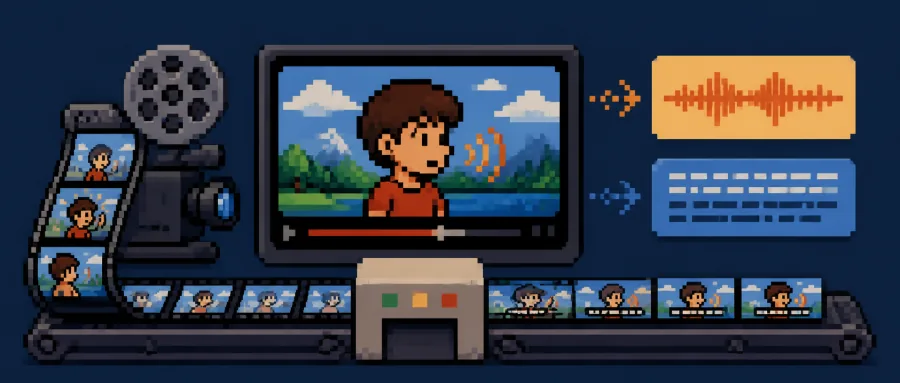
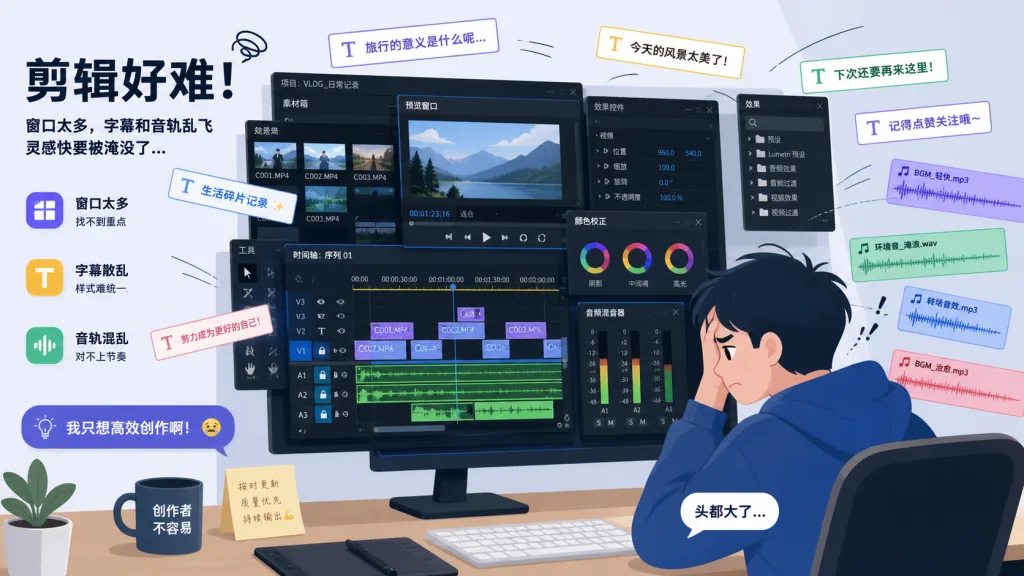
Anyone who reuploads or remixes short videos gets stuck at the same point: you have an English or Japanese clip, you cannot understand it, you cannot subtitle it, and hiring a voice actor is too expensive. So most people drop overseas topics entirely and watch the traffic slip away. Others force themselves through it — run Whisper for recognition, paste the output into a translation API, then sit in an editor aligning subtitles line by line, find a separate TTS site for the voice track, and finally stitch everything together with an FFmpeg command whose long string of arguments is enough to make you quit.
The more realistic problem is that you have to run that whole process again for every new piece of footage. Two hours of fiddling for one 10-minute video is normal. pyVideoTrans, an open-source project with over 18.6k stars on GitHub, is aimed squarely at that production line.
2. Project intro: the one-sentence version
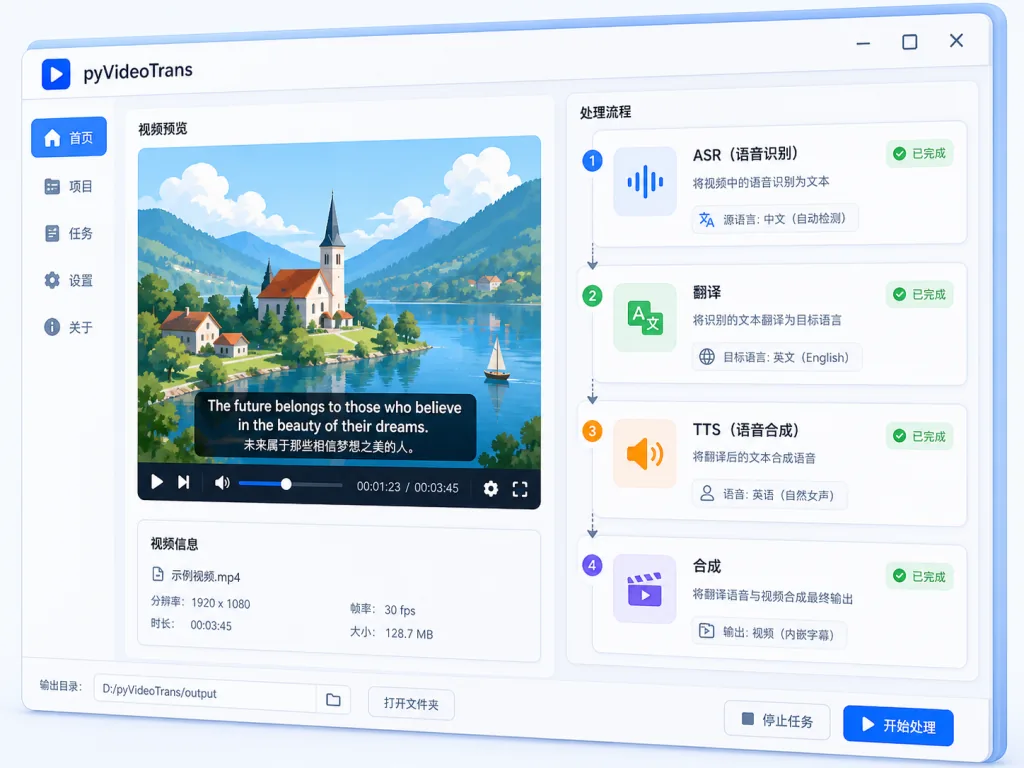
pyVideoTrans is a one-click AI video translation, dubbing and subtitle generation tool that chains "speech recognition → subtitle translation → AI dubbing → subtitle burning → audio-video muxing" into a single pipeline, and supports both local offline deployment and mainstream online APIs. It covers Windows, macOS and Linux, has 18.6k+ GitHub stars, and lives at jianchang512/pyvideotrans.
3. Core features in depth
1. A fully automatic video translation pipeline
This is the main path: import a video and the tool moves through ASR → LLM translation → TTS dubbing → FFmpeg muxing automatically, with every step able to pause for manual correction. Recognition backends include Faster-Whisper, WhisperX, Alibaba's Qwen3-ASR and ByteDance Volcano; on the translation side you can plug in DeepSeek, ChatGPT, Claude, Gemini, MiniMax and other large models; for dubbing it defaults to the free Edge-TTS, and can also use F5-TTS, CosyVoice or GPT-SoVITS for zero-shot voice cloning.
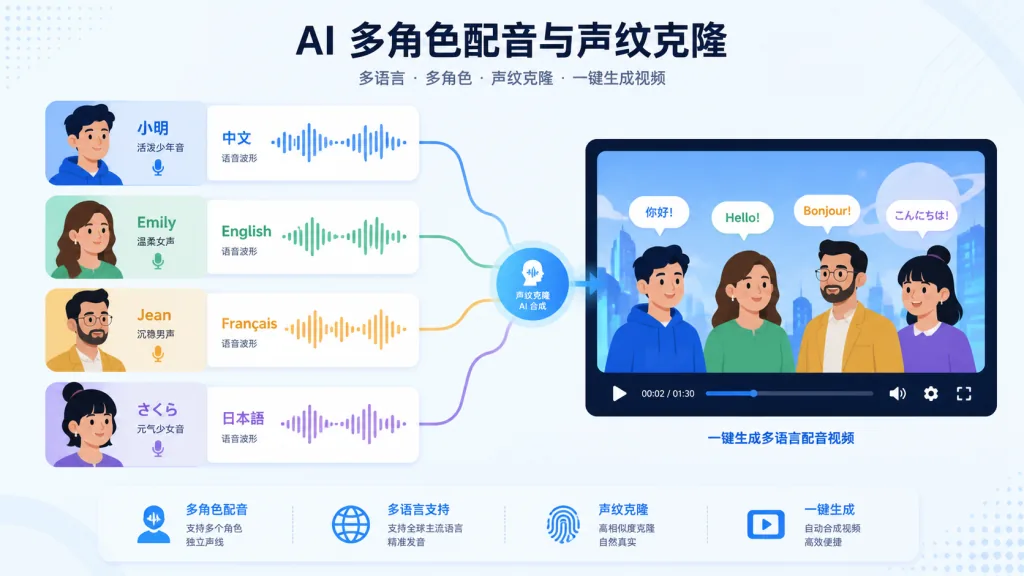
2. Multi-speaker AI dubbing and voice cloning
With speaker diarization, the system can identify roles such as "host", "guest" and "narrator", then assign a different TTS voice to each. To fully replicate someone's vocal timbre, you can attach a local model such as F5-TTS, CosyVoice or GPT-SoVITS and run zero-shot cloning from a 5–10 second reference clip.
3. A subtitle toolbox
Beyond the main flow, pyVideoTrans also ships subtitle translation, subtitle-to-audio alignment, batch SRT generation, vocal separation, and subtitle/audio/video merging. In effect it has the whole subtitle-handling line covered: a translator can feed an SRT straight into a translation channel to produce the target-language version, then load it back into the project.
4. Three ways to run it: GUI / CLI / WebUI
- GUI: just
uv run sp.py; the visual interface suits everyday use. - CLI:
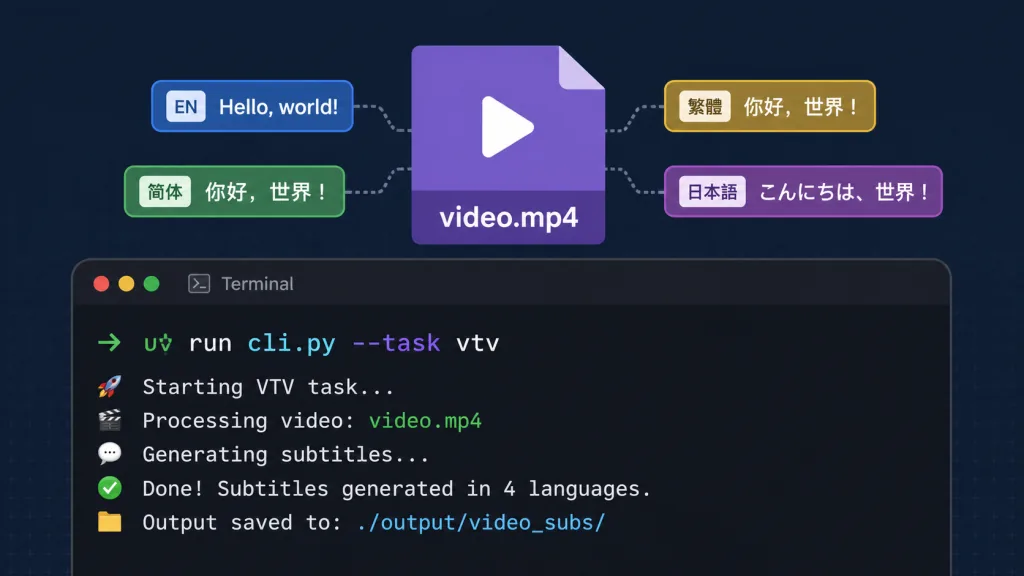
uv run cli.py --task vtv ..., ready for server-side batch jobs. - WebUI: run
uv run webui.pyand open port 7860 in a browser — good for remote collaboration on an intranet or a shared deployment. - Docker: the official image runs with a plain
docker run, with volume mounting supported.
4. Technical highlights and performance data
- Recognition speed: Faster-Whisper large-v3 reaches roughly real-time, 1.0x–1.5x transcription on an ordinary consumer GPU, and batch processing of long videos does not stall.
- Translation quality: by default it uses context-aware models like DeepSeek or ChatGPT, which break sentences more naturally and keep terminology more consistent than traditional Google machine translation.
- Dubbing channel: Edge-TTS runs on Microsoft's free endpoint, so you get near-human Chinese, English, Japanese and Korean voices at zero cost.
- Decoupled architecture: ASR, translation and TTS are three independent layers, each replaceable with a local model or a third-party API, which makes it easy to mix and match on any budget.
- Ecosystem fit: Python 3.10+, built on mature components such as FFmpeg, PySide6, sherpa-onnx and Gradio, so the bar for extending it is low.
- GPU acceleration: CUDA 12.8 + cuDNN 9.11 are optional, and
uv add torch==2.7 --index-url https://download.pytorch.org/whl/cu128switches to the GPU build of PyTorch in one line.
5. Use cases and audience
Who it is for
- Short-video remix and reupload teams: automatically turn English YouTube, TikTok or podcast content into Chinese dubbing plus bilingual subtitles, doubling output.
- Cross-border e-commerce operators: batch-translate product explainer videos into multiple languages and cut overseas ad production costs.
- Online education and subtitle groups: transcribe open courses and documentaries into SRT subtitles, then refine them with an LLM.
- Internal corporate training: deploy on the intranet with WebUI + Docker and produce videos centrally.
Who it is not for
If you need cinema-grade frame-accurate alignment, lip sync for characters, or generated content under strict commercial compliance constraints, go with a professional DaVinci Resolve / Premiere workflow instead. pyVideoTrans is better suited to "producing usable versions in bulk".
6. Comparison with alternatives
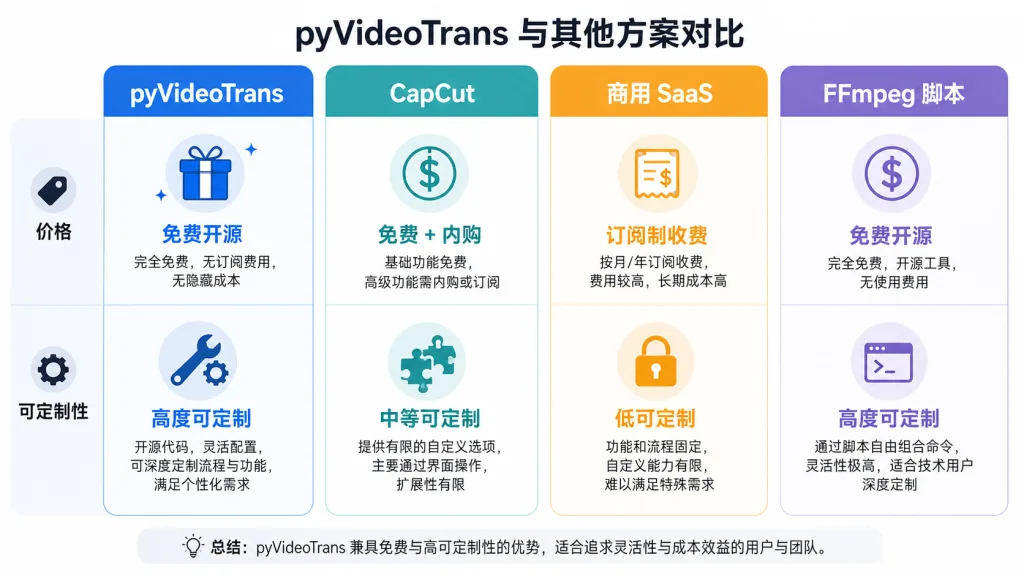
| Dimension | pyVideoTrans | CapCut (international) | Heygen / commercial SaaS | Hand-rolled FFmpeg scripts |
|---|---|---|---|---|
| Price | Fully open source and free | Free tier / membership | Billed per minute | Free but time-consuming |
| Model swapping | ASR / translation / TTS all hot-swappable | Closed | Closed | Flexible, but you write it yourself |
| Offline capability | Supported (Ollama + faster-whisper) | Weak | Almost none | Fully controllable |
| Batch / CLI | Native support | Weak | Weak | Write it yourself |
| Voice cloning | F5-TTS / CosyVoice / GPT-SoVITS | Not supported | Supported but paid | Up to you |
In one sentence: if you need batch processing, customizability and open source, pyVideoTrans is the best value available right now. If you want maximum simplicity and no fiddling, CapCut can cover emergencies. If you have budget and want a digital human, that is a different conversation.
7. Getting started
Windows users (zero configuration)
- Download the latest archive from the Releases page.
- Extract it to a path with no Chinese characters and no spaces (for example
D:\pyVideoTrans). - Double-click
sp.exeand the GUI is ready to use.
macOS / Linux developers
# After installing Python 3.10 and FFmpeg:
curl -LsSf https://astral.sh/uv/install.sh | sh
git clone https://github.com/jianchang512/pyvideotrans.git
cd pyvideotrans
uv sync --all-extras
uv run sp.py
CLI batch example
uv run cli.py --task vtv --name "./video.mp4" \
  --source_language_code zh-cn --target_language_code en \
  --voice_role "en-US-GuyNeural"
Further suggestions
- Want full offline: switch ASR to Faster-Whisper, translation to Ollama + Qwen2.5, and TTS to Edge-TTS / ChatTTS.
- Want built-in GPU acceleration: uninstall the CPU build of PyTorch per the official docs and install the CUDA 12.x build.
- Want to expose a service: run
docker run -d -p 7860:7860 pyvideotrans-webuiand mount a data volume to persist configuration and output.
8. Wrap-up and what to do next
With a single open-source pipeline, pyVideoTrans pushes the tooling barrier for "cross-language video localization" down to nearly zero. 18.6k+ stars, three platforms, local plus online modes — it holds up for individual creators and enterprise teams alike.
Recommended path: grab the prebuilt Windows package from Releases for a quick trial; if you are a developer, pull the source with uv sync --all-extras and hack on it; if you need team collaboration, WebUI + Docker is enough. For pitfalls and tutorials, the official docs at pyvideotrans.com and the community at bbs.pyvideotrans.com are both ready. The open-source world just gained another project worth starring — head to the repo, hit ★, and add it to your toolbox.